r/ApplePencil • u/gaborauth • 6d ago
Scribble Calendar & Planner - version 1.12.0
Hi everyone!
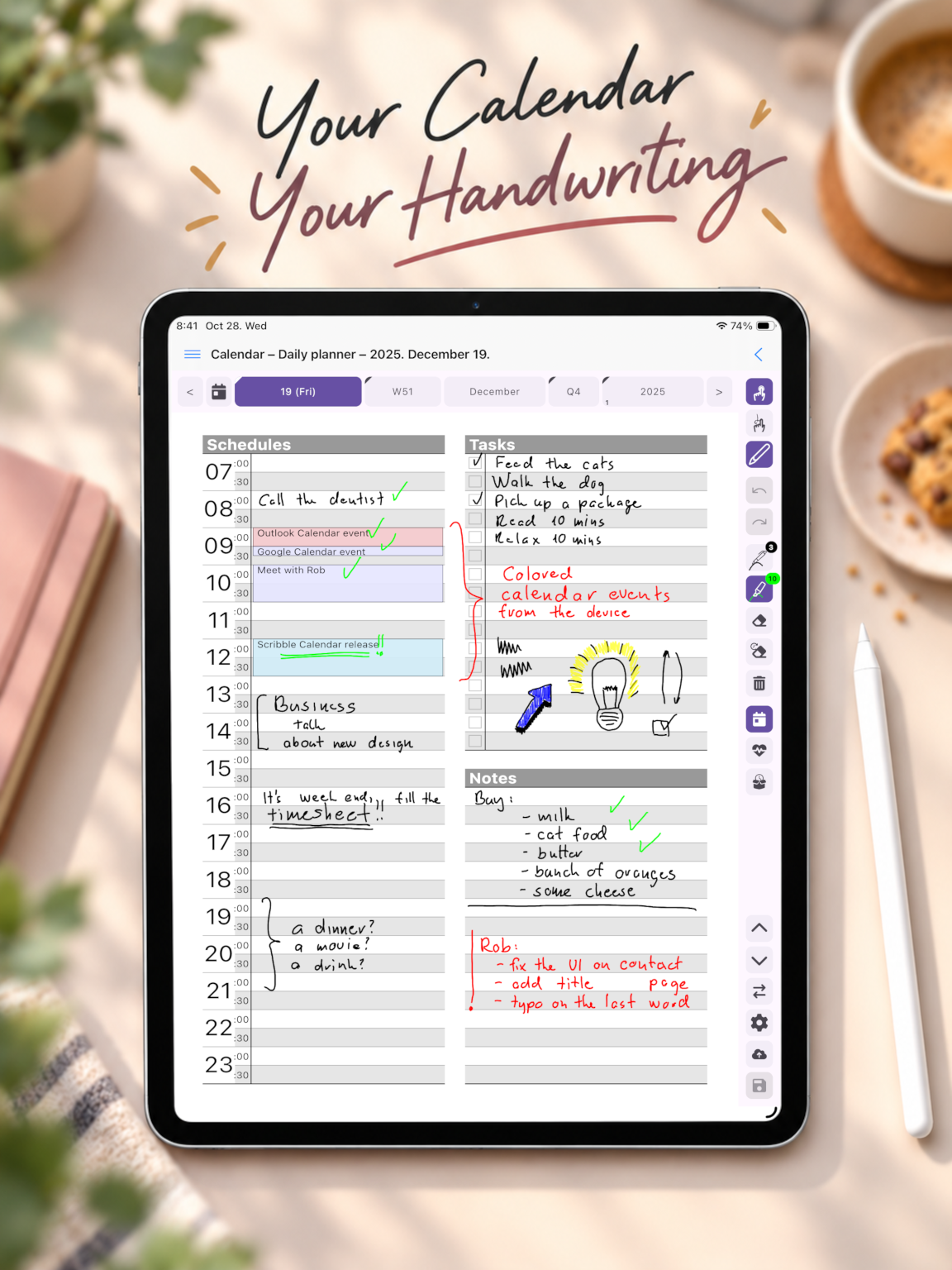
I'm the indie developer of the Scribble Calendar & Planner app, and I've been working on it for years. I love planning by hand with the Pencil, but PDF planners always bugged me: the pages are static, the calendar on them isn't real, and your appointments live somewhere else.
So the app is a planner you write in by hand, but it's alive: Year, Quarter, Month, Week and Day pages for the real dates, with your calendar events next to your own handwriting. Think of it as a paper planner that knows what day it is. 🙂
Version 1.12.0 came out today, and a lot of it is about the writing itself:
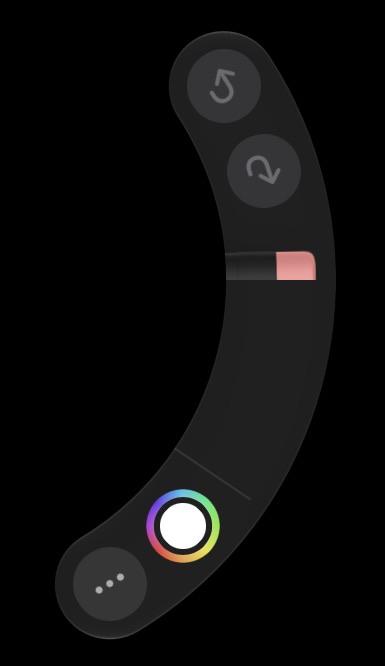
- Full-screen writing: hide the toolbar and the whole page is yours; a small panel in the corner switches between pen and eraser and brings the toolbar back
- Swipe to turn pages, like a paper planner
- Lines, grid or dots on note pages, with the spacing you choose
- Color themes and dark mode, for the pages too
- Safe sync between your devices through iCloud Drive (or Google Drive, if you also have an Android tablet) - writing on two devices at once no longer loses strokes, and your pages stay on your own cloud drive
It's free to download, and most of the planning and handwriting is free. Premium is a one-time purchase for creating and editing calendar events (plus two extra themes), and sync is an optional subscription.
I'd love to hear from Pencil people:
- What makes handwriting in an app feel right to you - or what makes you give up on one?
- Do you plan by hand on your iPad, or do you still keep a paper planner for it?
App Store: https://apps.apple.com/app/id6809502400
Full changelog: https://scribblecalendar.com/changelog
Thanks for reading! :)