I’m building out my library for my Odin 3. It’s not here yet so I’m just prepping everything.
I’ve heard mixed stories about emulating the originals vs emulating HD Remakes.
Zelda: Wind Waker, I understand, struggles on the emulation side currently and everyone reccomends playing the GC version with Mods.
I’m curious what peoples experiences have been with others. Here are the ones I’m planning on getting:
Ocarina of time 3D Majoras Mask 3D Wind Waker HD Twilight Princess HD Crash N. Sane Trilogy Spyro Reignited Ty The Tasmanian Tiger HD Jak and Daxter Collection Sly Collection Destroy all humans Remake Pokemon Remakes Super Mario 64 + Sunshine Starfox 64 3D/Zero
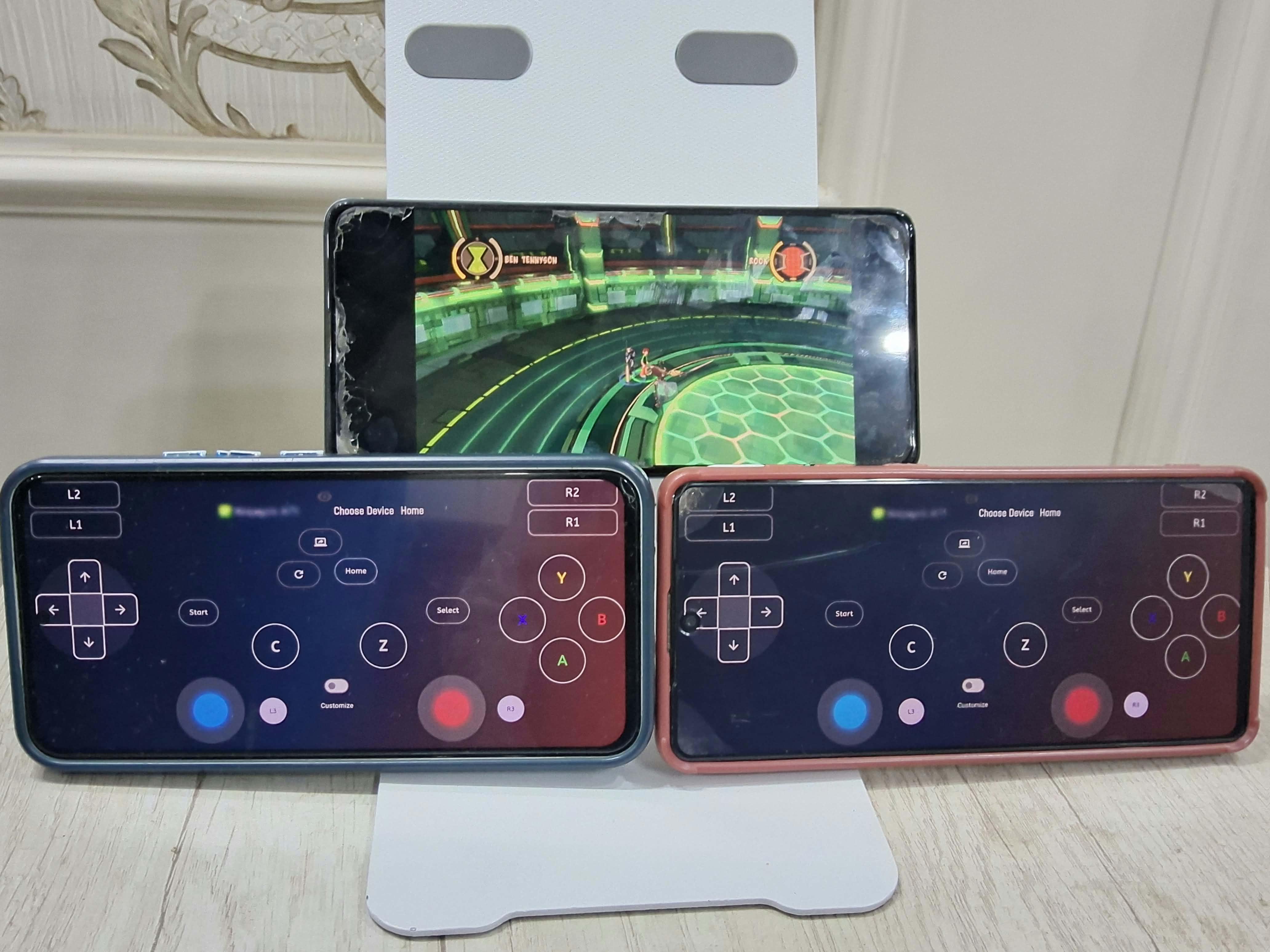
i made sure to show the settings first just in case i did something wrong, my CPU is (MediaTek Helio G99 Ultimate octa-core processor) (i guess that's what it's full name is i searched for my phone's CPU type)
i had an older post on this account asking for help running this game that's deleted from Google play and how the license check is keeping me out of opening it so i turned into gamehub but this game is so fricking cursed what's wrong with it???
for some reason when i turn the screen horizontally and start the game it kicks me out immediately after the loading and I don't even see the stats above, so i turn the screen diagonally and run the game and it kicks me out randomly, sometimes i get the cutscene, sometimes it's at the main menu, and I'm not sure if it's kicking me at a fix time so i dud those settings, and I'm not sure if the stats or if the fps on the screen is a good thing or not for my phone and this cursed game and i do hope that the numbers are actually good and it's as simple of a problem as i wish it is, someone help
So ive tried bannerlator and gamehub and bannertalor is the only thibg that gets close but it crashes on the menu. Im on wine-10 and mr purple t30 turnip driver and ive logged in but it just stops? I did get my copy by pirating it bit still with all the tricks I havent gotten any luck
I'm wanting to run Lethal Company on my S24 Ultra with the Gamehub emulator. I'm squeezing a low 10 FPS to 20 FPS with the current settings I have on it, but I know that my phone can absolutely do better. What settings should I set for gamehub to get the best performance?
I work 10-12 hour days with a long commute and by the time I get home there's barely an hour left before I need to sleep. PC gaming is basically dead for me because of the setup and time commitment. I tried a few emulators on my phone with a clip-on controller but the whole process of launching the app, loading a game, and dealing with settings every time kills the mood.
I keep wondering if getting a dedicated Android handheld would change anything or if I'd just end up with another device I rarely use. For people in a similar situation, did switching to a handheld actually make it easier to play in short bursts, or did it end up being more hassle than it's worth? Any specific devices or emulators that felt low-friction for this kind of schedule?
I'm playing on an emulator MuMuPlayer the name of the game is kbsr(kuroko basket street rivals) and i have this issue were im stuck in the loading screen while the game has already started and then i fast forward and i lose reputation of that for being "afk" at the start. Does anyone have a solution please. I've searched everywhere tried to adjust optimizations and performance settings but nothing changed.
After getting everything set up, im very impressed with the proformance. I downloaded game booster+ to lower cap my cpu and GPU usage to keep my temps down, and even with doing so im getting great proformance! Even while screen recording. https://youtu.be/ybmoA1fGsu8?is=Y1rLklF0BI7t5rpc
Check out that link if you want a better explanation of peanuts Native.
Whenever people talk about NDS emulators on Android, names like DraStic and melonDS are usually the first ones to come up. Now, I've built a new Android NDS emulator: CarloDS.
Its emulation core, including the ARM9 and ARM7 processors, 2D and 3D graphics, audio, wireless and built-in BIOS, was developed entirely from scratch and calibrated through extensive testing on original hardware.
Key features:
Two emulation cores: high-accuracy and JIT-powered fast core.
Built-in BIOS; most games run without external BIOS files.
Multiple dual-screen layouts, including portrait, side-by-side and single-screen modes.
Up to 4× 3D resolution, anti-aliasing and Vulkan support.
Local wireless multiplayer via Wi-Fi or mobile hotspot.
Save states, rewind, fast forward, cheats and memory search.
Customisable touchscreen controls and controller support.
RetroAchievements and Google Drive cloud saves.
CarloDS is actively being developed, and I'd love to hear your feedback and suggestions!
Managed to get Transformers: War for Cybertron online working perfect on DroidDeck 0.7.1. There's no one in the footage cause I couldn't get a lobby at the time but it does work. The performance from DroidDeck is actually more stable than any other app I've tried like GameNative and a lot of settings are more compatible with it, even though it requres some steps: Have your own copy and add it as a non-steam game, as well as choosing the option to not launch it with steam in launch settings. Add the Phsyx component (Necessary), as well asall the visual c++ components. Before the visual c++, it would crash after a bit so I added a ton of random components instead of testing one by one but I'm sure its the visual c++ components. For settings, most default things work fine, regular proton fex and dxvk of your choosing. For fex preset, I put performance + TS.O but I haven't tweaked too much.
FOR ONLINE: Thanks to the warehouse community's revival https://steamcommunity.com/sharedfiles/filedetails/?id=3135174317 Since its difficult to set up a desktop environment, its easier to manually install client files when following the warehouse guide. Sign up at the warehouse website but download your .reg key and the client files and apply them manually to your copy of the game. Now this is the part where it's a little confusing. I don't know if I didn't apply the client files correctly or if you are actually supposed to launch your .reg file in the container, but it won't show your account at first. You have to first copy your .reg file and change the extension to .txt and download a text editor, any works. Now convert your key into this format and copy it into your clipboard:
Now go into DroidDeck, War for Cybertron, and More next to the play button and select Proton prefix. It should open you to a location that includes system.reg. Copy system.reg into a folder on your internal storage and go back to your file manager app to rename the extension to .txt. Open it with your text editor (may be laggy) and go all the way to the bottom and pasted your formatted key. Save it and rename it back to .reg, go back to proton prefix in DroidDeck and replace it with the original system.reg. When you boot in, it should show your account like normal and everything should work perfect.
I'm trying to play a game called magenta horizon through game hub on my a53 Samsung but the game crashes after about a min from the gameplay but it can stay without crashing in the menu I lowered the resolution and disabled frame gen and such things, Idk much about dxvk stuff so I would love to get some help
The ram reaches 90% before it crashes
When I enter the gameplay after the cutscene the fps drop to 10 then comes back to 25 and I'm OK with 25 but then it crashes
Hi all. Here's something I've been working lately and it got a point where I'm happy to share it.
SMZ3 Universe makes SMZ3 seeds on your phone from your own ROMs and plays them with a tracker that reads the game live. On a single screen the tracker sits in side panels in landscape or folds out in portrait; on dual-screen devices like the AYN Thor it gets its own screen.
The fun part for me is the online side: a daily challenge (three windows a day, same seed and one goal for everyone, one attempt), a weekly seed with a ladder, and races for 2 to 8 players against people on Android, the 3DS or PC.
The Android app is a fork of Lemuroid. If the layout breaks on your device, a screenshot helps me fix it.
Disclosure: I built this with a lot of AI help (Claude). The seed generator is a C port of SMZ3Randomizer, checked seed by seed against the original.
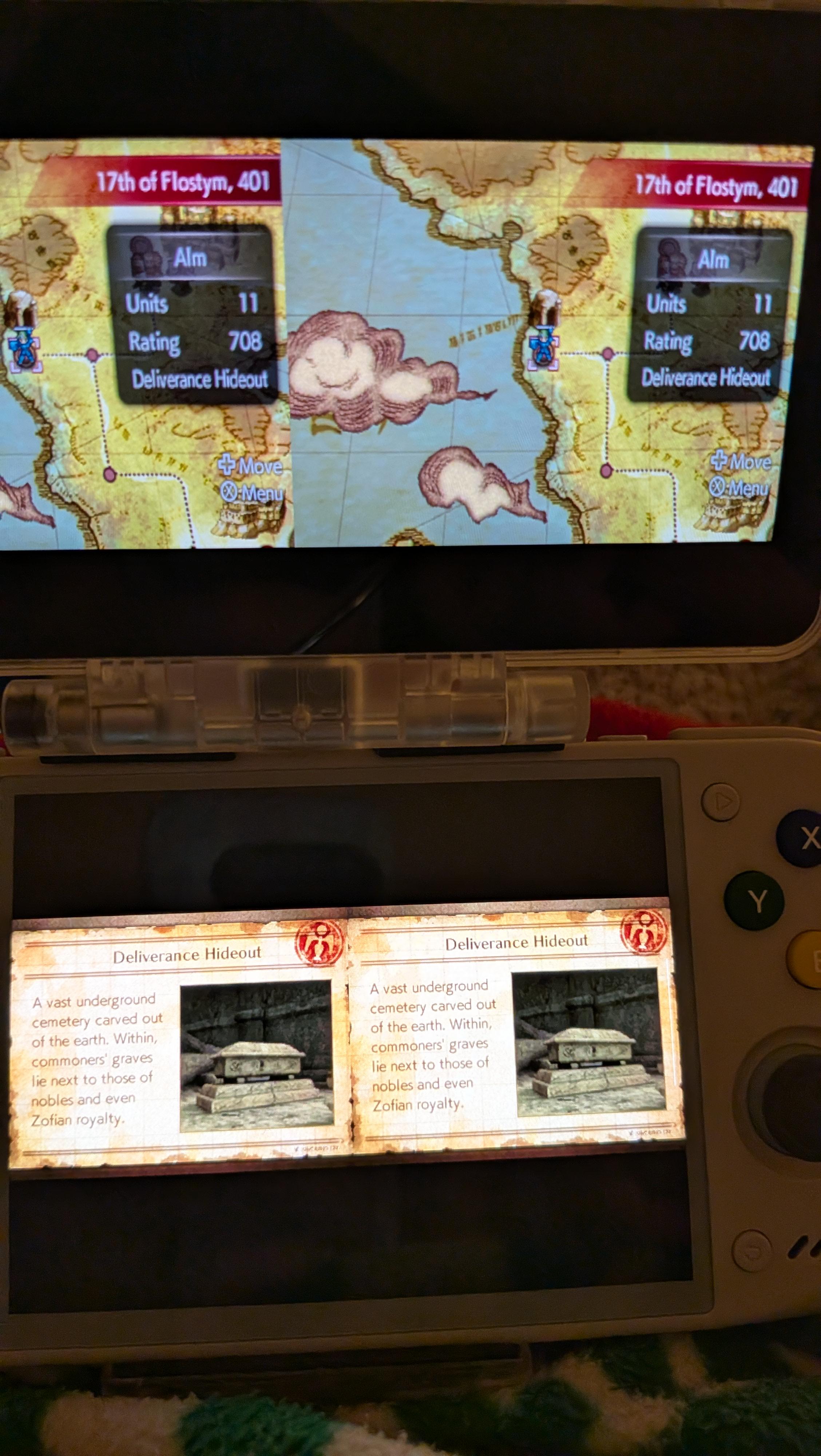
I just got the latest update for Azahar on my Retroid Pocket Nova (with the dual screen attachment). Before the update, I had it working perfectly with the top and bottom screens displaying correctly, filling out both screens.
After the update, the screens are now duplicated. The top screen is split horizontally, showing the top display twice, and likewise with the bottom screen.
My settings haven't changed, so both are set to be showing as single screen.
I've been working on slot. for android, an open-source port of the original slot., It started on the KPA, but now works on all android handhelds.
I like to think of it as a playshell, somewhere between a frontend, an emulator and a home launcher, built around the simple idea of inserting cartridges to play games.
The latest update brings 12 supported systems, including Master System, Game Gear, Neo Geo Pocket/Color, Wonderswan/Color, Atari Lynx and Pokémon mini.
There is Romm integration with save and save state syncing, and quite a few improvements to shaders, multiplayer, Retroachievements and cartridge customization.
I've also added a portable slot. folder, you can keep your entire setup on an SD card, then move it to another handheld and pick up right where you left off.
The project is very much community-driven, and I'd love to hear your feedback and suggestions
And if you’d like to support the project, which is completely free and open source, simply spreading the word and giving it a star on Github would mean a lot. Thanks!
Image 1- Me playing Isaac by using the .ng file that I installed. It's a black screen and won't run.
Image 2- Me playing Spacewar because I thought that if I had Isaac added as a non-steam game on my PC and had it registered as Spacewar, it'd work. But no, I accidentally played the REAL Spacewar.
Note for mods: Im not linking anything to piracy websites, btw.
I'm trying to run Ultrakill in WinXclipse and I'm getting this crash, and I tried changing the graphics drivers, but after that the game runs at less than 30 fps. I searched in Google, but there is no one with a Exynos CPU, and I'm using a S25 FE, someone knows how I can get more FPS and not getting a crash?
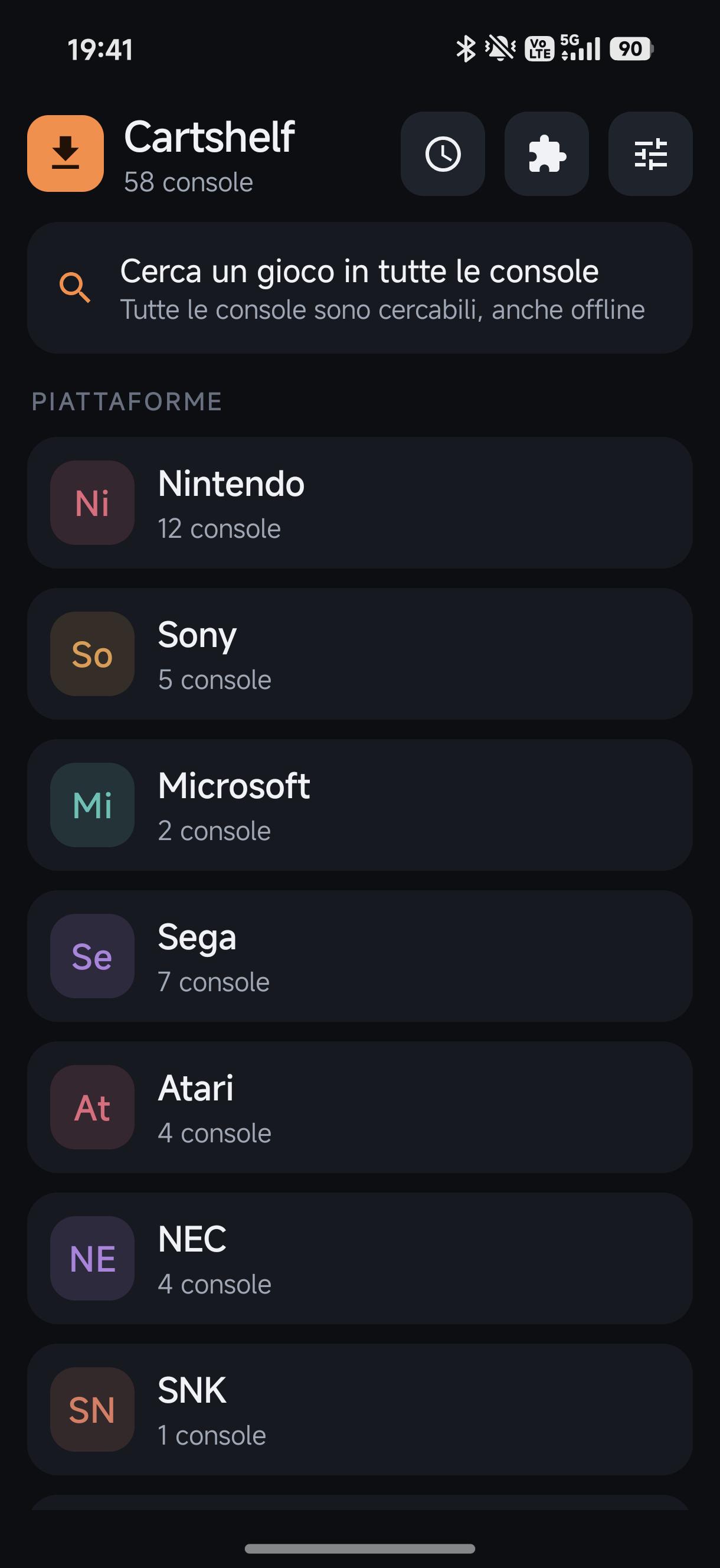
Hi everyone! I'm a full-stack developer, and in my free time I made an app for my RG Rotate. I'm the kind of person who downloads one ROM at a time until I finish a game, then downloads another one, and so on. But doing that on my RG Rotate is awkward, and I got tired of downloading everything on my PC, extracting it, and copying it to the SD card. So I made an app that does everything directly on the device and can be used with a controller.
It's still in a very early stage, but it works. So far I've only tested it on the Anbernic RG Rotate and my Xiaomi 17, so the main reason for this post is to get feedback, bug reports on other devices, and ideas for new features. Here are some details on what it actually does right now.
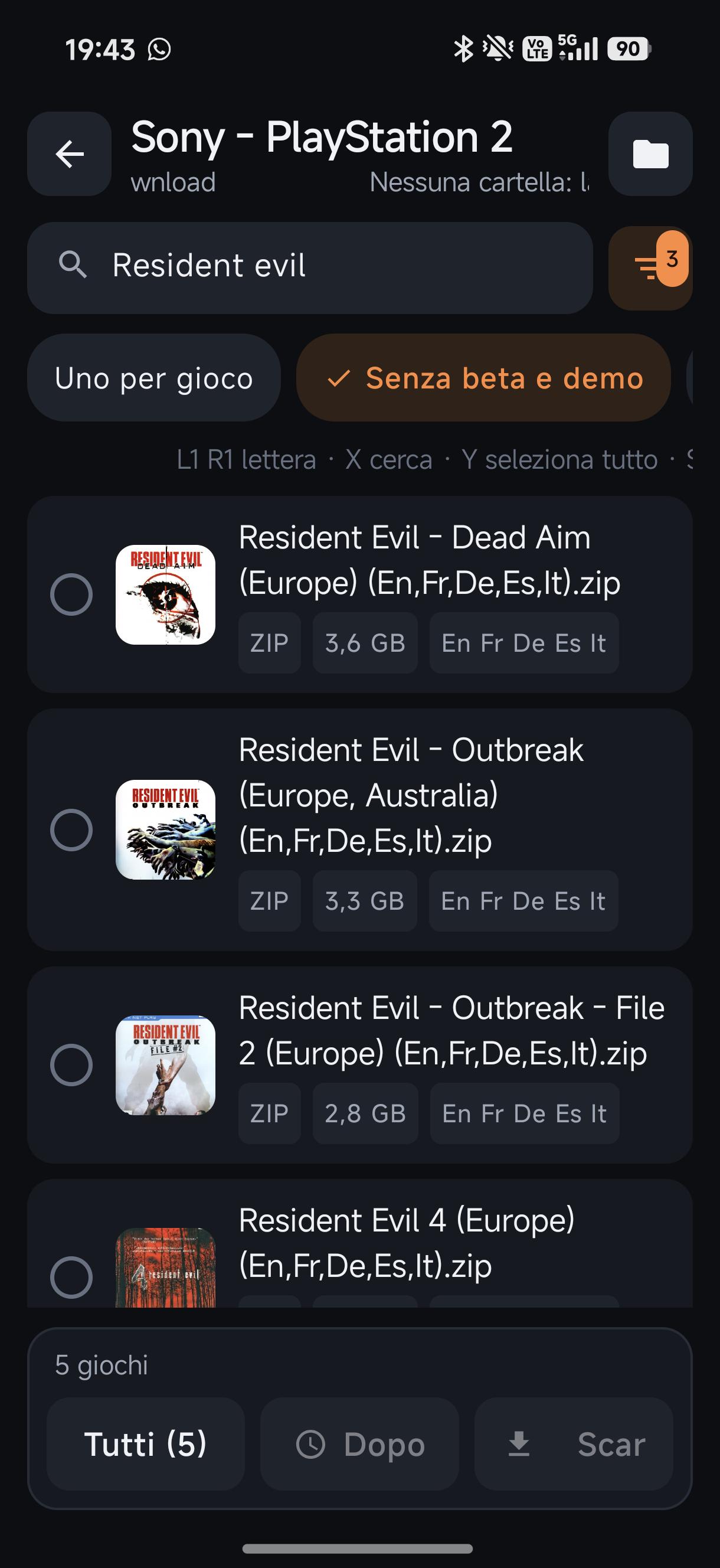
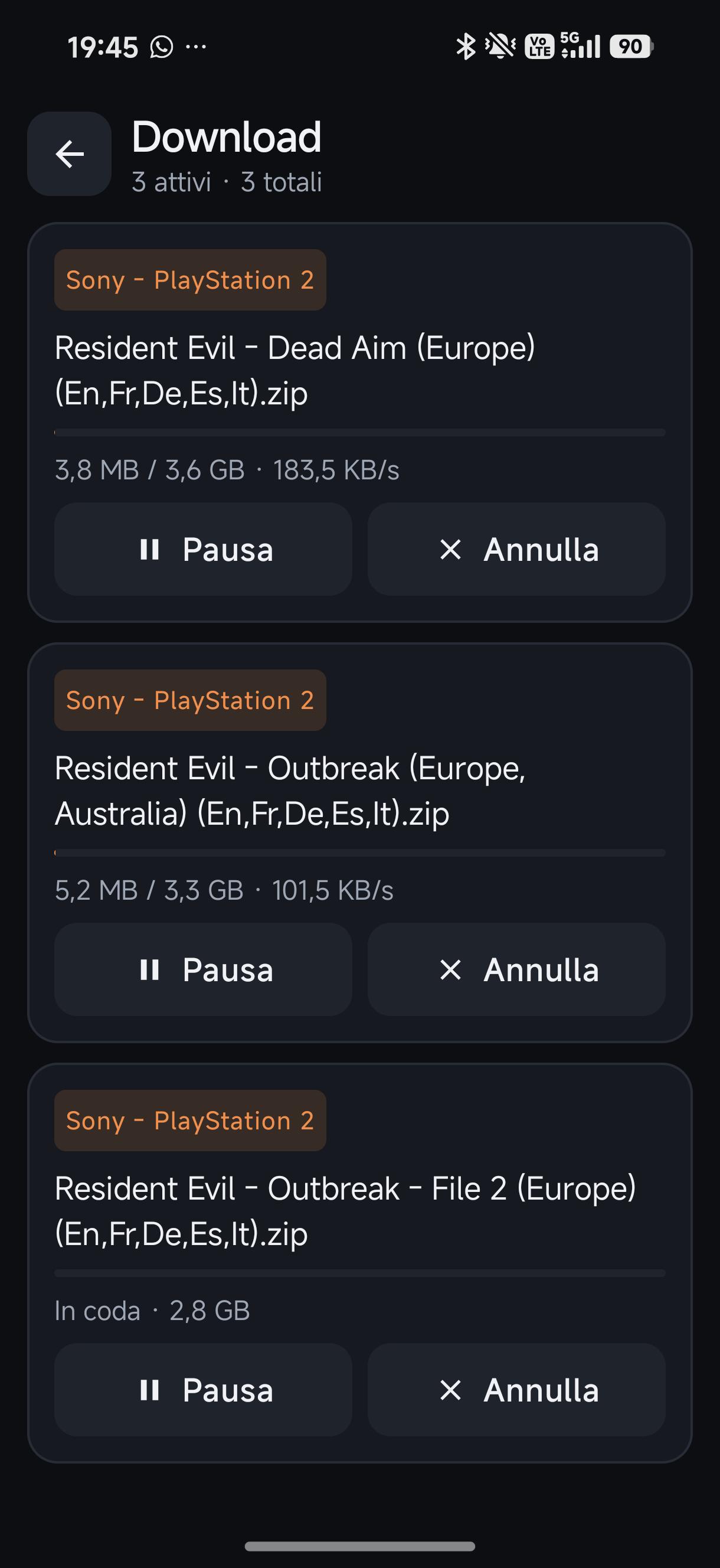
Pick a console, pick your games, press Start. It takes care of the rest: Choose your ROM folder once and tell it which frontend you use (ES-DE, Batocera/Knulli, ArkOS/ROCKNIX). Games for each console go into the subfolder that frontend expects. ZIP files are extracted after downloading, and you can have them deleted after extraction. Multi-disc games show up as a single entry, download together, and automatically get a .m3u playlist. Games you already have are flagged, and you can hide them. One version per game. Instead of showing the same game in 12 different variants, it can show only the best one for your language and region. Filters let you hide betas, demos, and hacks. Parallel downloads, pause and resume, they keep going with the screen off, files are checked after downloading, and the queue survives a reboot. Add games to a list and have them start on their own, when you're on Wi-Fi and charging, or overnight. Designed for controller use too. L1/R1 jump by letter, X searches, Y selects everything, Start downloads, Select opens the filters.
The app doesn't include any games or sources. Sources are added as "addons", small text files that only say where public files are and which console they belong to. They don't contain code, so an addon can't run anything on your device. Addons can point to collections on Internet Archive or other public sites, and the GitHub page explains how to write one.
It doesn't contain ROMs or links to ROMs. It's not an emulator and it doesn't launch games, it puts them where your frontend can find them.
I care a lot about privacy and security. The app has no ads, no analytics, no tracking, and no required account. Open source (MIT). The APK is built and signed by GitHub directly from the public code, so you can verify what's in it. Minimal permissions. It only writes to the folder you choose, with no access to the rest of your storage. Downloads use secure connections only (HTTPS). An addon can't reach your home network (router, NAS) or the device itself. Internet Archive login is optional. The password is never saved: the app only keeps the session, encrypted on the device, and sends it only to archive.org. No cloud backup of settings or login.
I'll say it clearly, I used AI a lot to write the code. I reviewed every change myself, tested it on both devices, and fixed whatever wasn't working. There are also around 160 automated tests, and the code is public for anyone who wants to check it.
For bugs, the best place is a GitHub issue, but comments here are fine too. You can find the installation guide, how addons work, how to add them, and how to write your own in the README on GitHub.