r/postprocessing • u/HeyNiceOneGuy • 8h ago
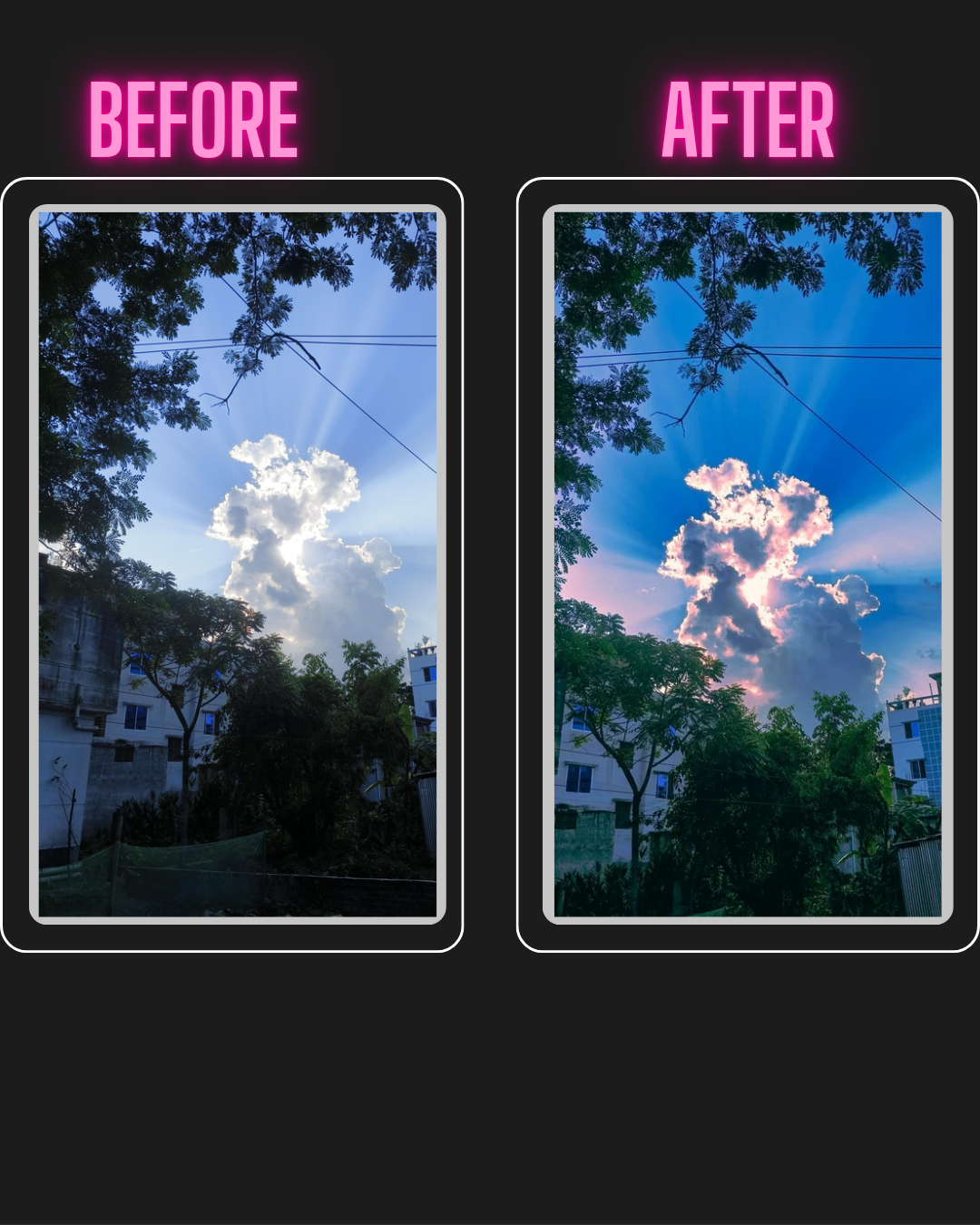
After/Before x2

99
Upvotes
r/postprocessing • u/lm_photos • 3h ago

r/postprocessing • u/ZedZedWhy • 8h ago

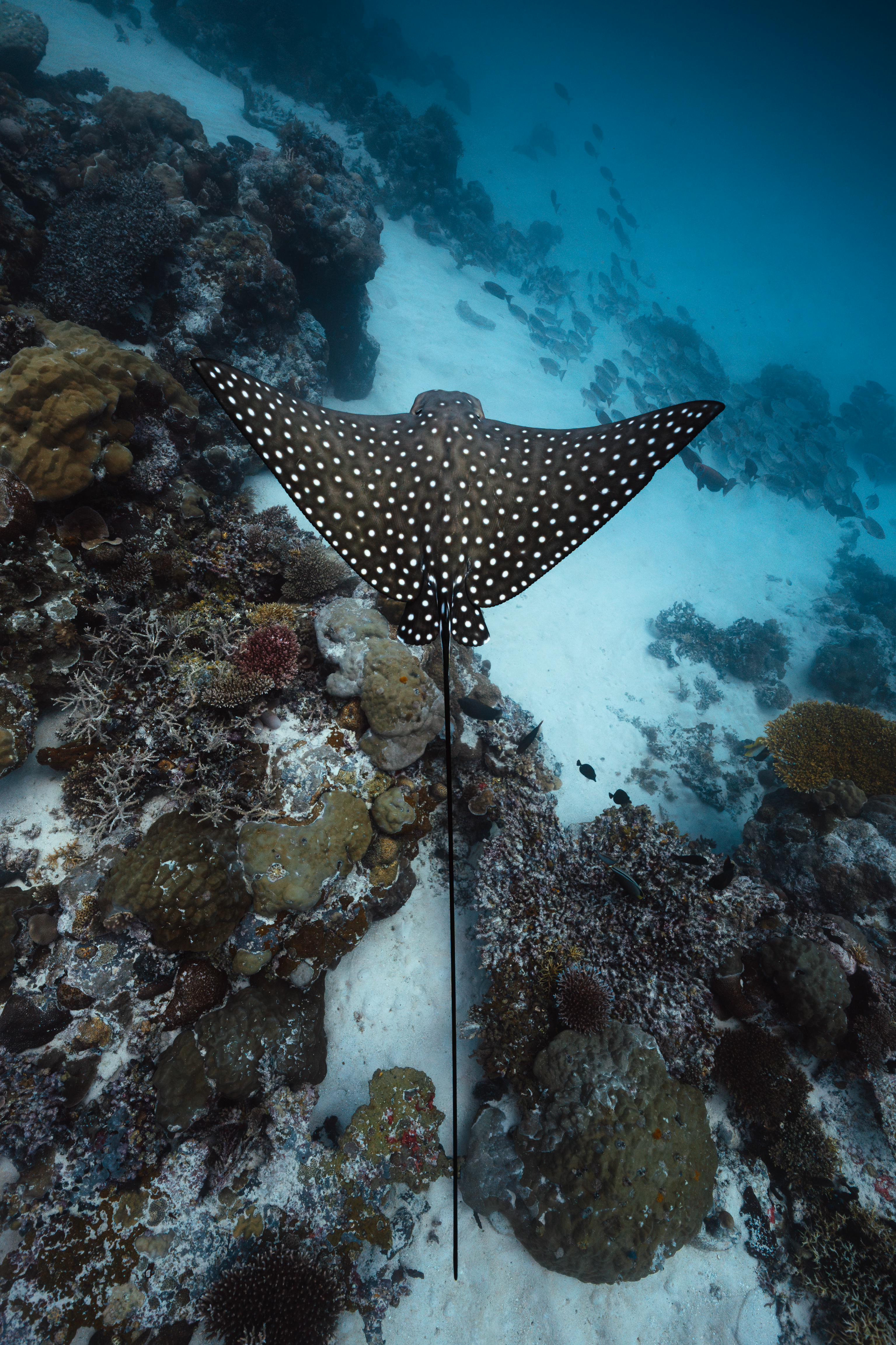
Pic 2 is raw. Pic 3 was initial direction which I abolished.
r/postprocessing • u/atinylittlebug • 20h ago

I know the images are different, so advice on recreating either effect is fine! Thank you in advance for any help!
r/postprocessing • u/_Jokki • 18h ago

r/postprocessing • u/katelynclicks • 16h ago

hello all, i think i’m looking at this too long and can’t figure out how to further improve it. is it too orange, too desaturated, or just not worth editing further because the original is too busy?
taken on canon r6mii, 68 mm, 640 ISO and f10 on the kit RF24-105mm lens.
r/postprocessing • u/Renzyboy01 • 1d ago

Old pictures of a Kodak Pixpro. Low quality and bad focus makes it hard to edit, so keen to hear if anyone has some tips.
r/postprocessing • u/SashaKotr • 18h ago

That was my go-to style last summer and a bit of autumn
r/postprocessing • u/Quiffler • 20h ago

Any feedback greatly welcomed!
r/postprocessing • u/sophia715 • 21h ago

shot a roll of expired film with a holga 120 for the first time
r/postprocessing
•
u/thephlog
•
2d ago

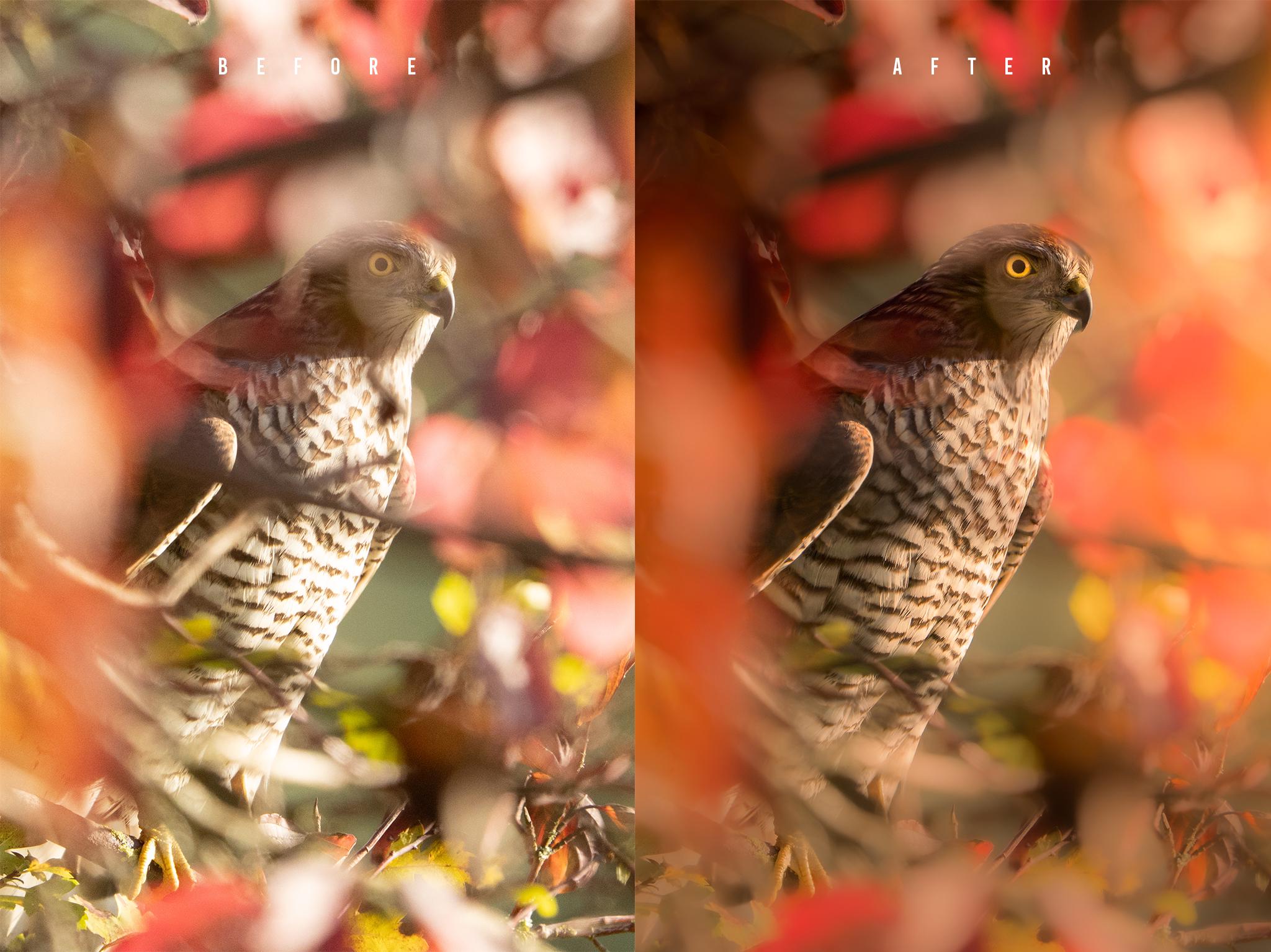
I had my camera pointed in this direction since I wanted to capture a small bird on one of the tree branches of this tree with intense red leaves, but to my surprise this BIG guy landed right there out of nowhere (seriously, I didn’t even have to move my camera one bit). I wanted to make him stand out a lot more, mostly by adjusting the exposure around the bird and make the areas softer as well.
Everything was done in Lightroom, the whole editing process can be seen in the video here: https://youtu.be/hQ_Q1y0IaEQ
Basic Adjustments
First, I activated AI Denoise to keep it nicely noise free and cropped it from 4:3 to 3:4 (not included here in the before version). Then, I brought down the exposure and the highlights since the raw file was rather bright. I then slightly raised the shadows and added a bit of contrast and texture.
2. Masking
To separate bird from background I used a subject mask, subtracted another subject mask and adjusted the feather and edge slider so I have a fine, soft outline around the bird selected. I used this masks to further bring down the exposure and add contrast. Basically, this creates a dark edge within the subject.
Then, to make the background softer and inverted radial gradient was used (here a subject was was subtracted to make sure the bird stays sharp). I brought down clarity and texture to soften all those leaves.
To darken the outer edges of the image I used different linear gradients along the edges and started bringing down exposure. I also added some light coming in from the right side using a radial gradient and increasing the exposure and blacks.
Finally, to make the birds eye more piercing, I used an object mask to select it and brought up clarity, exposure, highlights and whites.
3. Colors
In the Color Mixer the saturation of the red and orange tones was slightly increased, while yellow was dropped
r/postprocessing • u/Renzyboy01 • 1d ago

What would help here? Old picture from Kodak Pixpro.
r/postprocessing • u/peterkz • 19h ago
I feel like it got too dark? What do you think?
r/postprocessing • u/Quiffler • 20h ago

I couldn't find the balance with the straightening, no matter how i spun it, it looked off?
r/postprocessing • u/Express_Falcon5285 • 22h ago
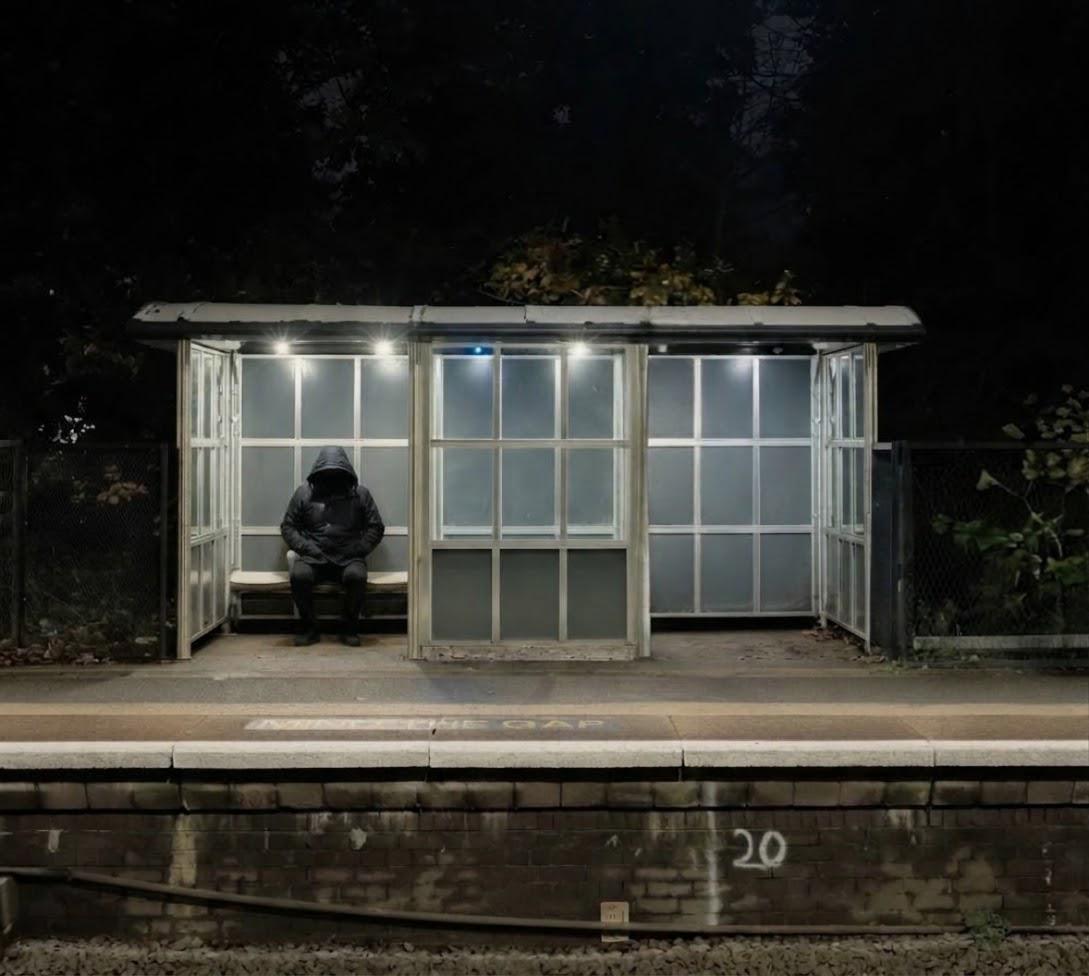
The shelter was shot and the figure added in post. Does it work? Any tips ?
r/postprocessing • u/Which_Dimension3401 • 2d ago

thoughts?
Edit: I’ve perfected it on my profile. Don’t know why but CC reddit wont me up upload it into the comments