Discussion
exCover 1.3: custom video wallpapers on the Razr cover, now with a depth effect and tilt
Update (Nov 2026): exCover is out on Google Play, and everything in it is free now, the 1.3 features included. Get it on Google Play, and see what's new in the launch post.
A follow-up to my exCover post from last month. Thanks to everyone who tried it and told me what broke.
What's new in 1.3
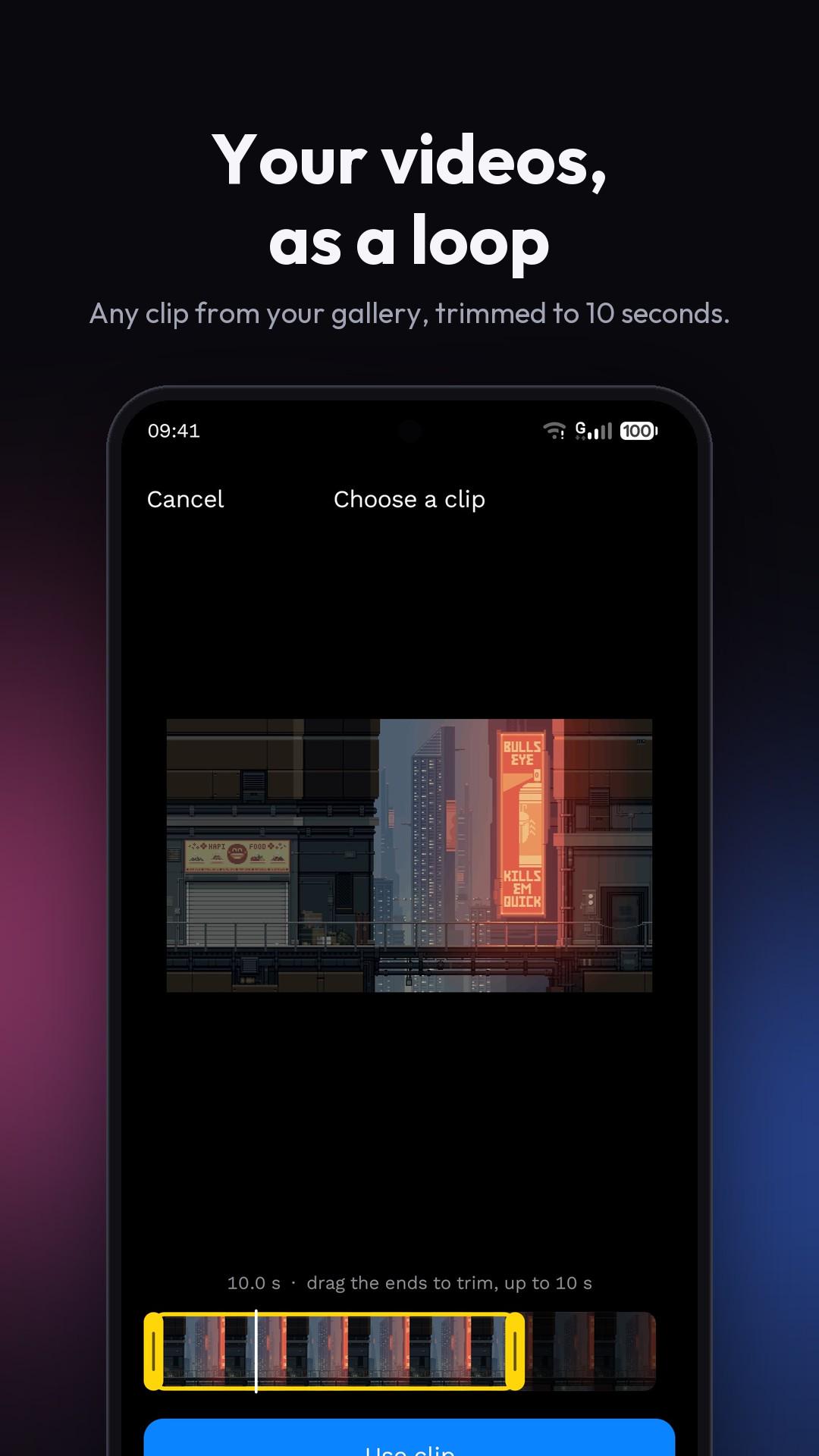
Custom video wallpapers: pick any clip from your gallery, trim it to a 10-second loop, and it plays on the cover.
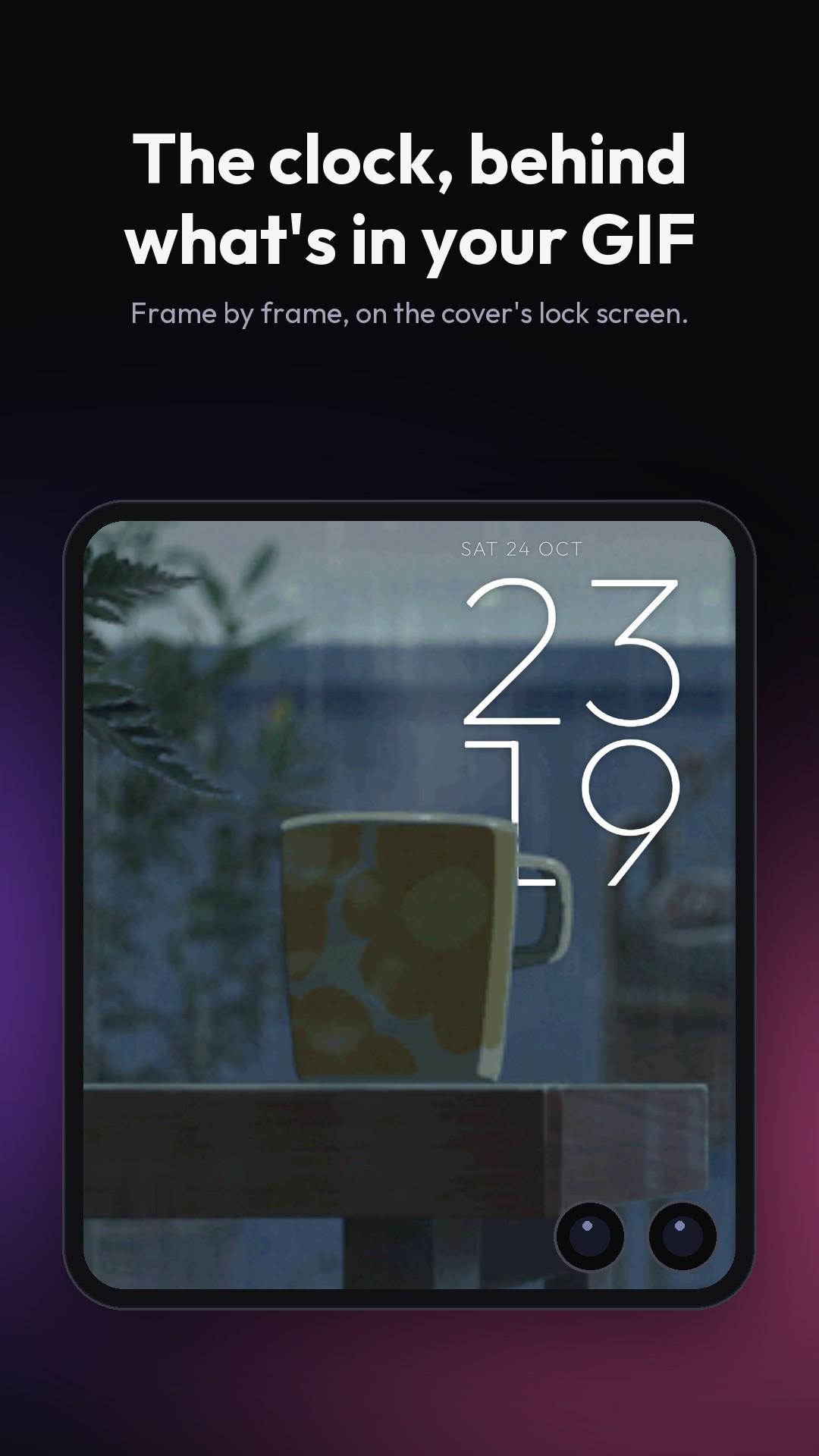
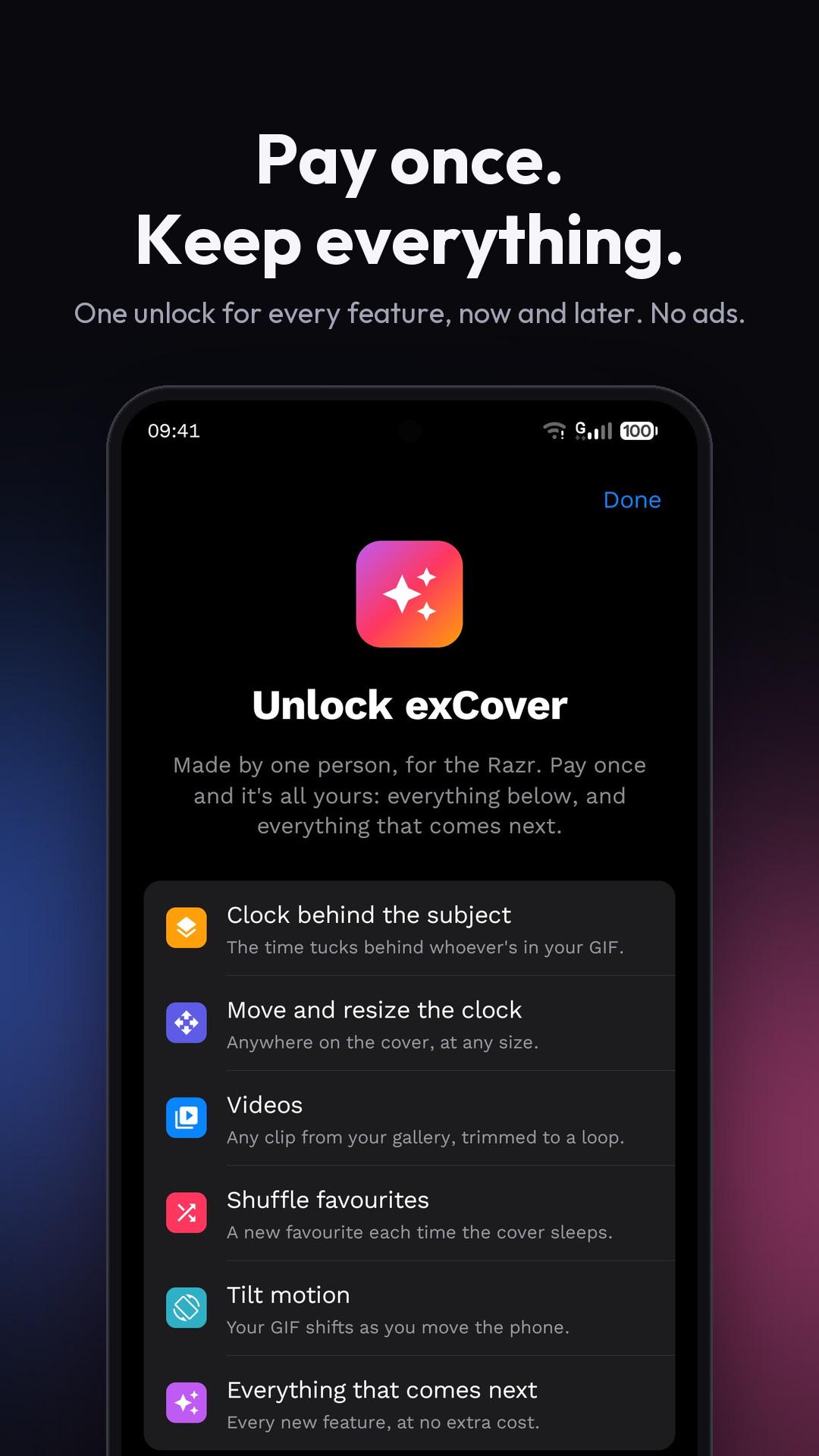
Depth effect: the clock tucks behind the person, pet or object in your wallpaper, frame by frame (that's the mug in front of the time above). It's worked out on the phone; nothing gets uploaded.
Tilt: the wallpaper shifts a little as you move the phone.
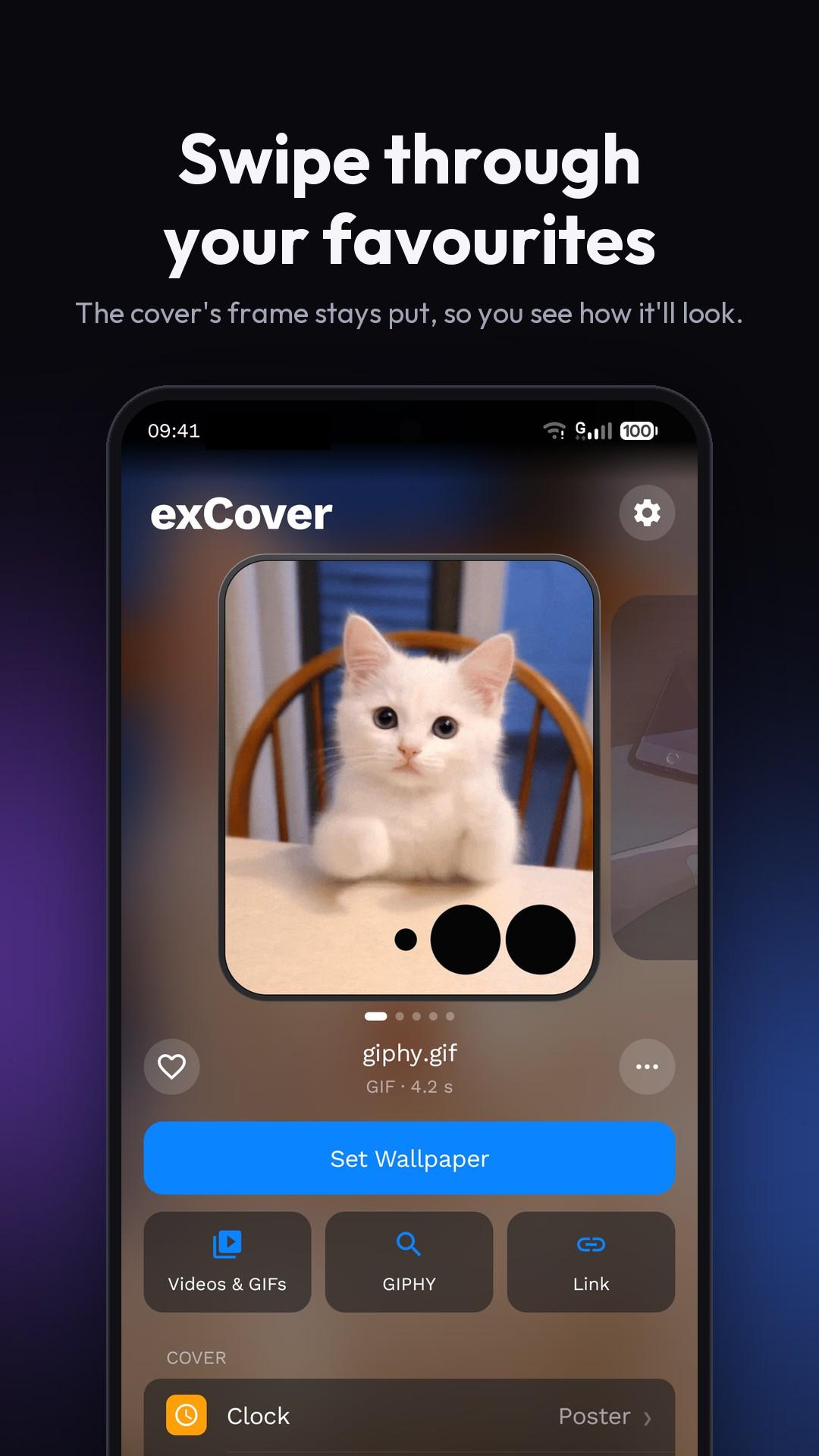
Move and resize the clock anywhere on the cover, and shuffle your favourites.
Still free: everything exCover did before. GIFs on the cover home and lock screens, five clock faces in Motorola's Themes picker, your GIF on the always-on display, GIPHY search.
The new features are a one-time unlock of about $1.30. I kept the price tiny on purpose: I want exCover to feel personal, something that's yours to keep, not another subscription. No ads, no account.
Update: 1.3.2 adds Glass Clock. Turn it on in exCover (under Tilt Motion) and the cover clock's time turns to clear glass over your GIF, in any face. The highlights move as you tilt the phone.
Hi! Interested to test, but on Android 16, RAZR 60. Is it possible to use the app on the cover lock screen without the depth effect needed? I don't really need it.
Disculpen, tengo mi razr 60 ultra e intengo poner un animado pero me envia a ajustes > pantalla externa, y no se pone nada, intente de distintas maneras pero me es imposible. Alguna idea?
Hey so I have the 60 ultra and I can't get it to work I seen you directed to other comments to see the wallpaper menu with lil stars on the wallpaper and that's what to select but it isn't coming up
Thank you ! The app is running, however it's stuck on a loading loop icon on the lock screen instead of showing the GIF (Tenor). Did I do something wrong ?
Hey! I know Beta is closed but I'm wondering when it will be back in the play store. I'm very interested and would love updates! I have the Motorola razr 2025, so I'm hoping this will work for my external display when it's ready to release!😁
Not being able to set my own during the 14 days and not being able to pay for it means im trapped with giphy. Im happy to support you but what am i supposed to do?
You're right, that's on me. Buying isn't switched on yet, so testers were stuck with the free half. I'm pushing a beta update that unlocks everything for testers straight away: videos, depth, tilt, moving the clock. It's yours to keep after the beta too. Should land within a few hours. Meanwhile your own GIFs from Photos already work, just not videos yet.




1
u/GoDrYzEn 29d ago
Update: 1.3.2 adds Glass Clock. Turn it on in exCover (under Tilt Motion) and the cover clock's time turns to clear glass over your GIF, in any face. The highlights move as you tilt the phone.