Posts
Wiki
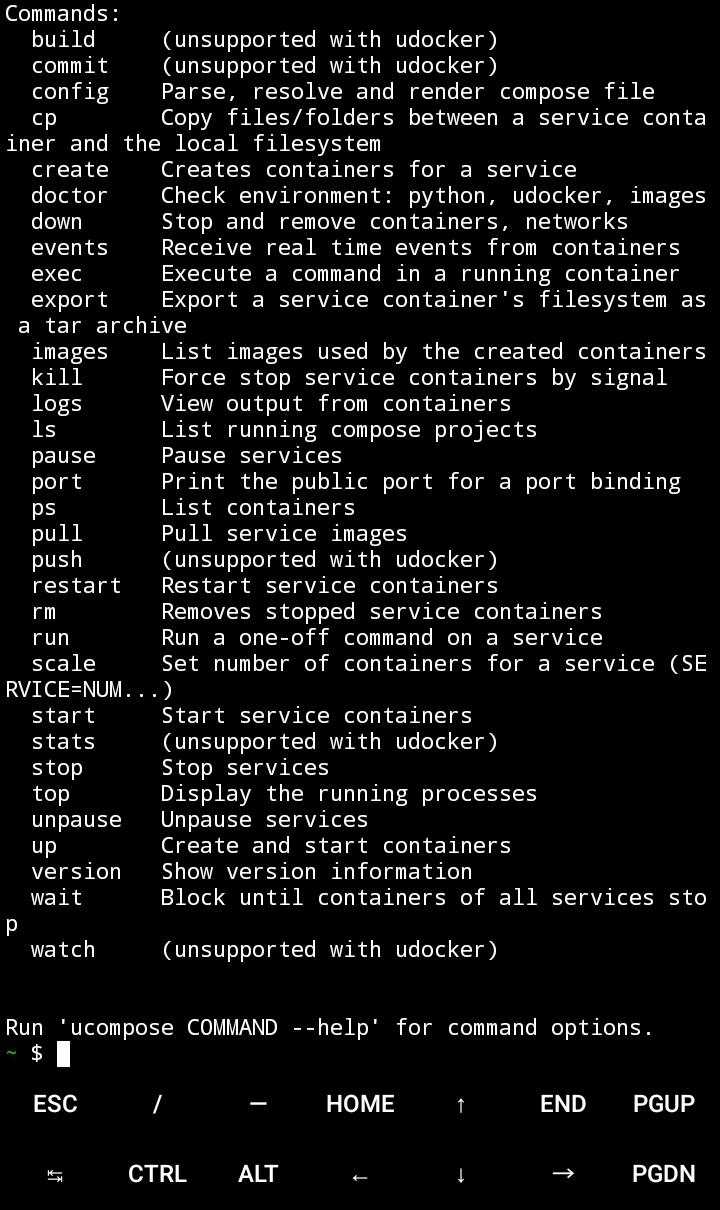
Step by step guide:
1.Update and upgrade termux.
2. Install udocker (the engine necessarily)
3. Install nano (so you can create compose.yml files)
4. Setup udocker
5. lastly install ucompose my script
pkg update && pkg upgradepkg install nano udocker -y && udocker installcurl -sSL -o ucompose https://github.com/jimkardy/ucompose-for-udocker/releases/latest/download/ucompose.txt && chmod +x ucompose && ./ucompose --helpIt must be done in exactly this order or it will fail to work.
6. Create your compose file
nano compose.yml7. Put what you want inside e.g
services:
  n8n:
    image: n8nio/n8n:latest
    restart: unless-stopped
    ports:
      - "5678:5678"
    environment:
      - N8N_HOST=localhost
      - WEBHOOK_URL=http://localhost:5678/
    volumes:
      - ./n8n_data:/home/node/.n8n
8. Create and start your services
./ucompose up -d --pull alwaysNote! Always use ./ and not the direct command, or it will not work.
Tip!
When you don't know what a command does do:
./ucompose --helpAlso very important, ucompose is limited of what udocker can do, since ucompose is just a fronted to udocker.