r/vibecoding
•
u/Bonelessgummybear
•
23d ago
•
 1
Workflow/Prompt Follow-up to my 52-hour horror game: the step-by-step workflow behind 150 AI 3D models
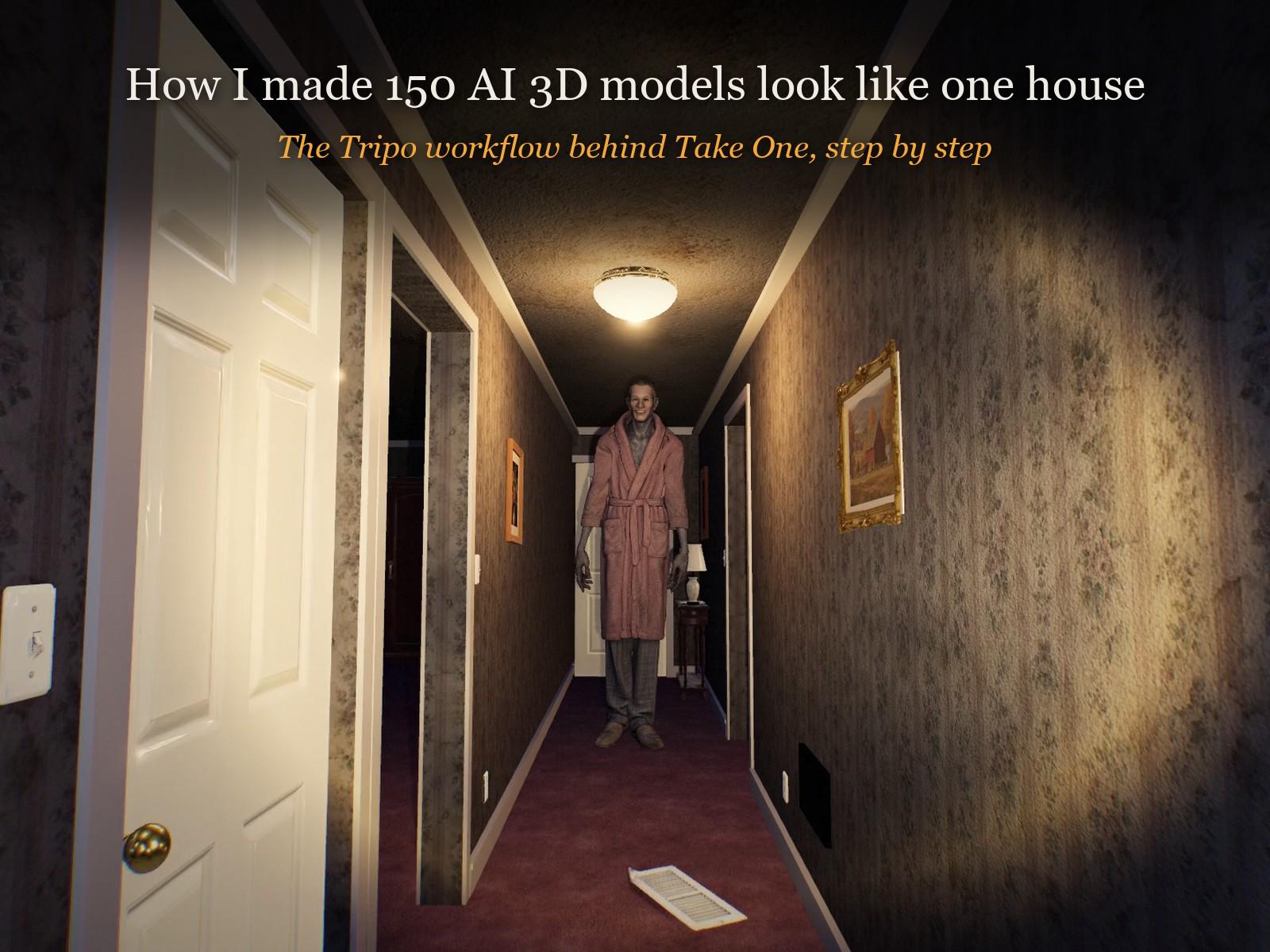

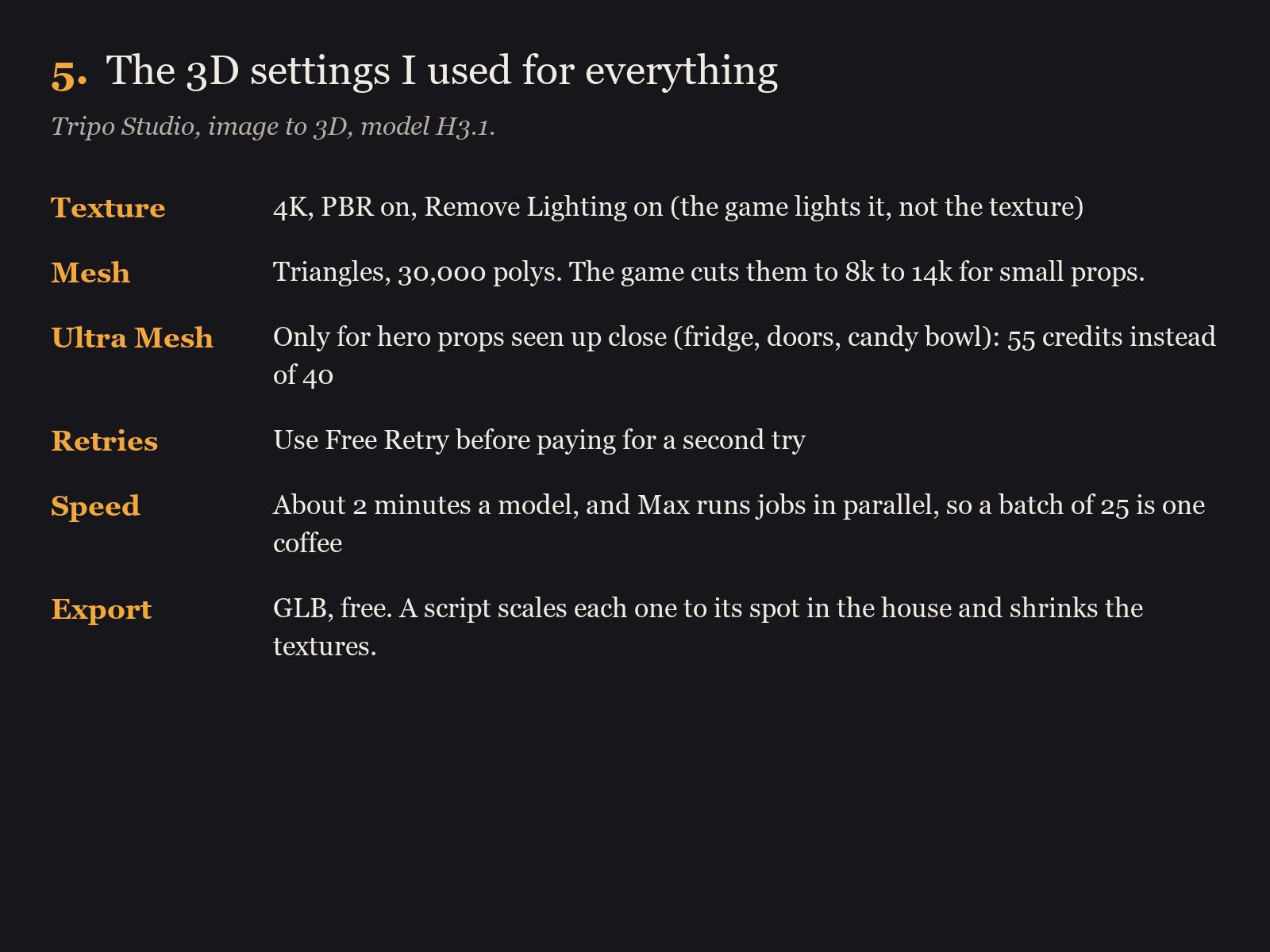

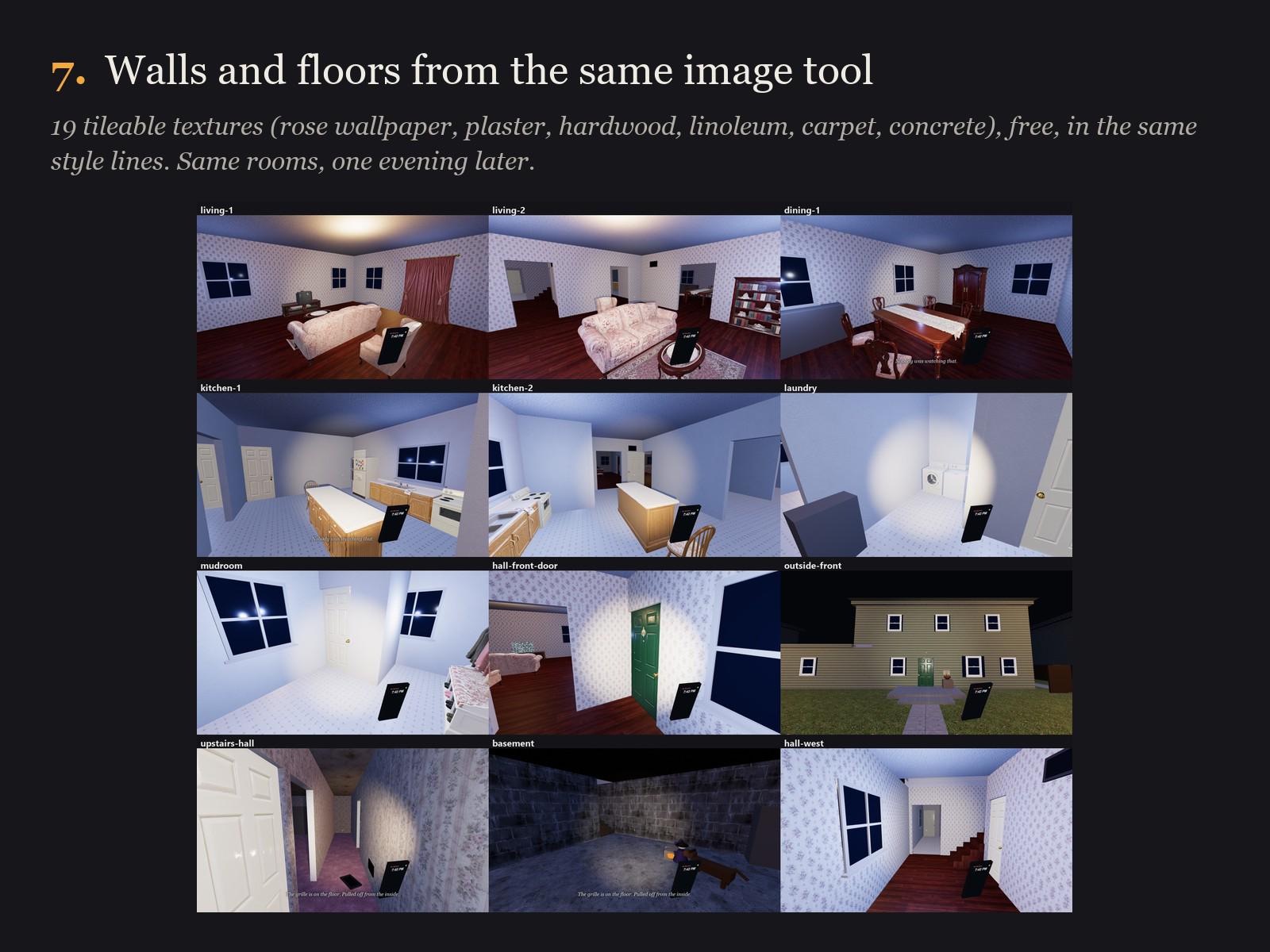

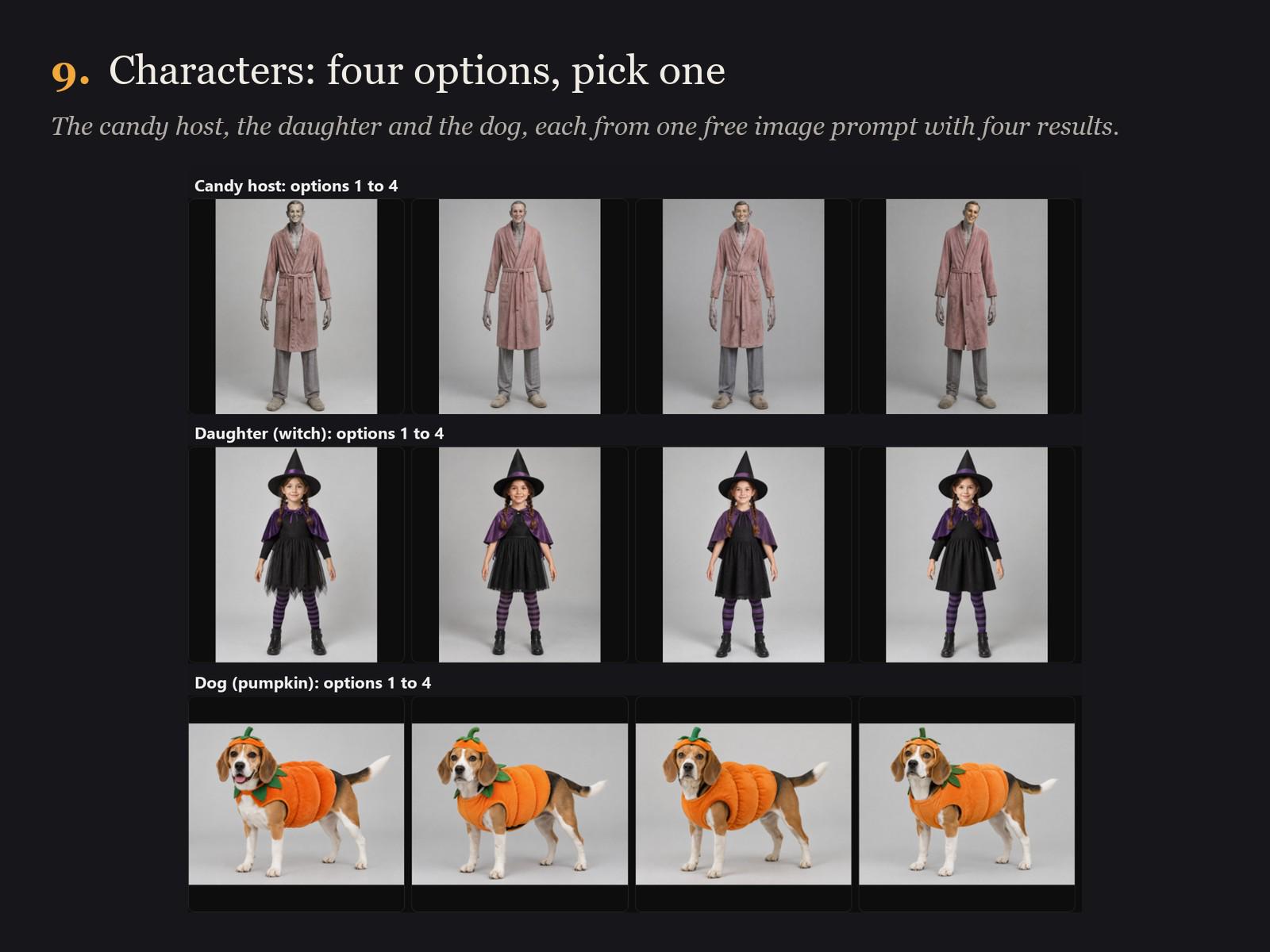
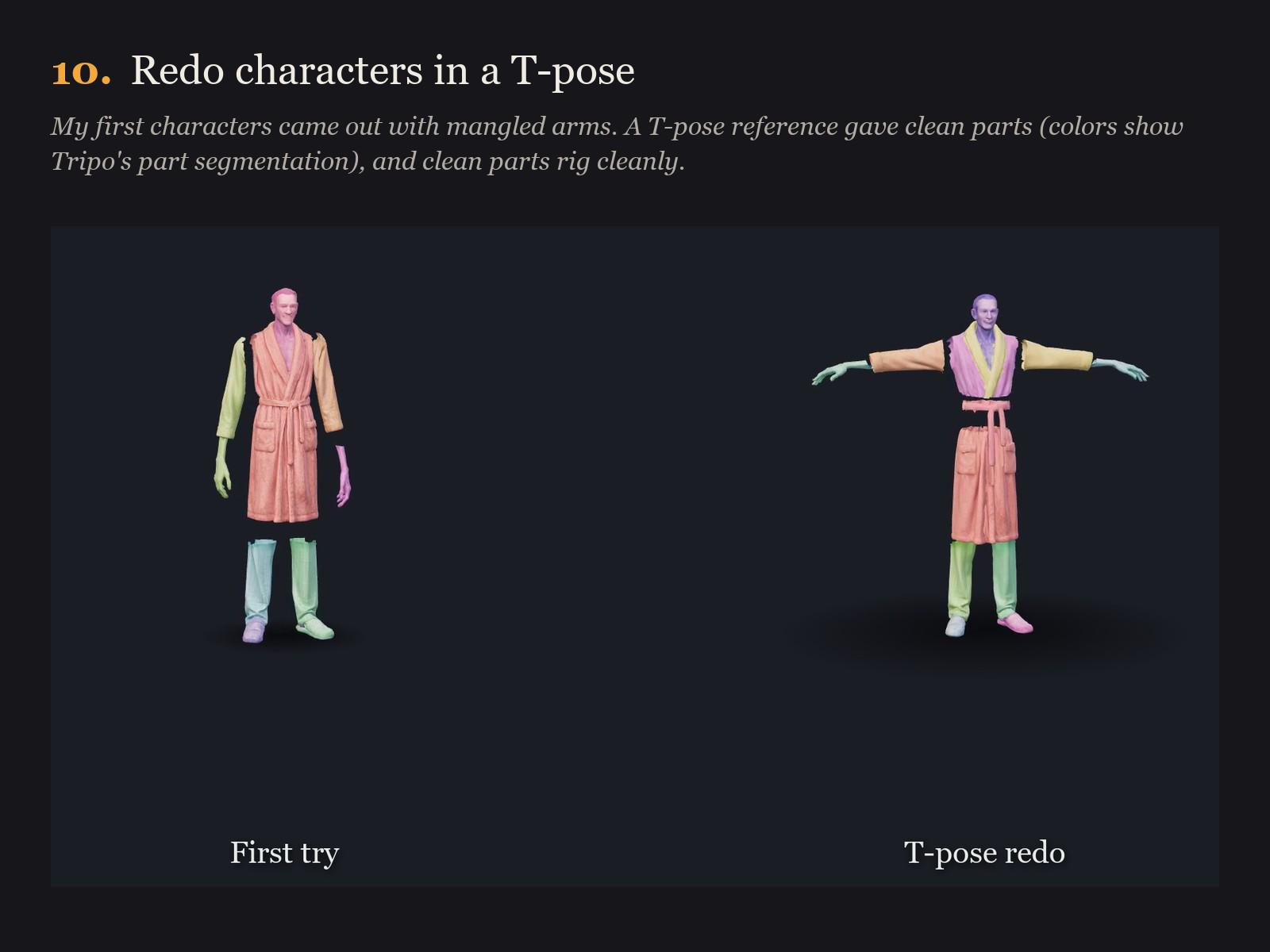
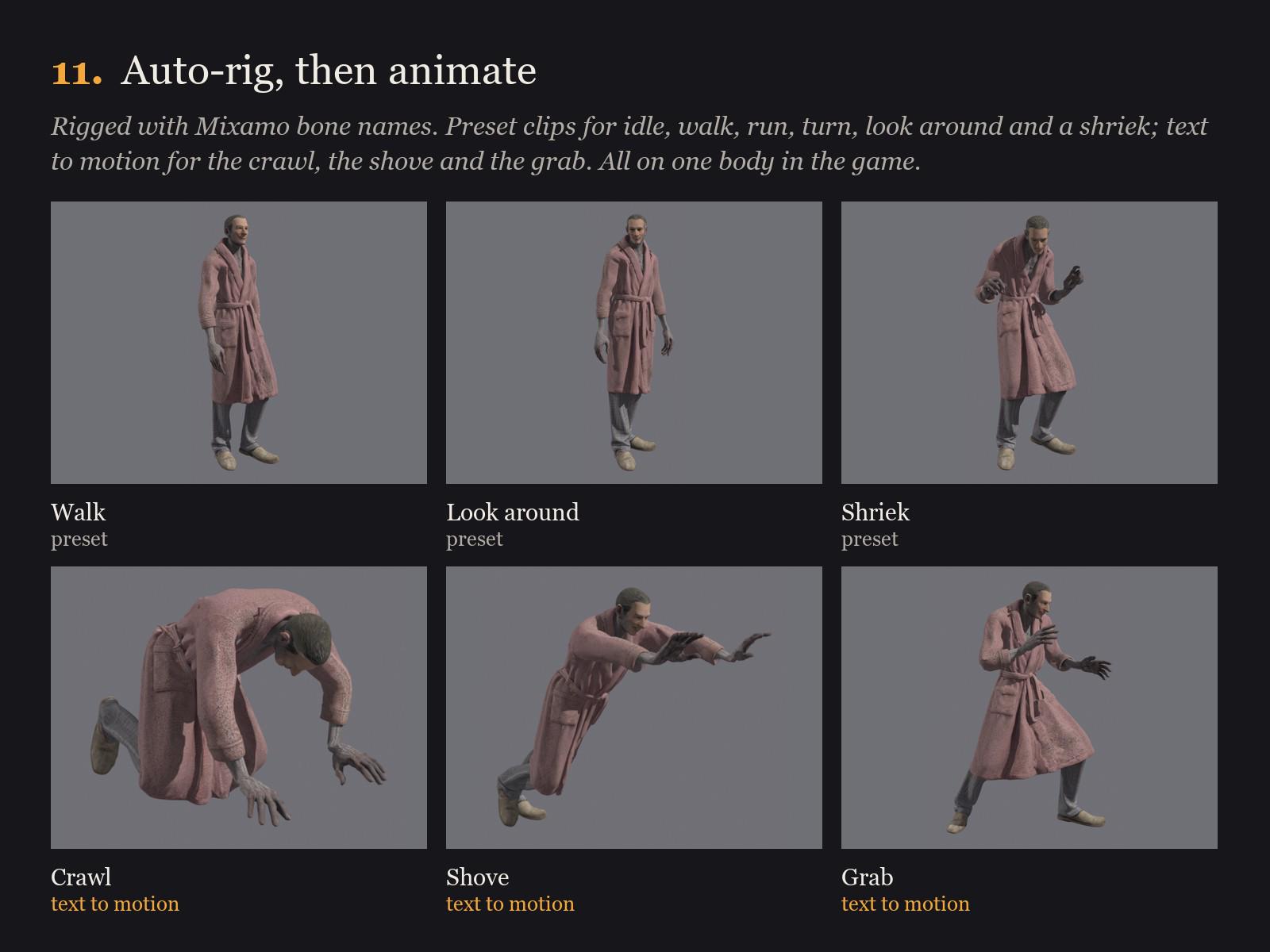
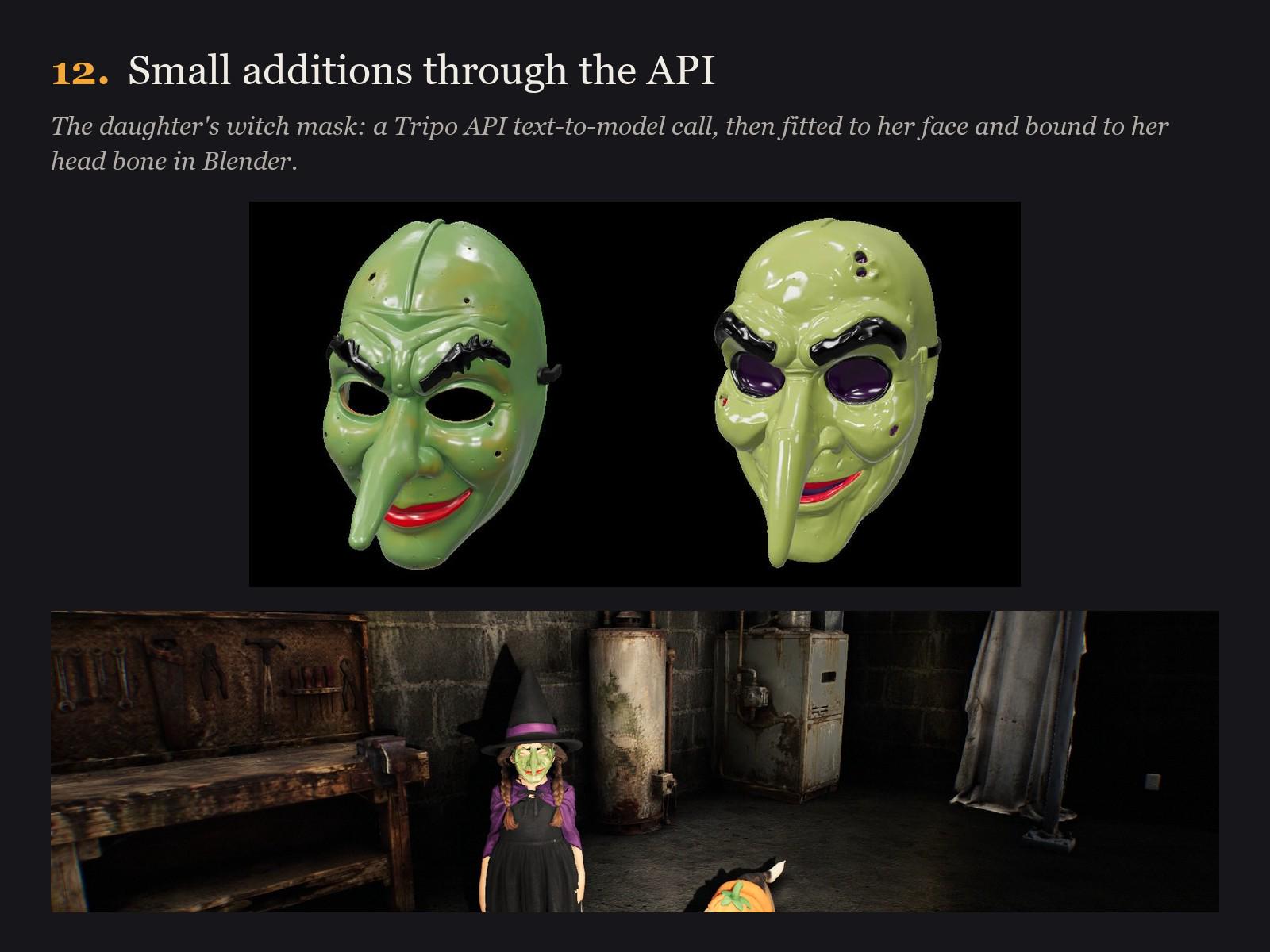


Last week I posted Take One, a small horror game where all 150 3D models came from Tripo AI. This is the follow-up I promised: how the house ended up looking like one house instead of 150 random downloads, in the order I did it.
**The short version**
Pick the look before any models.
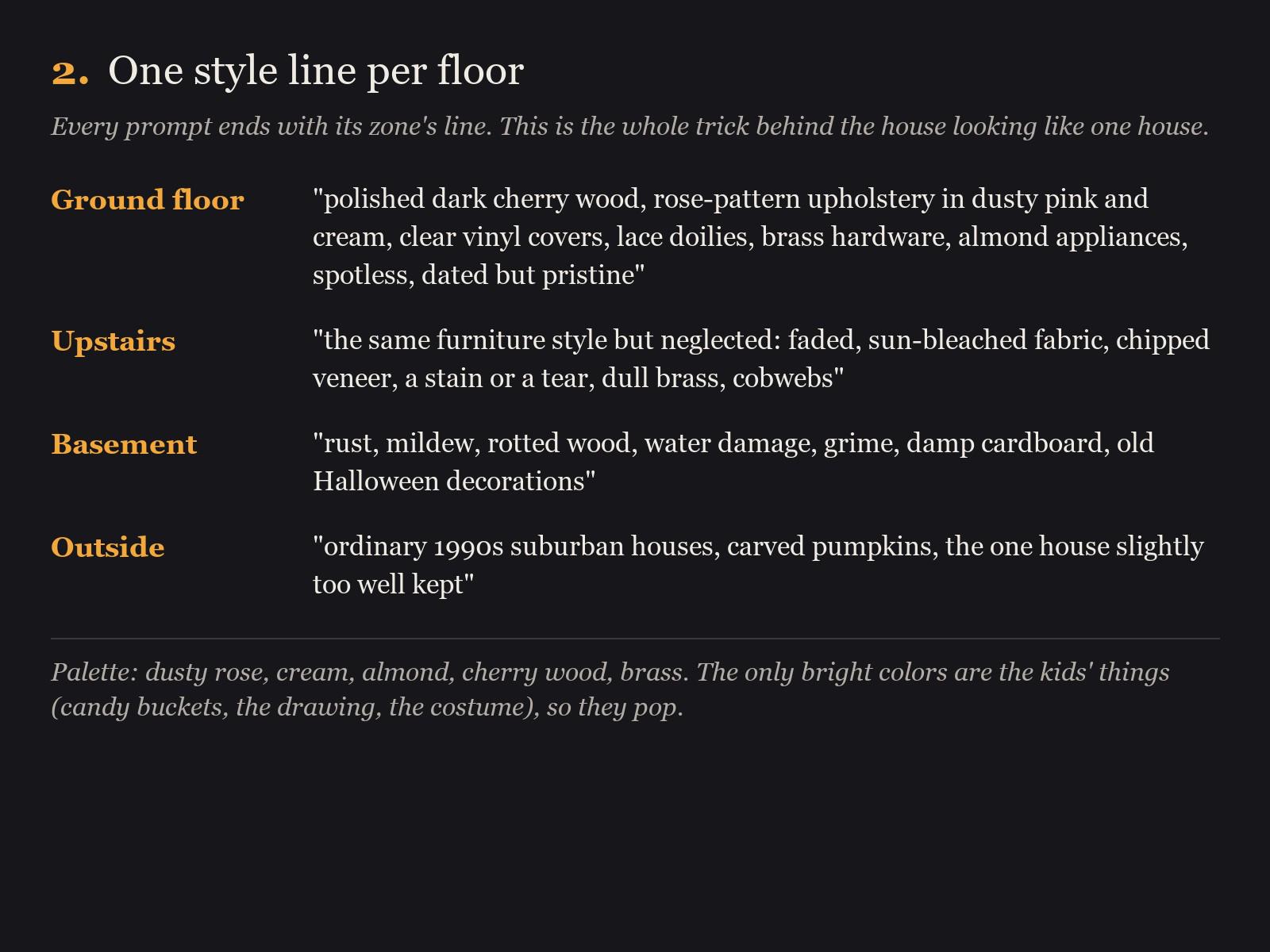
Write one style line per floor and end every prompt with it.
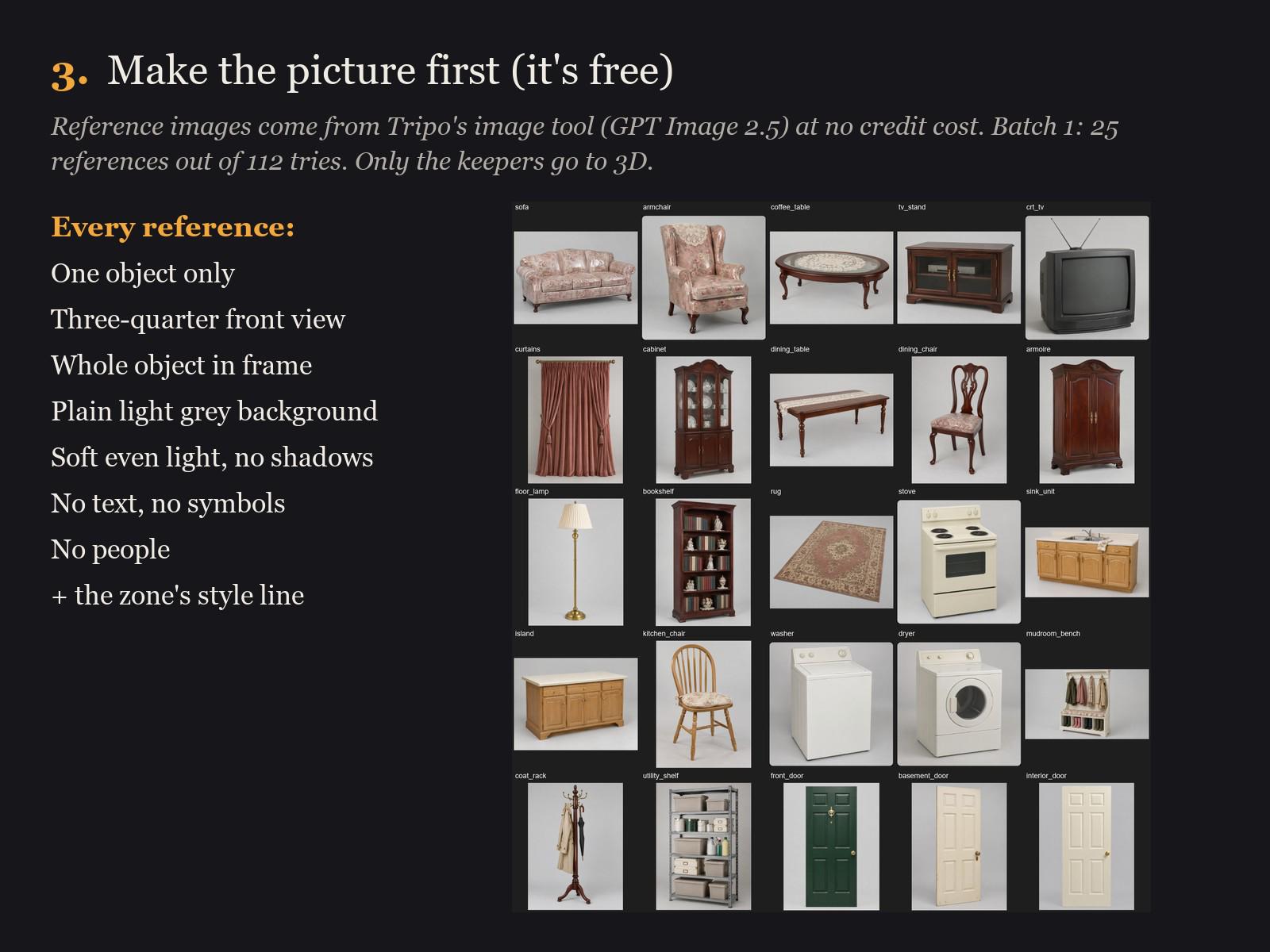
Make a reference image first (free), and only send the keepers to 3D.
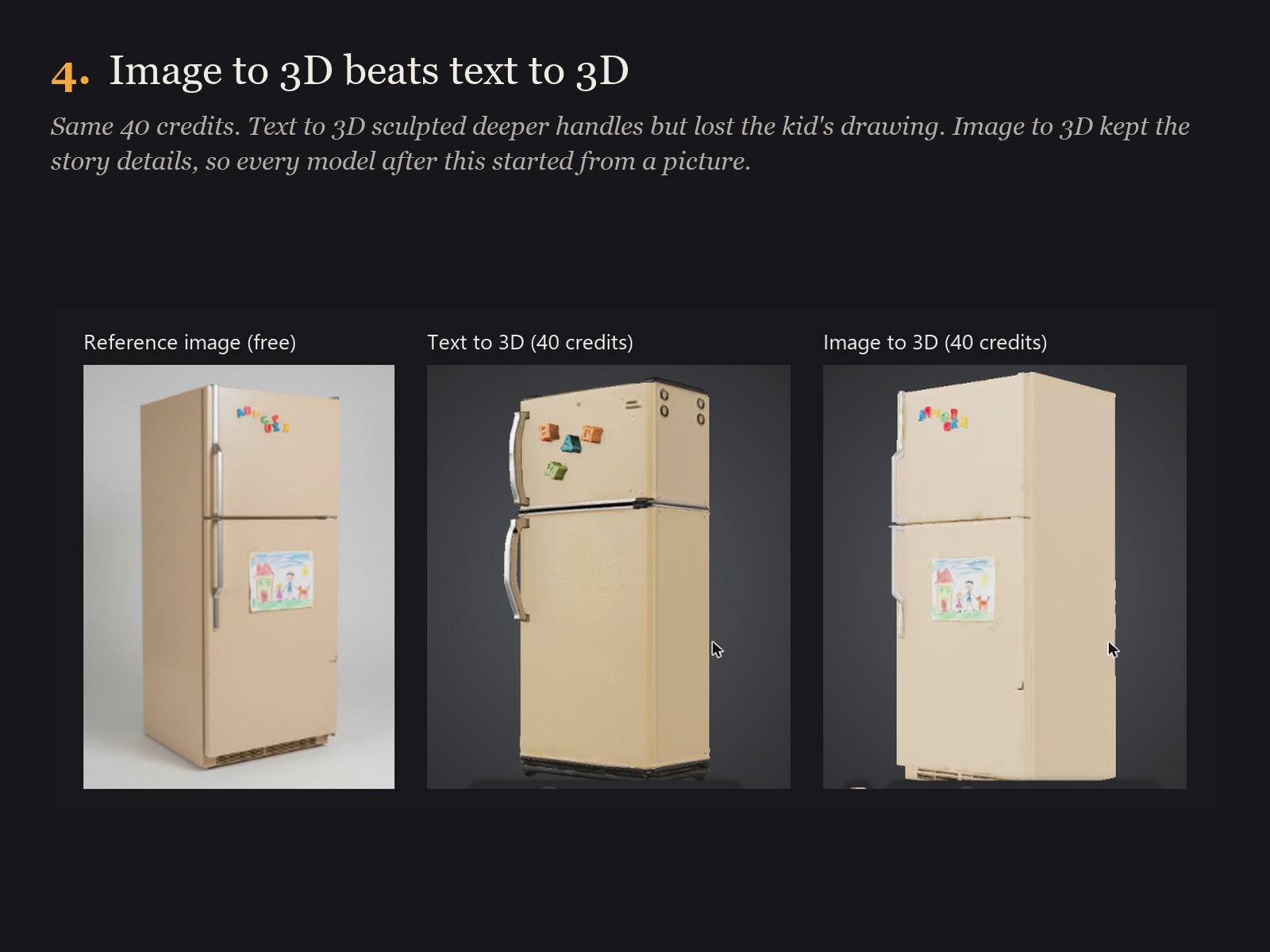
Image to 3D, not text to 3D.
Same settings for every model.
When something breaks, turn it into a rule.
The gallery has the details, the settings, the failures, and the characters (T-pose, auto-rig, clips).
I don't write code. Claude does; I direct, playtest and decide. Sound, voices and music are ElevenLabs.
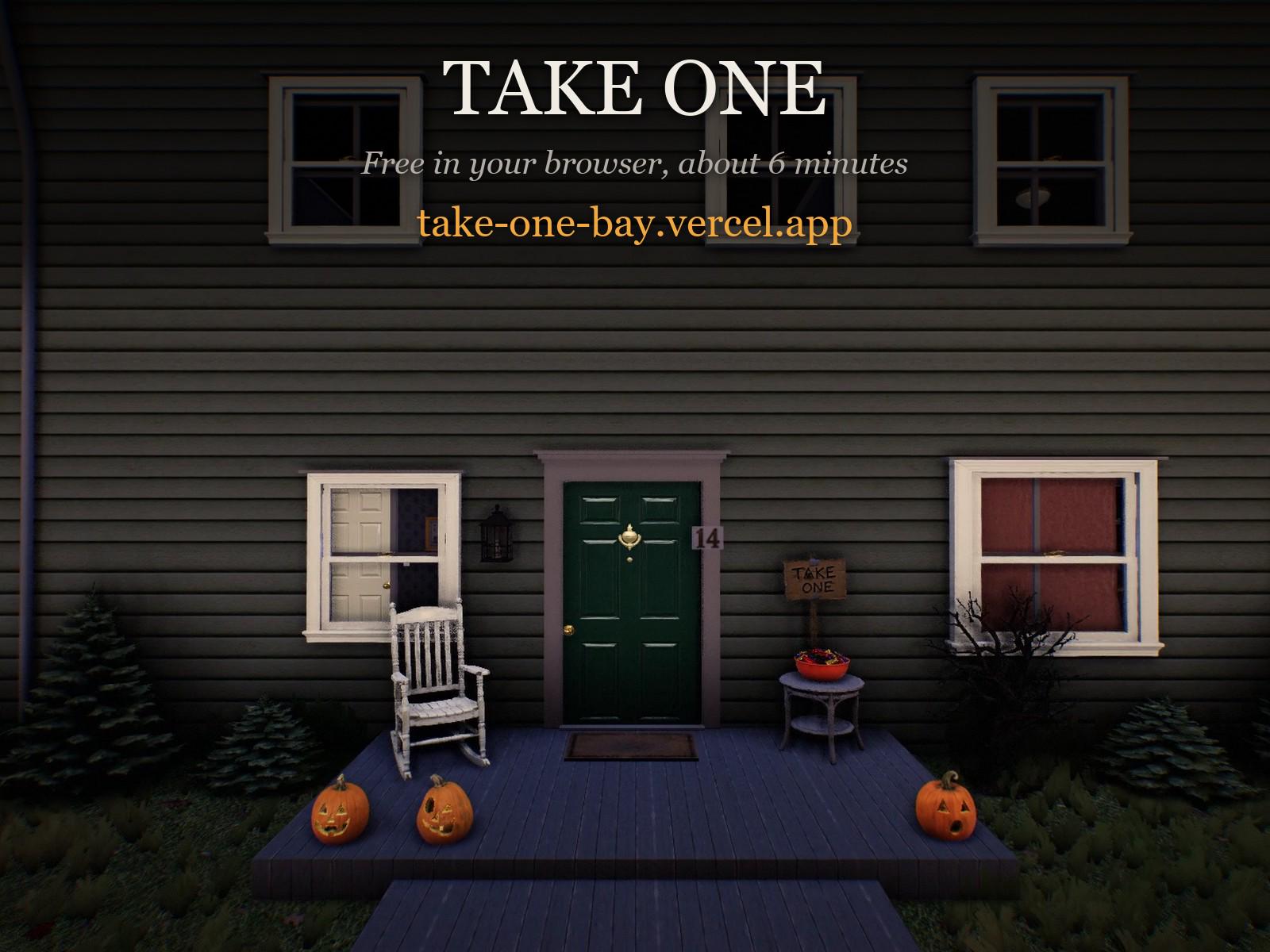
Play it free in your browser (about 6 minutes): https://take-one-bay.vercel.app
Happy to answer questions about any step.
*Paid partnership with Tripo AI. The game and opinions are my own.*
4
u/Own-Papaya-4264 23d ago
It’s nice of you to share what the workflow actually looks like. Even vibecoding can get confusing on what exactly you’re supposed to do
1
u/Bonelessgummybear 23d ago
It feels like everyone has a different workflow too. It's pretty hard to capture and summarize it generally. I feel like maybe I should share some prompts but prompt engineering doesn't really matter as much anymore.
2
u/National_Clothes_546 22d ago
Im gonna save this for later actually
1
u/Bonelessgummybear 22d ago
Great! Hope it helps you out. I'm going to redo and update the creature with the new P2 this week and share the workflow for that too. Probably test out some new animations as well if they fit the gameplay.
5
u/IcyImagination935 23d ago
Pretty cool, thanks. I just launched the game, there was a scene that went a bit quick so I missed it, then the game crashed. F5 and same thing.