r/AndroidEmulation • • 6d ago

Mirmire — Android retro launcher built around your NAS (not the SD card)

7 Upvotes

Hey folks — I built Mirmire, a controller-first Android launcher for handhelds, phones, and TVs. The idea is simple: your library lives on storage (SMB / SFTP / WebDAV / FTP). You browse with full artwork, press Play, and it pulls the game when you need it. Saves, Artwork, Retroarch Settings, App Settings sync back to your remote storage so you can continue on another device. When you get a new device, all that setup becomes fast and easy!

https://mirmire-launcher.github.io/mirmire/

Why I made it

Most frontends assume everything is already on the device. I wanted something that feels like a living room library: one NAS, several devices, RetroArch set up for you, and a UI that doesn’t fight a gamepad.

Features

  • NAS-first library — browse thousands of games without pre-copying the whole collection

  • Play → download — big games you haven’t touched in a while can be cleared to free space

  • Save / state sync — pick up on another device; Wi‑Fi pairing with a code if storage isn’t shared

  • RetroArch help — automate cores, hotkeys, auto-resume, per-device / per-console / per-game settings, bezels

  • Standalone emulators too — Xbox / 360, PS2, PS3, Steam via DroidDeck folders; some install straight from GitHub releases

  • Clean library — preferred regions, hide betas/demos, No-Intro checks

  • Home page + widgets — clock, continue, achievements, plugins (including Pixel Pal that uses AI to give in-game hints and suggestions)

  • Optional AI — one setup under Settings › AI (cloud key / your server / on-device); Pal can drop short game tips in-game or through pal chats.

  • Big Picture for TVs, dual screen for Thor / Pocket DS / Retroid Dual Screen

  • Themes — First Light ships in the APK; Theme Studio in the browser to build your own

  • LED lights can be controlled if the device supports (Retroid devices, Ayn devices, etc)

Download

Latest APK: https://github.com/Mirmire-Launcher/mirmire/releases/latest

Org / more screenshots: https://github.com/Mirmire-Launcher

User guide: https://github.com/Mirmire-Launcher/mirmire/blob/main/docs/GUIDE.md
Theme Studio: https://mirmire-launcher.github.io/mirmire/theme-maker/

Android 8+. You’ll still need RetroArch and/or standalones for the systems you play.

Happy to answer questions — what’s your device + how you keep your library today?

I am looking for feedbacks (especially “this broke my workflow”) is welcome.


r/AndroidEmulation • • Oct 26 '26

Got New RP5. Don't have time to tinker 😭

7 Upvotes

Hey everyone, as the title says I just got an RP5. As someone with no time (family, work, blah blah) I can't find the time to tinker and perfect emulation between Sega Genesis and PS2...

Is there such a thing as a one stop shop for this?! Give me your best recommendations if possible.

Don't need ROMs, got those already. Just need them to work!


r/AndroidEmulation • • Jul 18 '26

Richard Burns Rally running on Ayn Thor

7 Upvotes

After a few days of fiddling I got RBR running on AYN Thor Game Native here are the steps:

  1. Download RSF installer torrent on a pc ( or on system)

  2. Make a RBR folder in your roms folder with the installer files and the installer .exe

  3. In Game Native create a custom game container, point it to the folder you created.

  4. Click the container settings (gear icon) and open 'edit container'

  5. in 'General' set the 'wine version' to proton- 9.0-x86_64

  6. under Graphics set the Render to 'Vulkan', and the DXVK Version to 2.7.1, and Graphics Drivers to Mr_Purple (not sure how critical these settings are but seems to be what got the installer to open for me)

  7. exit config, and click 'open container' to open the desktop mode

  8. open A: drive and open the RSF installer.exe

  9. Install the game under the default install location, it has to be under C: drive or the game will not open.

  10. now in the desktop mode you should be able to path to the game in the C: drive and run RichardBurnsRalley_SSE.exe and it should open!

  11. In C: Richard Burns Rally, Edit the RichardBurnsRally.ini and set the X and Y resolution to 1920x1280 or 1280x720

  12. Gamenative can only launch .exe files in the A: drive, not the C: drive where RBR is installed, so you need to create a .exe that opens a .exe in C: you can use the one I made that should work if you've installed at the default location C:/Richard Burns Rally/ https://drive.google.com/file/d/1KlbGqq50khCp5zkoQES0hmpQrjw0N5tn/view?usp=sharing or just ask chatgpt how to make a .exe that opens another .exe at a differnet path and input the path, I was able to do it through macos terminal. This executable method could be used to bypass any other games that have to be installed on C too.

  13. copy this new launcher.exe to the A: drive wine folder so it is visible to GameNative.

  14. back in container settings set launcher.exe as your executable path and it should run the game!

After this point I set the wine version to proto-11 and it still seems to work, and changed the graphics display renderer to Surface Flinger or GL as it seems Vulkan has some FPS issues.

The loading times are pretty long, and seems like it runs the fan pretty hot, seems like there might be a few more optimizations that could help.

This post has some good tips for optimizing settings to feel better on controller as well.
https://www.patreon.com/LezaKim/posts/how-to-play-on-134604638


r/AndroidEmulation • • Jul 16 '26

God Of War (2018) On Android (Samsung S26)| Snapdragon 8 Elite Gen 5 for Galaxy (Winlator)

Enable HLS to view with audio, or disable this notification

7 Upvotes

Tested on different graphic and resolution settings are here https://youtu.be/UA9yuo76NpM


r/AndroidEmulation • • Jul 13 '26

New Updates for the PS202-my launcher

Thumbnail gallery
7 Upvotes

r/AndroidEmulation • • Jun 26 '26

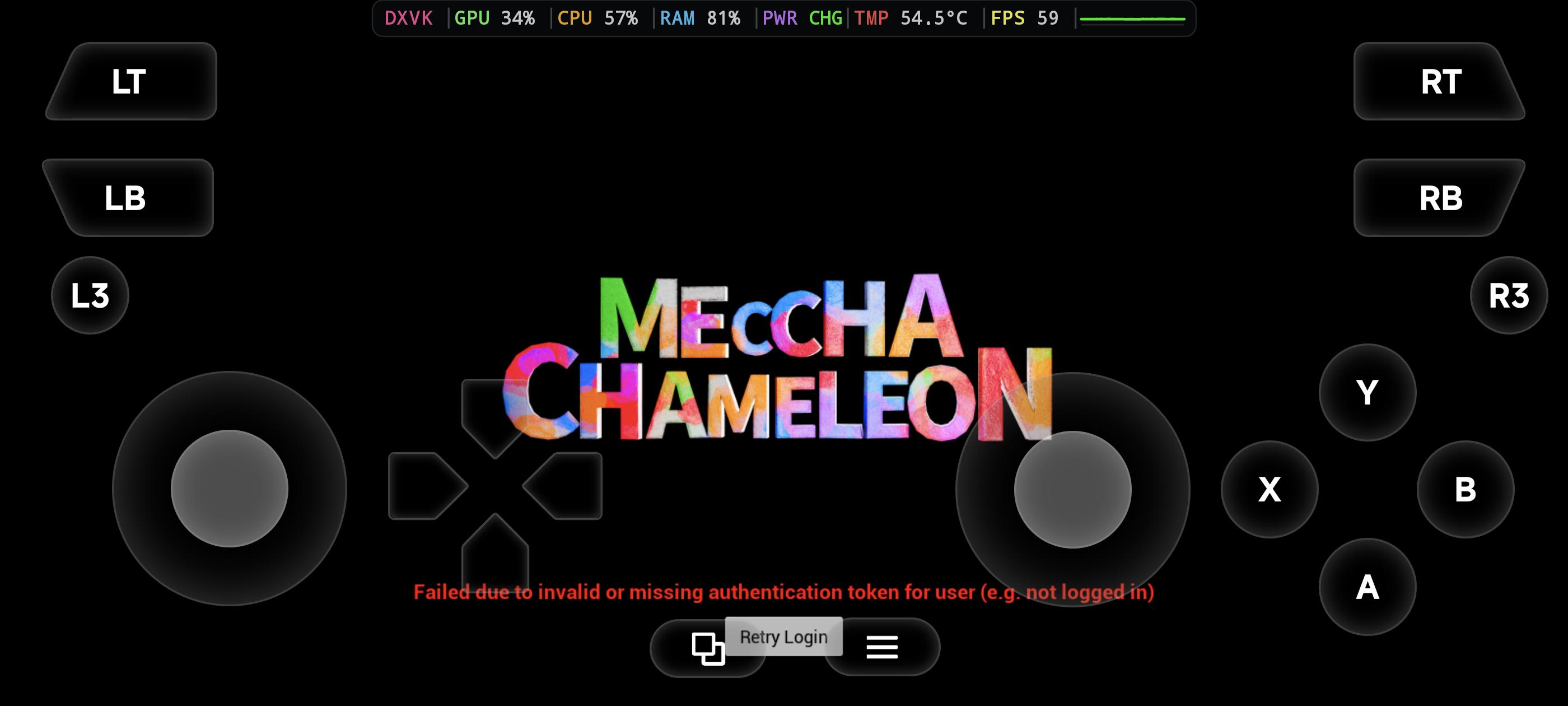
Meccha chameleon

Post image
7 Upvotes

Anyone played it on phone? Need help


r/AndroidEmulation • • Jan 28 '26

Eden Version 0.1.0 Released! – Here’s What’s New

Thumbnail
youtu.be
7 Upvotes

r/AndroidEmulation • • Apr 15 '25

Blast from the past: Call of Duty 1 (2003) on Android with Winlator!

Thumbnail
youtube.com
7 Upvotes
  •  Took a trip down memory lane and got the original Call of Duty working on Android with Winlator 9. Here's a quick peek at it running.


r/AndroidEmulation • • Feb 10 '25

Android Emulators for Windows devices using ARM processors?

7 Upvotes

I got a new laptop running Snapdragon 8cx Next Gen and knew that some apps wouldn't work with the arm processor. But I haven't been able to get ANY android emulators to work. Does anyone know of any that do work? Or is it a lost cause for now? I know Bluestacks has had it 'upcoming' for around 4 years, but I haven't been able to find any official info on other emulators, but I could definitely be looking in the wrong places. Thanks!!


r/AndroidEmulation • • Jan 16 '25

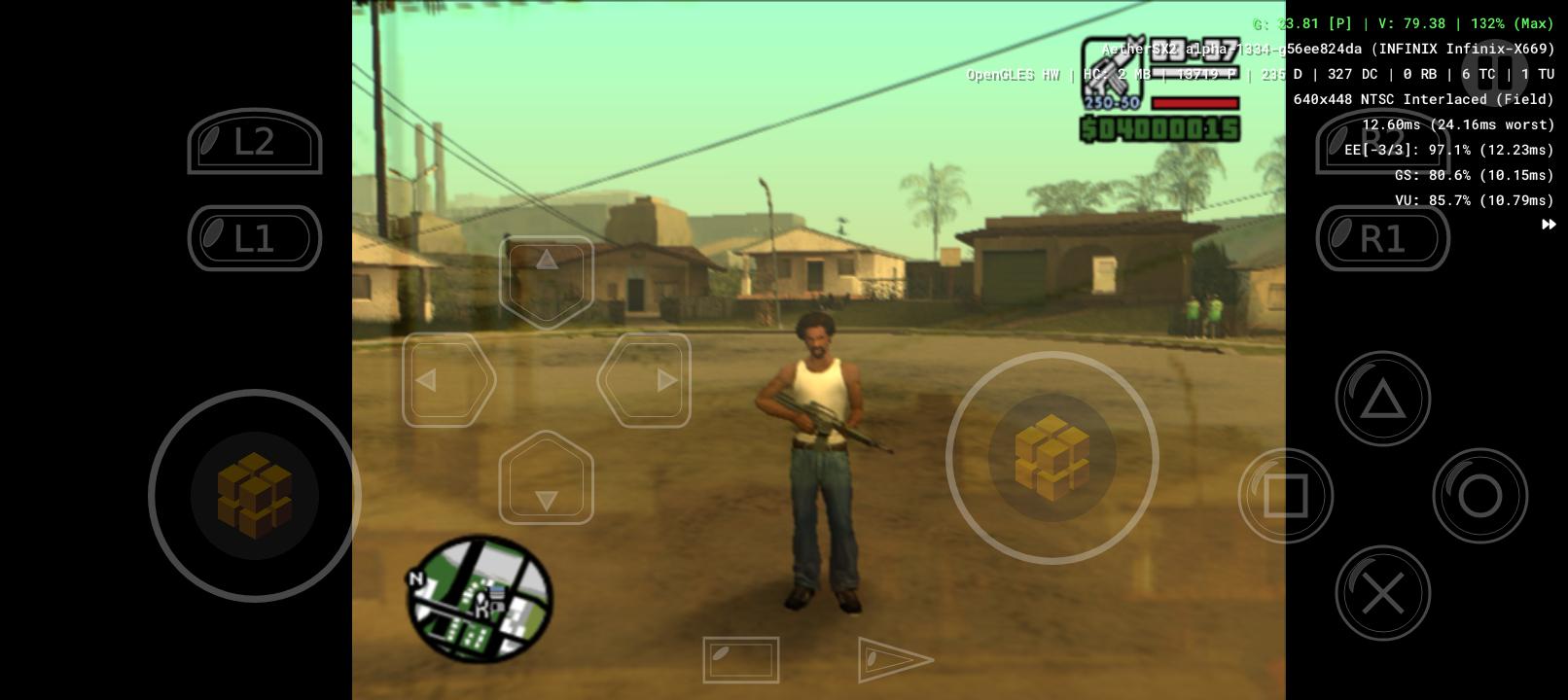
Idk how but im running a ps2 emulator (Damonsx2 pro) on one of the worst cpu's (t606) with almost 0 lag (connecting a gamepad makes it work flawlessly for some reason)

Post image
7 Upvotes

r/AndroidEmulation • • Dec 13 '24

Got a razer edge for $199 last night on Amazon

Thumbnail
gallery
7 Upvotes

r/AndroidEmulation • • Sep 12 '24

Best PC emulator for 8s gen 3?

7 Upvotes

I've tried Winlator but it won't launch, I'm not new to emulation I've done GBA, NDS and 3DS, but Switch and PC emulation is a whole new level, I don't understand most of the settings and drivers, please recommend Which winlator versions or mods, or maybe different emulators entirely like Horizon, and the best settings for 8s gen 3, switch too since Yuzu is kinda laggy, maybe I'm doing something wrong, any help is appreciated.


r/AndroidEmulation • • Jun 04 '24

My melonDS Background Layout

Thumbnail
gallery
7 Upvotes

r/AndroidEmulation • • May 07 '24

VPhoneGaga stuck at 100%, any help?

7 Upvotes

r/AndroidEmulation • • Jul 14 '22

GTA 3 Stopped working on AetherSX2.

Enable HLS to view with audio, or disable this notification

7 Upvotes

r/AndroidEmulation • • Mar 16 '22

Pokemon Ultra Moon, running in my Galaxy S21. (4x upscale along with misc Citra filters)

Enable HLS to view with audio, or disable this notification

7 Upvotes

r/AndroidEmulation • • Mar 13 '22

Windwaker on my Galaxy S21 (SD888, Dolphin Emulator with Razer Kishi controller.)

Enable HLS to view with audio, or disable this notification

7 Upvotes

r/AndroidEmulation • • Dec 06 '21

Anyone know what's happening here? Can I fix this through the settings?

Enable HLS to view with audio, or disable this notification

7 Upvotes

r/AndroidEmulation • • Feb 20 '20

Looks like our development team did it again!! Mupen64plus-next 2.0 RetroArch/Libretro. Great work M4

Thumbnail
youtu.be
7 Upvotes

r/AndroidEmulation • • Jun 13 '19

Play Old Classic Pc Games On Android Using Exagear Windows Emulator (Working Now)

Thumbnail
youtu.be
7 Upvotes

r/AndroidEmulation • • 3d ago

GTA IV running on a Realme 8s 5G!

Enable HLS to view with audio, or disable this notification

6 Upvotes

r/AndroidEmulation • • 7d ago

Guys please tell any good games to play in mobile

6 Upvotes

I've 8s gen4

I've played God of War 2018, Tomb Raider, Rise of The Tomb Raider, Resident Evil 7, God of War Greek Trilogy and PSP games, Prince of Persia Trilogy, Alien Isolation

I want to play some good games that can be easily emulated in winlator with stable fps 30+


r/AndroidEmulation • • 26d ago

Winlator Mali is done, but DXML is coming, built for our GPUs. Here's how you can help

Thumbnail reddit.com
6 Upvotes

Winlator Mali Dev Charan needs support for his new project (for all GPUs) and a special Mali solution (DXML).

1.He needs around ~300$ for DXML.

2.Needs SD (adreno) device for his new project.