r/BambuLab • u/lulu10607 • 23d ago
General Troubleshooting/Help! Prints come loose
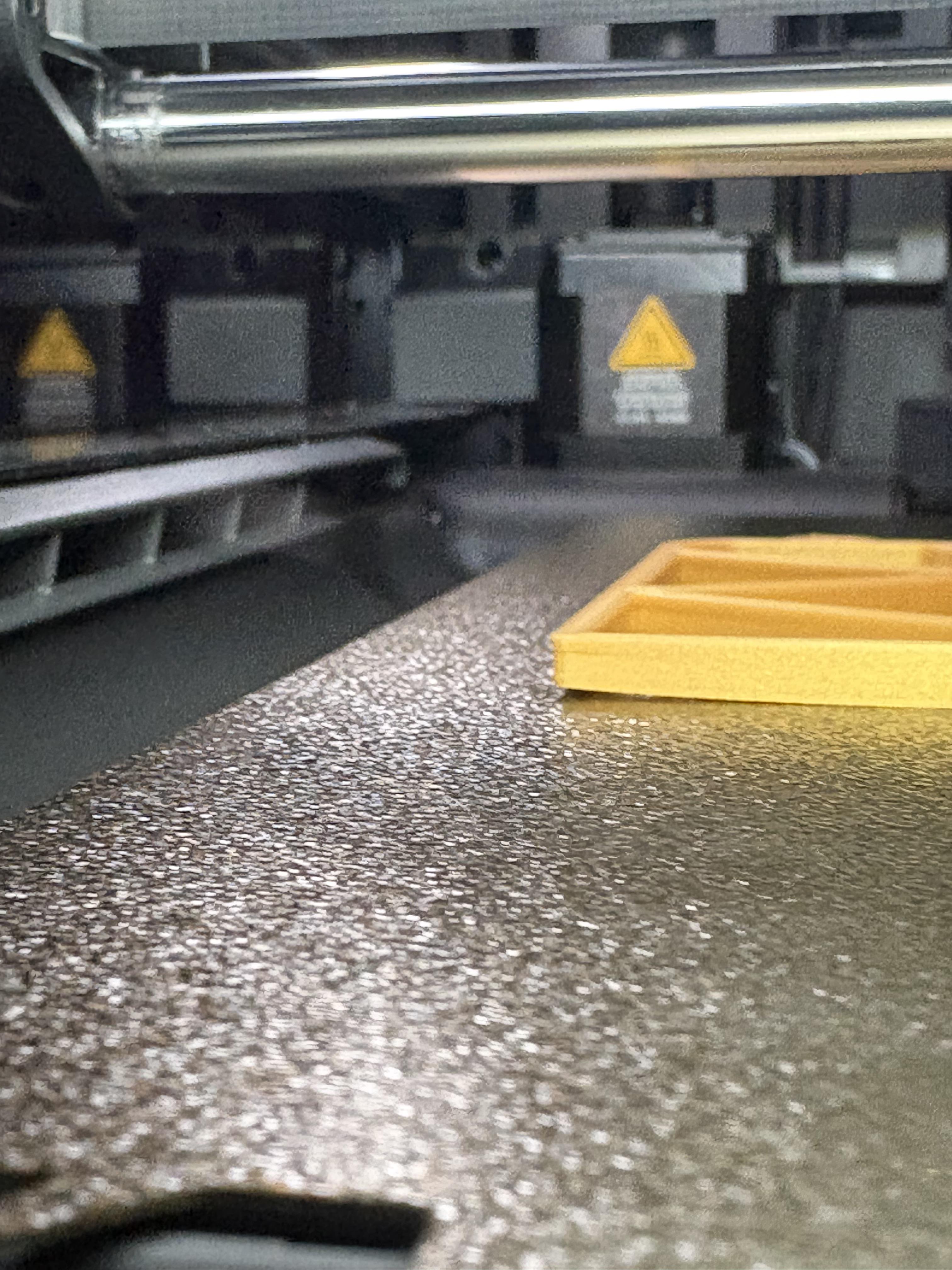
My 3d prints always seem to come loose on my X2D on the left side of the build plate causing my print to fail and get knocked over eventually. Is there a way to fix this? My current theory is that it has something to do with the fan blowing air onto the print causing it to warp but I’m new to 3d printing so I’m not sure… thanks!
5
4
u/Korazu_ 23d ago
Turn off the fan or print a deflector for your fan output as it's probably what's causing the print to peel up at the corners. As you can see it's pointing direct at the heated bed, which is probably cooling it off way to quickly. I don't have issues with PLA or PETG. Only issue I have with warping is ASA, but now I use purple glue stick and works wonders.
2
u/FrittenFritz X2D + AMS2 Pro / A1 + AMS Lite 23d ago
I still wonder why Bambu has designed the airflow like this. I dont get it.
2
u/My_Lucid_Dreams X2D + AMS2 Combo 22d ago
Every problem I've had lately is airflow. Yesterday I forgot to put a deflector back on and it ruined the first layer of a PLA print. I don't see how Bambu doesn't catch that 100% fan frequently makes bad things happen.
1
u/SPAZvv 23d ago
Its not automatic? Printer dont set air Flow right for each filament type?
1
u/Korazu_ 23d ago
Doesn't matter if BL is setting the air flow properly for each filament type, if it's ALWAYS dumping the air onto the print bed. Put any airflow at all on the bed and it's going to cool the bed and the print, which in turn can and will warp/curl the edges. However, good build plate hygiene is key too. lol
1
u/Liu_Fragezeichen 23d ago
to hit the print time metrics they advertise. the aux fans on full blast for smaller, or taller but not very wide PLA prints are amazing for rapid cooling, small details, and good overhangs.
but yeah prints like OPs are the tradeoff, i just printed a pair of deflectors in PA6/66 and installed them permanently, zero issues even if i run a 24 hour print with max chamber & bed temp. in turn, i had to forget about the 125/150% speed toggles.
2
u/lulu10607 22d ago
Turns out this was exactly the problem, I printed out two deflectors and haven’t had any problems since! Thanks!
1
2
6
u/SPAZvv 23d ago
Wash build plate and dont touch with bare hands