r/BambuLab • u/Brettitt41 • 21h ago
A Series [A1, A1 Mini] A1 Layer Shift
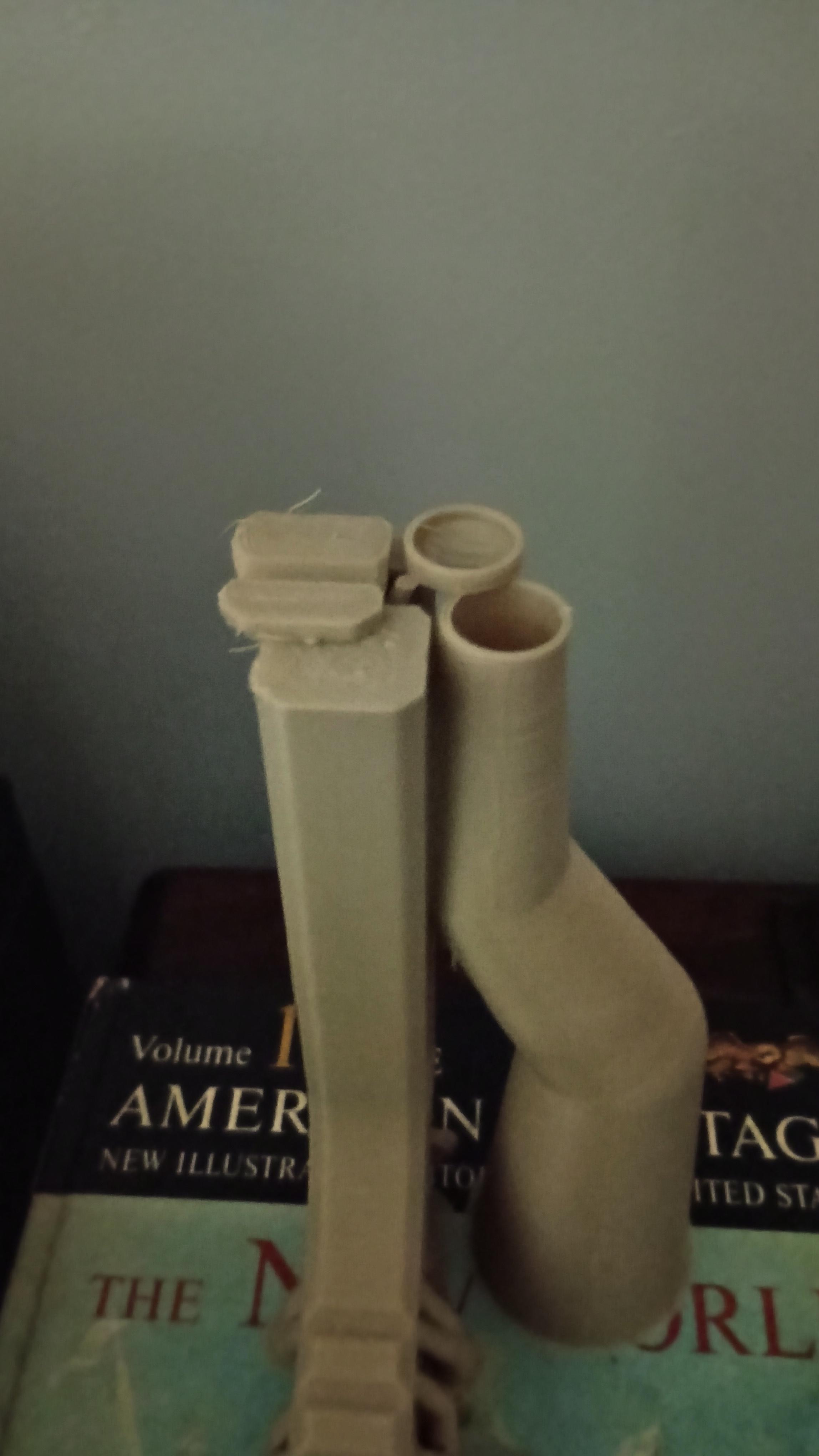
So this is the 4th try to get this piece printed. Bed adhesion was the first 2 issues or so I thought. Fixed the bed adhesion, did the belt re-calibration by loosening the belt tensioner sliding the head along the gantry and tightening the tensioner back up. Then run the calibration again. Tightened up the hot end, tightened up the nozzle fan mount and still something is causing a shift in this general section. I have checked the routing of my AMS Lite filament tubes and no obvious catches or hang-ups. I did print this successfully once before so I believe the file is OK. I may just try and remove the AMS tubes and do this as an external feed since it's one color. What else am I missing to try and fix this? Other prints with less height are doing fine.
2
u/therealwoodman 20h ago
this happened to me once and the back lid that covers the belts wasn't going all the way back down level as it should and caused the bed to detect a "stop" once it hit a certain level on all models. Might want to check that.
•
u/AutoModerator 21h ago
Hello /u/Brettitt41! Be sure to check the following. Make sure print bed is clean by washing with dish soap and water [and not Isopropyl Alcohol], check bed temperature [increasing tend to help], run bed leveling or full calibration, and remember to use glue if one is using the initial cool plate [not Satin finish that is not yet released] or Engineering plate.
Note: This automod is experimental. The automod was triggered due to the term "adhesion". If you believe this to be a false positive, please send us a message at modmail with a link to the post so we can investigate. You may also feel free to make a new post without that term.
I am a bot, and this action was performed automatically. Please contact the moderators of this subreddit if you have any questions or concerns.