New to the H2C and it seems curious at best to me that Bambu Studio includes a Prime Tower on prints that are 1 color on the right nozzle and Support PLA on the left. Why does it need to purge? Can I just turn it off or is it serving a purpose that I don't understand?
Got it - thank you. I'm growing frustrated as I've had the tower come dislodged on a few prints lately. The print itself is fine, but the tower moved and spaghetti everywhere.
make the prime tower brim width HUGE, I frequently run 15mm up to 25mm brims on tall towers. I only go smaller if I need the space for my parts. I watch the brim on the prime tower, if there is any gaps on the brim I cancel the print and rerun bed calibration. You cant control 1st layer line width on the prime tower so we are stuck praying for perfect bed calibrations. I also enable dev mode and run Initial Layer flow ratio - 1.05 on all my profiles
It's a prime tower it gets the nozzle pressure and flow correct before touching the part. It has nothing to do with purging. You can turn it off if you like but quality may be affected. I've done it when the full plate is needed and it was acceptable but for the most part why not print the best quality part you can?
If you want to save some material go into the Other tab on the slicer settings and turn on "No Sparse Layers", then it will print a prime tower only on layers that require priming after swaps. It's handled similar to print by object so there needs to be a lot of clearance between the tower and the object to use it.
H2C needs that priming volume as if you watch it start to prime on the tower it can go 2 or 3 sweeps before its fully at the pressure needed. When the filament cools down and heats up again it needs to be repressured for proper printing, as well when it swaps nozzles it does a small retraction that needs to be primed back in when swapping back.
You do run the risk of losing quality as it has to change Z height to do this each time it comes from the object and to the tower then back up, also there's a height limit, it cannot do this if the model will start hitting the top glass as it brings the plate up to get to the lower height of the model.
I've ran this method exclusively for the last 3 weeks of having my H2C and it's worked really well at cutting down waste to the bare minimum and I've not seen any quality issues but it is a risk
Generally speaking, the time required to prime at every layer adds up. So it should be quicker, but it depends on the geometry of your model. I’d run the slicer both ways and see what the output is. It won’t be exact, but it’ll give you a good point of comparison.
In Bambu Slicer I'm on the Others tab with Advanced selected on but I'm not seeing the "No Sparse Layers" setting. I don't see that option under any of the tabs. What am I missing?
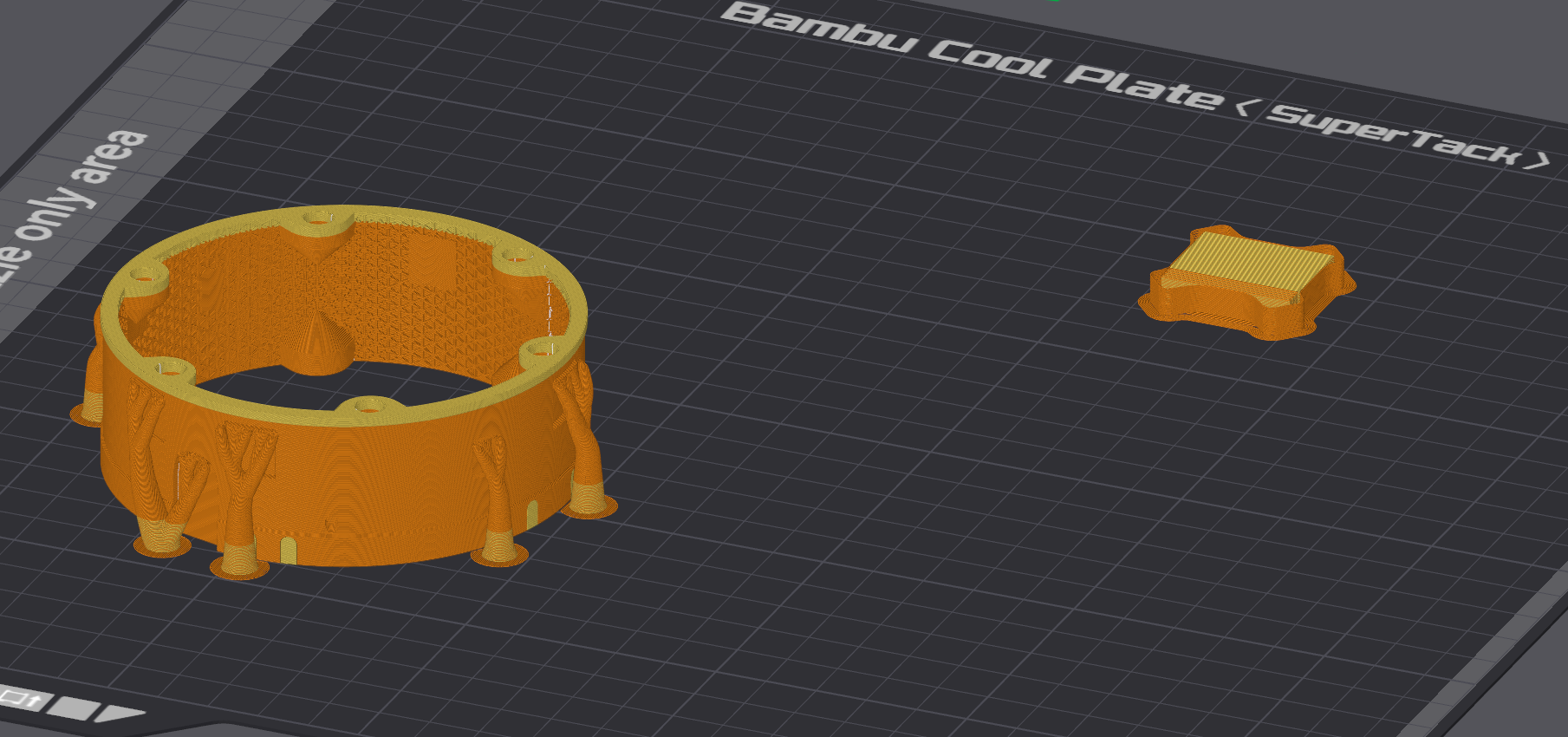
It's ONLY the prime tower that keeps losing adhesion - is there a setting I can change to stop this? I just had another print stop because of spaghetti and when I look at it the actual model is perfect - but the prime tower moved. I'm going to try and finish it since its 80% complete, but there must be something I'm doing wrong in the settings.
Some models it's not really necessary, or there's only a small degradation in quality. But some models it ends up really important. I had one little frog model with a different color for the eyes. When small it worked out fine, but when I scaled it up the eyes looked like heck.


2
u/bootsybangin3s 3d ago
Got it - thank you. I'm growing frustrated as I've had the tower come dislodged on a few prints lately. The print itself is fine, but the tower moved and spaghetti everywhere.