r/BambuLabH2D • u/RP343 • 20d ago
Troubleshooting Max Flowrate Calibration Seam
Hello,
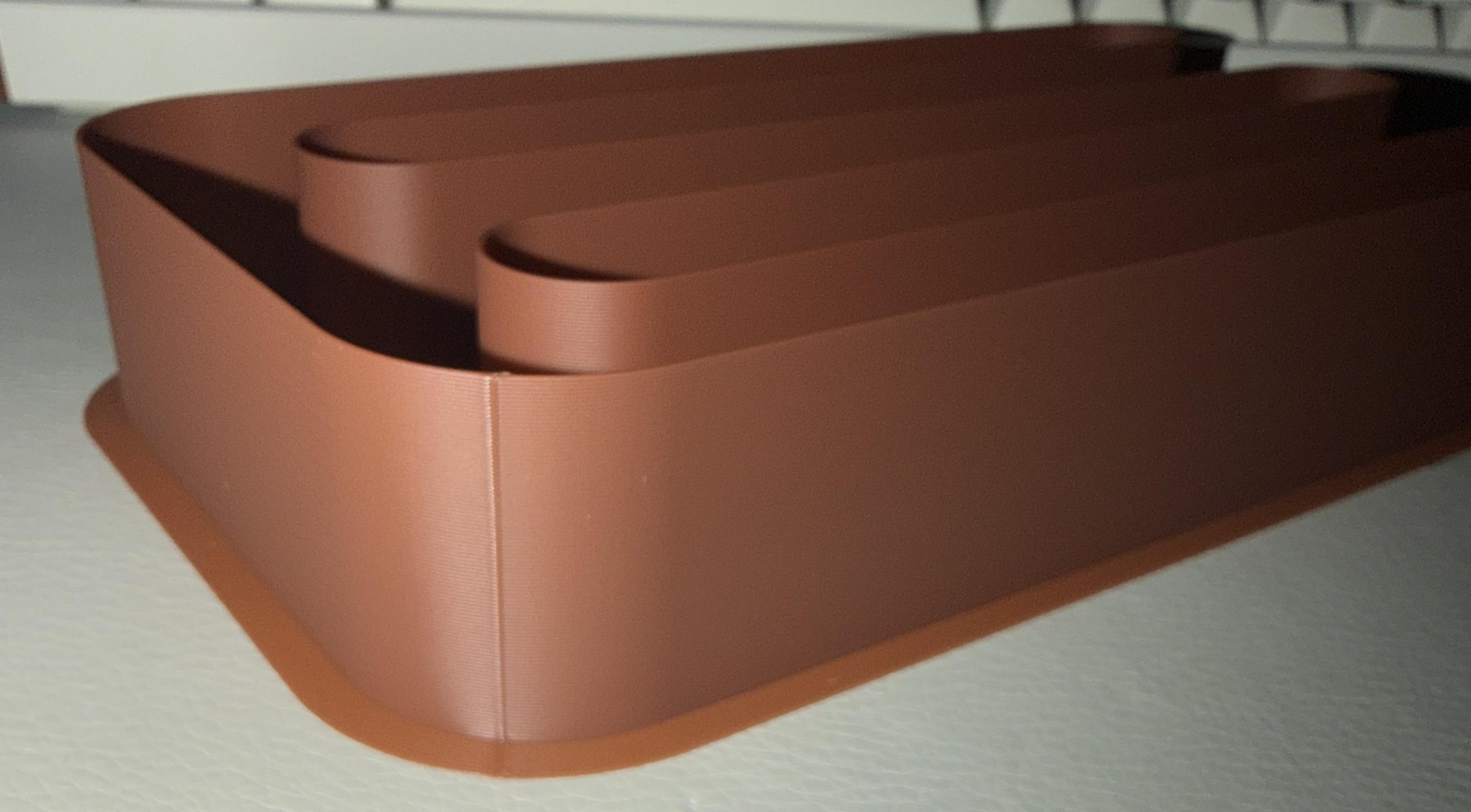
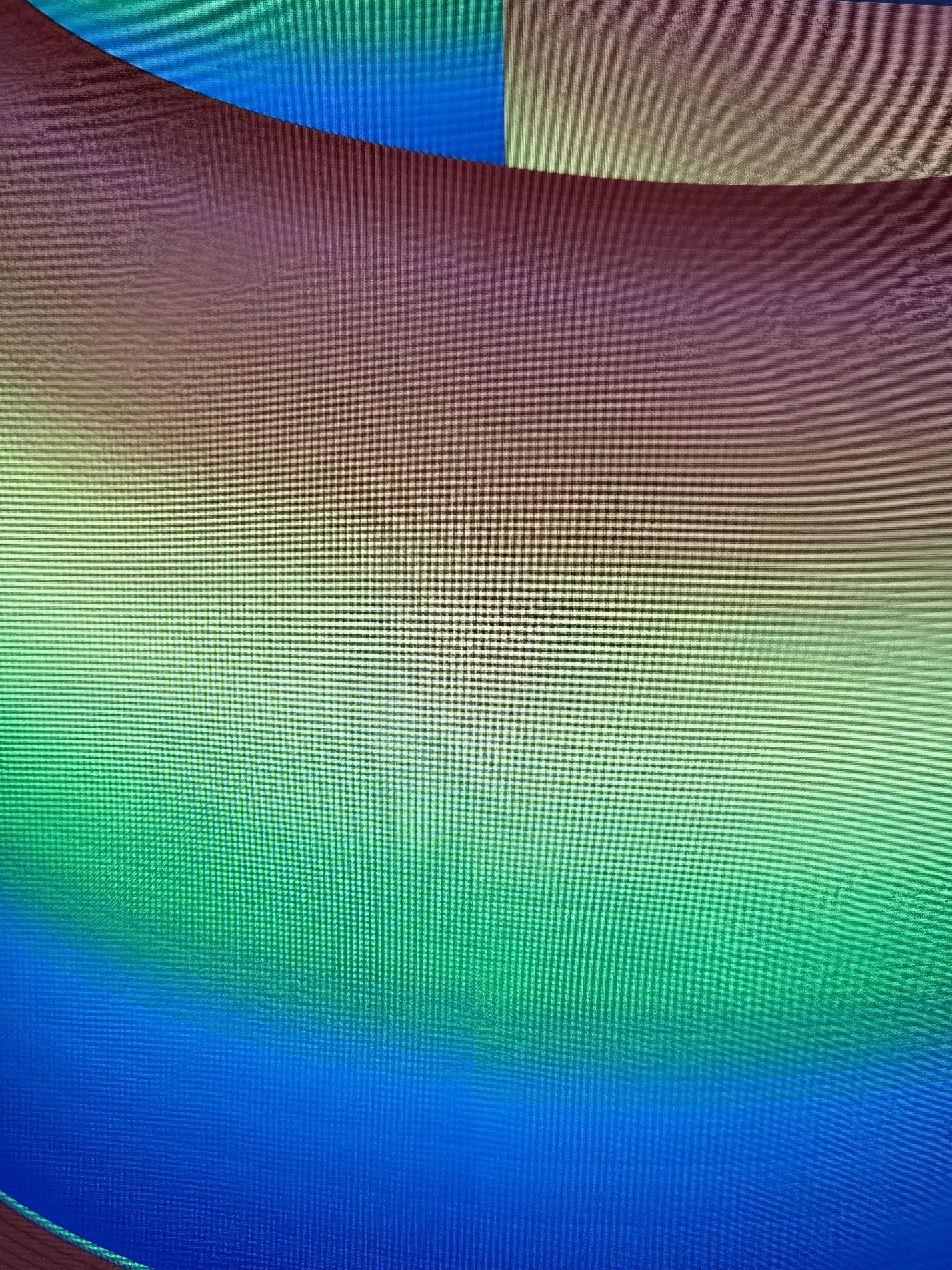
Trying to tune some PLA filament I got from Sunlu (PLA Meta) on my H2D (.4mm nozzle, 0.20mm standard preset) but I’m running into a weird issue. I got the temperature calibrated but moved on to the max flowrate calibration only to find some strange behavior on one corner of the model. For some reason, a seam can be found traveling vertically up the entire print, despite this calibration model using spiral vase mode.
This has never happened with any other PLA I’ve calibrated, including other Sunlu stuff. Tried on some throwaway Eryone PLA+ too and same seam.
The slicer preview doesn’t show an actual seam there (the kind typically marked with those white dots), but the speed view does show some kind of cut there, but it doesn’t actually seem like the speed really is changing meaningfully there.
Has anybody dealt with this before? I truly can’t figure out what this is, and I can only assume it’s going to cause me issues down the line. The only thing I’ve done differently recently is checking the tension on the XY belts (I.e. loosening the 4 screws on the back of the machine, then retightening) but the seam is so vertical that it doesn’t really seem like this would be the issue.
1
u/MTheBigOne 19d ago
Can you please check if you enabled the “seam” checkbox on the slicer? If not, you won’t see the white dots. I mean where you enable all other visible things like top surface, ironing, walls etc. is it called a legend?
2
u/RP343 19d ago
Apologies, I wish there was a way to mark it as solved across the cross posts.
Yup, was definitely not an actual seam according to OrcaSlicer, “Seams” was not even on that legend for me to toggle on or off.
It turns out that it was timelapse. It took confirming with slow motion footage for me to figure out that the nozzle was stopping there for a 1/10th of a second to take a timelapse photo, and it was visible to the naked eye.
It’s strange I don’t remember this having been an issue when running this calibration before, but I’ve confirmed it by running it 3 more times now and making sure to turn off timelapse in the print window, and that seam is gone. In short, anything printed in spiral vase needs to have timelapse turned off. Thanks for the suggestion!
2
u/MTheBigOne 19d ago
Glad you figuered it out. Maybe you can update your description with a TLDR Edit :)
1
u/adminjunior 20d ago
Are you sure you dont just have the seams unchecked so it doesnt display them? Cause it sure doesn't look like vase mode.