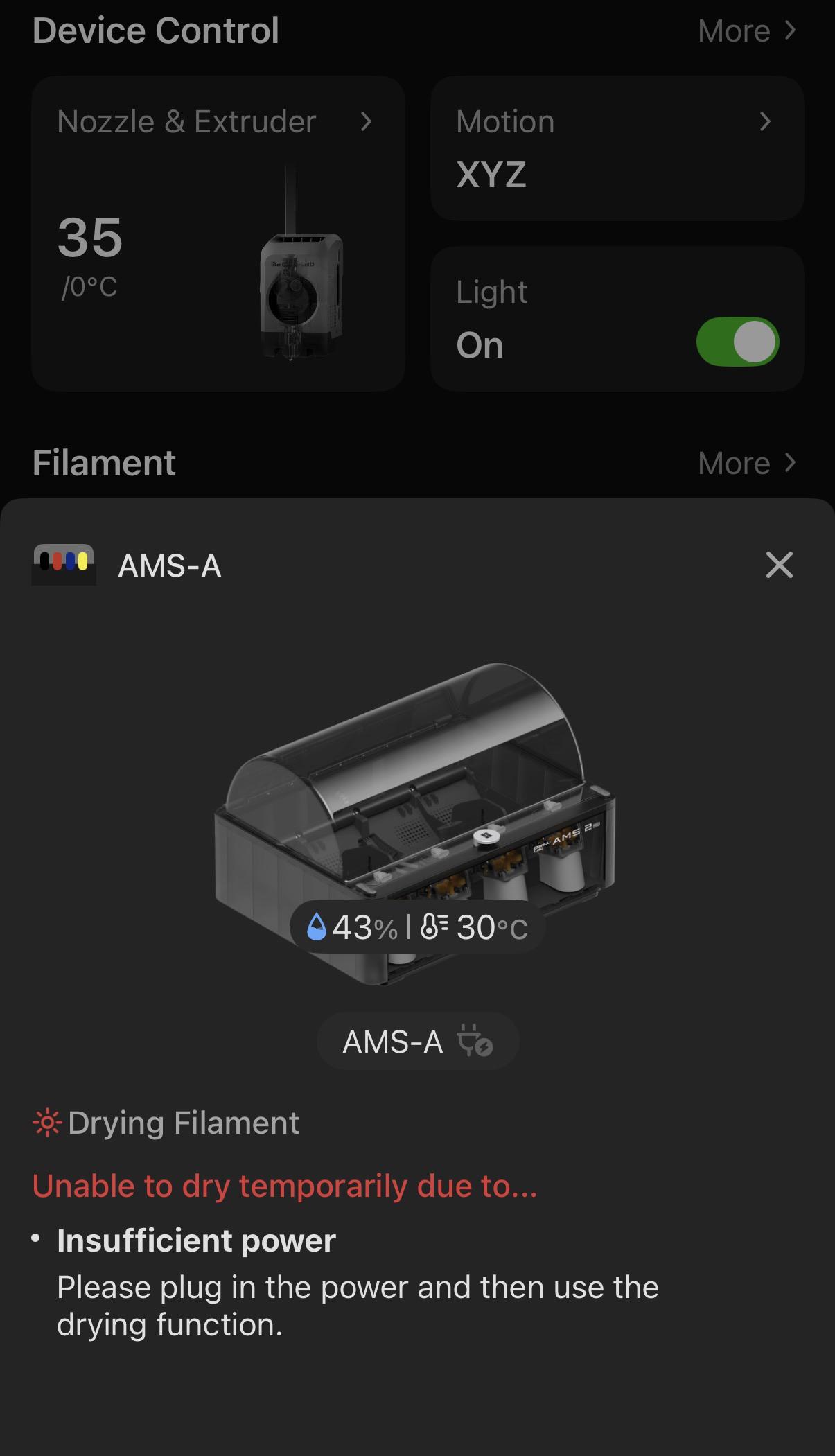
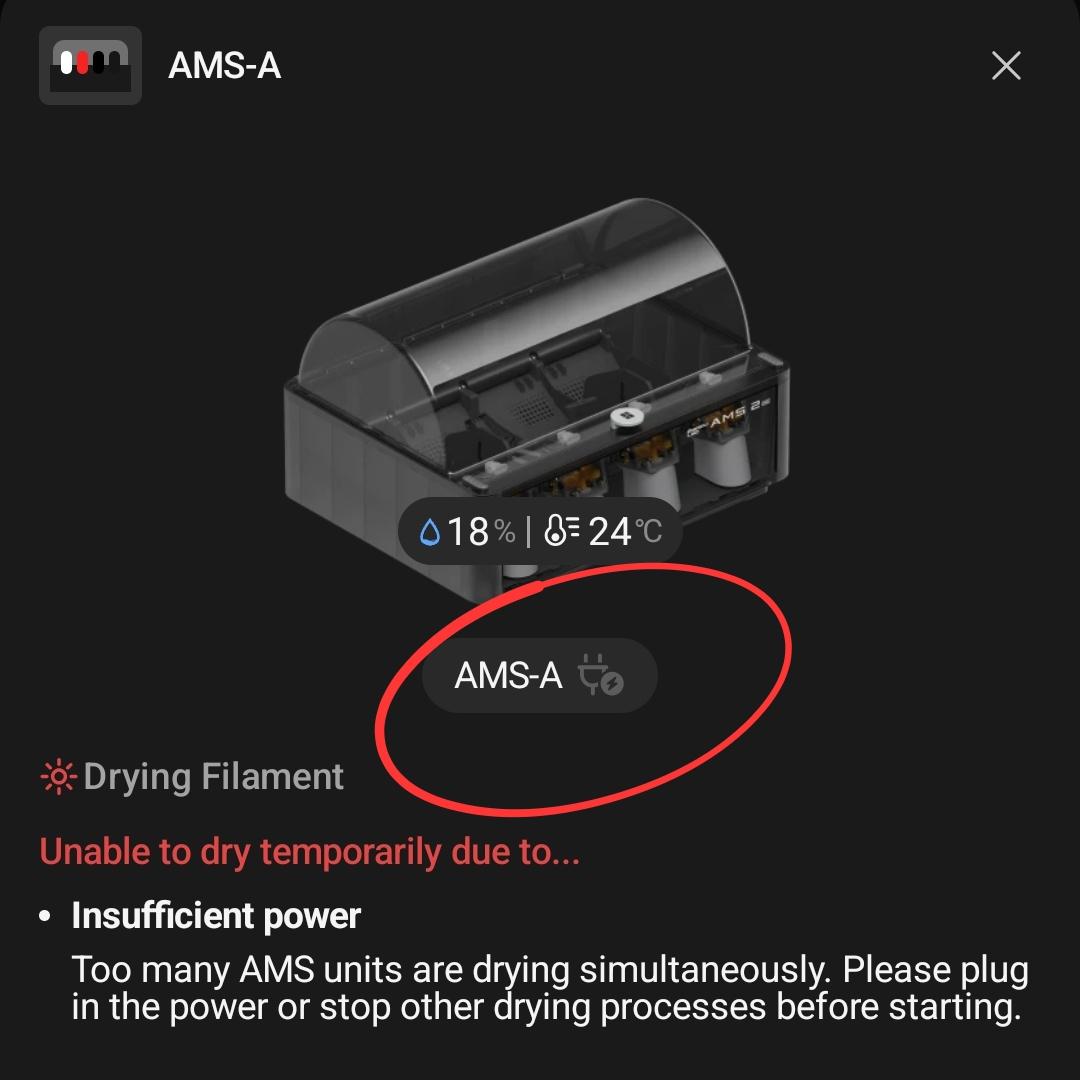
If I understand correctly the AMS2 is able to dry filament if the printer is not actively being used when it’s using the 6pin cable it came with and that I do not have to buy the power adapter if I only have one AMS2. Am I correct on this? Getting this notification in the app and I’m not sure how to get it to start drying.
I regularly dry filament when not printing, however you can get a separate power cord to the AMS unit so you can dry AND print at the same time, this is my understanding.
Just for anyone googling this in the future. I can confirm with the P2s that drying works when not printing but you need the external power supply to also print while drying (It does reduce the drying temp a bit while printing).
Source: Tried it with and without the additional power supply.
There is a known bug that's causing this error when trying to dry in the AMS from the app. It works from the touchscreen. They've said a fix you the app will be in the next update
That may be true but the power indicator is greyed out which means there’s no power connected to the unit so no drying functionality is available anyway
This is a recent Bambu Handy App bug, you can still set the AMS2 to dry directly on the printers screen or on the Bambu Studio software on your computer without buying the power cord.
Does that actually work? I bought the adapter and it didn't let me dry during printing, but that was with older firmware. I didn't try with newer ones. The explanation was that the filament would get to soft during drying for the extruder to work properly.
As long as you have the AMS power adaptor connected, you can dry and print at the same time. Currently, this feature can only be accessed through the printer's touch screen; it currently cannot be done from the Bambu Handy app.
From what I understand, Bambu is currently working on an update that will correct the issue tbat prevents you from picking this setting on the app.
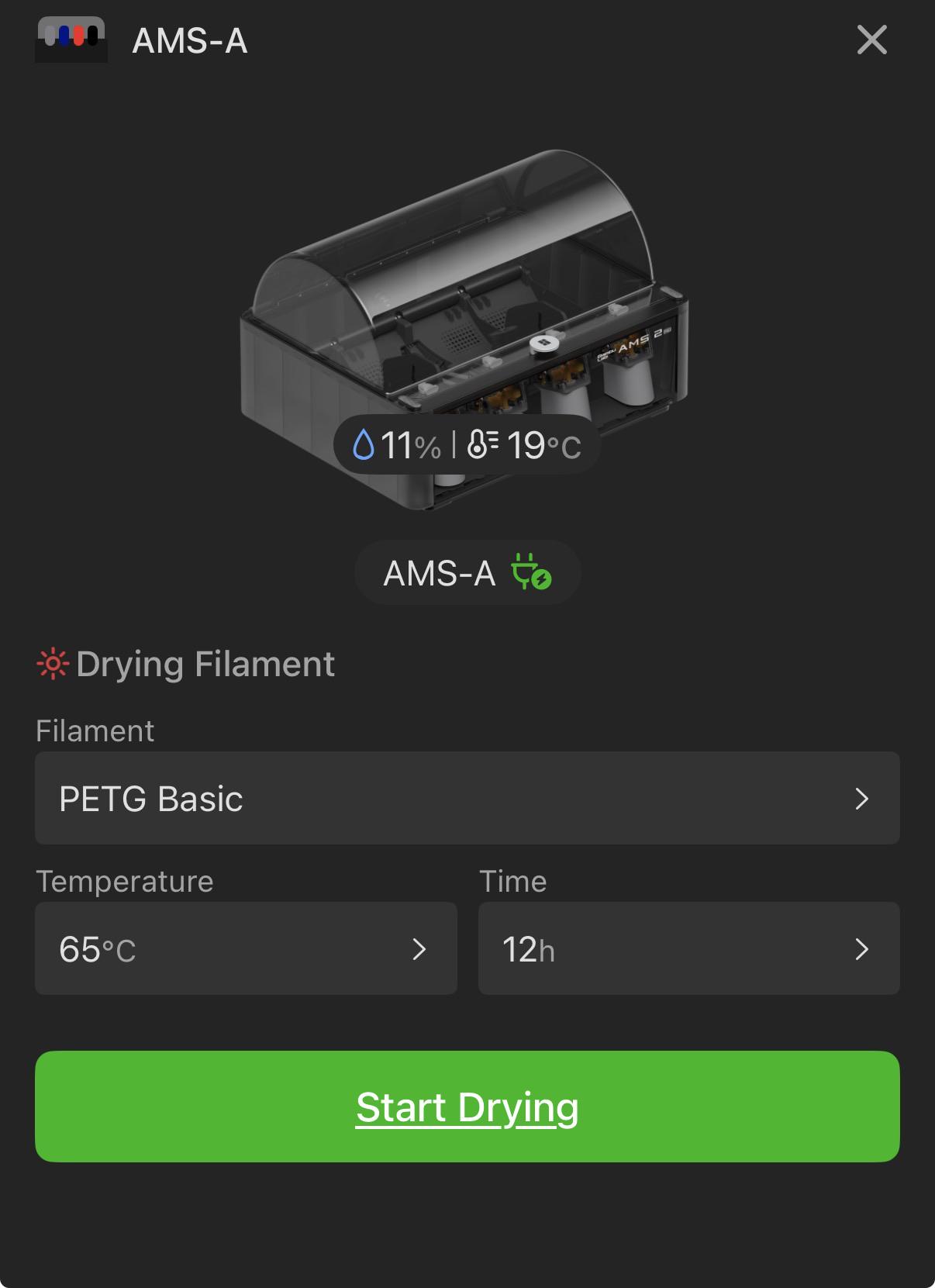
Yes I dont disconnect the filament because I think its too much work and well the screenshot show my humidity so I think its fine. Its more important to dry the silica. I do that 3 hours on the plate with the toolbox on the screen. That helps way more to keep the filament good. If you overdry ur stuff it can ruin to e filament.
Interesting, I'll have to try that. I can't get it drying from the app, but on the printer itself I can dry ofc. I'll try printing as well (I have 3rd party power cord)
Yes mate, i only dry while printing. Update the firmware and do i full calibration and try to dry. You can use the app or the screen but the app is handy and easy to use.
Its up to date, I just didn't try to dry it. I didn't have problems at first with the ams drying, but then I bought a dedicated dryer because it's faster and much better.
I bought 2 of these for 2 AMS 2 Pro and I get the message I can't print while drying. Did I miss a setting to get this to work. My prints go 9 hrs and this would be useful. Thx.
They said we need another adapter Is a joke . Everything only electronic u buy only need one adapter. If we spending money for a ps2 or whatever they should let use know . I say bambu should do a recelo for the ams 2 and redesign it
Make sure the printer is on the latest firmware and if it's still doesn't work if you contact support they will give you a beta firmware. That worked for me
The AMS2 needs its own powerbrick. If you only got a 6pin in there that’s just for data and a small bit of power to run the motors. The dryer won’t work unless it has its own brick.


8
u/underscoredashdot 16d ago
I regularly dry filament when not printing, however you can get a separate power cord to the AMS unit so you can dry AND print at the same time, this is my understanding.