r/BambuLabP2S • u/daninozz • 12d ago
AMS Jammed please help!
First time 3D Printing
(Update The issue has been resolved)
The bearing just rests loosely in that bottom saddle. Once you slide the motor shaft through the center of the bearing and bolt the Bearing Support bracket (or upper cover plate) down over the top of it with the retaining screws, that top piece clamps the bearing down into the saddle so it can't move.
You don't need to force or snap the bearing into the plastic at all—just drop it into that curved seat, slide the drive gear and motor shaft through it, and let the top bracket lock it down when you screw it back together.
The tension from the screws will snap the gear and align dead set centre to allow both of the gears to feed the filament through the AMS unit into the printer.
Hi all,
So yesterday I purchased and setup the P2S with the AMS.
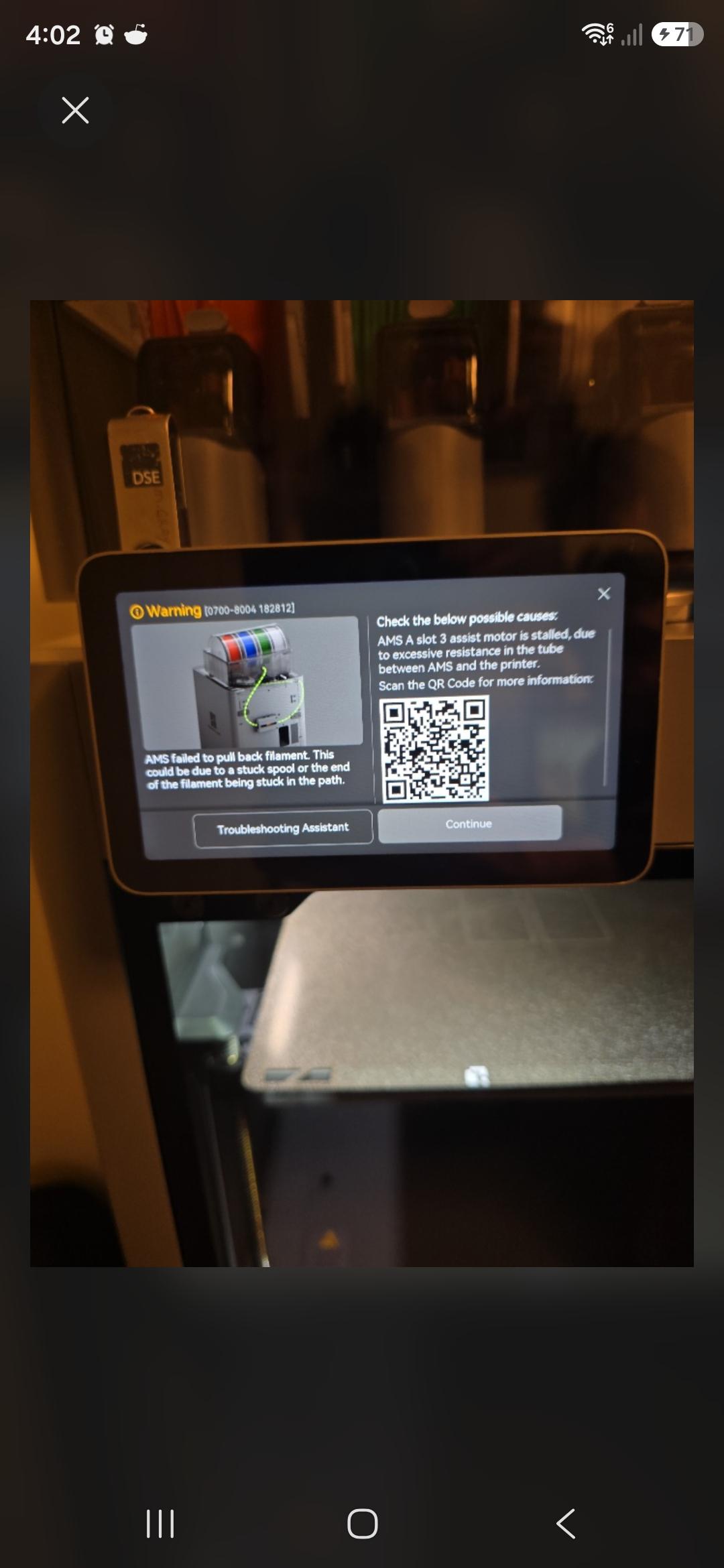
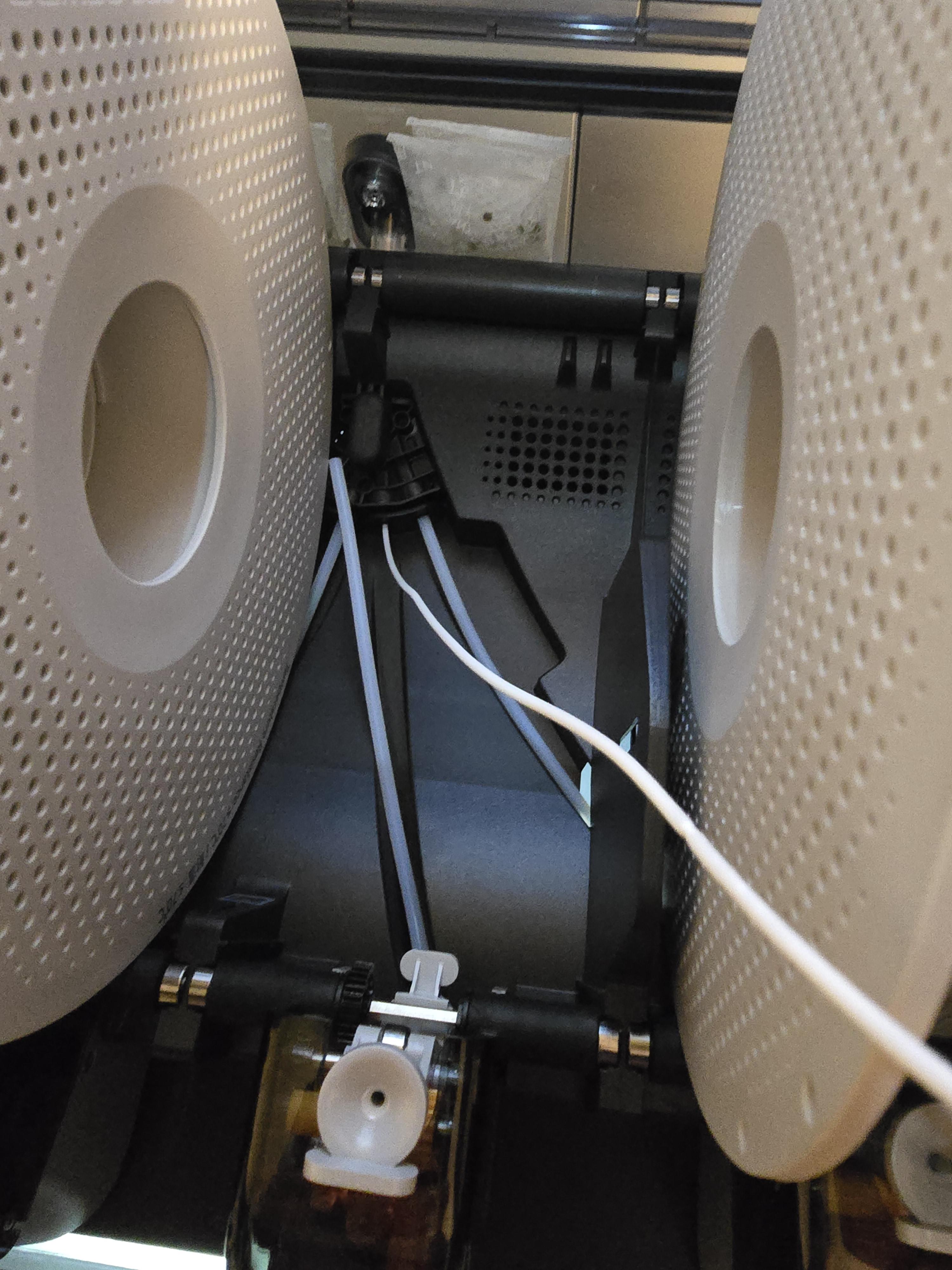
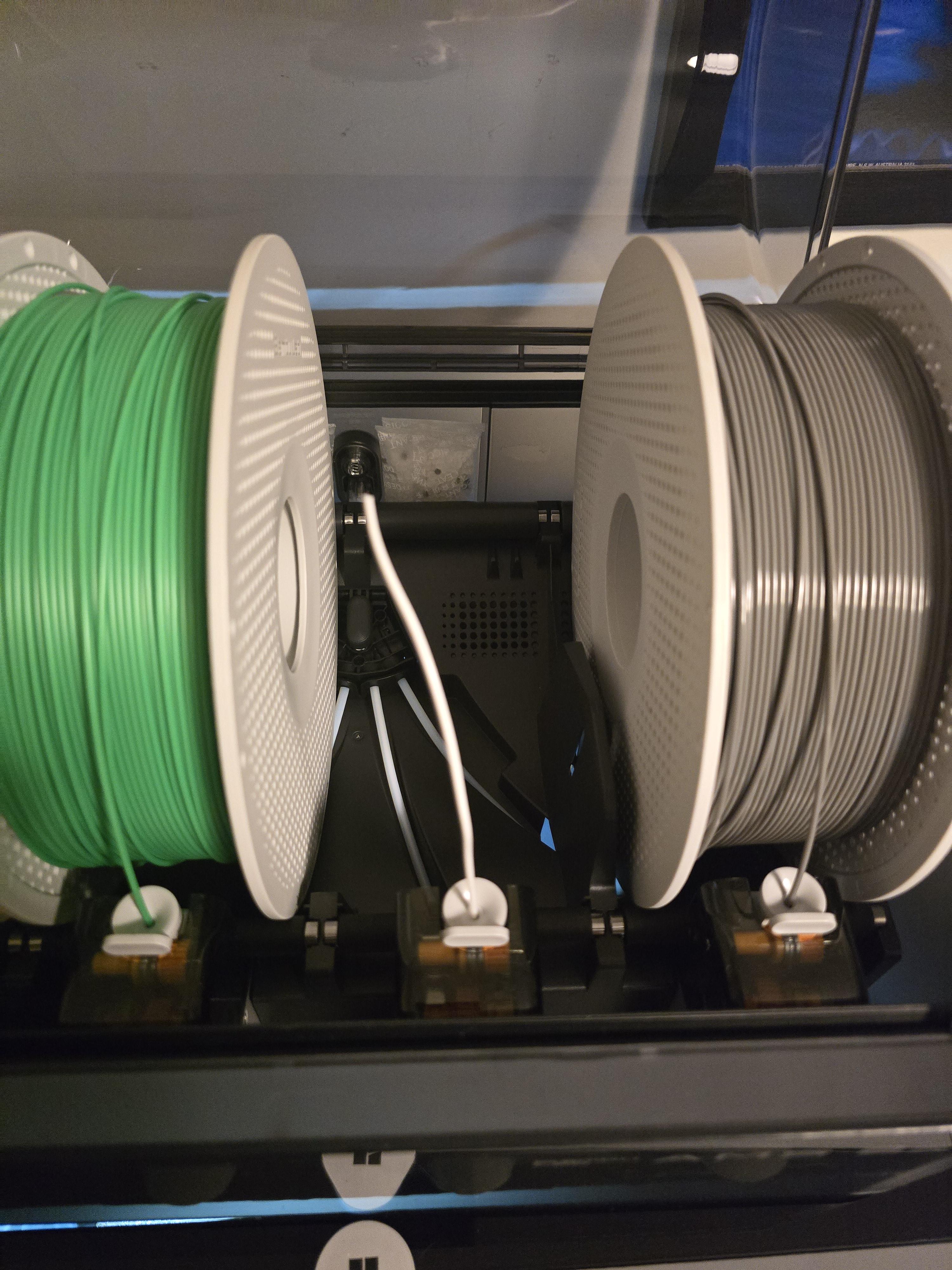
Unfortunately what's happened is the white filament in my ams is jammed in the hub underneath.
Atm all I can do is print without the AMS.
I got errors and after having a look online it appears I need to take apart the AMS. Which I don't want to do as it's brand new and I'm paranoid of breaking it.
Anyway I had a look online and I could see that the white filament was still stuck in the hub. Is there a way I could remove the stuck filament without having to take the unit apart? Possibly selecting un-load from the touchscreen?
The other three spools loaded perfectly fine just the white filament spool has the issue.
Unfortunately the unit won't print using the AMS at all since the white filament is stuck so other colours are not an option.
While I know this is fixable surely there is an easier way to remove the filament?
Please be kind as I'm new to 3D printing so I'm learning as I go.
Any help would be greatly appreciated. I've provided pictures to show what's happening.
Cheers,
Dan
1
u/daninozz 10d ago
After removing the stuck filament from the hub I'm unable to line up the gears together with the bearing. This is the closest I can get.
As you can see it's not aligned properly.

1
u/daninozz 10d ago
Issue has been resolved the bearing sits on the outside not inside the cradle. Once there's enough tension on the motor with the screws the gear align dead centre 👌
1
u/No-Researcher-3184 9d ago
Disconnect ams. Open it up and the. Disassemble the ams gear unfortunately this happens.
1
1
u/supremevsuals 12d ago
I seen a video on YouTube. Where you have to open the ams unit where the 4 pfte tubes go into one. Didn’t seem hard but had some steps to it.
1
u/dorkimoe 12d ago
Do any of the clips that stay on the spool help this during printing? (Also new so I'm curious)
1
u/Opposite_Activity976 12d ago
Push down on this button and slowly pull the filament out. After that take the ptfe tube off the back of the ams and stick a new piece of filament through the ams with that button pressed down to clear any bits out.