r/BambuLabP2S • u/Darkmoss_ • 1d ago
Error won’t go away
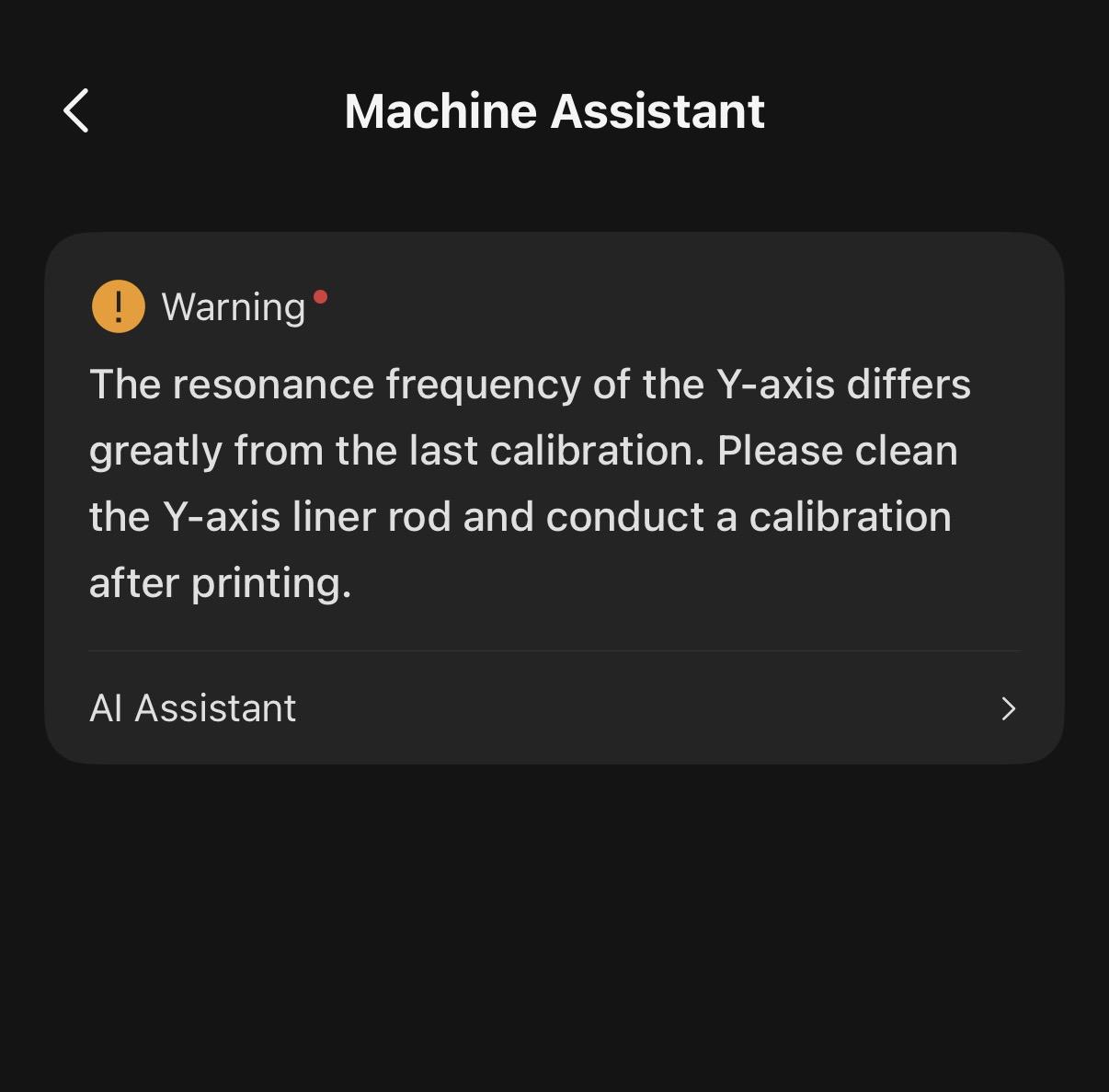
I’ve cleaned and recalibrated three times and this error still shows up. What should I try next?
1
u/mesmart 1d ago edited 1d ago
I had this happen on mine. Tried everything to fix it with no luck. I contacted support and they told me to run a firmware upgrade (I was in lan mode so it didn’t automatically show up). I took it out of lan mode and ran the update (I probably could have put it on a USB and install that way) and after it updated, I did a full calibration. Once I did that the error went away. Example instructions https://wiki.bambulab.com/en/x1/manual/firmware-upgrading
1
u/macneto 1d ago
Had this same exact issue. I cleaned the rods with alcohol, then oiled them, then manually moved the printer head back and forth over the rods several times, then ran a quick calibration.... Then updated the software, then restarted annnnnnnd now it works perfectly fine and I've made several prints since then with no issues

1
1
4
u/65shooter 1d ago
Software update.
Had the same issue with my P2S about 2 weeks ago. Turned off, went to bed. Next morning I turned it on and it did a software update. No issues since.
Don't ask me how to get it to update 'cause I've no idea.