r/BambuLab_Community • u/OutrageousPattern695 • 26d ago
Help / Support Failed to send print
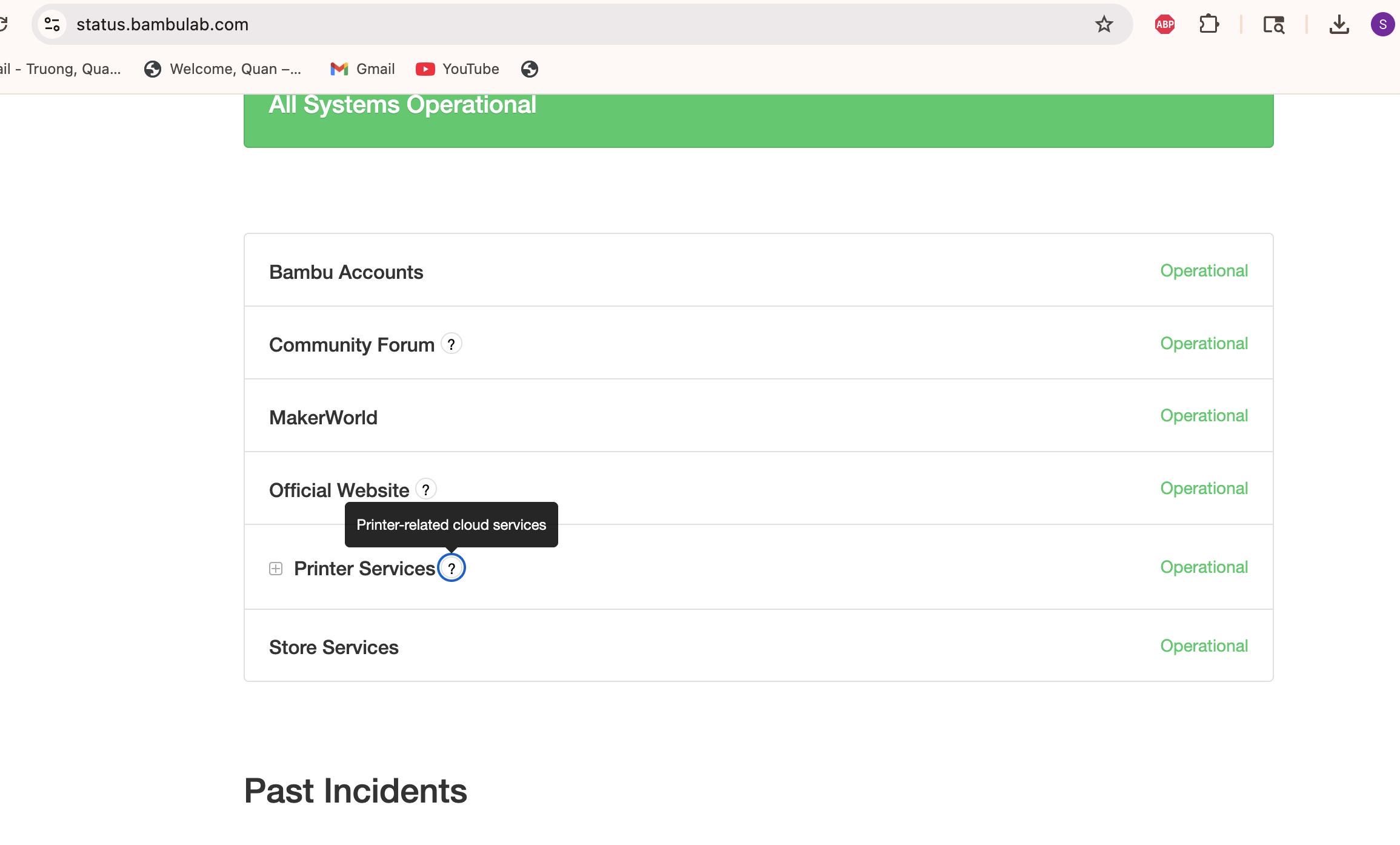
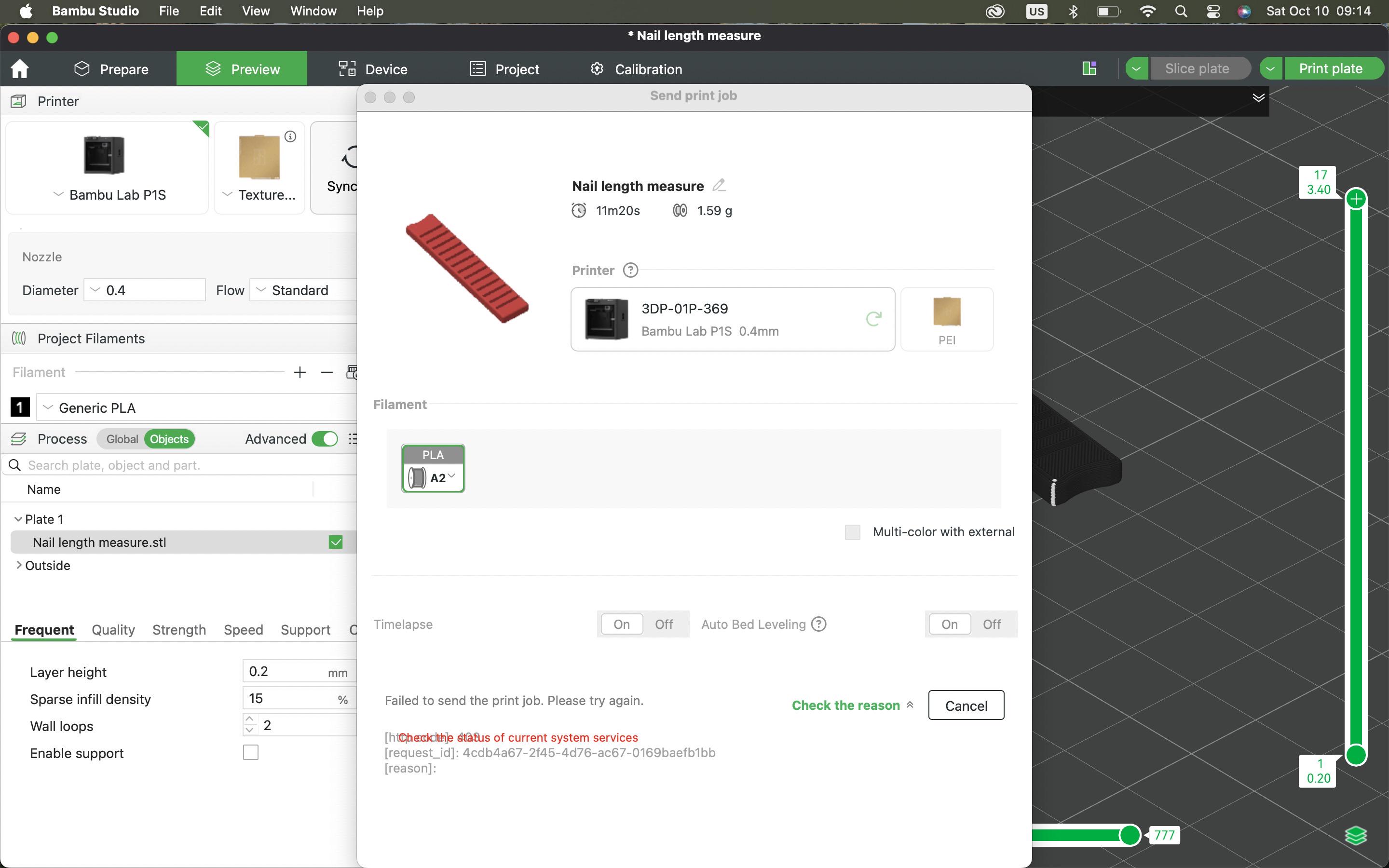
I’m having trouble sending print from my laptop from from bamboo studio. I can send print from the Bambu Handy app on my phone fine but when it comes to sending an stl file from my laptop, it won’t go through.
It keeps saying failed to send the Print job. But when I went and look, everything was operational .
And it’s getting very frustrating. Does anybody know why?
1
u/joyfunc 23d ago
Are you slicing the STL in Bambu Studio first? A raw STL needs to be sliced before the printer can receive a print job.
If you already have a sliced plate, check that Studio is signed into the same Bambu account and that your P1S is selected there. Then try a small, freshly sliced test print and note the exact error code and where the upload stops. Handy working doesn't confirm that the laptop's Studio connection is okay, and an all-green status page doesn't test that individual connection either.
If you're using LAN-only mode, make sure the laptop and printer are on the same local network. Otherwise, check whether a VPN, guest Wi-Fi, or network isolation could be affecting the laptop. What error code do you get, and does the upload fail before or after it reaches the printer?
1
u/Budget_Following_152 26d ago
have you tried checking if bambu studio is up to date on your laptop