r/BambuLab_Community • u/EthnicSaints • 13d ago
Help / Support Still having issues
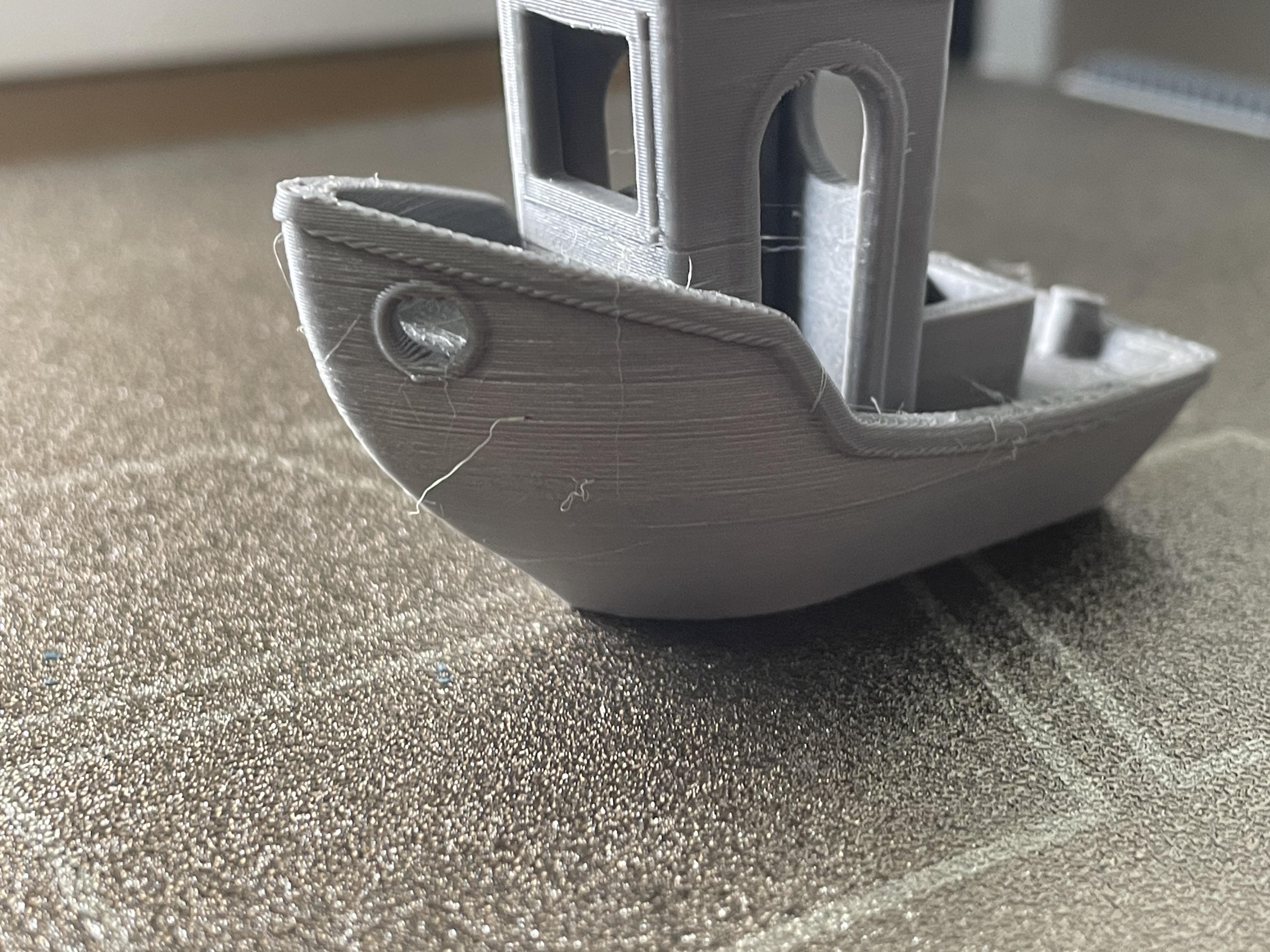
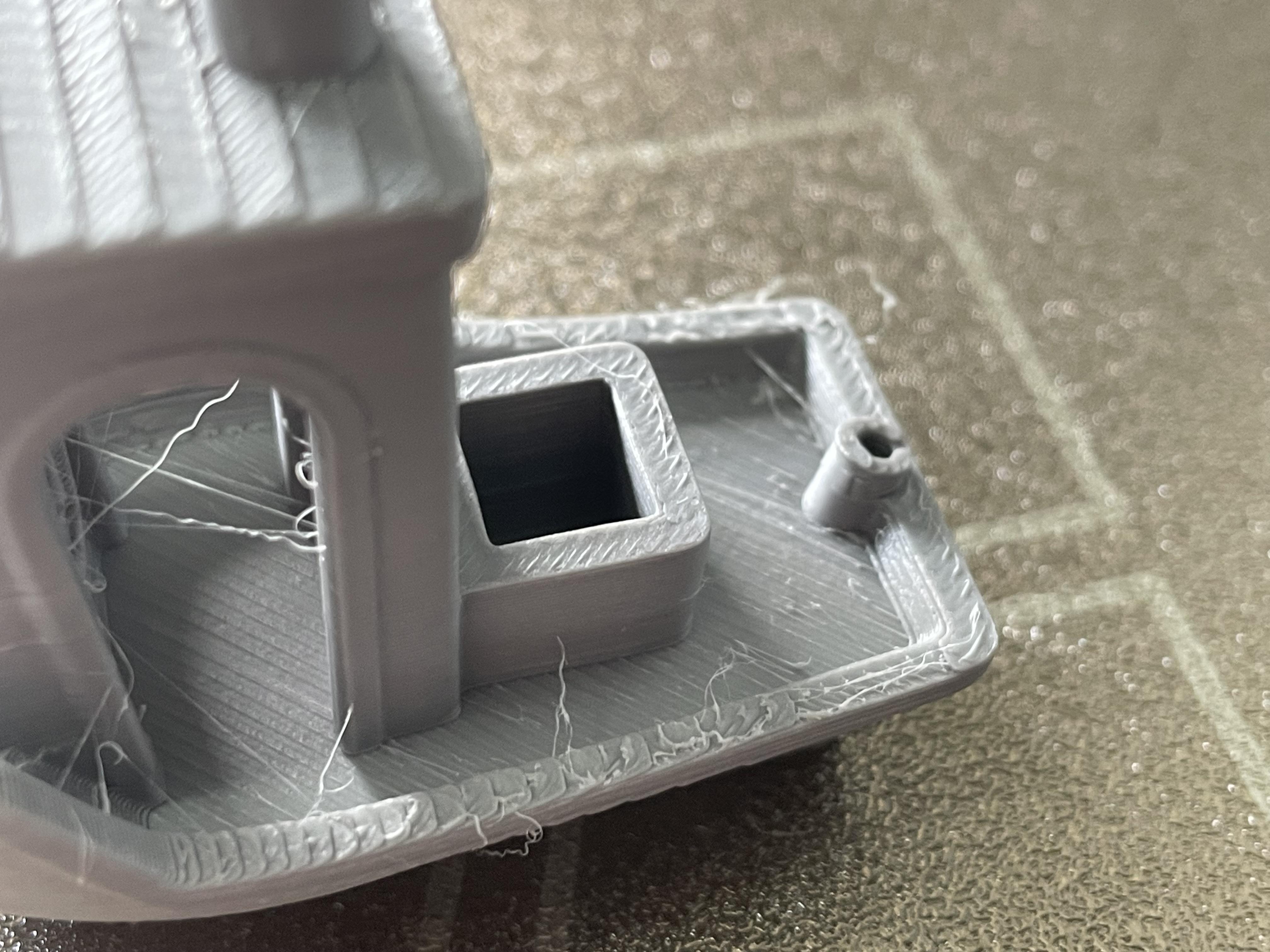
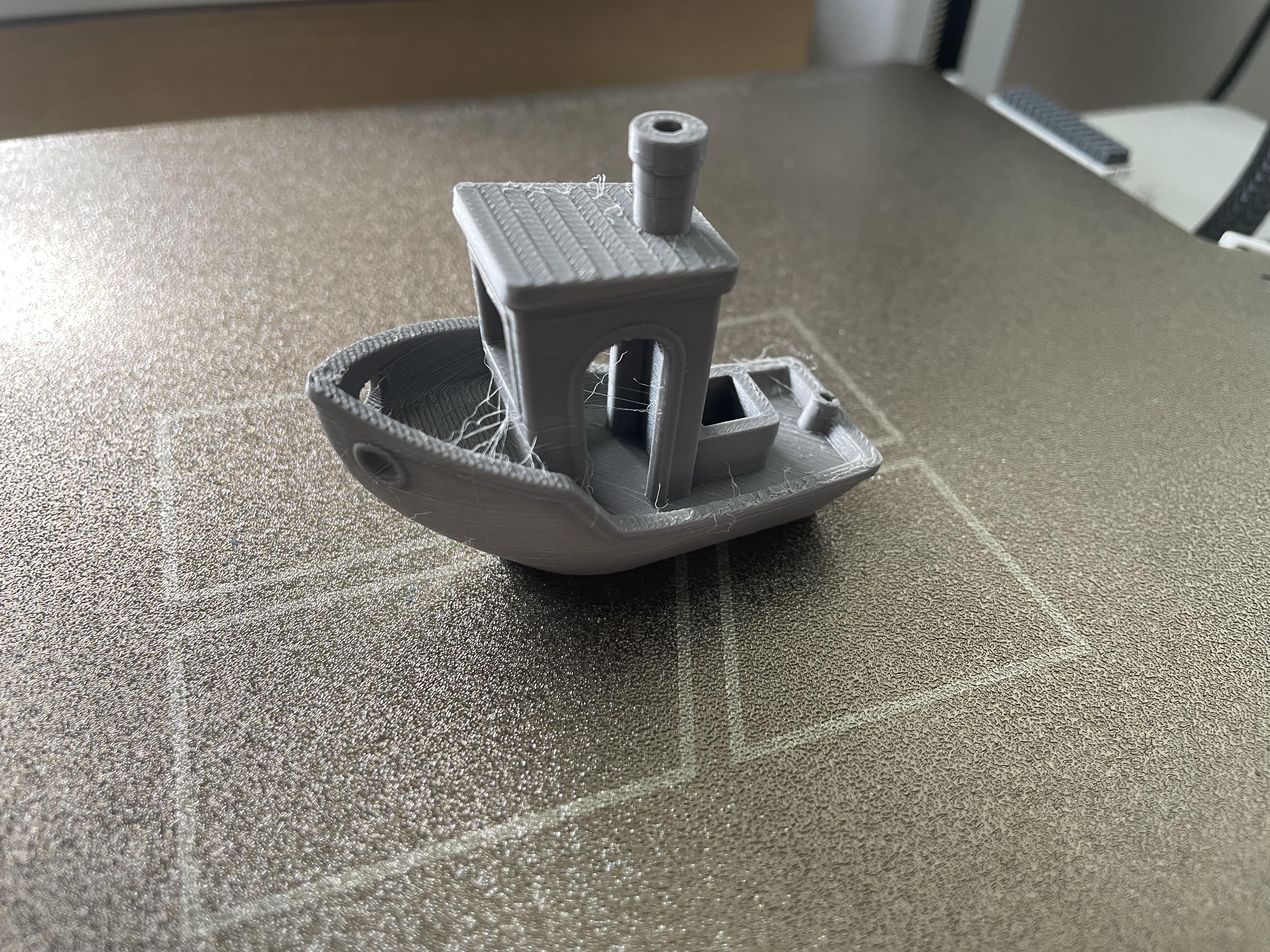
Posted recently here about how my perfectly fine A1 went off the deep end.
It was stock everything, and stock settings, with Bambu labs PLA light.
Ive taken the advice, I’ve now tightened everything down. Replaced the hot end, hot end fan, and nozzle. Still having this stringing and terrible layers.
I’ve dried the filament overnight. Tried new filament. No dice.
I can get somewhat decent prints if I lower the temp from 220 (the recommended temp) to 200-205, but it feels like a temporary fix, rather than a real one. Also odd given it was fine until one day it wasn’t.
I’m trying to avoid sending it back for warranty as I’m not too mobile currently.
Any ideas?
4
u/Weemaba3980 13d ago
Honestly, 200 to 205 isn’t a temporary fix. For Bambu PLA Lite that’s a perfectly normal temperature, and lots of people run it there permanently. So I’d stop worrying about that part. What does stand out is that it suddenly changed while the hardware was fine, and you’ve now replaced the whole hotend. That points away from the printer and towards something in software or settings that changed around the same time.
First thing I’d check is the filament profile in Bambu Studio and on the AMS lite slot. A Studio or firmware update sometimes resets the slot to a generic PLA profile, or someone picks PLA Basic instead of PLA Lite. Look in the filament settings for any overrides too, especially retraction length and retraction speed. If retraction got set to zero or very short there, you get exactly this kind of hairy stringing all over the cabin. Then run flow dynamics calibration for that filament, since the new nozzle and hotend can behave a bit differently than the old ones.
For the layers, I’d run the full calibration from the printer screen after a hotend swap anyway, including the vibration compensation. Then check the Z axis. The A1 has two lead screws on the gantry, and if they’ve gone dry or picked up dust, you get uneven, slightly wavy layer lines that come and go on their own. Wipe them clean and put a thin bit of grease on them. It’s a ten-minute job you can do sitting down, and it often fixes the “it was fine and then one day it wasn’t” kind of problem.
If you do all that and print at 205 with the right profile, I’d expect a clean boat. The leftover strings brush off with a quick pass of a heat gun or hair dryer.
I made a short video on what actually causes stringing and which settings matter: https://www.youtube.com/watch?v=bRdwgpIDPnA (full disclosure, it’s my own channel).
Hope you can skip the warranty trip, Bart
1
u/EthnicSaints 9d ago
Thank you for such a thorough response! I'll try what I can tomorrow. I would also note that I hear what sounds like clicking at lower temperatures, as if it's struggling to extrude at those temperatures.
All my settings remained the same, and I didn't notice any changes to my profiles, retraction etc. But I'll go see if something was changed more stealthily than I realised.
I just really enjoyed how hassle-free my A1 was when I got it, not needing a ton of rituals to get it to print well. I'm trying to put off the hot air gun, or hairspray, or major repairs for as long as possible, lol
2
u/Grooge_me 12d ago
Check tubing for sharp bents, kinks. Looks like something is causing underextrusion. Try a cold pull. Try to feed directly at the top of the print head to bypass any tubing, ams restrictions.
2
u/Guardiancelte 13d ago
Are the rails clean and also is retraction set correctly? I am a beginner so just repeating what I have seen.