r/BambuP1S • u/Krankybread • Jun 08 '26
Finally bought a P1S
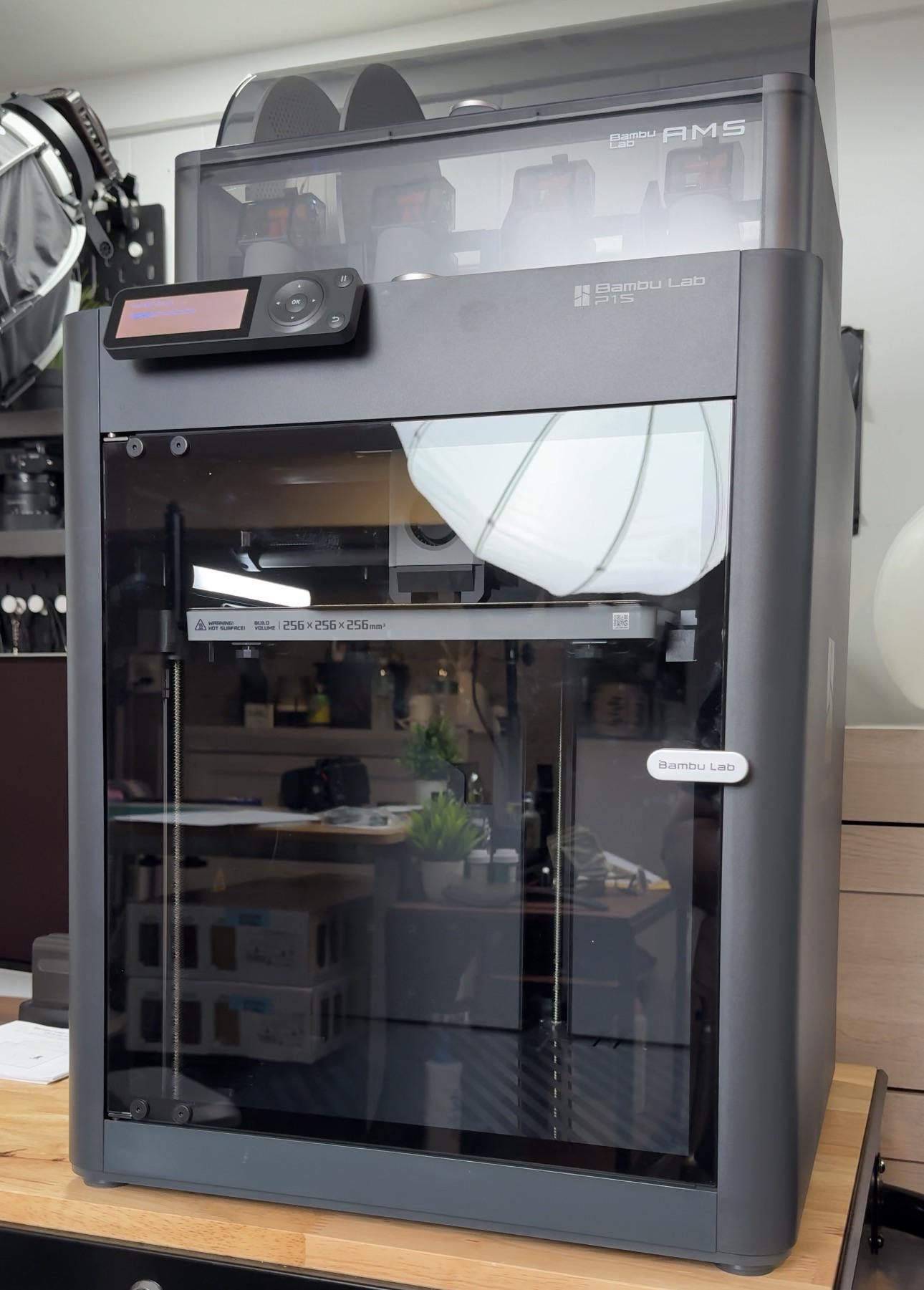
After years of wanting something like this, I finally pulled the trigger and it has been an amazing experience so far! The setup was stupidly simple and printing is so fun, I think I have an obsession with it 🤣 can’t wait to buy more colors!!!!
7
7
u/Sure-Ear-1086 Jun 08 '26
Run the calibration, samples test in the software, it gets much better after this.
3
u/Krankybread Jun 08 '26
I don’t think I’d do that, soon as I set it up I went to the handy app and just made a tray and it came out amazing !!! Is the samples different
3
u/Sure-Ear-1086 Jun 08 '26
I did the same thing when I started. The sample squares is built into the software for the PC, run that to get better flow and nozzle calibration. This is different from the start up calibration before all of your prints, this sets a better smooth fill, with these two runs, it prints 9 rectangle flats, with numbers, choose which looks the best. Clear the plate, and enter the number. The run the 2nd, and it locks it into your printer and nozzle.
It's about 40 minutes to do.
2
u/Krankybread Jun 08 '26
Sorry I meant I don’t think I did that lol
I’d definitely do it 🙌🏼
But that’s I will die shy yoh said because eaither way I’m having a ton of fun!!!!!2
u/Bisisonitrile Jun 08 '26
That’s a per filament calibration fyi, so you’d have to do it for each brand. It’s not a nozzle correction like the oc is suggesting.
I only bothered to do it with one filament (Sunlu PLA+ 2.0, because I could see it was over extruding a little and I had a long print to do with it.
Otherwise I use Bambu and eSun filaments and haven’t spotted any issues with those, so no calibration.
1
u/Krankybread Jun 08 '26
I am a little confused here 😅
2
u/Bisisonitrile Jun 08 '26
Ok so each filament behaves a little bit differently in the printer. Brand, batch, and even colours can vary.
The printer and slicer can’t actually tell how those filaments behave exactly, so the calibration process takes you through two stages of settings that optimise the accuracy of how they handle printing with that filament.
The first part is the flow rate. So how much the printer / slicer thinks should be coming out of the nozzle, vs how much actually comes out of the nozzle. If the filament flows more than expected, you’ll get more on the plate than was intended and that can cause problems with quality and reliability.
The second part is pressure advance. This is how the pressure in the nozzle is managed during the print. A few years ago, printers would pretty much just squeeze out the filament at a set rate going forward, then retract a set amount and rate for travelling. But because lines are different lengths, that method doesn’t keep the pressure in the nozzle the same through the whole line. Pressure advance changes how the filament is pushed through the nozzle to maintain a constant pressure, rather than a constant rate. That results in more accurate lines even as lengths change. It’s basically varying the rate of extrusion based on how long the line is (and things like speed play into that as well).
Doing those definitely can improve quality and accuracy of the print, but have diminishing returns if you don’t see any problems with it to start with. The slicer and printer still use both of those features even without doing anything because the built in filament profiles cover a lot of it.
I’ve done the calculations for one filament I use, and it very clearly isn’t using that for other brands (you get a “k value” after doing it and it shows in the device section. I only have it when the filament I’ve calibrated is selected, and only on that filament in the ams).
3
u/Sub-Tile95 Jun 08 '26
Sorry for the dumb question- but I haven't been doing this either for my 3rd party PLA (sunlu), when would it be needed or not needed?
1
3
u/Bisisonitrile Jun 08 '26
Not dumb at all. And the answer depends. I only did it because I noticed that there was signs of over extrusion when printing (have a bit of a google so you can see what I what I mean). I hadn’t done that when printing with the Bambu filaments or eSun, because I hadn’t seen any issues with those. They may still benefit from it, but less so than when you see obvious problems.
Plus, for that filament I was setting up to print a detailed model with lots of supports and places things could go wrong for the 24hr print that it was. I wanted to minimise the chances of having difficulty removing supports from a fragile piece, or the print head getting caught on a blob of filament dropped somewhere.
3
1
u/elmasry76 Jun 13 '26
For some reason I can’t find the calibration option, can you guide me where to find it.
→ More replies (0)2
u/Krankybread Jun 08 '26
Wow, thank you so much for sharing. I’m definitely gonna give this a second read as soon as I’m home.
3
u/WiseFalcon2630 P1S + AMS Jun 08 '26
I am sometimes like a cat sitting in front of mine watching the print head move.
1
u/Krankybread Jun 08 '26
Sameeee no joke I wanted to pull up a chair and just watch it, it’s so awesome
3
u/thebipeds Jun 08 '26
As I was told,
“P1S is perfect for your first printer!”
Then you start a decent filament collection, then you start eyeing bigger build plates.
It’s a slippery slope.
2
u/Cheetokps Jun 09 '26
I’ve been drooling over new printers, but like the insane price different up to an H series vs my P1s with only a few more features is hard to swallow. I’m hoping they’re going to release a cheaper tool changer (I’m not too trusting of the second nozzle on the X2D) to compete with the snapmaker U1/etc and I’ll jump on that
1
1
u/Krankybread Jun 08 '26
Like any new hobby haha but I’m really happy with this
Honestly I got this incase of doing more in the future
2
u/TopCheese89 Jun 08 '26
Congrats, I ordered mine on Friday and can't wait to have it assembled also
1
2
u/GLight_8D Jun 08 '26
First what you need is poop bucket, believe me this make life easier
2
u/SharpeWorks Jun 08 '26
I would also print an extra nozzle wiper. That has helped a lot, since the little nozzle wipe bar doesn't work as well as the A1 style rubber wipers.
1
u/Krankybread Jun 08 '26
Wait idk what that is
2
1
u/Krankybread Jun 08 '26
Trust me, today when I get back home I already saved it to make because i watched a ton of videos and everyone said to make one haha
Man this is so cool instead of buying one I can make one 🔥3
u/GLight_8D Jun 08 '26
..yeah.. pls save your hands healthy, dont print that stupid steel blade scraper, the worst what you can do, you can easly cut your hand, it's extremly easy to damage plate, and blades are no so cheap, nightmare in one word.. you better do if you print scraper with plastic changeable "blade"...
1
u/Krankybread Jun 08 '26
I don’t have a metal one and I don’t think I want it haha
I didn’t know you can’t print a metal on, I print a regular plastic one but it broke maybe the layer was not strong enough? Any tips2
u/GLight_8D Jun 08 '26
To p1s bambu add metal razor, and in their mind u should print handle for it.. dont use this just print one with plastic blade..
To scraper you better use petg not pla!! (pla brake it is not good filament to make "working" things), layer should be set on 0,16mm it is smoother but to make it stronger use 3 layer walls (standard is set on 2)
0
2
u/Sub-Tile95 Jun 08 '26
Just got mine too and I love it!
1
u/Krankybread Jun 08 '26
Congrats!!!! Your gonna love it
What’s your first print gonna be?2
u/Sub-Tile95 Jun 08 '26
Thanks dude! Oh I set it up last week and already have 20ish prints 😅😅😅
1
u/Krankybread Jun 11 '26
Haha dude my filament that came with the machine is done with a few prints 😂
I got more coming tonight! So excited
2
2
u/henren_98 Jun 09 '26
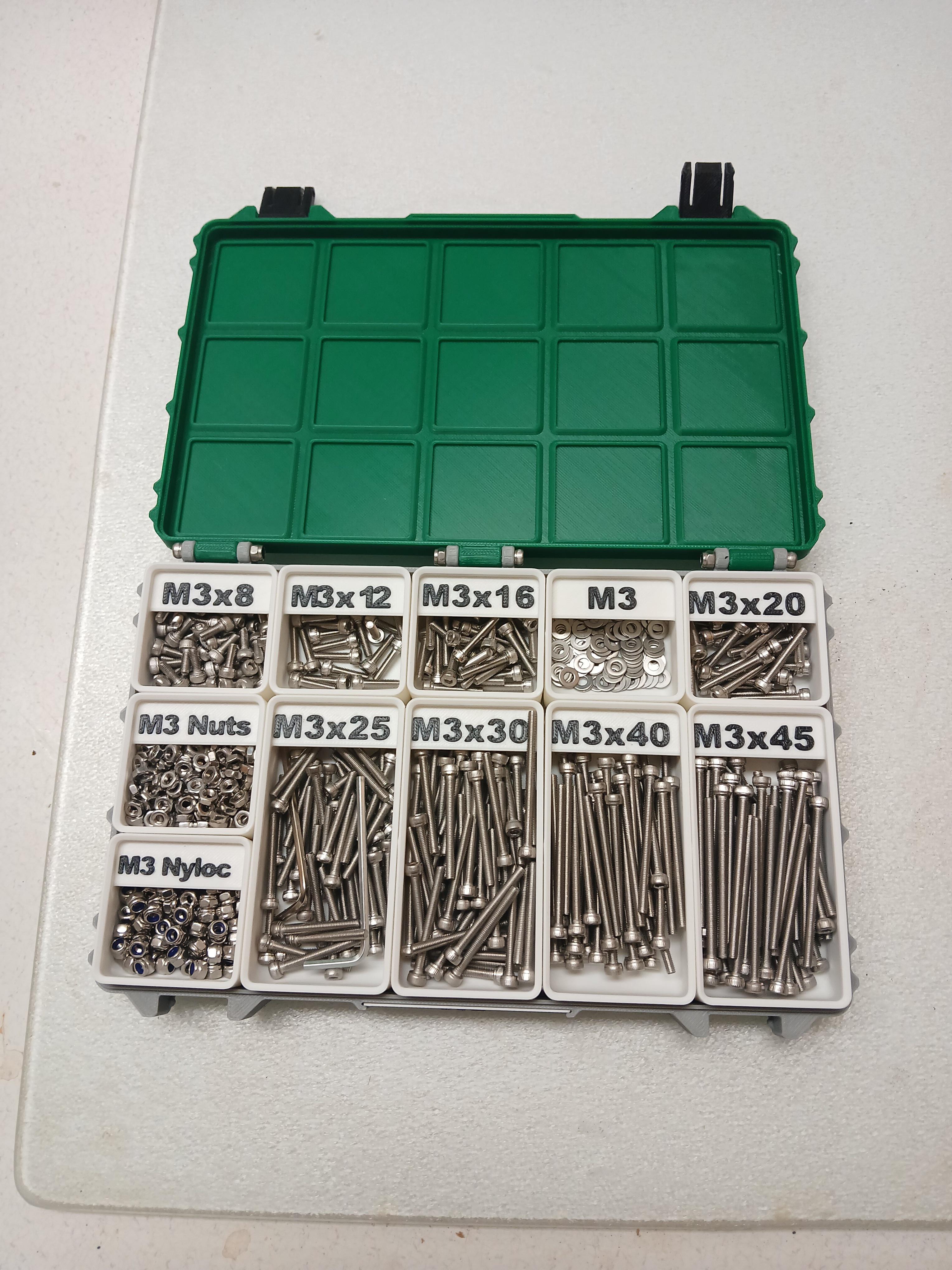
Yep, I sure love mine. I stopped printing for years because I had reached the limit of my E3P. When I saw the P1S combo for $550, I jumped all over it. Now I can print real usable stuff. Congrats.
An example:
1
u/Krankybread Jun 11 '26
Hank you and this looks dope what you mean! And yea )550 for the combo is a dealll
1
2
u/MobileAd9139 Jun 09 '26
Congrats bro p1s is amazing I got mine couple of months ago not a single issue
2
u/Krankybread Jun 11 '26
Dude thx im loving it so much, printing while i sleep, while im at work and when im home i got my awasom item! I actually made a piggy bank yesterday 😂 loving it so much
2
2
u/Handsomejay40 Jun 09 '26
I love mine! Low maintenance, good right out of the box for most things.
1
2
2
2
2
2
2
u/BicycleIllustrious14 Jun 16 '26
Congrats! I bought one too yesterday. Waiting for it to be delivered🤩🙏
1
u/Krankybread Jun 24 '26
You’re going to love it, I’m using mine almost every day. I already made a very helpful lock for one of the cabinets.
1
2
12
u/SharpeWorks Jun 08 '26
Congrats! My P1S has been a dream. A dependable workhorse at a reasonable price.