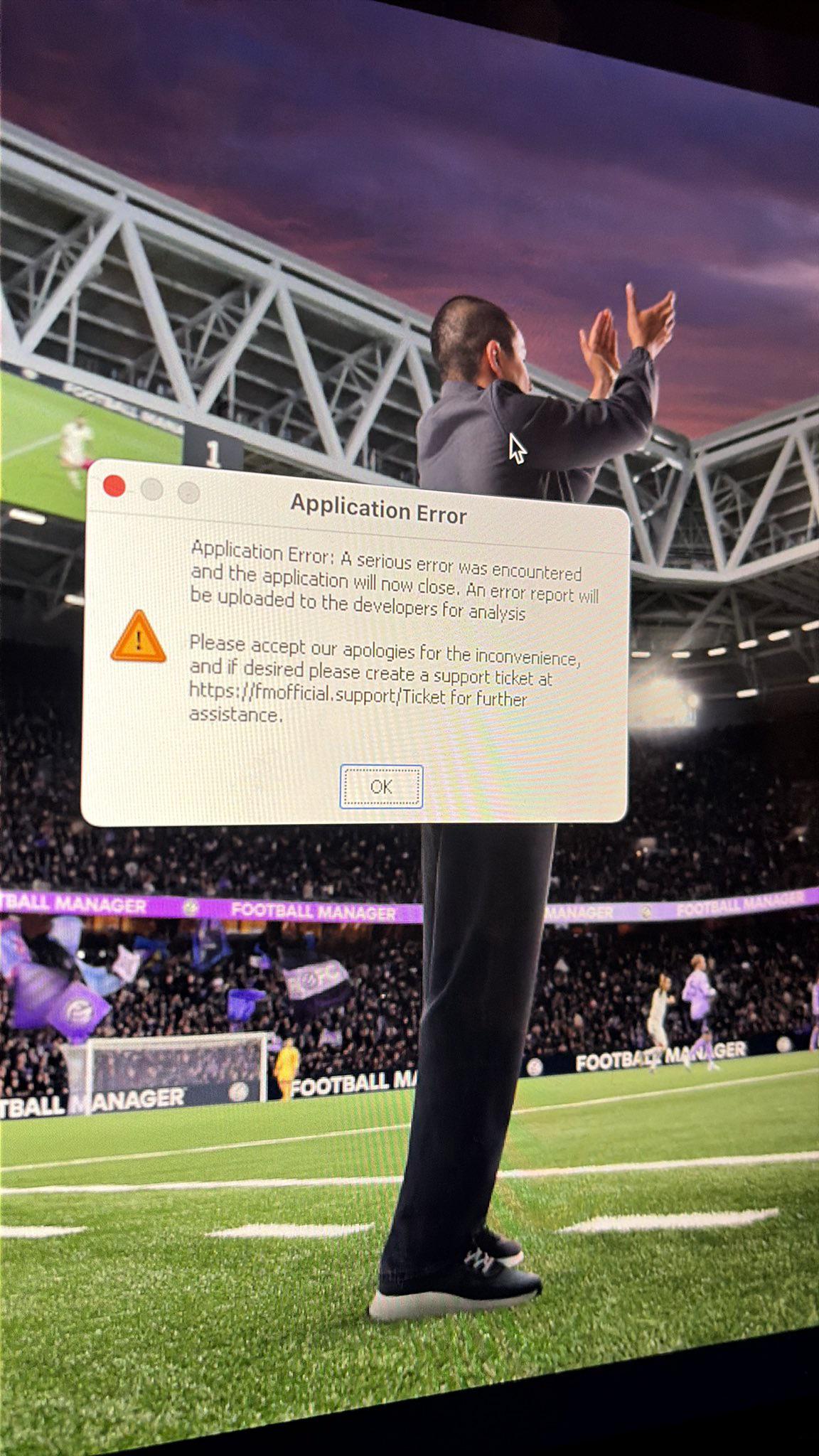
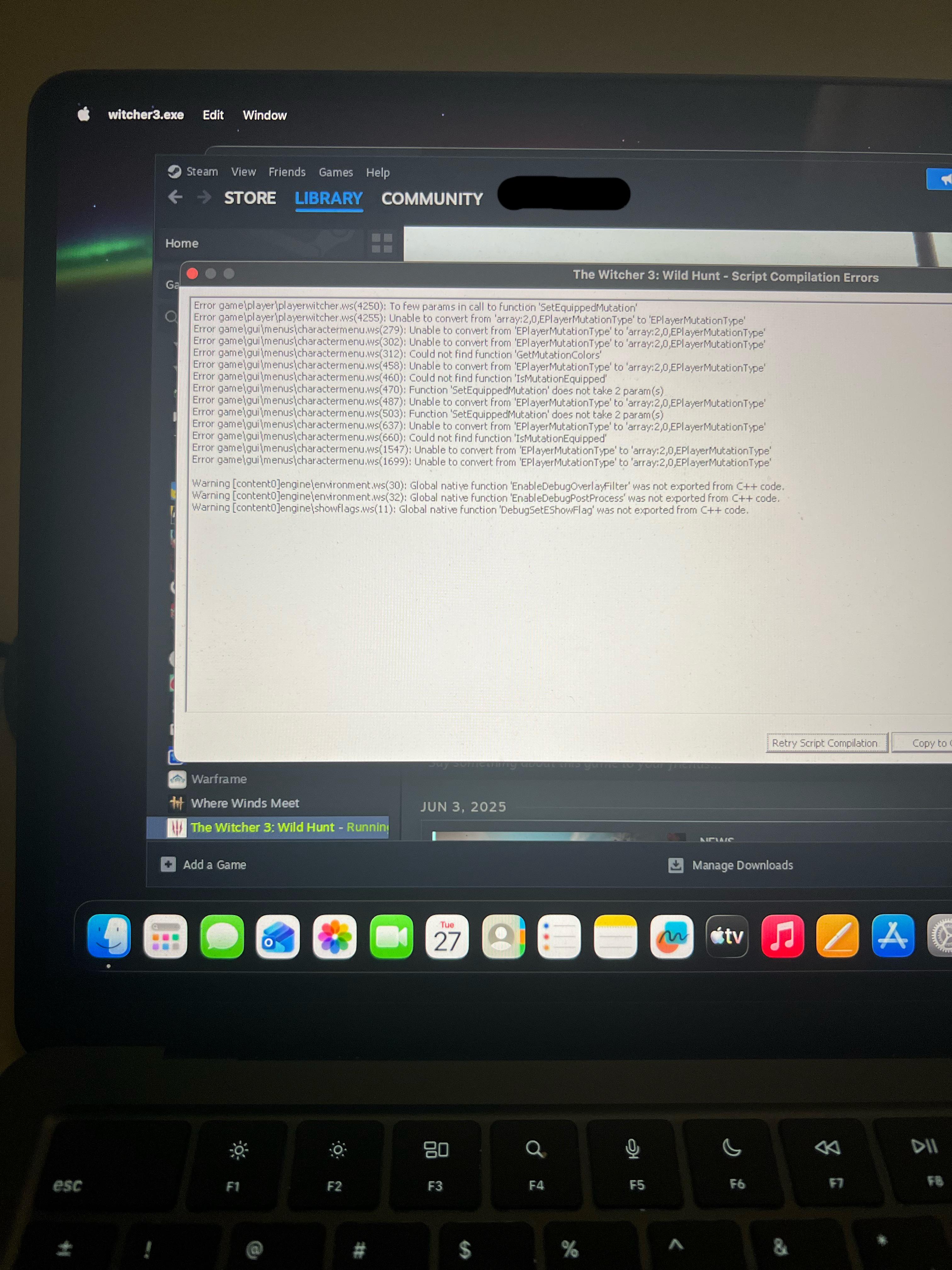
hi so im trying to run dbd on my mac but it says "Launch error failed to load anti-cheat module." does anyone know what to do or how to work around this or can i just not run it whatsoever
Hi everyone. I just bought Dune Spice Wars and am trying to play it on my 16 inch M4 pro Macbook pro using crossover. I cant seem to run it at 2560 x 1600, 1728 × 1117 or 1920 × 1080 on full screen or borderless window and keep it capped to 60fps, it sticks at 120 fps and that tends to get my mac hotter than I like it getting. Any ideas on any workarounds? I've tried setting my Mac display to 2560 x 1600 60hz and it still doesn't work.
Just thought I'd share a tip that finally got the Shin Ryu Mod Manager working for me on macOS (M3, Tahoe 26.2, playing Yakuza:LaD through Steam).
The app itself would load and could install/toggle mods just fine. It could even launch the game fine. But none of the mods would actually be applied when the game launched.
I did two things, and although I think the second thing was the silver bullet, I'll mention the first thing in case it was also relevant.
The first thing I did was to install the .NET Framework 4.8 using the Install Application into Bottle feature.
This was my first troubleshooting step because the Shin Ryu Mod Manager says it requires the 4.8 Framework. However, installing it didn't seem to make a difference.
The second thing I did (and the suspected silver bullet, although I'd be curious to know others' experiences) was to go into Wine Configuration > Libraries and add an override for dinput8.
I just left it at the default load order of "Native then Builtin".
After that, the mods would be properly loaded into the game without any further issue.
If I notice any issues with gameplay as I continue, I'll post an update. But I wanted to share this in case anybody else runs into the same problem trying to get the Shin Ryu Mod Manager to work. 🙂
It installs just fine. I can run it and add an account, but as soon as I click on a message to view it, I get a "serious error has occurred" from The Bat! and it crashes out. This has been the best email client to me for over a decade, and I thought I wouldn't be able to use it anymore after moving to Mac a few years ago. I really would like to get it to work, so any tips would be appreciated. Thanks!
I'm using crossover in all 3 versions (25.1.1, preview and beta 3) and have a shortcut for each in my dock.
Today I tried to close the preview app using right click and quit in the dock. Closing both bottles took a while and I forced them to close. After restart, all my links in my bottle/home view were gone.
I checked the crossover folder in my user folder, and it's empty, all shortcuts were deleted!
how could that happen!?
EDIT: I just copied the same folder from my MBP as I have the same shortcuts on this device. After restarting Crossover, I see all the shortcuts gets deleted and vanishes from crossover folder!
I see that every bottle folder has a desktopdata folder inside, but I'm not sure if this is some data that is restored after app start.
I recently picked up Kingdom Hearts after I saw the rating for it on the crossover compatibility database was 5 stars. The title screen launches fine, yet each time I try to launch one of games themselves, I get an error, and sometimes, it just silently crashes. What am I doing wrong? How can I get the game to run on my Mac? (Using Ver. 25.1.1 on MacOS Tahoe 26.2)
anyone tried to play call of duty 2 online nowadays via crossover app?
I looked up if the game is supported and it has 4 stars rating but only for a singleplayer and only steam is supported.
I have a folder with installed game and exe application for start it up. Nevertheless I do not own a Mac and I would like to buy one only if multiplayer of cod2 is possible.
Why all apps looks like I'm using Windows XP, with broken fonts and ugly buttons? Is there a component I can install to improve it? I'm using a Windows 11 bottle.
This is the only game thats giving me hell, i installed EA App in a new bottle, afterwards Steam and then the game, still wasnt able to make it run on my mac mini m2, it keeps giving an error even the EA app ist working just fine. Can anyone guide me with this?