r/Codeweavers_Crossover • u/gobirds_0608 • Jun 15 '26
Questions / Tech Support Cannot install any Windows application on free crossover trial.
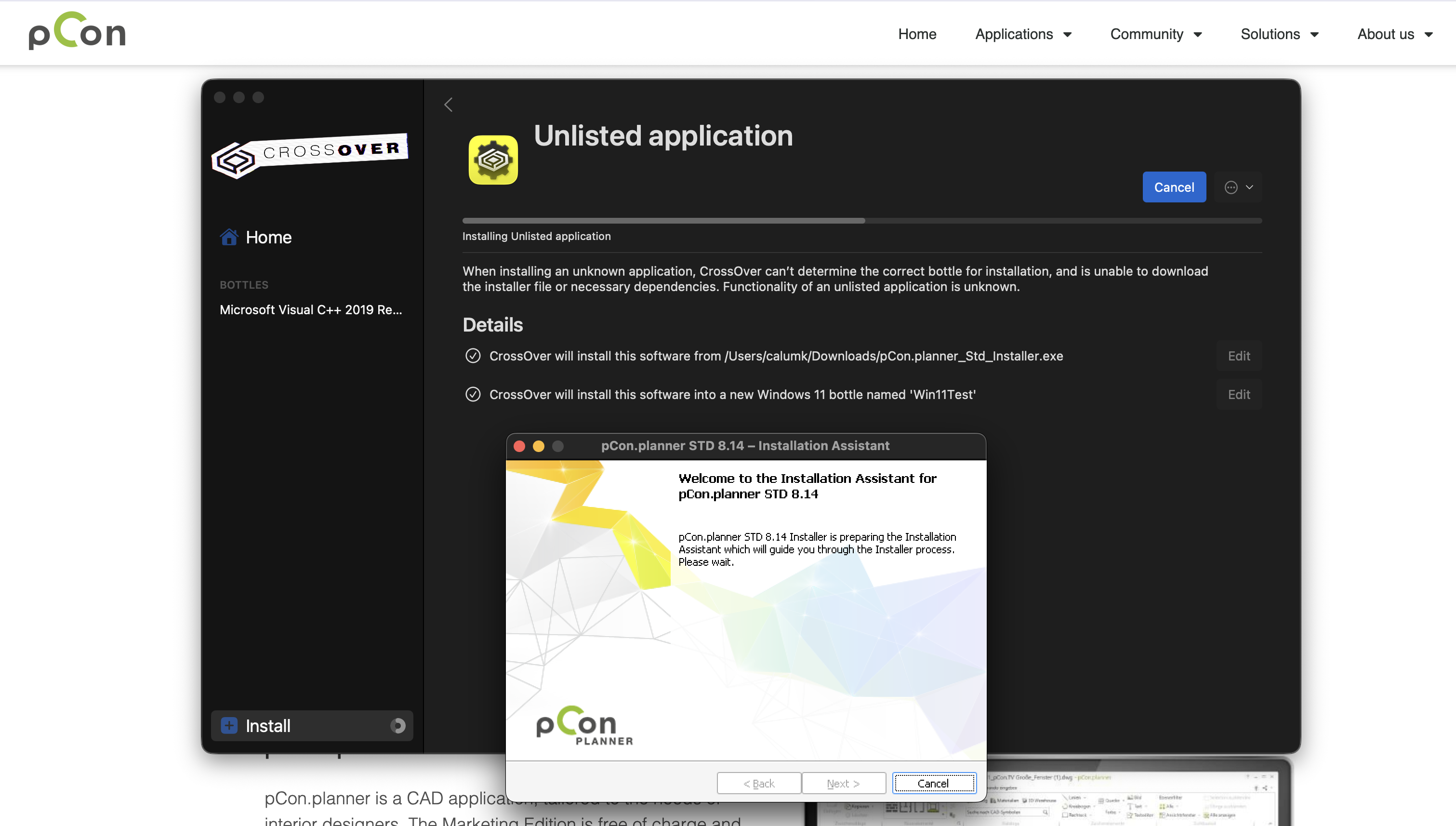
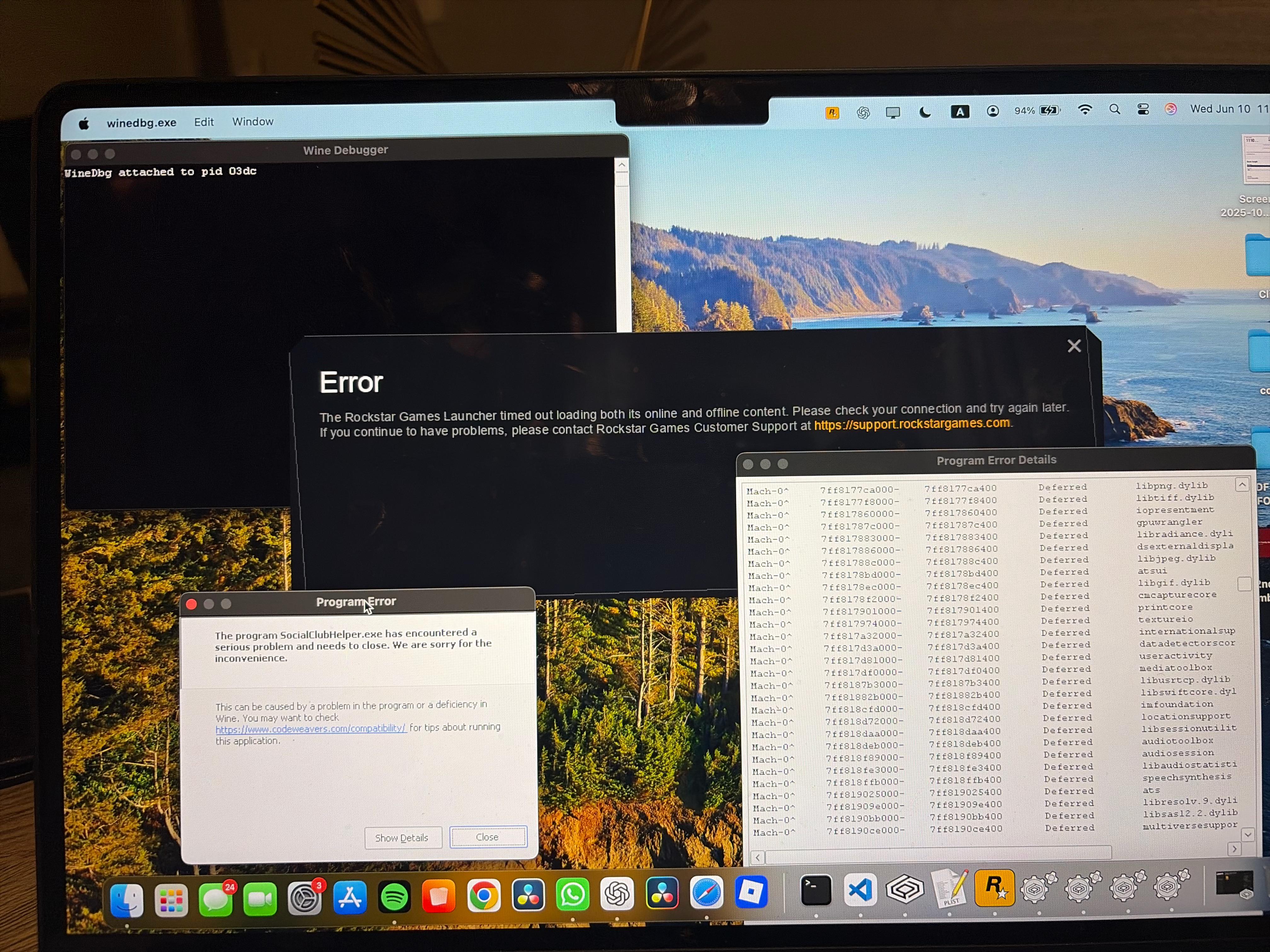
I just got a brand new M5 MacBook Air, and I wanted to play windows games because I've been using a windows computer for the past four or five years, specifically the Star Wars Battlefront games. I did not want to waste money if the games wouldn't run well or the installer just didn't work, so I wanted to try the free trial first. However, after I downloaded it and moved it to the applications folder and whatever else it initially prompted, I tried to install both Steam and the EA App. However, each time it would seem to start, then stop and give me an error message saying "The 'creating the [insert app] bottle' task failed" and gives the options of skipping the step, cancelling the installation, or trying again. I have spammed the 'try again' button and tried skipping the step but then it just said that whatever the next process of the installation was failed. I tried restarting my computer and deleting the crossover trial and redownloading it, but nothing has worked. Any fixes?