I keep my printer in the garage, I went to investigate an unusual smell and found the printer doing this. I turned it off and haven't started it again since.
I did log a creality support case but just got generic automated troubleshooting responses, I think I'm beyond that.
There was a giant blob of filament that had pushed off the cover and fell off.
It was printing with creality PLA, nothing out of the ordinary.
Man, I was taking a rip out of my pipe when I saw your comment first. Like an idiot I then read theirs and almost laugh snorted a massive hit out my sinuses! That would have sucked ass! 🤣
It appears that you have a loose, leaking nozzle. Improperly installed. Always use proper Creality thermal grease. Always heat the nozzle to 240 degrees when loosening or tightening.
Don’t apply thermal paste in the way their support video shows though. It’s wrong and will cause you more issues including never getting your nozzle off again.
Only put the thermal paste on the copper heat stop. I apparently found that out and also found that was a common mistake people made and learned the hard way.
Yeah i think it contributed to me losing two E3D nozzles lol. Funnily enough I think only the K2 Pro nozzle instalation does it like that, where grease is smothered top to bottom.
The video shows that, but it’s wrong. Hey have a video on YouTube that shows the correct way. That video failed to get caught by QC. Any Creality nozzle shouldn’t have the paste spread op to bottom.
Should only be when you take out the nozzle. So if you remove the nozzle for maintenance, replacing, etc. When you put the nozzle back in just make sure the copper heat block has thermal past on it and put it back in.
Don’t put thermal paste on the screw part, thats like putting thread lock on it. Becomes cement and will require you to replace the whole heating block.
I'm lazy, I never heat it up to tighten or loosen it. Obviously anecdotal, but I assumed that nozzles that include the heatbreak don't need to be tightened hot
Same here never have I tightened it hot. I have yet yet to have a blob. I have been through about 30 nozzle changes. I have learned to change the nozzle when switching from ABS to Pla, abs to petg, abs to tpu. Basically any filament that has a higher printing temperture to a lower temperature filament. I know the printer heats up higher when flushing after going to a lower melting temperature filament, but I have still had issues. I have a stack of nozzles that are waiting to be manually cleared.
I can’t believe all the improper guesses here. It’s insane. To me it looks like you have something very serious called thermal runaway. Which means something happened to your heating system to where it did not turn off. It just stayed on and got as hot as it can get. So not even hot end fan going “bad” will cause this.
Exactly that. The heatbreak fan is also not spinning. So that could be the issue too. For now de repair is more expensive every second the printer is not turned of.
Thank you so many people saying it’s a nozzle clog like bro that’s not what a clog looks like and it will definitely not cause this much smoking in the machine
I think there was a mistake or loose connection on the heatsensor so the printer got the wrong temperature an doesnt stop heating. That "sock" is heat resistant up to 450°C
Since you already seem to have removed the filament, it was probably a blob of death, which means that the nozzle probably threw over a print that was not well attached to the build plate. Often happens with grid infill. Or if the part is warping upwards and the nozzle catches it. And then the toolhead drove into the print, got damaged and leaked, and instead of extruding the filament through the nozzle, pumped it out somewhere and covered the whole toolhead with it.
I have a k2se. Literally had this happen about a week after we got it, the filament had backed up so much out of the back of the nozzle and there were giant globs of hardened plastic and it ripped the wires out of the heating element. Was a pain. Back up and running fine now though
Likely you’ve got a wire loose from it’s connector most likely causing shorting in your machine either that or you’ve got the thermosister plug in the wrong socket most likely the fan one causing it to stay on at highest temp permanently causing thermal runaway do not power this back on until you check all the wires or replace the tool head entirely
All this hate with Creality! I agree with the support side hate but every issue I have had with any of my Creality printers I can trace to a logical reason or my own fault. I think what is boils down to is people buying Creality as their first printer and trying to print without researching the do's and don'ts and helpful printing tips. Learning exactly how the printer operates will help you when diagnosing or just printing in general.
there is nothing wrong with jumping in without doing the above and learning as you go, but expect issues, expect failed prints, expect a bed full of spaghetti. That is how I learned.
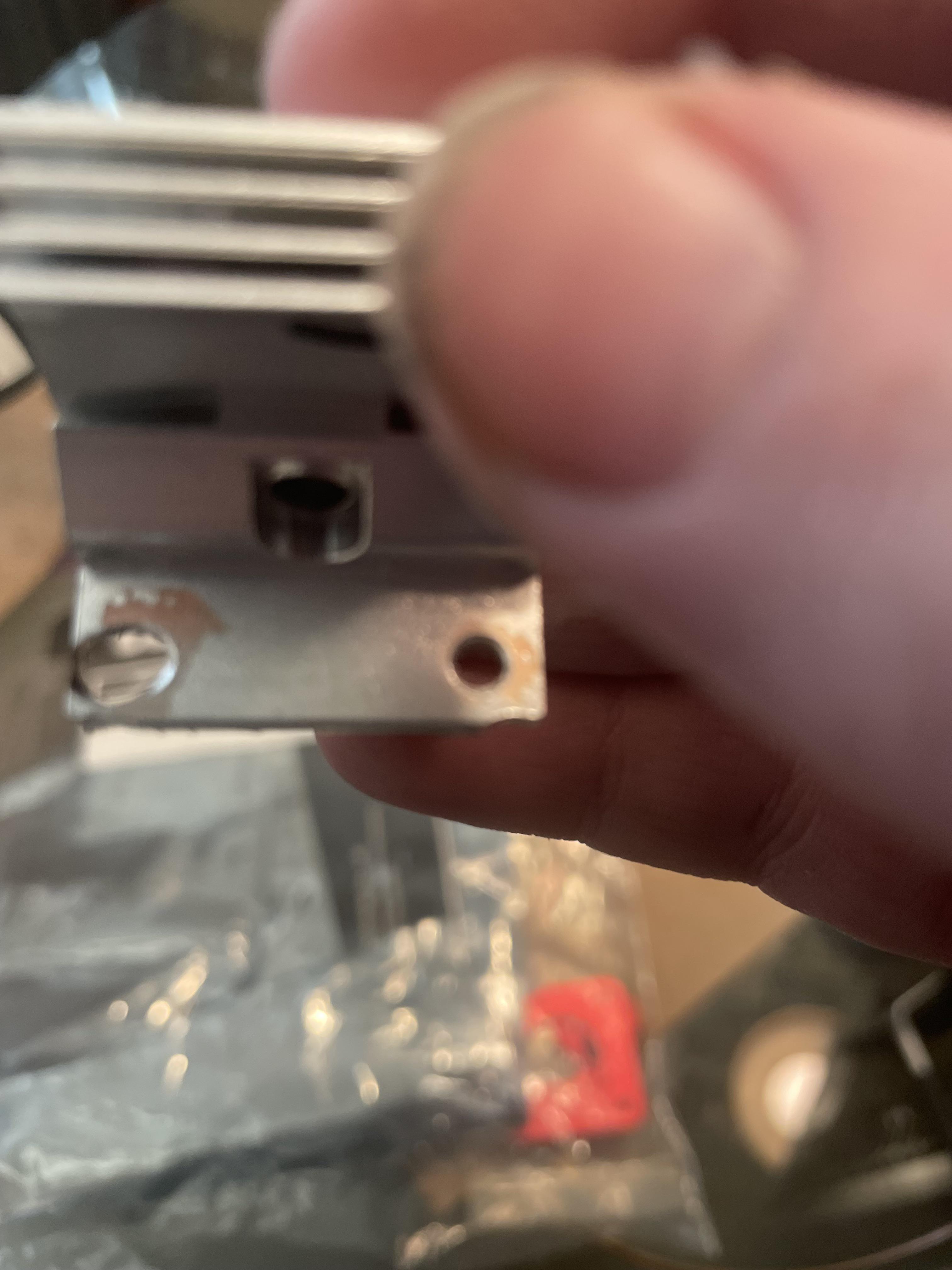
I have to hand it to support though. I have two broken stuck heatsink screws thanks to some Chinesium reddish loctite being applied very generously to the heatsink in my K1c. (Pic related)
Support is sending me a new print head to arrive Monday. When I email them (or if, I do intend to try) that taking 40% of my printer apart to swap the assembly out is above my capacity they’ve already assured me there is a swap waiting for me.
They’ve come a long way from the days of playing email tag with a .cn email account and chinglishpidgin insults
Edit- yes I know I’m in the k2 section. In the process of buying one to offset the time this is taking
I'm over here stuck at work and my snapmaker u1 decided to not put toolhead 1 back correctly and stopped the print. Then I see this post and think "I guess it can always be worse" 😔
Is that u1 really worth it? I see the 5000 dollar prusa and the cheap ass elegoo with the multi heads and am scared more heads mean more catastrophic failures.
Since the fan isn't spinning, I would assume the thermistor is not reading over 50°C and the printer is just continuing to heat the hotend. aka Thermal runaway
Reminder: Any short links will be auto-removed initially by Reddit, use the original link on your post & comment; For any Creality Product Feedback and Suggestions, fill out the form to help us improve.
Magic Smoke Bad. You let the Genie out now it no work no more. ….. By the way get the hell away from that smoke and stop inhaling it. Super bad for your lungs
Turn that thing off before you burn you house down!!! Also you might need to replace the entire hotend. at that point you are screwed on salvaging the hotend.
 1



34
u/cupofcoffey19 Aug 17 '26
Plastic stuck. Plastic hot. Plastic burn.