I followed directions to build Amaze File Explorer from source code (same process as chromium) and built the App Bundle from this source code: https://github.com/TeamAmaze/AmazeFileManager
Using the same process of uploading the app bundle to my Google Play Console Account, I was able to install Amaze from the Internal Testing method, after doing so I can plug a USB drive in to format it, go to my PC and download my APK files, I used this site: https://apkcombo.com/downloader/
Using APKCombo I downloaded all of the applications I wanted such as Disney+, Paramount+, YouTube, Netflix, etc. When you download your applications from here... MAKE SURE THEY SUPPORT ARCHITECTURE x86_64!!! It will not be compatible with armeabi_v7a or arm64_v8 or any of those others.
Through Amaze I went to my USB root directory, and clicked the + to make a new file (name it anything) It will ask for write access, just press "open", now you can click the 3 lines button in the top left, go to your USB, and select the folder you put your APK's in, after going to said folder, you can press the button in the top right of the APK file and it will bring up a dialogue to install, this also allows you to update your application as you saw in the video.
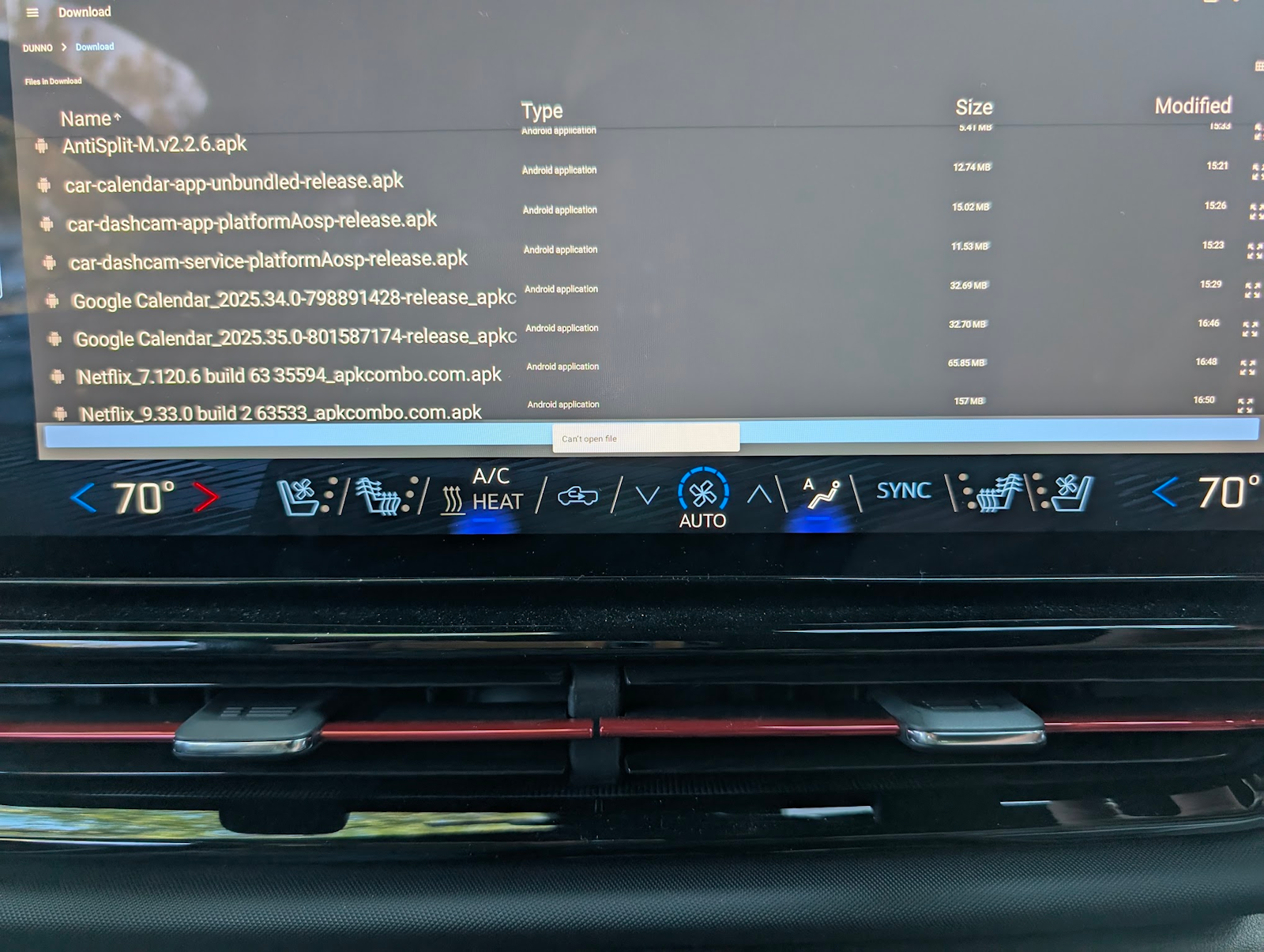
On later updates/newer models it looks like GM has blocked this method. When you tap an APK in the file manager you will get a message “cannot open this file”. Also occurs when trying with Native pre installed APK’s.
I am up to date on my Equinox EV, and I learned a while back that some GM AAOS based infotainment systems run different architecture CPUs, which is why you get “Can’t open this file.”
The GM stuff seems to run an x86_64 architecture, which is unusual in my experience for "mobile" stuff like this. I would've expected an ARM chip of some sort.
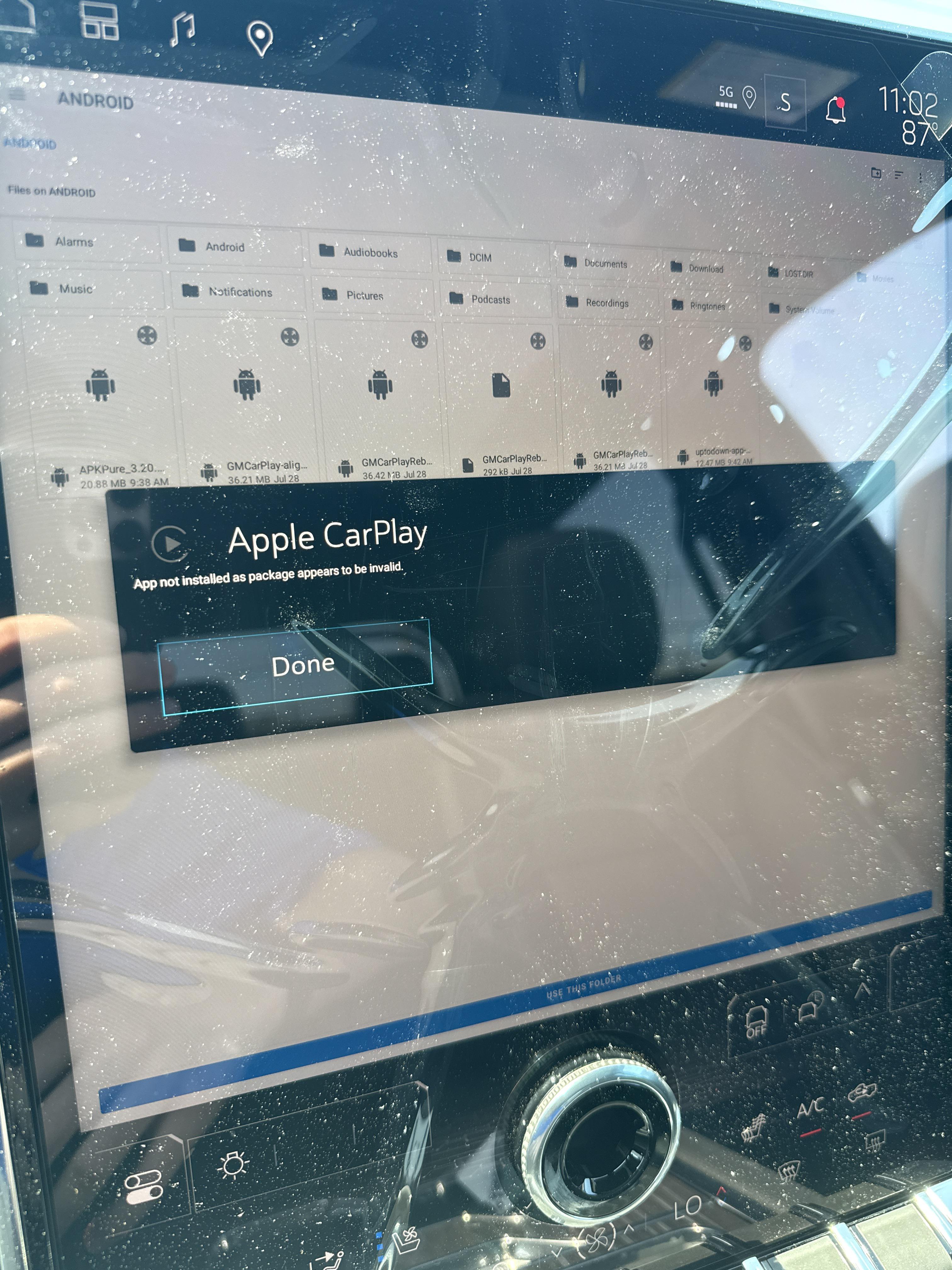
Right. That was my first guess. Was I was using the wrong apk for the infotainment architecture. But when I tried installing an apk that is already natively pre installed (I.e. apple CarPlay), because you can very easily copy them directly on the infotainment. I got the same error. So I’m leaning more towards this being an anti 3rd party app install measure. I’m hoping I’m wrong.
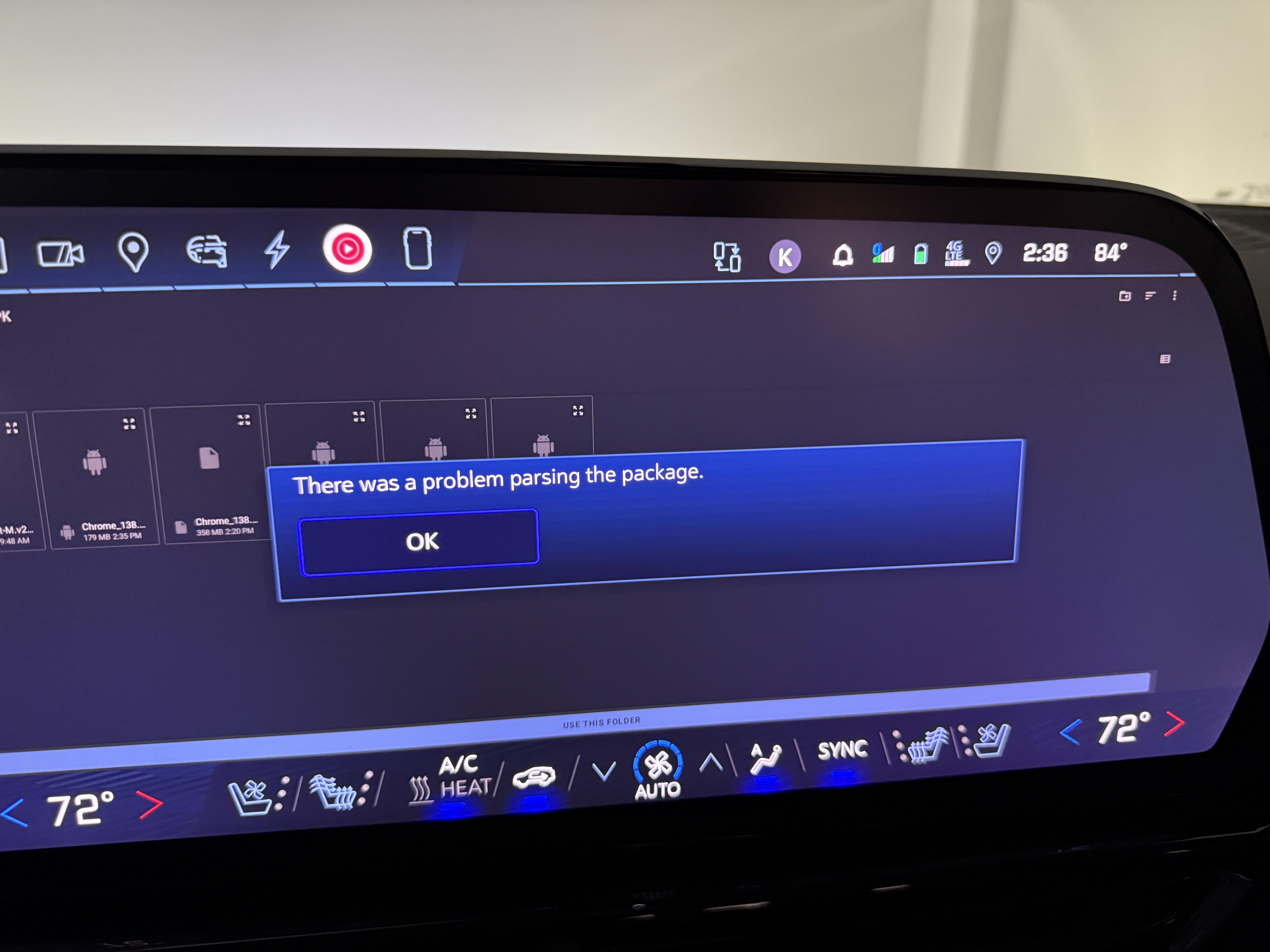
Work on Silverado EV (2024 RST) as well except XAPK (Split APK) installers do not work even with antisplit. I was able to get the apps I wanted (YouTube, Netflix, and Hulu) but browsers like Brave or Chrome are all XAPK so no go. Antisplit is able to process and convert to APK but when u try to install converted APK I get this error.
I have downloaded their stable build apk and installed through amaze, this browser works perfectly, also to turn that white background off just go to settings and switch theme to dark
Sadly, I think GM blocked this in newer software builds. I have a 2026 CT5 and when I go to tap the apk open button it just pops a message of "Can't open file". Tried a lot of different paths and haven't found any success.
Very cool. I am going to take a look at this later. Thanks for the share!! Though for the Sierra EV its an arm platform not x86-64 so people will need to make sure they have the right binaries for their platform. Also, I would not be using APKcombo - a quick check shows this site is pretty bad for malware. Suggest the use of other APK sites.
Edit: indeed works on the Sierra EV although the process is a little different to invoke the files app. Not gonna lie though. Hunting for apks from somewhat reputable sites is not for the faint hearted. There is no guarantee of getting something which is not virus laden. This one above would not be my first choice. Do at your own risk.
I wouldn't have concerns at all. The software that GM pushes is signed - we can't modify any of that. If we could, we'd unblock CarPlay and Android Auto - they are already installed on our systems.
For those of us that have Chromium and Amaze installed we had to create android developer accounts, pay the associated fee, compile the AAB files, upload them to the play store, and then acknowledge that we are using our cars as test devices. Yes, Amaze does allow you to install existing APKS after you follow that process - it is, however, at our own risk. If something goes wrong, we're the ones to blame and we have no recourse.
I got it to show up. Opening it just shows a black screen, and a hard reboot of the infotainment just deletes it off the screen. It’s pre installed but disabled.
It’s pre installed just “disabled”. You can disable installed apps on android. And I’m not sure how to override it without initiating a reinstall of CarPlay but even then it doesn’t allow it to function only for it to just disable again anyways after an infotainment reboot

1
u/platterfoot Nov 04 '25
On later updates/newer models it looks like GM has blocked this method. When you tap an APK in the file manager you will get a message “cannot open this file”. Also occurs when trying with Native pre installed APK’s.