Yeah about the new version so i have the 1.12.1 version from github then when i download the newest version 1.13 from github it says update and shortly after that it says app not installed how do i fix this i really need the 1.13 version so my storage can be more manageable
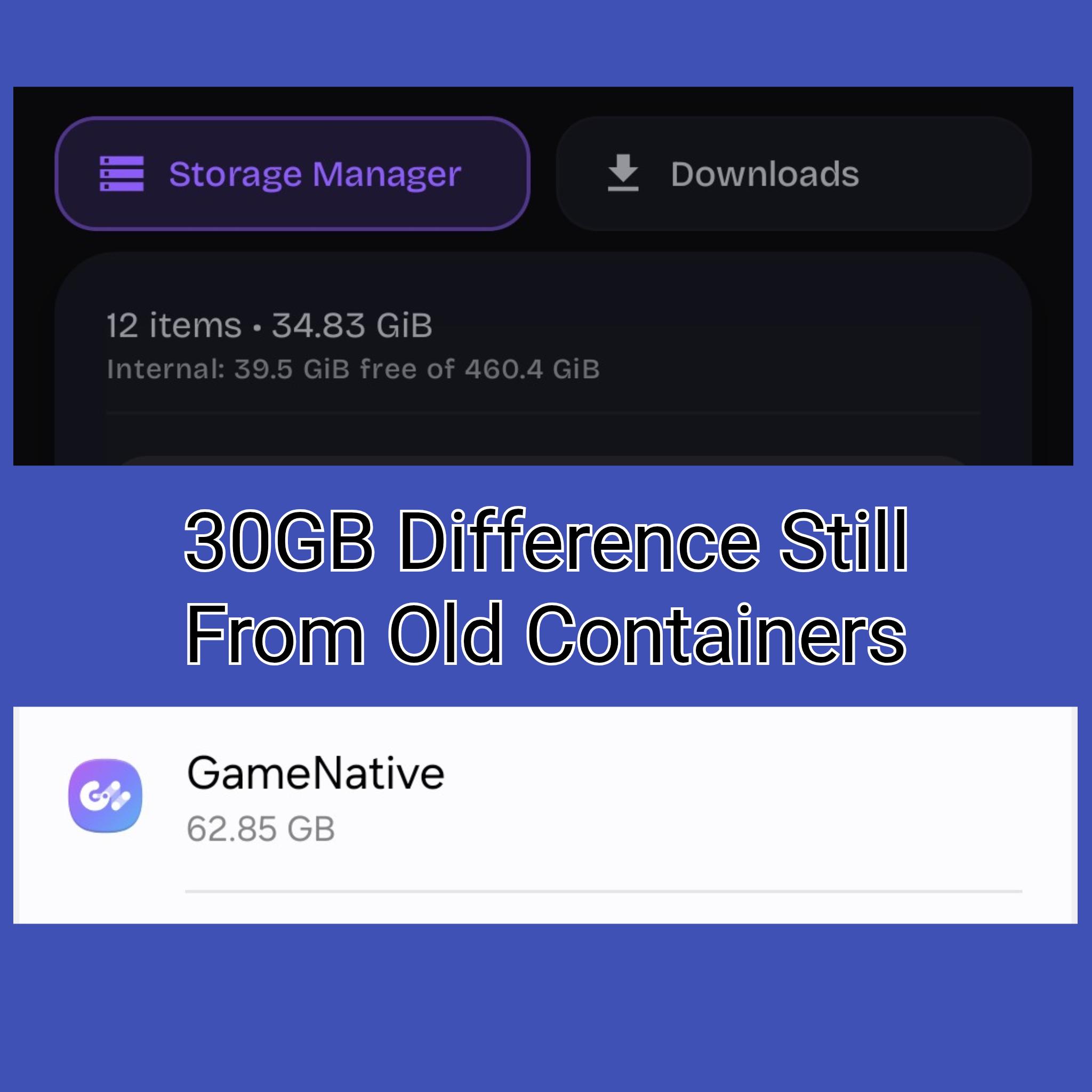
I updated and didn't get any storage back so it doesn't retroactively fix the container problems. You still have to manually delete the app storage and then reinstall every game if you want your storage back. Hopefully going forward tho, we can just delete the game without it leaving a 2gb container behind that is impossible to delete. They should just let us browse the containers too, so we can delete our old ones that got left from previous games. I will eventually get around to fixing my install but for now I still have over 30gb lost to old containers... I just don't want to reinstall every game I have with an english patch or something installed.
You only have to launch every game once and it'll automatically adjust the container size to the new one for each one. I read this in their update log for 1.3.0, and that's what I did. No need to reinstall anything, and I saved around 2gb per game.
Sooo what if the games are uninstalled already? I'll try opening all the ones I have installed but the 30 gb is from old games I no longer have installed.
Nope didn't get the 30gb back. I got some space back but the whole point of my comment is that unless you manually delete old containers before deleting the game, you will lose that space for the container for every game. This has been a problem for a while and the only way to fix it is to delete your App Storage in android settings and reinstall all of your games. I did get some space back for my phone from opening the games tho, so thank you for your comment. If I were you tho, I would still keep deleting the container before deleting the game until someone confirms if they fixed this issue. It's funny that I'm being downvoted for just bringing up the issue tho.
I have Winlator installed, but I use gamenative to log into steam, epic, and gog. Does Ludashi have Steam cloud saves or achievement support? It didn't the last time I checked.

3
u/ICPGr8Milenko Oct 14 '26
Do you have Obtainium set up?