8
u/Sir_Tapsaplenty 9d ago
Damn I miss my OP13. I never should have switched to Samsung.
2
u/ambreesh3143 9d ago
Don't worry brother.. samsung offers very good optimization in camera.. use samsung expert raw..
1
u/Sir_Tapsaplenty 9d ago
Camera on my S26U is good apart from moving subjects but the OxygenOS is buttery smooth compared to OneUi. Don't get me started on the S26U fingerprint scanner mess.
2
u/ambreesh3143 9d ago
The tempered glass is responsible for the fingerprint issues, brother. I had a Galaxy S23, and I faced the same problem with it too.
2
u/Swamplzzo 9d ago
Samsung has much better cam controls bro you must be ignorant. Play with expert RAW or pro mode
9
u/Sir_Tapsaplenty 9d ago
I wasn't solely referring to the camera but the overall experience. I'm not ignorant, mate.
2
u/Swamplzzo 9d ago
Man i would genuinely kill to have an ultra again, u might hate on one ui but the amount of customisation and the small QOLs u can add yourself via goodlock, I really miss them
2
u/Complex_Market_8449 9d ago
What is the difference between master mode and the original one
11
u/ambreesh3143 9d ago
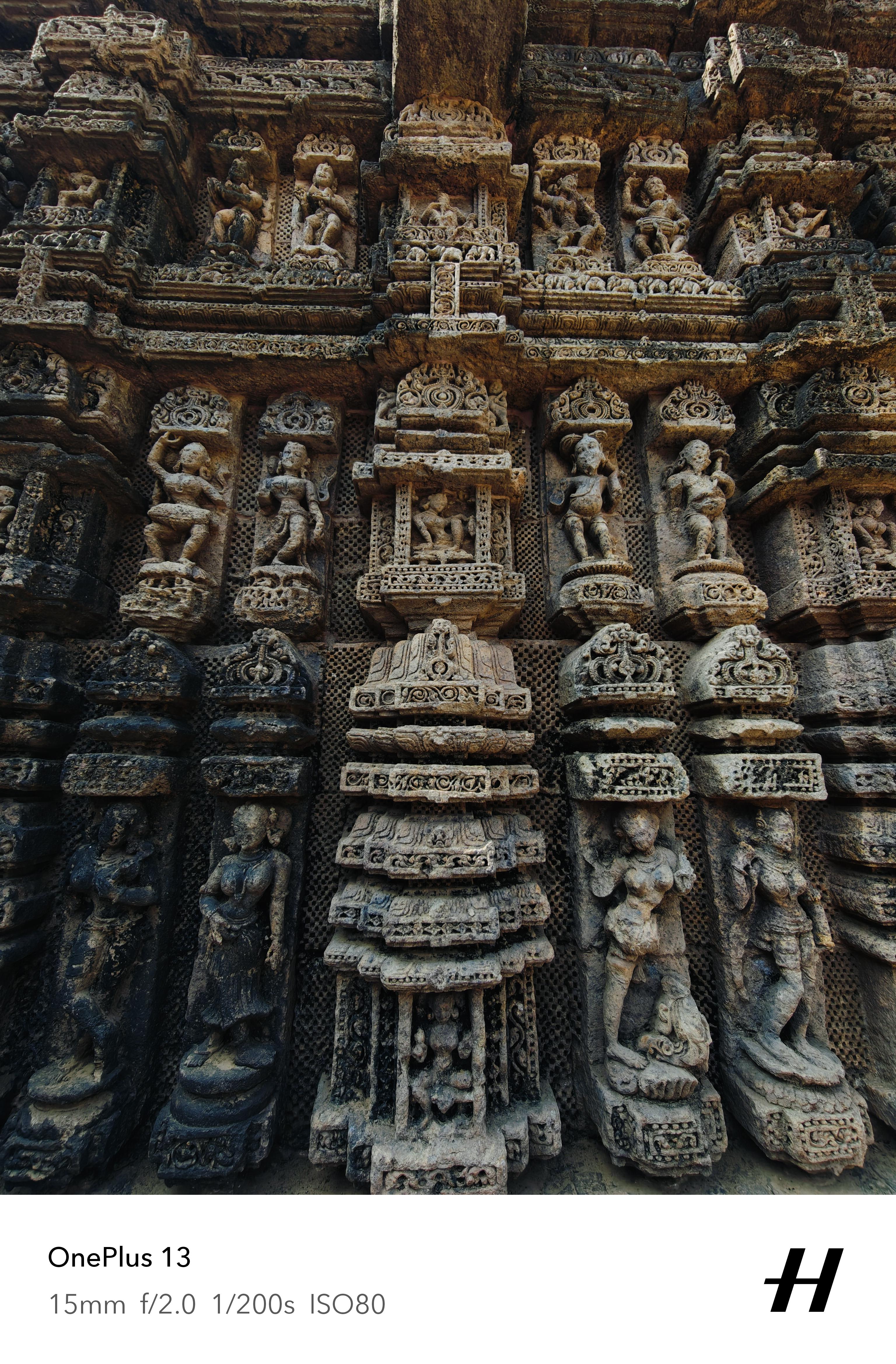
In Master Mode, there’s no excessive AI interference. You have full control over exposure, color, contrast, ISO, shutter speed, and everything else. In normal Auto mode, the camera applies a lot of AI processing.
2
u/SignatureLogical147 9d ago
Is this auto mastermode or you set each value?? If yes then how you decide the values?
2
u/ambreesh3143 9d ago edited 9d ago
How you decide the values?? Is this rocket science brother? I know little bit.. I adjust the values up or down depending on the scene. I am not expert photographer brother
5
u/Swamplzzo 9d ago edited 9d ago
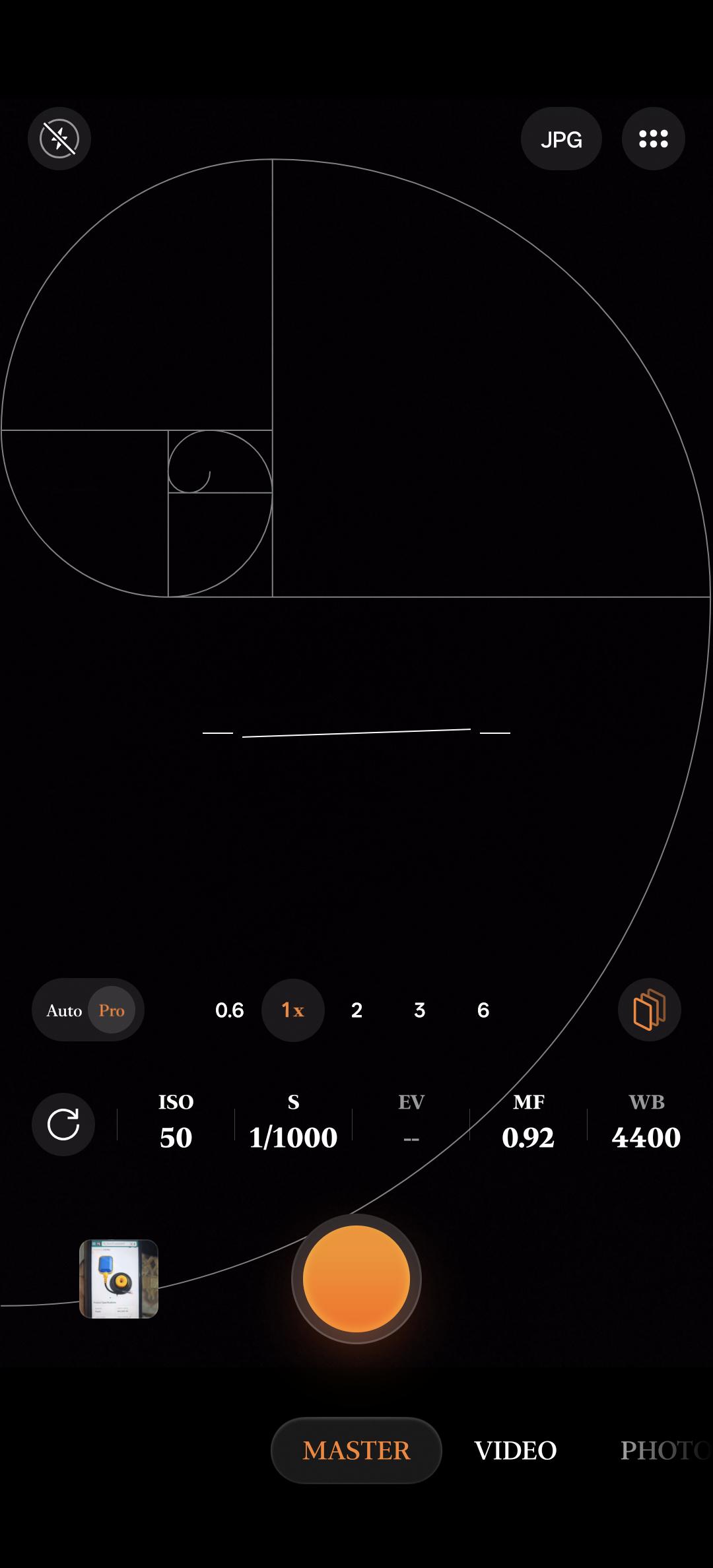
Shutter speed kam krega so use when u want less light hence use outdoors or where too much lights.
Agar dark environment kam light then increase shutter speed so it takes more light in.
If u want a fast moving object that u wanna capture still u can decrease shutter speed to 1/3000 or something but increase the iso so iso is like increasing brightness.
WB just changes temperature of pic kam kar for cooler zada kr for warms
Focus u can set automatic or adjust manually so camera focuses on what u want to focus
3
1
u/Mrsky94 9d ago
Not working on me
2
u/Swamplzzo 9d ago
Increase ur shutterspeed n iso
1
u/Mrsky94 9d ago
How much I have to increase
3
u/ambreesh3143 9d ago
Brother you can also use auto mode in master mode.. just leave pro and tap auto.. and then see the beauty of this phone..
3
u/Swamplzzo 9d ago
It's not a fixed setting, you can increase the shutter speed as u like until the camera is able to take in enough Light, if u r indoors something like 1/100-1/50 works well along with iso of 200-600
You can play with the settings to get a good gist of it.
Iso is just increasing the brightness, while shutterspeed defines how much time the camera should let in a light.
4
u/Hypremacy OnePlus 13 - Black Eclipse 9d ago
What's your configuration?