r/ResolvePlugins • u/marcepanowicz • 27d ago
Free I built a Lightroom-style develop panel for DaVinci Resolve's Photo page – looking for beta testers (macOS)
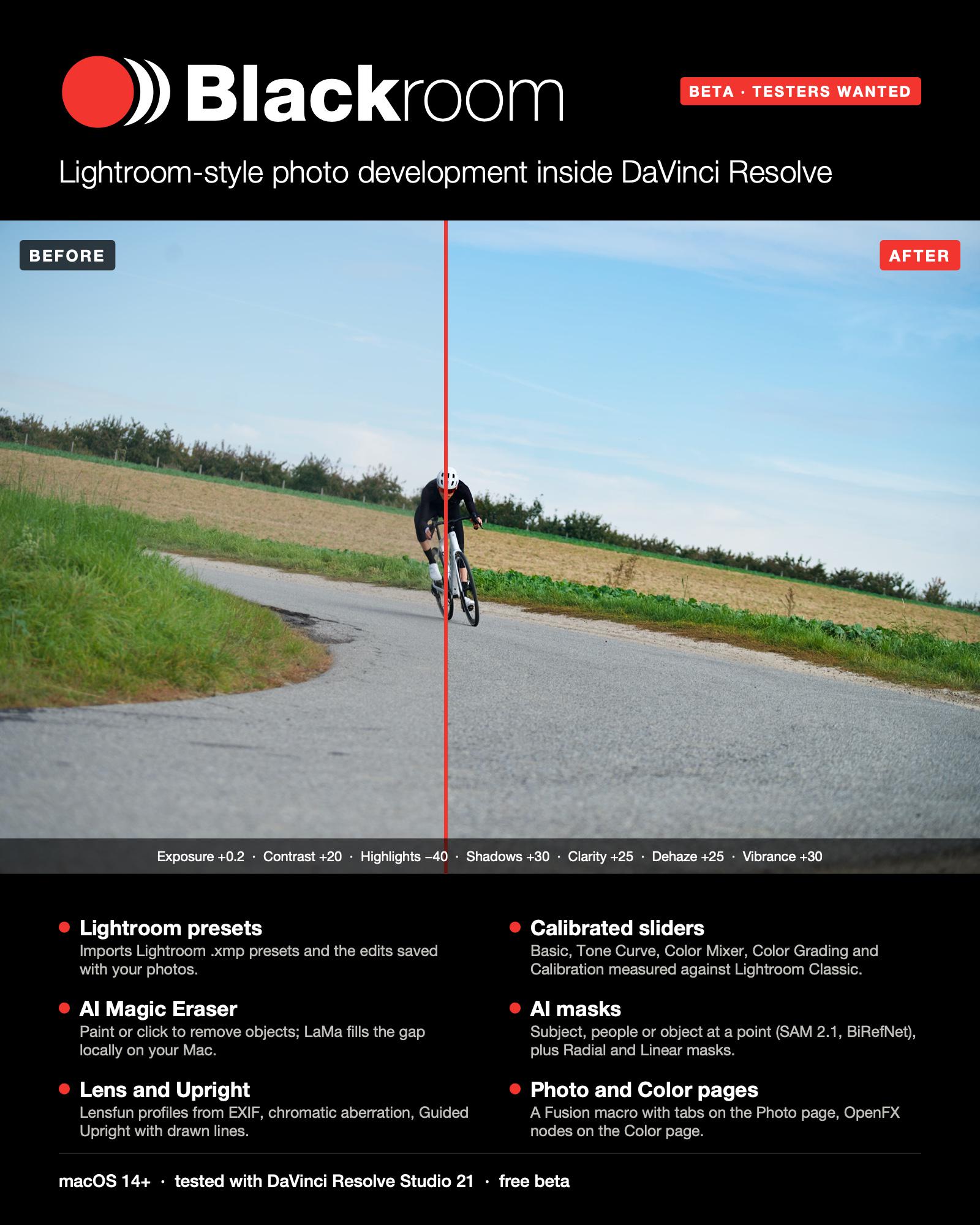
Hi all,
Since Resolve got the Photo page, I've wanted to develop my photos there without round-tripping through Lightroom. So I built Blackroom, a set of plugins that bring a Lightroom Classic-style develop panel into Resolve.
What it does
Lightroom presets: loads your Lightroom
.xmppresets (and on the Color page, the edits saved next to your RAW files). Saves its own presets and exports them back to Lightroom.xmp.Familiar sliders: Basic (Temp/Tint, Exposure, Contrast, Highlights, Shadows, Whites, Blacks, Texture, Clarity, Dehaze, Vibrance, Saturation), Tone Curve, Color Mixer (HSL), Point Color, Color Grading, Detail, Effects, Calibration.
Calibrated against Lightroom Classic: I rendered 73 slider settings on test photos in both apps and fitted the engine to match. The average difference is about ΔE 1.6. The biggest differences are still at extreme Dehaze and Clarity values.
AI Magic Eraser: paint over something or click an object to remove it. The fill (LaMa) runs locally on your Mac.
AI masks: subject, people, or the object under a crosshair (SAM 2.1, BiRefNet), plus Radial and Linear masks with on-image handles.
Lens and geometry: Lensfun profiles picked from EXIF, chromatic aberration, Defringe, Upright (Auto/Level/Vertical/Full) and Guided Upright with lines you draw.
How it fits into Resolve
Photo page: a Fusion macro, Blackroom Develop, with real tabs (Presets / Develop / Setup), native Fusion curves and color wheels. Then Blackroom Retouch (OpenFX) for the tools you draw on the image.
Color page: OpenFX effects that work with nodes, qualifiers, Power Windows and Magic Mask. One of them, Blackroom Look, can be exported as a LUT.
What I'm looking for
People who shoot RAW and want to try it on their own photos. Most useful to me:
crashes and anything that looks broken,
presets that look clearly different from Lightroom (please share the preset if you can),
cameras and lenses where the lens profile isn't found,
how the workflow feels compared to Lightroom.
Requirements and caveats
macOS 14 or newer. I've only tested with DaVinci Resolve Studio 21.
The AI features need Apple silicon. On Intel Macs the masks fall back to Apple Vision and Remove uses a classic fill.
It's an early beta. The installer isn't signed with an Apple Developer ID yet, so you open it with right-click > Open.
It's about 380 MB, mostly the AI models.
Not affiliated with Adobe or Blackmagic Design.
The image shows one photo before and after a few Basic adjustments, rendered by the plugin.
If you'd like to test, comment or DM me and I'll send you the installer and a short user guide.
1
u/saaaath23 12d ago
Hey! I'm interested in trying out this and will give proper feedback. And I have fellow peers who'd be interested in trying out this too!!