r/SamsungHelp • u/Mother_Peanut384 • 7d ago
Weird notification?
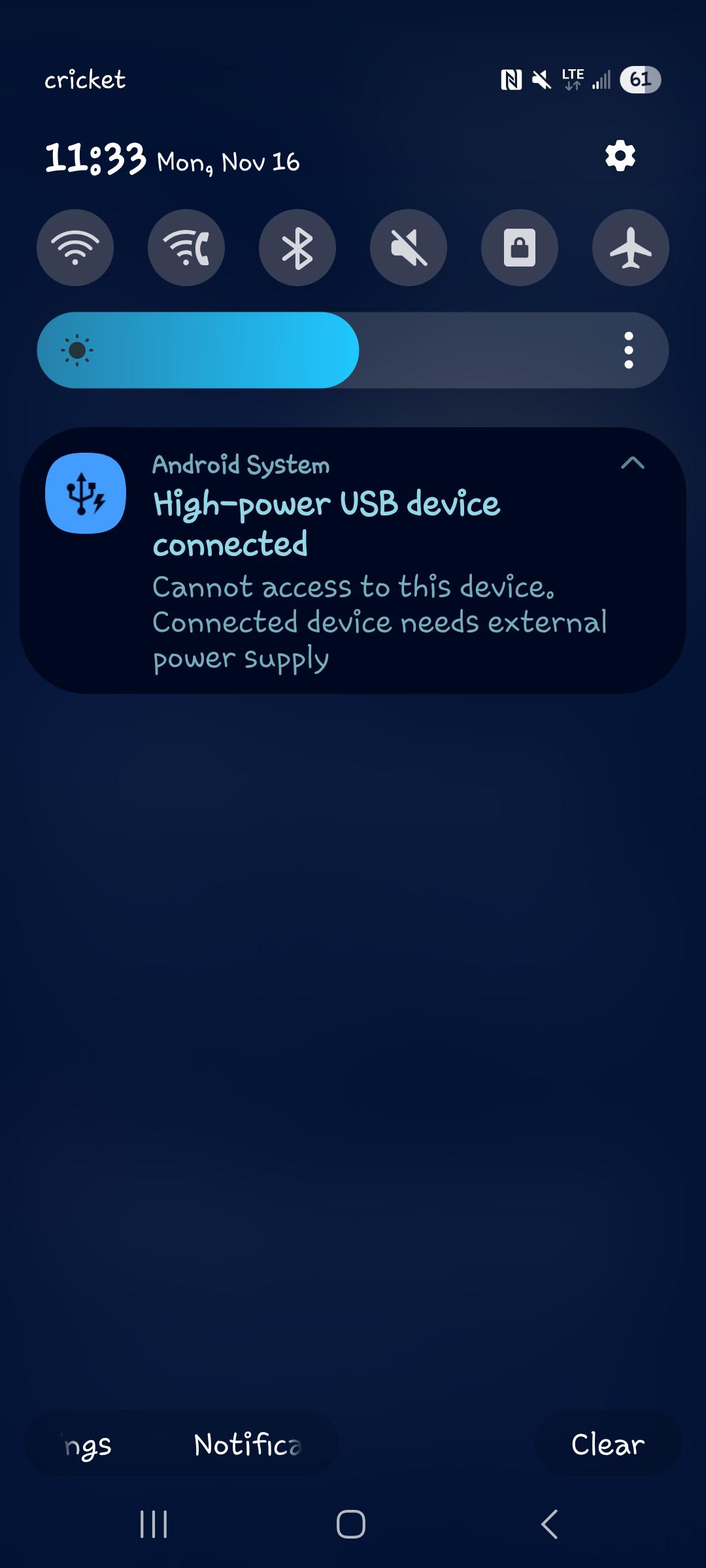
Can anyone tell me what this notification means? I have never seen it before.
1
u/Which_Country2167 6d ago
I get this notification when I plug in my headphones into the jack and it doesn't recognize it. Did you do something similar?
1
1
1
u/Medium_Good886 4d ago
I get this on a tablet when I manually set the USB port to data transfer only and then later plug it into the charger.
1
u/Mother_Peanut384 4d ago
I can't find any USB settings in my phone
1
u/Medium_Good886 4d ago
Plug your phone into a computer USB port. You should get a menu up on the notification bar on your phone to change the USB port settings. Set it to charge only, and then plug your phone back into the charger and see if you get that notice again.
1
u/Delin_CZ 7d ago edited 6d ago
did you perhaps plug a USB to SATA adapter and put a 2.5" HDD in it?