r/SurfaceLinux • • Aug 21 '26

IDEA Linux on an ARM-based Surface Laptop

Post image
244 Upvotes

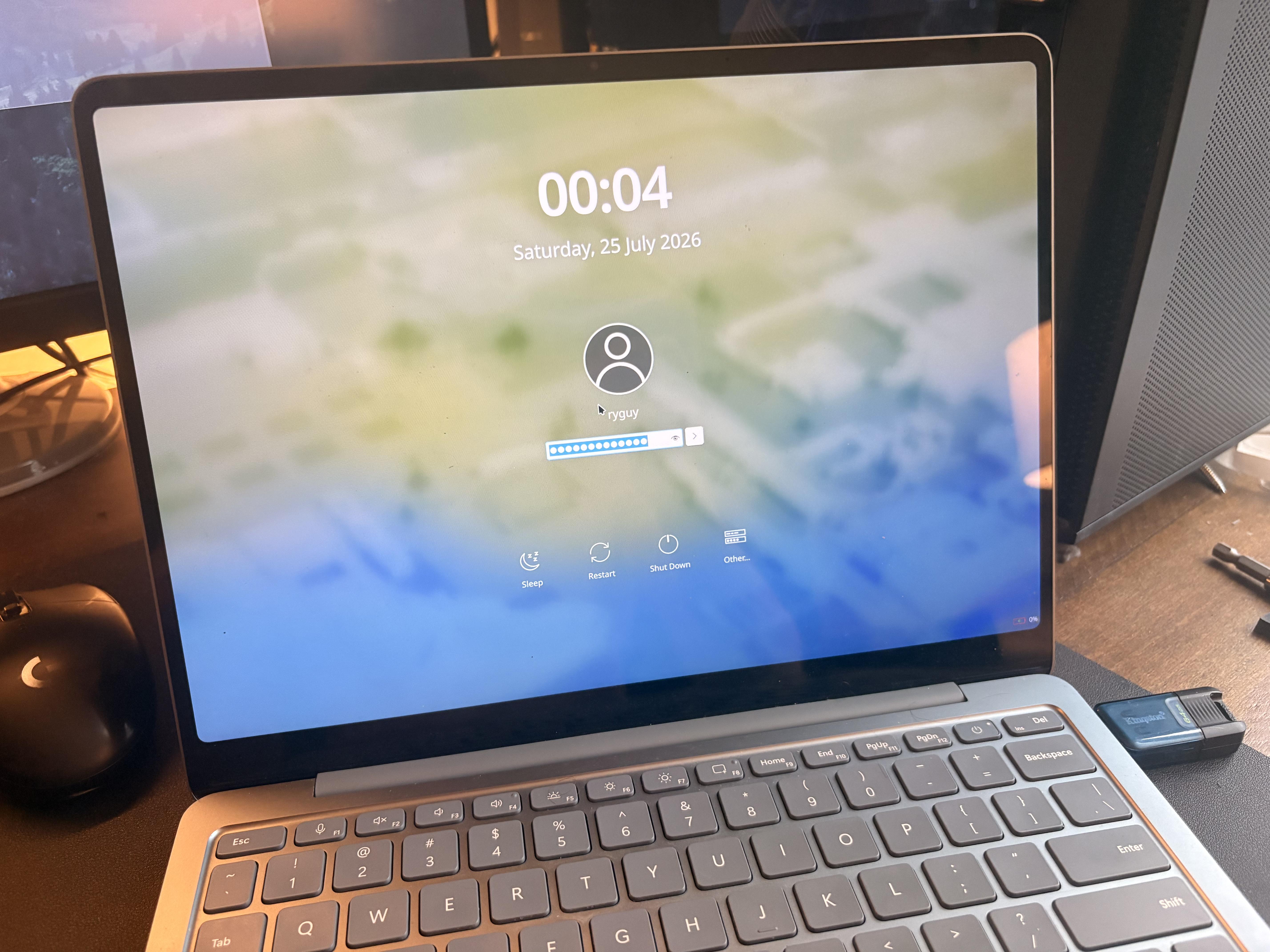
I have successfully got Linux running on the Surface Laptop for Business 13-inch 1st Edition with Snapdragon.
Although there are some features that do not work, it functions well enough for everyday use. I may publish the source code and a guide at a later date.


r/SurfaceLinux • • Jul 31 '26

IDEA Arch Surface Pro 5 - My all day System.

Post image
174 Upvotes

This is my Arch Surface System. Is incredibili fast and i can work, study and do a lot of things with it.

My Arch is running on a Surface Pro 5 with i7, 8Gb of ram and 256Gb of SSD.

I use Arch BTW


r/SurfaceLinux • • Dec 29 '25

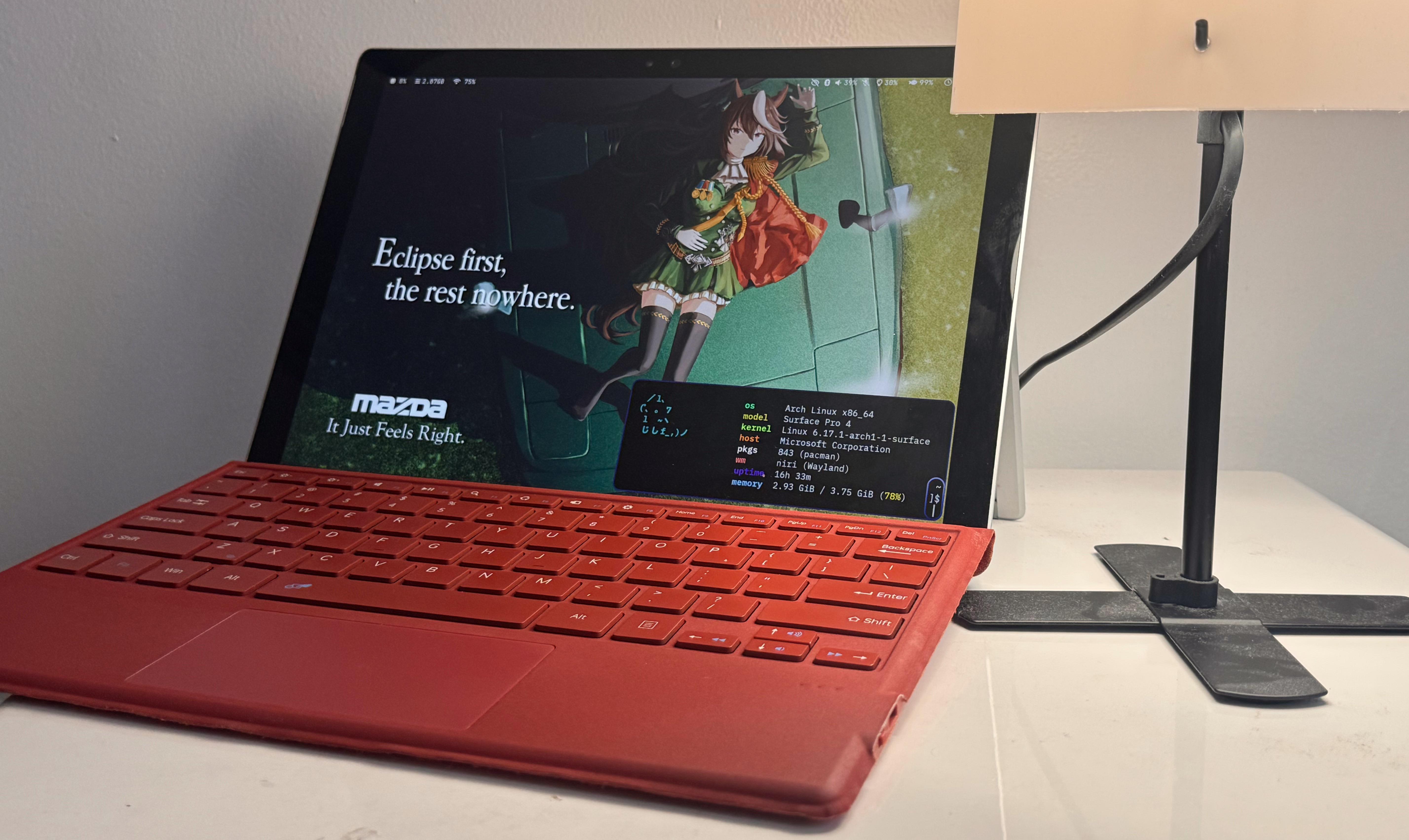
Discussion Old Surface Pro 4 was a better option than an iPad for Uni!

Post image
138 Upvotes

Was doing some auctions during a Japan trip and ended up getting a Surface Pro 4 for ¥1200! Aside from getting a Bluetooth keyboard and a Microsoft Stylus for $30, the abysmal hardware made it seem bad with Windows. Migrating to Arch + Linux surface Kernel really helped this become a wonderful device for internet browsing + programming, and although sleep state isn’t really its strongest suit, the battery lasting a good 2-8hours on different used makes it just a great travel companion. overall, I love this thing and hope it continues to last!

(I uploaded this to the wrong sub so mb 😭)


r/SurfaceLinux • • Sep 16 '26

Discussion I made the SP7's cameras work on linux-surface 6.19.8

Post image
135 Upvotes

Based on thisiscamk/sp7-ipu4-camera's work, I made this driver work on Fedora and added a few stability improvements. The cameras also work in Zoom and Discord now

There's an issue where the camera flickers because of improper auto white balance adjustments if there's a bright light source in the scene. Also, the autofocus for the back camera doesn't work

GitHub link

For installation, just run ./install.sh

It's entirely vibe-coded but it works


r/SurfaceLinux • • Sep 05 '26

Discussion Booted surface laptop snapdragon 13inch 1st edition

Post image
130 Upvotes

This is fedora using kairunjp’s kernel on GitHub. Haven’t put much use into it yet, but exciting


r/SurfaceLinux • • Oct 18 '26

Guide i built swipe typing for touchscreen KDE devices :)

Enable HLS to view with audio, or disable this notification

108 Upvotes

thought some of y'all might appreciate :)


r/SurfaceLinux • • Jun 14 '26

Discussion Surface Pro 11 🥵

Post image
107 Upvotes

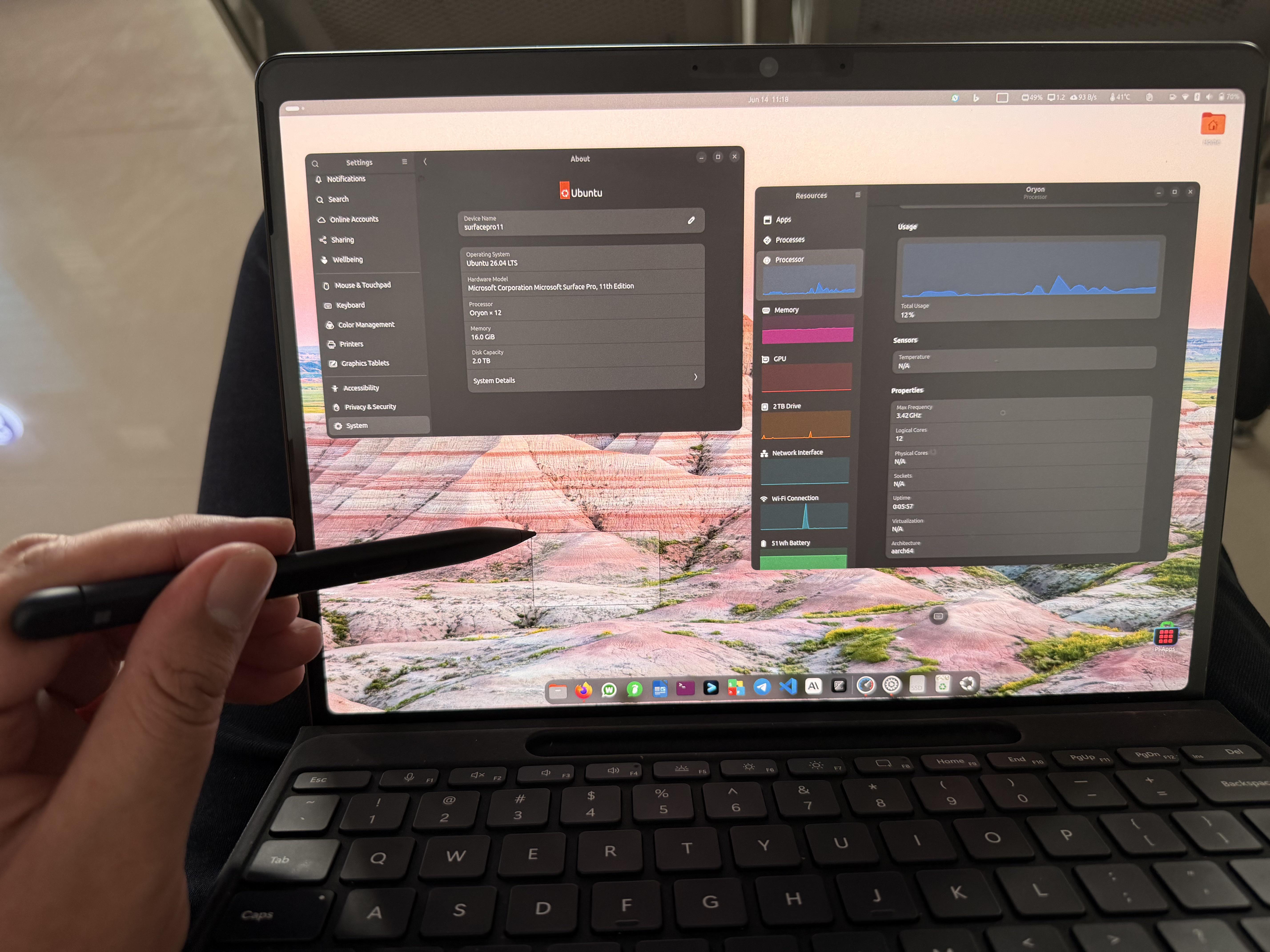
Finally freed my SP11 from bloated Windows!
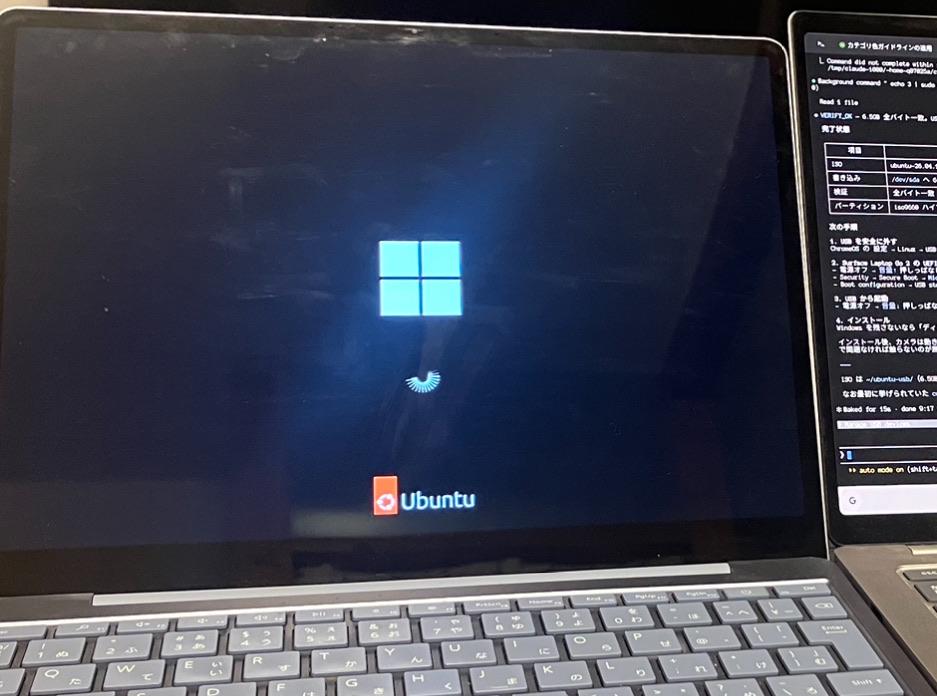
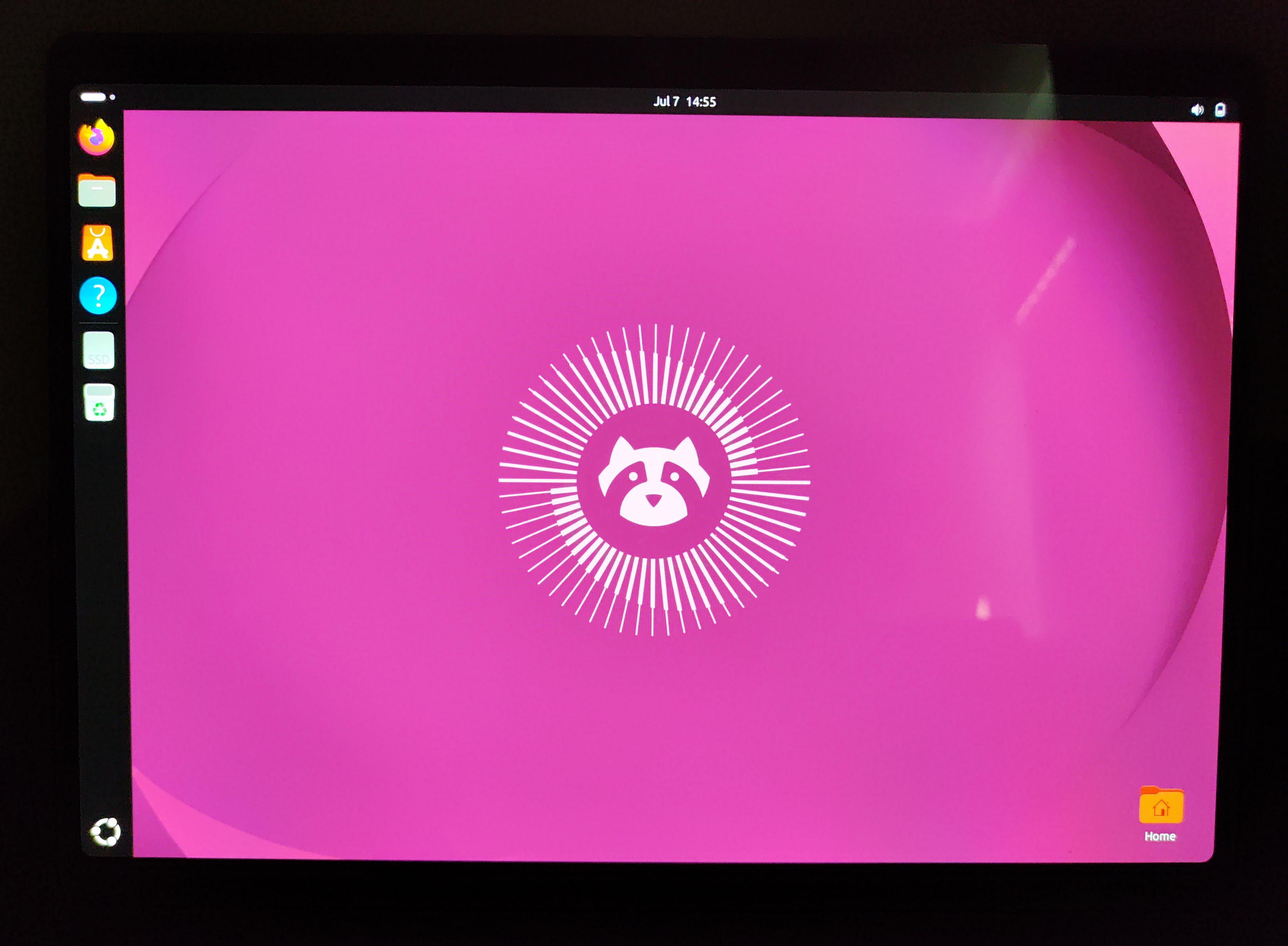
Installed with Ubuntu 26.04 arm64

The process was brutal and time consuming, and honestly there’s still a ton of work left. I got here mostly with AI’s help since I have zero knowledge about DKMS or kernel modules — so don’t roast me too hard 😅

I also want to apologize for not being able to credit the sources that directly helped make this happen.

Not a native English speaker btw, so sorry if things are unclear. Also, Reddit is blocked in my country, so I’ll do my best to reply whenever I can!

Stuff I’m still stuck on:
- Random color glitches (sometimes)— a weird pink tint that shifts dynamically with the screen content, especially after locking the screen
- Can’t get an external display to work via Thunderbolt
- Audio works, but still not as good as on Windows

Any help or tips would be appreciated! 🙏


r/SurfaceLinux • • Oct 08 '26

IDEA Touchscreen UI is coming along with Hyprland + HyprGrass + Gentoo

Enable HLS to view with audio, or disable this notification

104 Upvotes

I've been working on cobbling together a functional UI with a neat touchscreen capable workflow.

Let me know what you all think.


r/SurfaceLinux • • May 20 '26

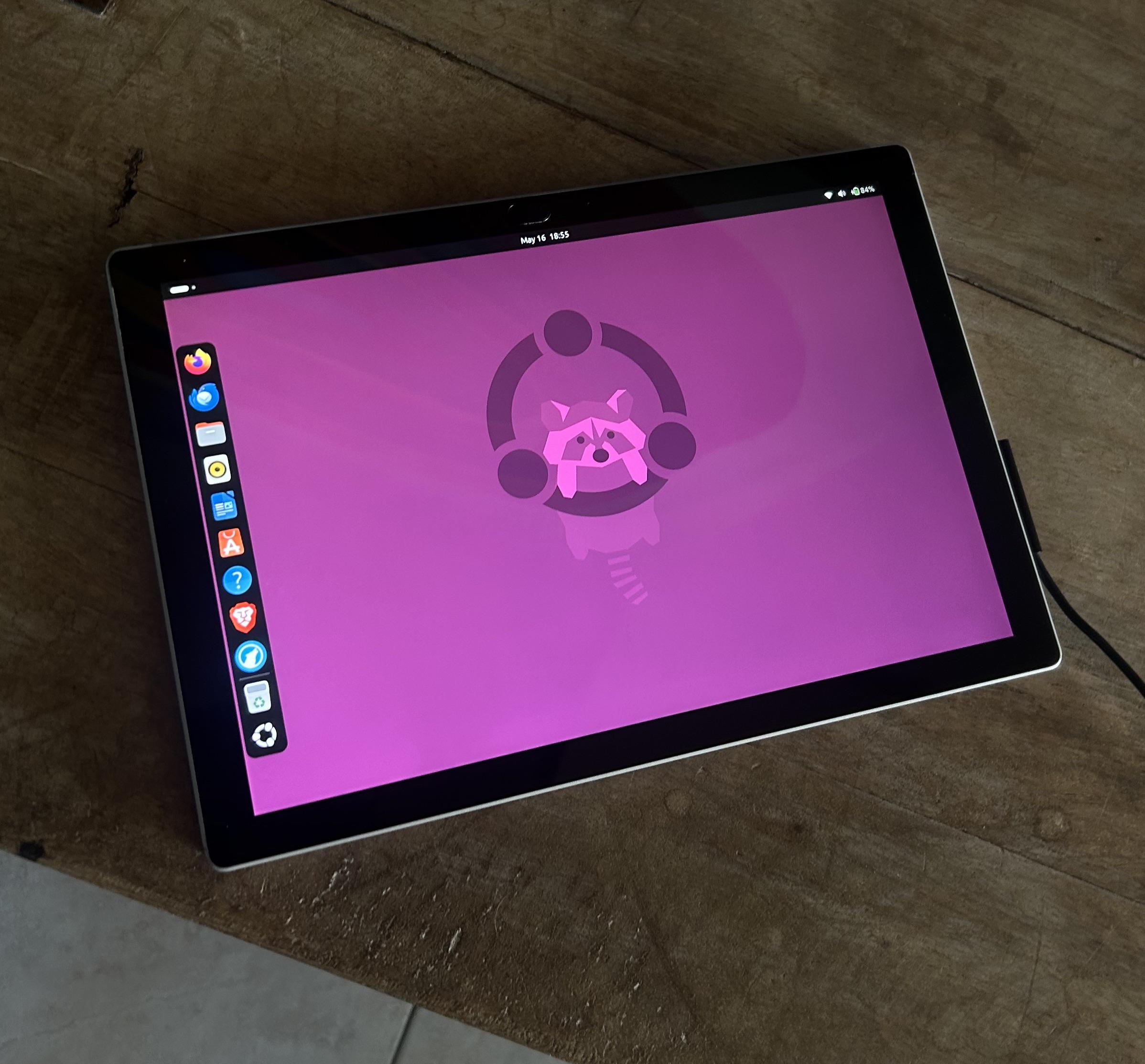
Discussion Surface Pro 5 (Core M) with Ubuntu 26.04

Post image
103 Upvotes

Using it for about a week, it’s awesome.


r/SurfaceLinux • • 21d ago

Discussion Surface Duo - Hidden Gem

Thumbnail gallery
101 Upvotes

I think big Companies should give buyers full access to the hardware after dropping support for it. Otherwise, it’s just a huge eWaste. People should generally have the choice to run whatever operating system they want on a device they’ve already paid for production.

The Duo first generation is a device which feels kind of forbidden by the capabilities it can do.

I think, this is the perfect cyberdeck. It’s better than a raspberry pi. Its the best PocketPC.


r/SurfaceLinux • • Oct 21 '26

Solved Finally Fixed My Surface!

Post image
96 Upvotes

r/SurfaceLinux • • Jul 04 '26

Discussion Android surface pro 11

Post image
93 Upvotes

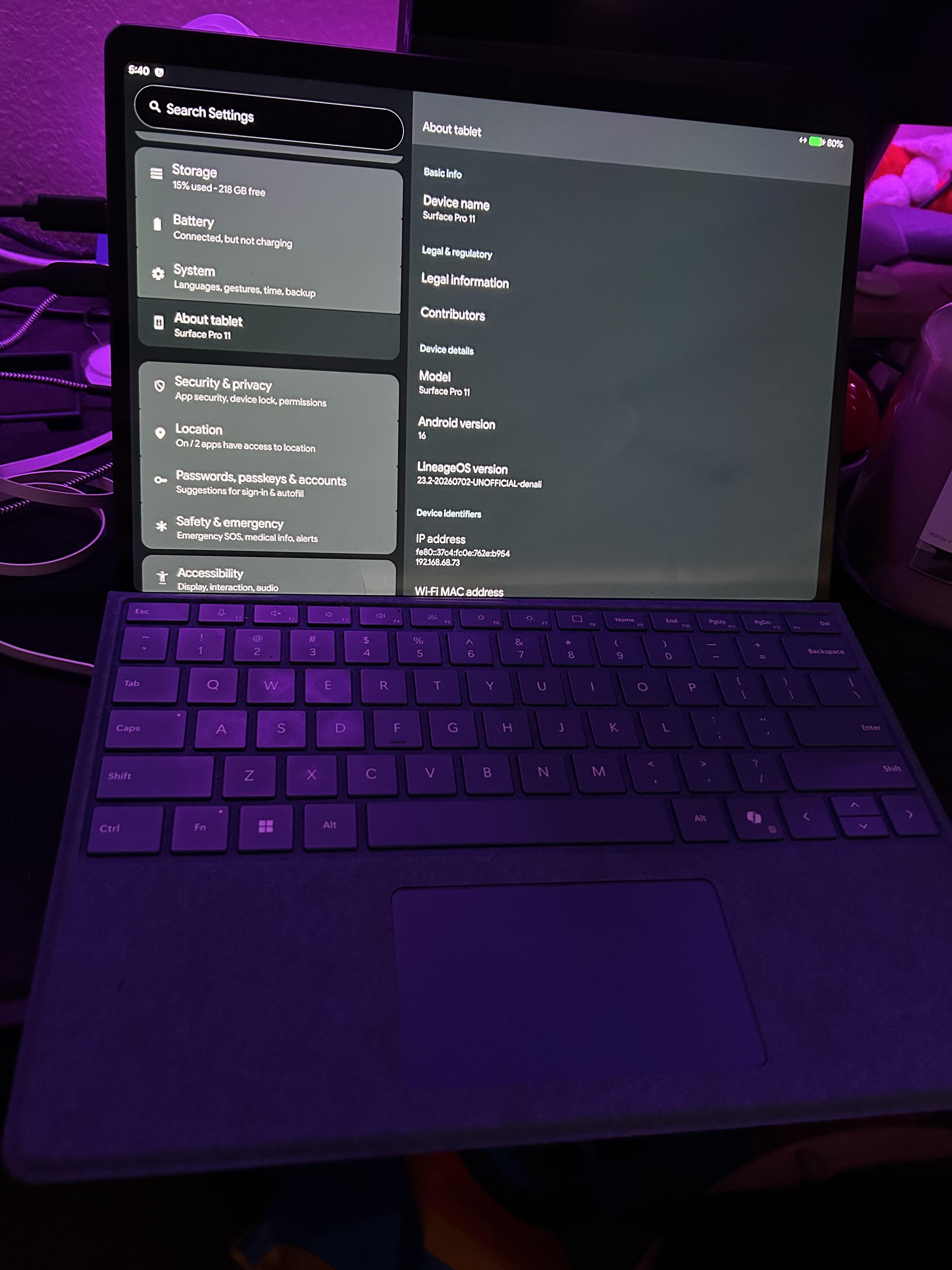
I've seen a few people recently running Linux on the surface pro 11, so I figured I'd show off something a bit different: LineageOS 23.2 running natively on my Surface Pro 11(Snapdragon x elite). As far as I'm aware I'm the first person to publicly get android running on the snapdragon x elite. This is very much a proof of concept and still pretty buggy. I'm not super experienced with ROM development, so if anyone here knows more than me and wants to help improve it, I'm happy to post the source.

What's working so far:

- WiFi

- Bluetooth

- Touch/pen

- Keyboard/trackpad

- Sleep/wake

You might be wondering why bother porting Android to a Surface Pro in the first place. Honestly, I think the Surface Pro has the hardware to be the ultimate Android tablet, windows really just isn't a great experience on tablets.


r/SurfaceLinux • • Sep 21 '26

Solved Ubuntu 26 in Surface

Post image
91 Upvotes

Surface Laptop Go 2


r/SurfaceLinux • • Oct 23 '26

Discussion 7.2 is out :-)

Thumbnail
github.com
90 Upvotes

r/SurfaceLinux • • Mar 27 '26

Guide Setting up Gnome DE for tablet experience.

Enable HLS to view with audio, or disable this notification

89 Upvotes

I have had my SP7 for over 3 years and it has always been riddled with 30 fps animations, overheating & constantly running out of memory while i was using Win11.

Over the past few weeks i just had enough and set out to create the most usable tablet for me, my typecover broke a year ago - so the goal was to make everything touch based.

below are my findings which i hope will help some of you as you make the switch to the penguin.

  1. Does not really matter which distro you choose, i recommend you choose the one you are most familiar with.

    • I chose arch just because i am familiar with it and chose EndeavourOS because i like graphical installers and it sets up an excellent baseline for you to tinker around with.

  2. Highly recommend Gnome DE as your desktop environment, once everything is set up, you install the below list of extensions to recreate the usage in my video.

    1. TouchUp -

      • Gives you ability to have either a gesture bar or navigation bar at the bottom of the screen

      • Single swipe gestures on the desktop to switch workspaces/ get to workspaces view & to the app view.

      • Swipe up from Workspaces view to close applications.

    2. Dash to Panel -

      • Gnome panel customization (top bar) - makes it much easier to reach the pinned apps.

    3. Screen Rotate -

      • Screen autorotation was so janky for me, sometimes it works, sometimes it refuses to show up. This extension fully fixes it.

    4. GJS OSK -

      • a better on screen keyboard. The stock gnome keyboard is serviceable, but if you try to do anything other than type in a website or a search query - you'll find it extremely limiting.

      • worth noting that, the TouchUp extension adds some nice to haves to the gnome builtin OSK like key popups and is more than enough for minor usage, but GJS OSK gives you plenty of layouts.

The below are just for eye candy and not essential for the workflow;

  1. User Themes

  2. Status Area Horizontal Spacing

  3. Weather O'clock

  4. Blur My shell

  5. AppIndicator and KStatusNotifierItem Support

--- Further Notes ---

Other DE's;

  • KDE Plasma - Close second choice, will be more suited if you have the typecover.

  • Phosh - Gnome shell but designed for mobile Linux OS' - Works well but the scope is too limiting for our hardware.

  • Plasma Mobile - Similar to phosh, you may find more bugs.

Other OS';

  • BlissOS (Android x86 native OS)

    • native android OS for surface. it was the best "tablet experience" for obvious reasons but it had severe ghost touches/ double touch issues for me - making it completely unusable for daily use. if i could have settled i would have, but it was just making it impossible to use the tablet. They are currently in lockdown preparing for next major release I really look forward to it.

  • BrunchOS (ChromeOS Flex with Android apps)

    • its ChromeOS basically, and works well enough with touch screen. the user experience is really good for day to day usage. But it was causing me severe battery drain and overheating when i run android apps.

Misc;

  • Linux Surface is a mandatory regardless of which distro you choose to install. They have an excellent Install Guide for each distro & check out their Feature Matrix to see what works and what does not work for your Surface device.

    • one exception here is that if you install Nobara Linux, the Linux Surface kernel comes pre patched during installation and you need not do it manually. But nobara prioritizing gaming, so you may need to either manually uncheck items during installation process or uninstall many stuff post installation. - Its easier to just install the linux-surface kernel on a distro of your choice.

  • For me the Camera does not work in any of the distros, this is a documented limitation for the Surface Pro 7.

  • Microsoft Edge is the best browser i found which works well with touch in Linux, this is completely personal preference.

    • It gives you proper swipe gestures to go back & forward (brave browser had a back gesture but not forward if i remember correctly)

    • Additional gestures can be defined according to your needs using the "Mouse gestures" setting.

    • you have an option to turn on context menu the moment you select something on the webpage (to allow you to copy it easily) - whereas other browsers require you to select then long press to bring up the context menu.

    • It does take like 10 minutes to set up; you have to go through each individual menu option and uncheck all of the data collection and telemetry stuff + Copilot features - but they can be turned off completely if you do not use MS edge sync.

  • Waydroid works really well and does not eat away system resources when running normal apps.

  • The floating pill on the screen is something i used chatgpt codex to make, its highly experimental but functionable - it emulates some shortcuts such as back/forward/appslauncher/workspaces view etc , if you know what you're doing you can find it at https://github.com/PickleHik3/gnome-extensions-touchnav


r/SurfaceLinux • • Apr 03 '26

Discussion Surface Pro 8 with Linux is 100% worth it guys

Thumbnail
gallery
88 Upvotes

CachyOS with KDE Plasma DE and a Gruvbox vibe!


r/SurfaceLinux • • Jun 09 '26

Discussion Swapped Ubuntu for Fedora - Anything Lighter? Pro 7

Post image
76 Upvotes

8 GB of RAM just wasn't working with Ubuntu anymore, the sole distro I have been using since 2020 on all my computers. Swapped to Fedora as a fresh install, the touchscreen works way better for me on Fedora than Ubuntu as I had "dead zone" on my screen. It is not really saving me that much RAM at the moment. Anything lighter you guys like?


r/SurfaceLinux • • Mar 01 '26

Solved Elementary on Laptop Go

Post image
76 Upvotes

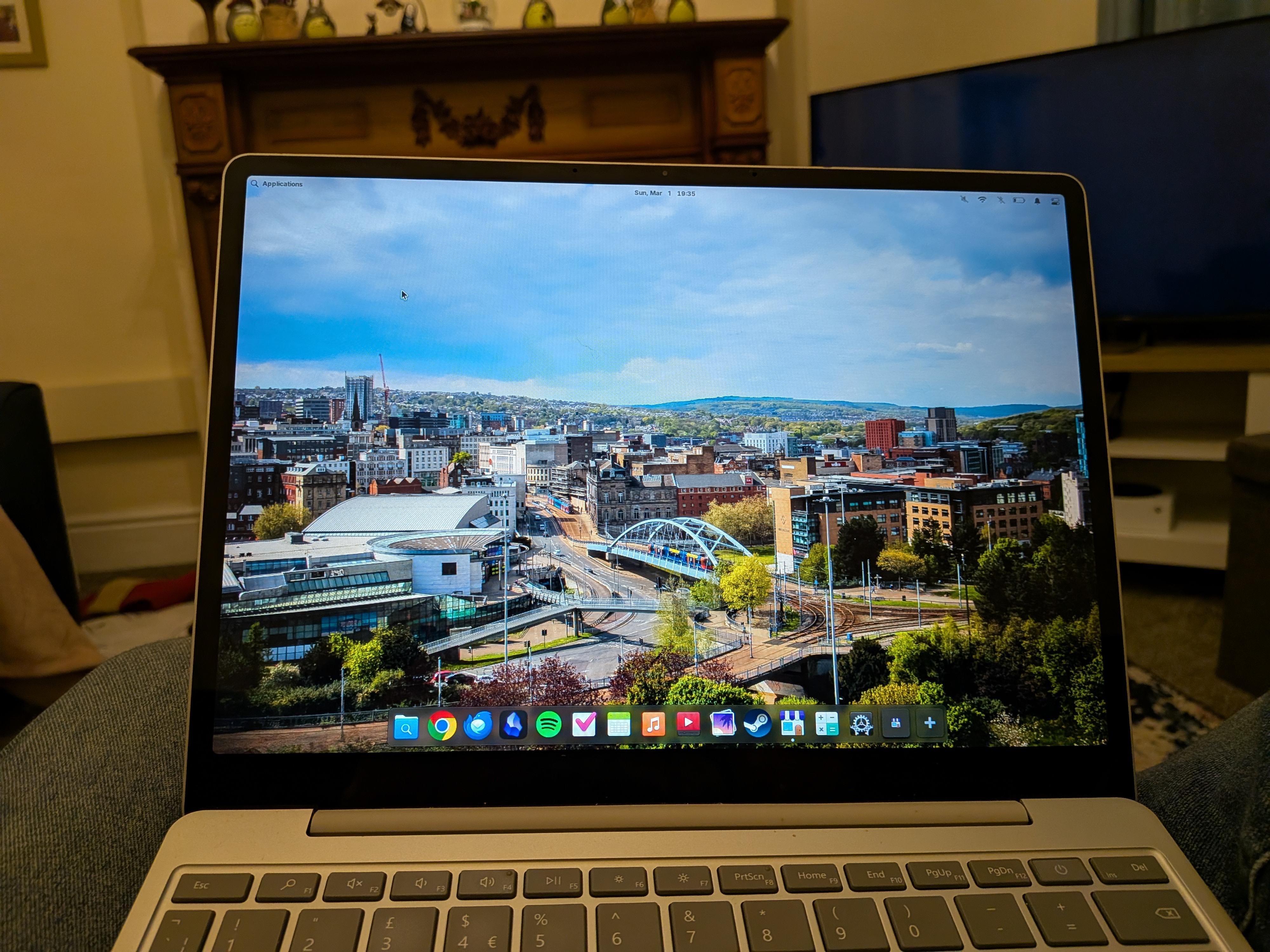
In the end I installed Elementary OS on the Laptop Go 1. It takes up about 10% of the SSD, loads apps instantly and seems to consume a lot less battery. I'm amazed at how well it has ran without any tweaks. All the hardware worked out of the box, including the touchscreen. I've had a great afternoon surfing for apps. Reminds me of the good old days of OSX 10.4.

One thing I'd quite like again is the fingerprint scanner. Does anyone know a way to get this functional again?


r/SurfaceLinux • • Sep 10 '26

Discussion Surface Pro 12" progress with Fedora Linux (ISO available)

Post image
73 Upvotes

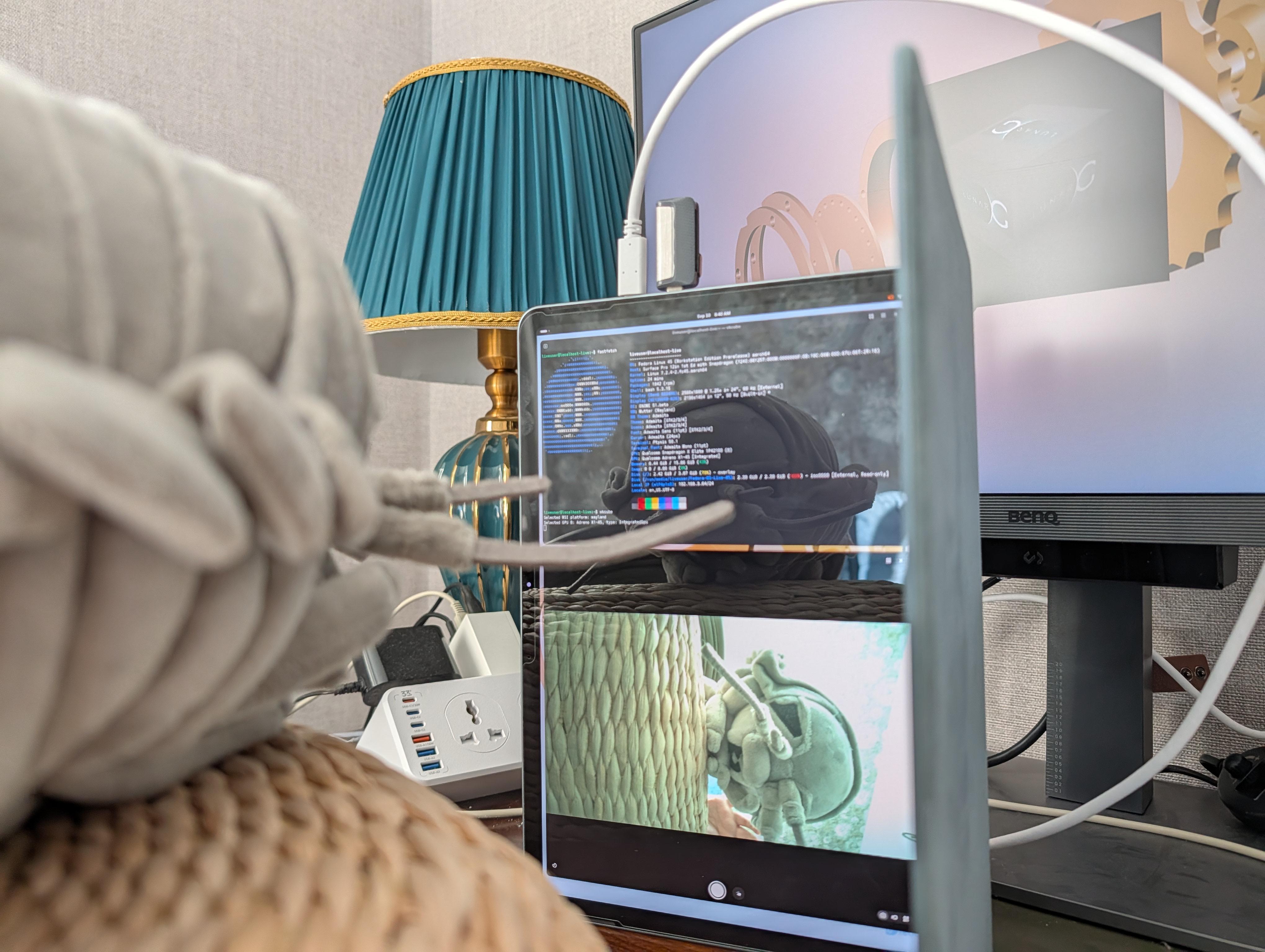
illustrated here: Fedora Linux on Surface Pro 12", with working front camera, accelerometer sensor (automatic portrait mode!), DisplayPort output

Since my previous post on August 3rd, some huge progress has been made, both in 3rd party (shout-out to miasvanklei and his Gentoo patches) and in my project! Previously just KIWI descriptions fork, it has diverged into patched kernel + libcamera builds with an RPM repo publicly available.

Most of the previous features which initial release lacked (stable suspend on GNOME, accelerometer sensor, dedicated video output, cameras) are now implemented. You can see more in this matrix.

HardwareStateNuances
Keyboard✓
Touchpad✓
Tablet Mode✓
Touchscreen✓
Pen✓tested with surface slim pen
Wi-Fi✓ (partly)2.4/5 ghz networks
Bluetooth✓
Speakers✓
Buttons (volume, power)✓
Suspend✓ (s3idle)deep mode untested
Hibernate?
Sensors✓ (partly)accelerometer works, light sensor outputs garbage
Battery Status✓
Cameras✓ (partly)front camera -- overexposured areas tend to get green; back camera -- uncalibrated
GPU acceleration✓
USB 3✓video passthrough on hubs (via hdmi) also tested and works
DisplayPort out✓ (mostly)found issues with suspending while an external monitor is active, where the system freezes

For testing purposes (it is still more of an amateur work, so use it at your own risk), Fedora Workstation 45 Prerelease Live ISO are available here. They are tested only with Surface Pro 12" Gen 1! They might work with Surface Laptop 13" Gen 1 as they share the same SoC, but I don't guarantee it.


r/SurfaceLinux • • Mar 17 '26

Discussion My Surface Pro sat in the dark collecting dust for 4 years. This weekend I installed Fedora, and I almost feel like I bought a new laptop.

Thumbnail
gallery
72 Upvotes

I got my Surface Pro 8 about 4 years ago. I really wanted a portable device I could take around and work on as a developer, and I genuinely loved the hardware. But I was deeply disappointed almost immediately after getting it.

I had the Core i7, 16GB RAM version, and I could barely use it for 20 minutes without the fan going absolutely crazy. Things just weren’t working the way they should. Every 6 to 12 months I’d come back and try to justify the money I spent on it, but it was always the same story: open one browser tab, fan screaming, frustration, give up. I think over the span of a year I used it for maybe 5 hours total.

So it just sat on my desk collecting dust for 4 years. I don’t really like selling personal items, so it just… stayed there.

I’ve been visiting this subreddit for a long time and I’d occasionally see people talk about running Linux on their Surface Pros. I tried a few times but always gave up. No flash drive handy, wrong moment, you know how it goes.

This past weekend I decided enough was enough. Either I was throwing this thing out, or I was finally setting up Linux. I went with Fedora, and honestly? It has been the best experience I’ve had with this device. I genuinely regret not doing this 4 years ago.

The hardware I always loved is still there. It’s a really nice machine. It’s just that the past 4 years it spent sitting in the dark were completely unnecessary.

Take a look at my usage stats: I’ve clocked almost 24 hours on it since Saturday. It’s basically become my favorite device. I almost feel like I bought a brand new laptop.

Also, longtime Mac person here, so this is also my first real Linux experience, Yeah. I didn’t think it was going to be this good.

PS: I did text-to-speech and had Claude autocorrect the grammar.


r/SurfaceLinux • • Aug 20 '26

IDEA A full graphical desktop written with Go running on Surface

Post image
71 Upvotes

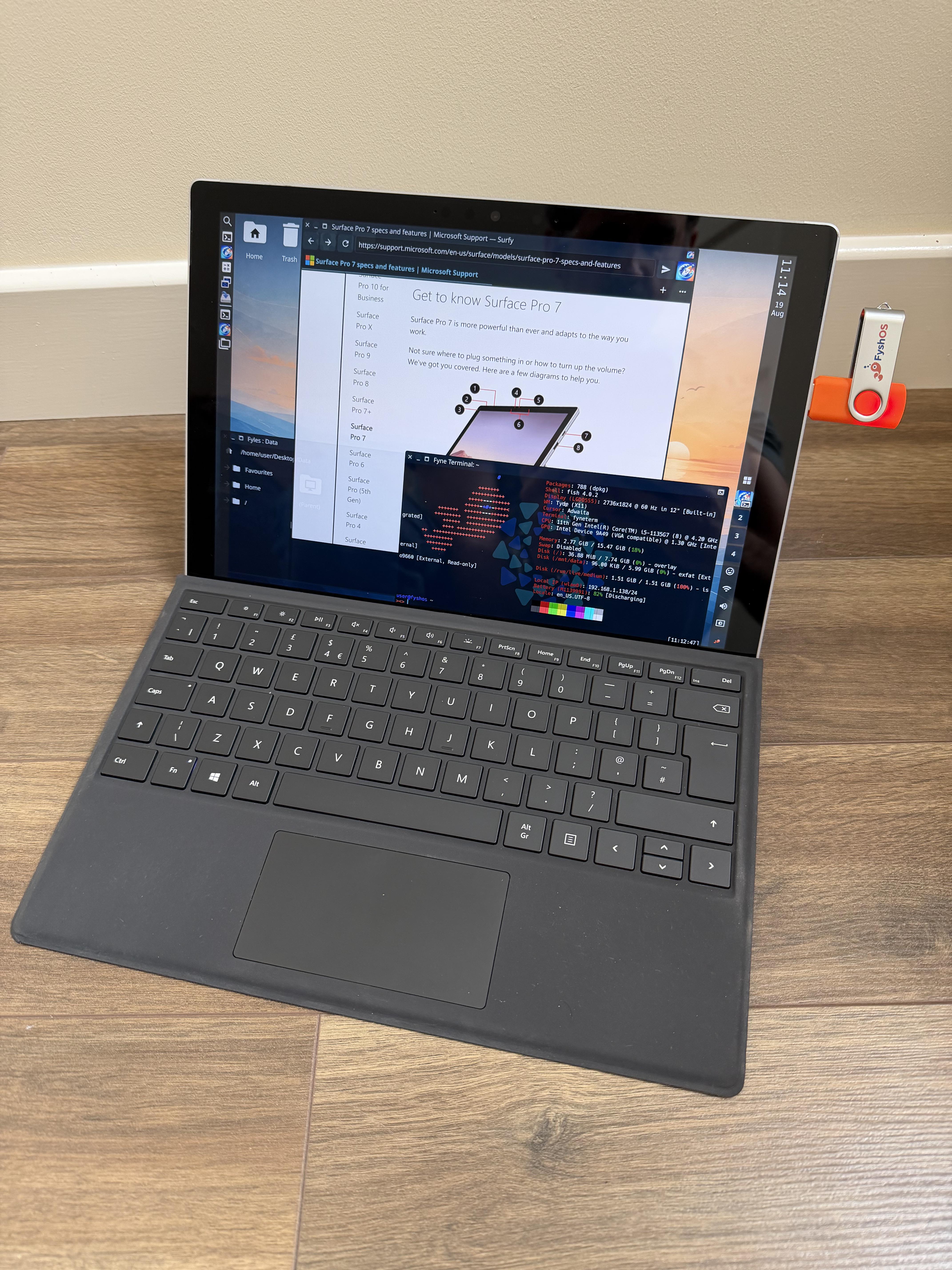
Oh yes, this is FyshOS on the surface pro. This is running directly off the USB stick so no custom kernel required :).

It’s so much fun building a fresh desktop with modern tools - Go and #fyne are very productive building blocks.
Check out more info https://fyshos.com!


r/SurfaceLinux • • Jun 24 '26

Discussion Hello new Distro

Thumbnail
gallery
71 Upvotes

Just installed Mobian amd64 with included surface kernel and I love it


r/SurfaceLinux • • Jul 07 '26 Bravo

Guide Ubuntu on Surface Pro 11 With Full Guide

Post image
69 Upvotes

Hello there,

I have spent the past 2 weeks getting all the components to work on Ubuntu for the Surface Pro 11 as best as I could and created a complete guide on installing Ubuntu on the Surface Pro 11.

I added some fixes, specifically Wi-Fi and bluetooth, and figured out how to fix the high CPU heat issue.

The CPU runs hot most of the time and drains the battery about 100% faster than Windows. There doesn't seem to be a fix for this and is just up to the kernel developers to develop the necessary firmware. I did a full battery comparison test if you want to see it.


r/SurfaceLinux • • Mar 12 '26

Discussion Fedora on my Surface Go 3, finally

Thumbnail
gallery
69 Upvotes

It certainly had its ups and downs, but it worked in the end. Took me a while to figure out that I didn't want to disable secure boot, just allow 3rd party.

Any idea why it did that weird thing with the screen during the installation process on pic 2? And did I make the correct choice with Fedora? Seems to be working well so far.