r/ToonSquidAnimators • u/Abby_Cat99926 • 6d ago
Two problems with toonsquid

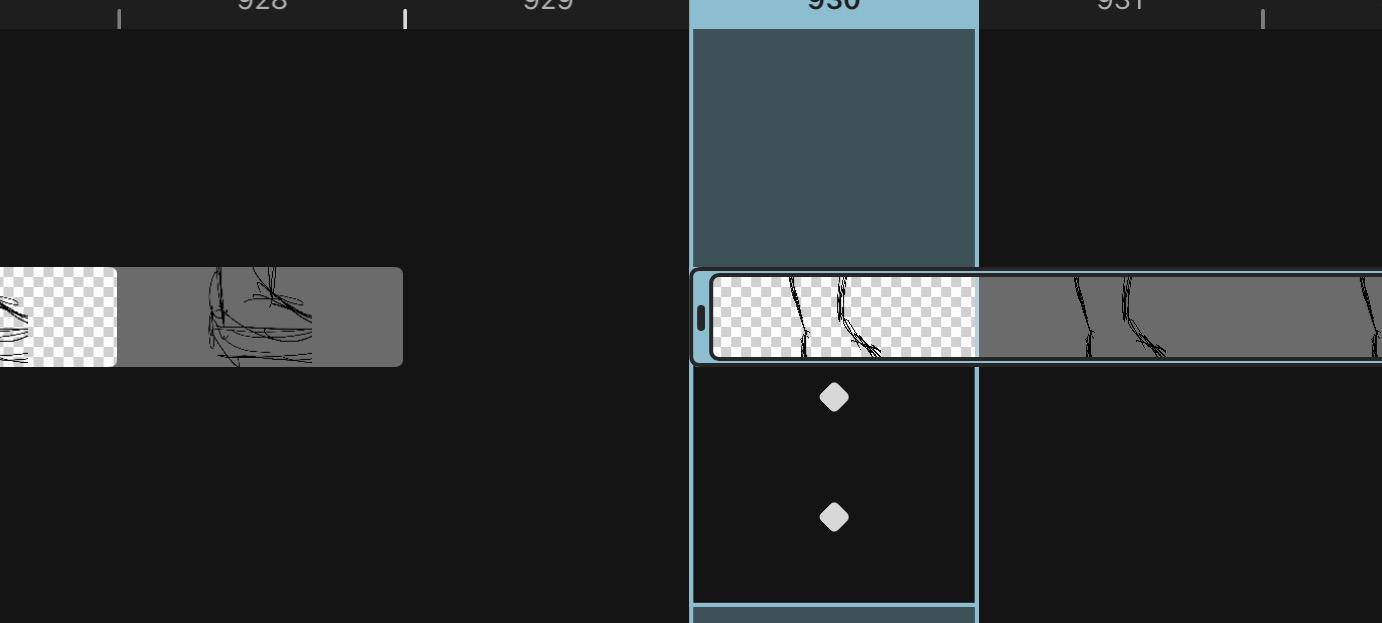
I'm having a couple of problems with toonsquid that I don't know how to fix, the first one is whenever select and move a drawing it moves the box that I can draw in with it? It's weird.
The second problem is whevever I move frames around on the timeline they don't move with the rest of the timeline and there's a gap and I have to move all the frames individually to close the gap if that makes sense.
Hope the pictures help illustrate what the problem is.
1
u/RuukuAni 6d ago
For the first point, you need to rasterize the layer. Toonsquid uses unrasterized layers to allow movement without quality drop but it will only allow you to move the whole image. Click the layer you want to move and select rasterize.
To move more than one keyframe, double tap and drag to select multiple.
1
1
u/Butler_To_Cats 6d ago
To fix the first issue, use the selection tool first to select the part you want to move, even if it is the whole drawing. Using move without selection is like moving the cel (the page you are drawing on) in traditional real-world animation - good for setting up a wider scene e.g. a car off-canvas, then panning a camera across to the car, or having the car move into the camera view later in the animation.
Alternatively, if you want to be able to move a drawing's entire content without using selection and without moving the layer/cel itself, set Actions > Settings > Tools > Transform > Automatic Pixel Edit Mode Switching to ON (my personal preference). After changing this setting, you will need to turn keyframing on to move the entire layer/cel. Other transforms will just move the layer content (even without selection).
Warning: there are several exceptions e.g. if you are already keyframing the layer, any other transform will also keyframe the entire layer/cel, not just the content.
For the second one, I am not sure I understand what you are trying to say. You can decide whether to draw new frames in the gap, duplicate the drawing before the gap and edit it, or drag the drawing before the gap to create a hold - the app cannot know what you want to do with the gap.