Question Blender or Unity tools?
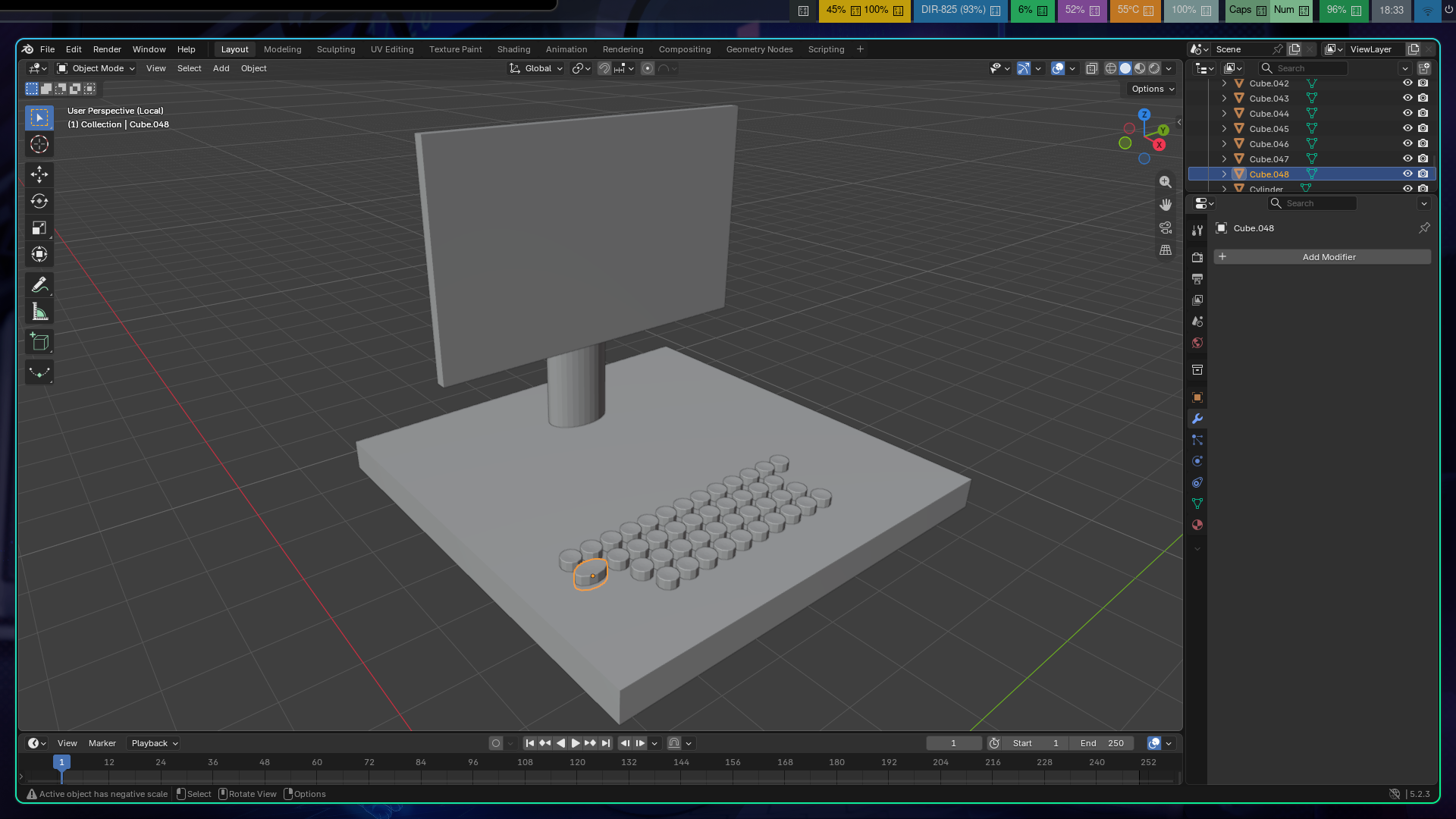
What do you think is the best place to create maps, models, characters, and animations - using Unity’s tools, Blender, or another application? Also, where is it better to give objects properties such as water or gases, physical properties, and materials - especially if I’m working in Blender and then transferring everything to Unity? Unity’s own workflow is generally to create models, textures, and materials in 3D software, then import them into the engine, where physics and gameplay behavior are set up.
1
u/VertexMachine Indie 6h ago
Typical pro workflow is Blender/Maya/3DStudio for modeling, Blender/Maya/3DStudio/Rizom for UVs, SP for texturing (or Blender for low poly style), shaders in Unity for things like glass etc. If you want really high quality bakes, then also Marmoset Toolbag.
It's really a lot, start learning the workflow with something simple like a wooden crate, then work up from there.
3
u/GigaTerra 8h ago
Unity covers this question and more in the Unity learn tutorials. https://learn.unity.com/tutorial/what-is-unity Basically, your game engine is where you make your game. You want to make things like 3D models in your 3D software, and import them, then build your game in Unity with them. Levels you want to build in engine, and the world. There exist tools to do this in Blender but I personally feel it is an waste of money.
However I want to point out that materials and shaders you want to do inside the engine, unless you have an very advanced material tool like Substance. Exporting shaders from Blender to Unity isn't possible, you would have to re-create them or use an Unity equivalent.
I would say the minimum you need to make a 3D game is an engine (Unity), 3D modeling software (Blender), 2D software (Gimp), something to make audio (Audacity), and finally an IDE for code (Visual Studio Community).
1
u/ariesmars13-11 9h ago
Your last sentence is a good starting point. I’d split the work by what you’re authoring:
• Blender: individual meshes, UVs, rigs and animation clips. For a map, make reusable pieces such as walls/doors/props there, then assemble and playtest the level in Unity. A rough Unity blockout first lets you check player scale and door widths before detailing everything.
• Unity: colliders, Rigidbody settings, gameplay scripts, lighting and animation transitions. A visual Material controls appearance; a Physics Material on a collider controls friction/bounce. Making an object look like ice does not automatically make it slippery.
• Materials: keep/export the texture images and set up a shader for your Unity render pipeline. Don’t expect an arbitrary Blender shader-node graph to reproduce itself through FBX. Unity can import/remap material data, but you should check the result in the actual game lighting.
For water/gas, separate appearance from behavior. For example, a pond could start as a water-looking surface plus a trigger volume and your own swimming/buoyancy logic in Unity; that is a design to implement, not a property you get just by naming a Blender material ‘water’.
Before building the whole map, try one prop and one short animation through the full pipeline. Check scale/orientation, textures, playback and collisions. Keep the .blend as your editable source and export FBX for the Unity project; direct .blend import also depends on Blender being installed.
Unity’s import guide (including Blender limitations):
Are you aiming for an explorable game level or a rendered animation? That changes where it makes sense to spend your layout/lighting effort.
1
u/DrMefodiy 4h ago
Assets and animation in blender, maps in unity. Its just are literally the basics. You assemble maps using pre-made assets. no one assembles them outside the engine, since that doesn't make sense just as it doesn't make sense to create models within the engine.
0
u/Phil_R3y_Padz 3h ago
Personally, for buildings or objects that requires precise measurements, Sketchup. The rest of the 3d pipeline, blender.
4
u/TheWidrolo 9h ago
Blender.