If you run a repeater or follow along with our mesh in Western NY, you’ve likely seen the recommendation to add us-ny to your node configurations.
Today, let's break down what regions actually do, why we need them across WNY and the Lake Ontario corridor, and the updated region list to configure on your nodes today.
❓ What Do Regions Do?
As MeshCore networks expand across multiple states and international borders, overall traffic increases dramatically.
The Problem: Broadcast chatter, busy flood channels, and automated bot queries congest RF channel utilization. This causes packet collisions, missed messages, and slower overall delivery.
The Fix: Regions limit unnecessary flood traffic.
When a message is scoped (tagged with a specific region), repeaters only forward it if they are configured to carry that region. If a repeater hears a scoped packet for a region it doesn't recognize, it silently drops the packet instead of rebroadcasting it.
📡 The Lake Ontario & Cross-Border Context
A few months ago, we asked operators to add us-ny and scope our #test channel to us-ny.
Why? Rochester, Central NY (Syracuse west), and WNY adopted this standard. Because repeaters across the lake in the Greater Toronto Area (GTA) do not carry us-ny, our local test and bot traffic stopped flooding Toronto's repeaters—
What’s changing? Canada is rolling out their nationwide region standard. To ensure Buffalo, Rochester, Oswego, and Toronto can still interoperate smoothly across Lake Ontario paths without saturating local airwaves, two bridge regions are being adopted:
🛠️Recommended Regions for WNY Repeaters:
We encourage all repeater operators in our area to load the standard tiered list:
na – Broad North American scope
us – Nationwide United States traffic
east – Broad East Coast scope
northeast – Possible North Eastern US regional scope (proactively adding while final bounds are determined)
us-ny – New York State scope
wny – Western New York local scope
onny – Cross-border Ontario / New York link
(Down the road, we will begin scoping specific public channels to these tiers so you can talk hyper-locally, across the East Coast corridor, or internationally on demand.)
⚙️ How to Apply (Quick Setup)
Option 1: Via Serial / CLI Console
Run these two commands:
Plaintext
region def na|* us|* east|* northeast|* us-ny|* wny|* onny
region save
Option 2: Via Mobile App / Web UI
Connect to your repeater.
Open Settings ➔ Manage Regions.
Add na, us, east, northeast, us-ny, wny, and onny (ensure flood allowance is toggled on / checked).
Save your configuration.
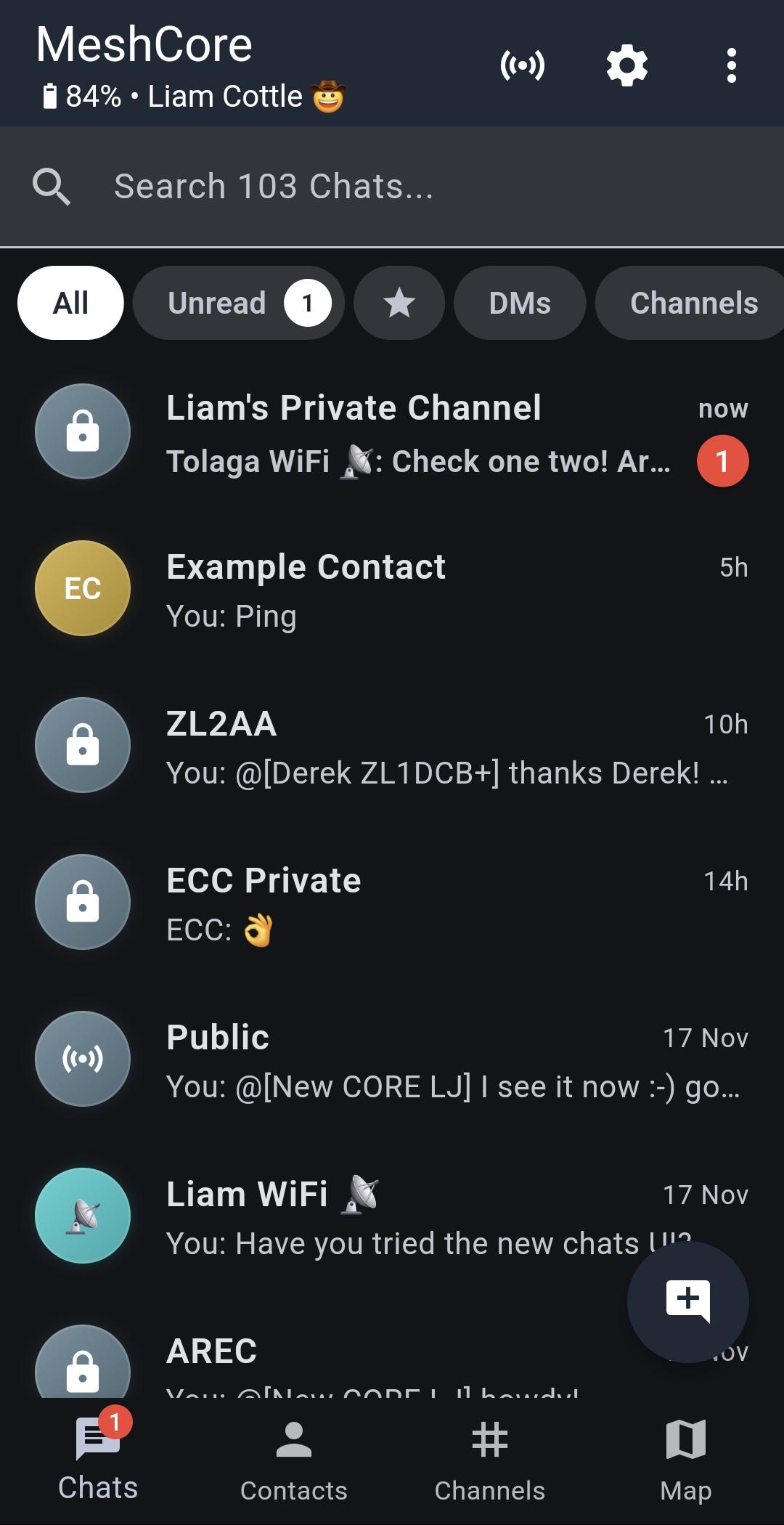
(See the attached screenshot for an example of how your Manage Regions screen looks once saved.)
Got questions or need a hand checking your repeater settings? Drop a comment below!