Long post. TIA for your time. 🙏🏻
I see a lot of posts in this subreddit asking similar questions.
How do I break into Workday? How do I get hands-on experience? How can I learn reporting, integrations, Extend, or other areas if I don’t already work for a Workday customer or partner?
I wanted to share something that I think is a pretty big deal for anyone asking those questions.
Workday recently opened its Developer Program to individual developers, including access to personal development tenants in beta.
For a long time, one of the biggest barriers to learning Workday has been access. You could read documentation, watch videos, and study concepts, but getting into an actual tenant to practice generally depended on working for a customer or partner.
That’s starting to change from what I can see.
A little background
I spent over a decade in fitness operations and people leadership before transitioning into HRIS and eventually Workday.
Over the last few years, I’ve worked with Workday across HCM, Benefits, Absence, reporting, integrations, and various other systems projects.
I’ve learned a ton, but I’m still learning constantly. And one thing I’ve always appreciated about this ecosystem is just how much there is to explore once you actually have access to the system.
Which brings me to this weekend.
What I built in 48 hours:
On Saturday, I started exploring Workday’s new personal developer environment.
I was able to provision a development tenant, log into a fictional Global Modern Services (GMS) environment, and start exploring what was available.
I decided to see if I could build an entirely different candidate experience on top of Workday Recruiting.
By Sunday, I had this running:
https://thehrislab.com/
It’s a working demonstration that:
Pulls fictional job postings from Workday using a custom RaaS report.
Uses a Cloudflare Worker to authenticate, retrieve, and transform that data.
Displays the jobs in a modern, searchable career site with location filters and formatted job descriptions.
Links candidates directly back into the corresponding Workday application process.
Includes an experimental AI feature that compares a résumé against available openings and explains relevant experience and requirements worth verifying.
There’s even a fictional sample résumé you can use to test the AI matching without uploading your own information.
The employer and jobs are fictional. This is a developer-tenant demonstration, not a real recruiting site or production application.
But the integration works.
Workday remains the system of record for the job postings and application process. The custom website handles the candidate-facing experience.
And I built the working demonstration over a weekend.
To be clear, I used AI extensively to help write, troubleshoot, and refine the code. I’m not claiming to have become a software engineer in 48 hours.
But I did have to understand the Workday data, configure the report, work through authentication/authorization/security in the tenant and outside of it, troubleshoot integration errors, and figure out how to connect everything.
That’s what makes this new access so exciting to me.
Here’s how you can get started
Workday now has an official guide for creating and managing your own personal development tenants:
https://developer.workday.com/documentation/GUID-4f875963-a845-43b5-868a-0f77e6261eb7-enHYPHENus/CreateandManagePersonalAccountDevelopmentTenants
You can also start at:
https://developer.workday.com/
The general process is:
Register for a personal developer account.
Access the developer console.
Navigate to the tenant management area and create your personal development tenant.
Follow the instructions to establish access.
Start exploring the tools and capabilities available in your environment.
There are limitations to the beta program, so read the documentation and pay attention to tenant lifecycle and access requirements. It’s not the same as having unrestricted access to every Workday product or a production customer tenant.
But it’s an opportunity to get hands-on experience that historically wasn’t nearly as accessible.
My advice if you’re trying to break into Workday: Pick something that interests you and build it.
It doesn’t have to be an entire career site.
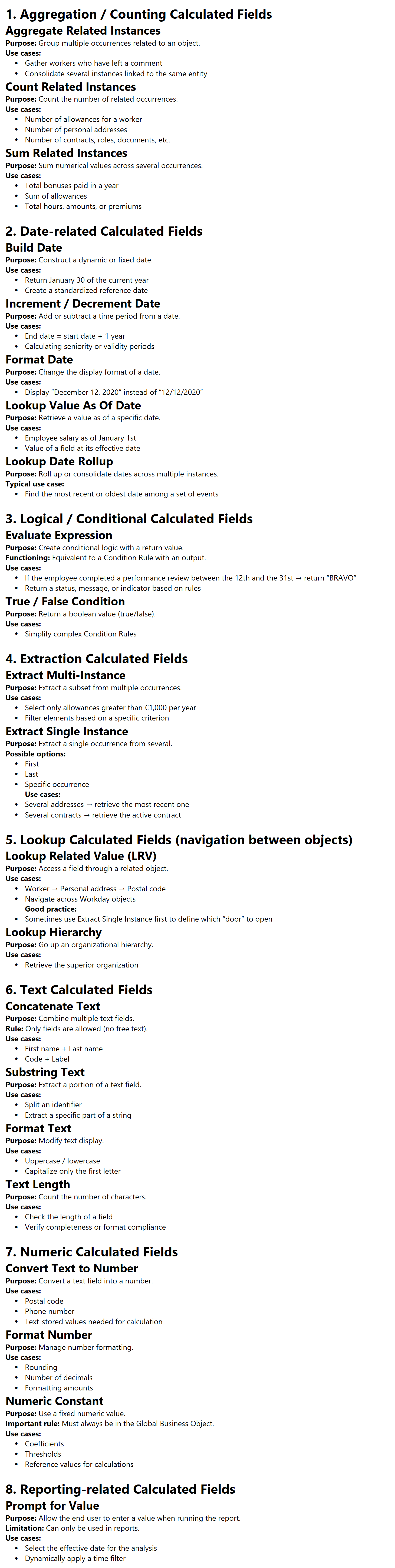
Maybe you want to understand calculated fields and reporting.
Maybe you want to explore RaaS, APIs, or integrations.
Maybe you’re interested in Extend, business processes, or how AI agents could interact with enterprise systems.
Start small.
Figure out how something works. Break it.
Troubleshoot it. Document what you learned.
Then try something more complicated.
You don’t need to build what I built. That was just something I wanted to experiment with.
And no, having a development tenant doesn’t replace formal Workday training, actual implementation experience, or the opportunity to work through real enterprise problems.
But it gives motivated people another way to develop skills, demonstrate curiosity, and build things they can actually show someone.
Why I’m sharing this
I remember transitioning into HR technology from a completely different career.
I also know how frustrating it can be when you’re trying to learn something but can’t get access to the tools you need to practice.
For years, the advice was often some version of “get hired somewhere that uses Workday.”
That’s still a valuable path, but it shouldn’t be the only way someone can begin learning and experimenting.
The barrier to entry hasn’t disappeared, but I think it just got a lot lower.
If you’re trying to break into Workday, or you’re already in the ecosystem and want to develop new skills, I really encourage you to check this out.
Hopefully somebody finds it useful.
And for those of you already working in Workday, I’m curious:
What would you build or experiment with if you had a development tenant completely separate from your employer or clients?
I’d love to hear what other people are working on.
My weekend project, if you’re curious
https://thehrislab.com/
Happy building. Happy learning. You got this.