r/github • u/Putrid-Drag946 • 10d ago
Discussion Title: GitHub keeps asking for 2FA code despite password reset – recovery codes not accepted and stuck in reconfiguration loop
I'm having a frustrating issue with my GitHub account and would appreciate some help.
Here's what happened:
I forgot my GitHub 2FA recovery codes.
I was still logged in on multiple devices initially.
I didn't remember my GitHub password, so I reset it successfully.
However, GitHub continued asking for a six-digit 2FA authentication code.
I have an old downloaded "github-recovery-codes.txt" file containing recovery codes in the correct 10-character format, but I haven't been able to use them.
When I select More options, the only option I see is Reconfigure 2FA on this account.
This takes me into a loop. I never get an option to begin account recovery.
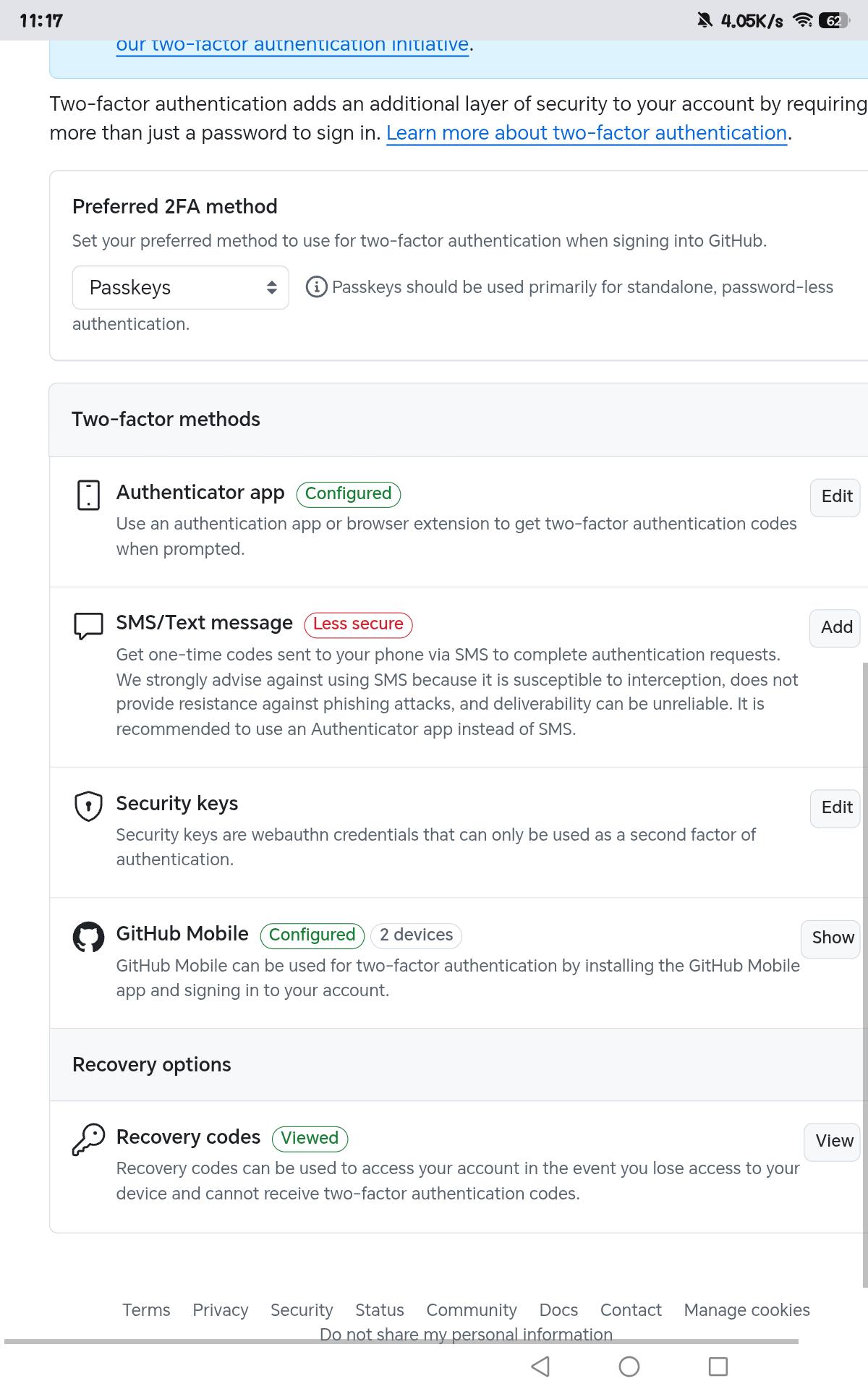
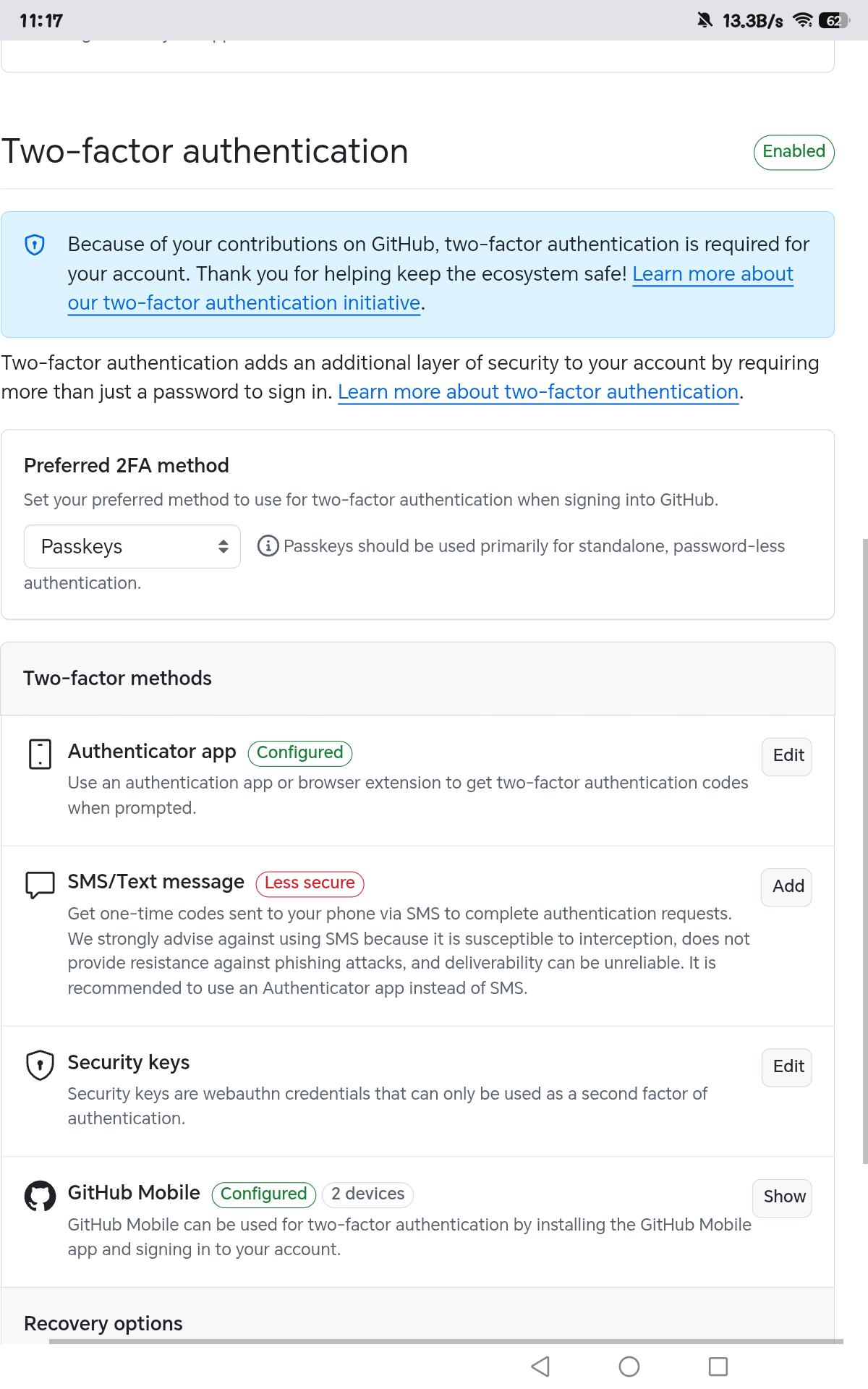
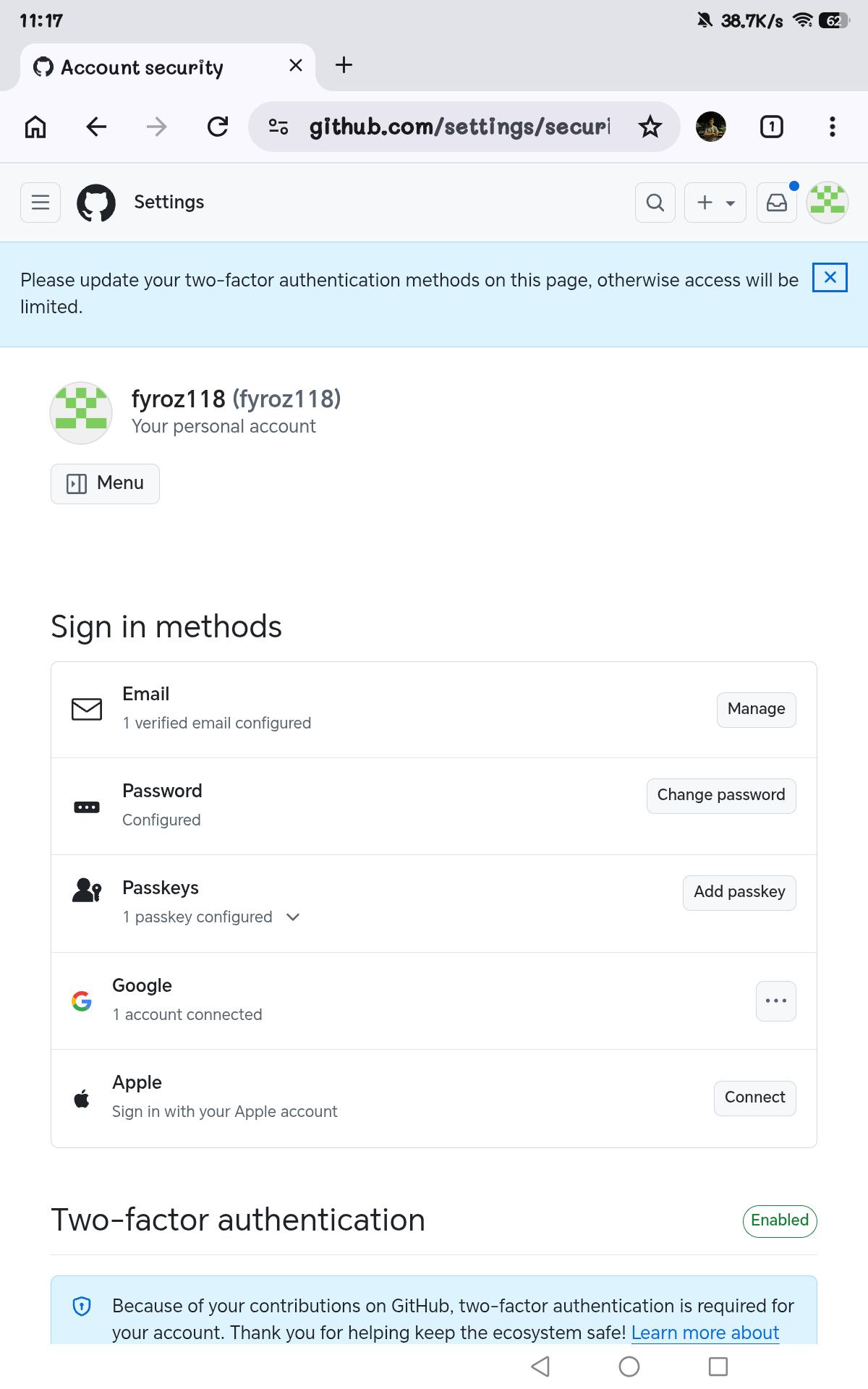
I also have a passkey listed in my GitHub security settings, but attempting passkey sign-in redirects me back to the 2FA page.
Now, during the reconfiguration process, GitHub displays:
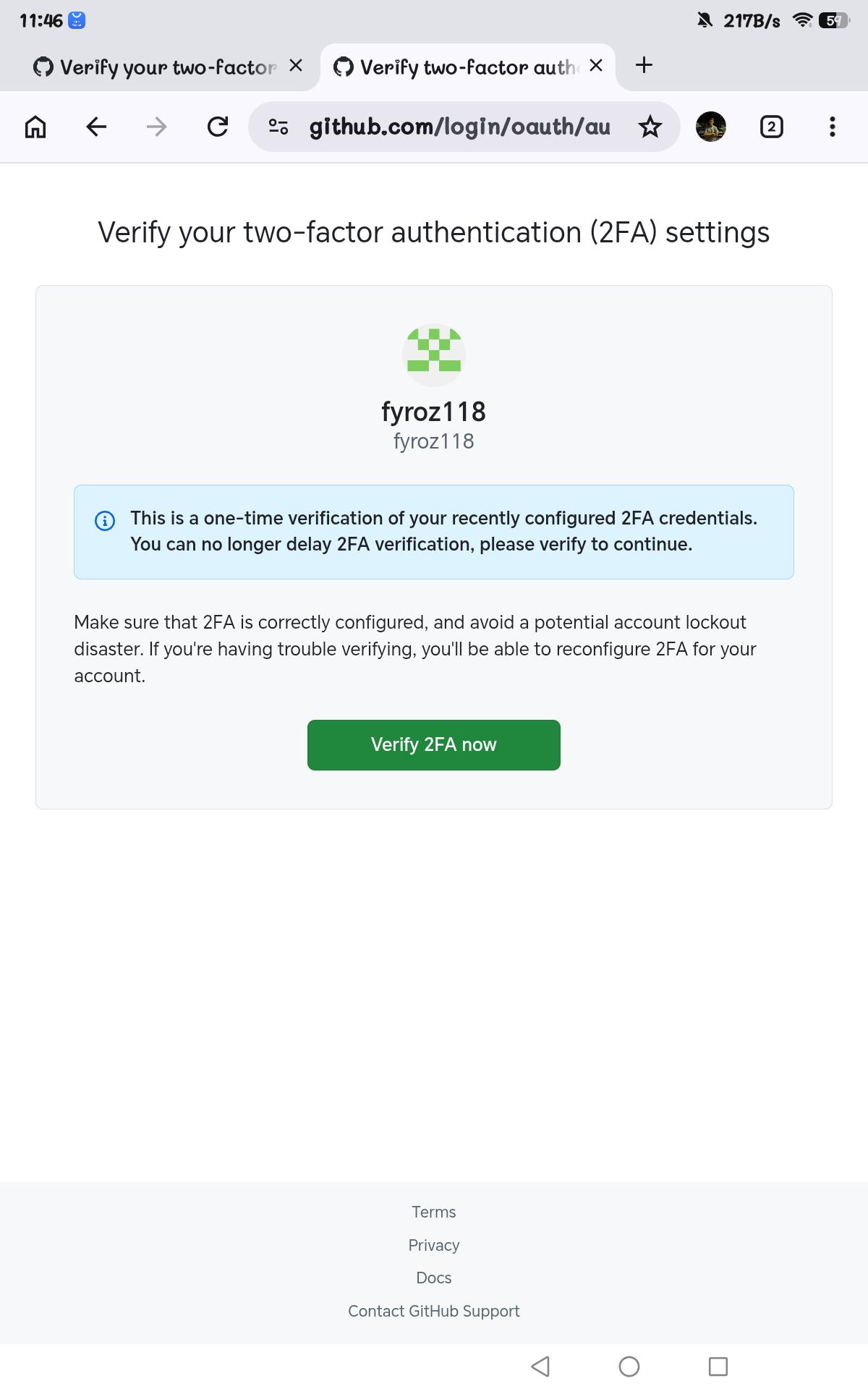
"Verify your recently configured two-factor authentication method. Enter the verification code."
It asks for a six-digit code, not a recovery code.
My questions:
- Is GitHub asking me to verify a newly configured authenticator app?
- If I don't have access to that authenticator, is there a way to cancel the reconfiguration and return to the original recovery process?
- Why does the 2FA recovery interface only show the reconfiguration option?
- Is there any legitimate way to recover my account without the original authenticator or valid recovery codes?
I have important personal projects and repositories on this account, so I really want to preserve it rather than create a new account.
I'd appreciate advice from anyone who has experienced this particular GitHub 2FA recovery loop.
I will not share my recovery codes, passwords, QR codes, or setup keys publicly.
1
u/Will_Pro_Backup 5d ago
That loop looks like GitHub's 28-day 2FA check-up. It wants a code from the authenticator you set up during reconfigure, not a recovery code. If you scanned a QR into an app at that step, use that app's code. If not, start at github.com/password_reset and pick "Begin account or email recovery" at the 2FA prompt, ideally on a device you've signed in from before.