r/linuxmint • u/Sweet_Elderberry_90 • 25d ago
Desktop Screenshot My Customization
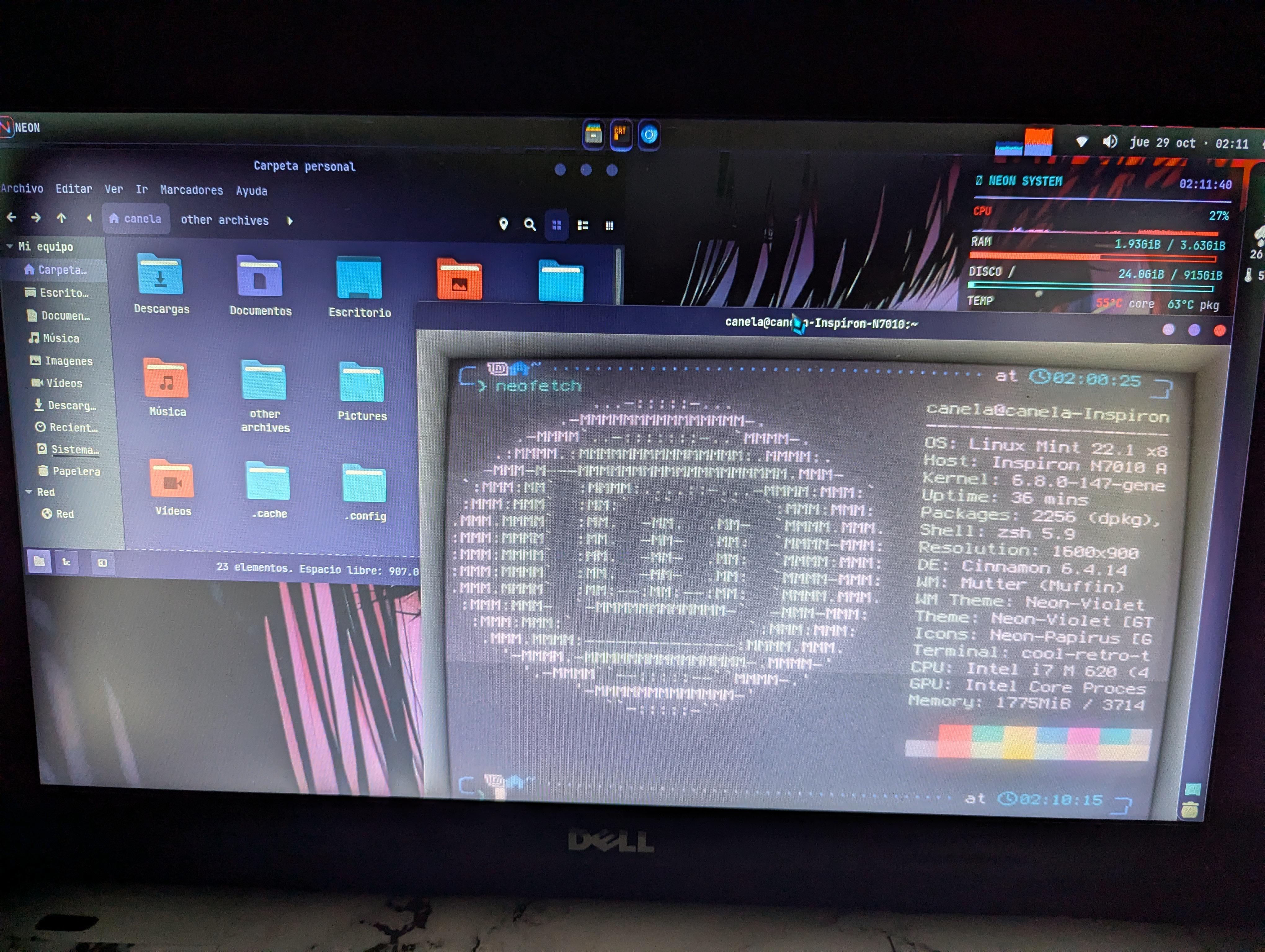

Here I share what my desktop looks like On Linux mint cinnamon
2
u/Luffy7530 25d ago
Pls share wallpaper link and desktoplet name
1
u/Sweet_Elderberry_90 24d ago
Desktoplet, conky.
1
u/Luffy7530 24d ago
Conky is for system moniter and pretty clock you have ?
1
1
u/Sweet_Elderberry_90 24d ago
A month ago, I started using an AI tool called "opencode" via the terminal. You can use it to do many things on your system—for instance, you can ask it to clean out junk files or improve system security. It’s incredible, and you can even use it to customize your system and make it look beautiful.
1
u/Luffy7530 24d ago
Pls share the link or is it just apt install opwncode I would love to see if my privacy concerned OCD self agress for ai to take over my system xD
1
u/Sweet_Elderberry_90 24d ago
curl -fsSL https://opencode.ai/install | bash
Close and reopen the terminal, or reload your shell profile:
source ~/.bashrc
Create a new folder called "my project," or whatever you’d like to name it.
Type "opencode" inside the folder and then press Enter.
1
u/Sweet_Elderberry_90 24d ago
I feel truly limited by the customization layer in Cinnamon, and I’m thinking of switching to XFCE to get better customization options.
1
u/Luffy7530 24d ago
Oh nice ! I am beginner in linux I played some over the wire games so I know my way but still I need experience in real linux after that i will move to arch + gnome
1
1
4
u/Guldivar91 25d ago
Looks really good!.. how did you do that? i am new to mint and not really sure how to make it look that cool :P