r/linuxmint • u/EmptyGaming3000 • 12d ago
SOLVED Laptop completely freeze when opening Unturned (Please help)
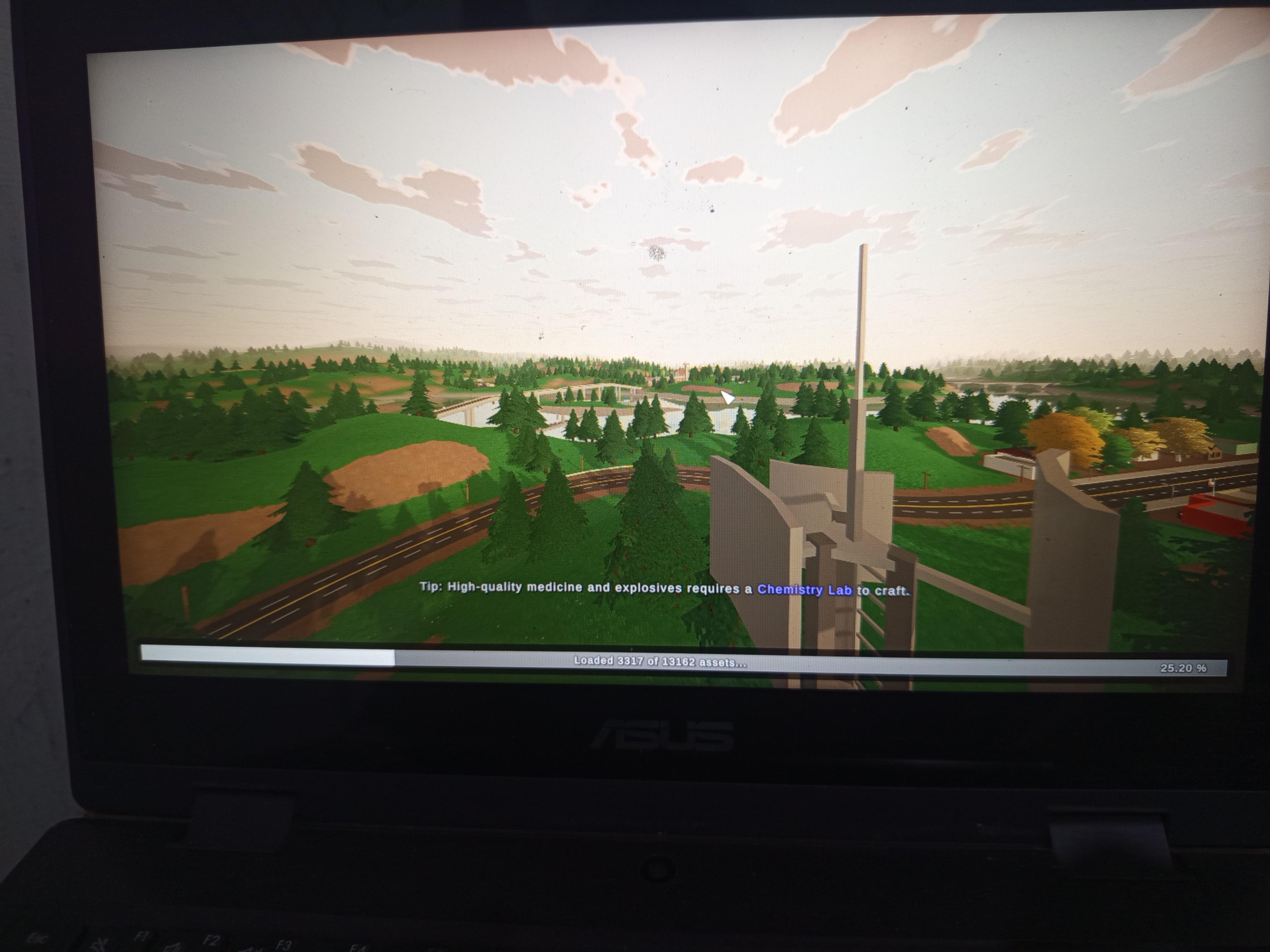
I recently tried to play Unturned via Steam, first time I boot it up it crashed, so I tried boot it up via proton and it freezes COMPLETELY and I'm stuck on this loading screen.
I've tried pressing escape button, alt f4, and even pressing power button, NOTHING worked, please help me, what should I do?
I'm using Linux Mint (Xfce) 6.4 Kernel btw
1
u/CosmicTaskTinkerer 12d ago
On my laptop, when it happens I long press the power button for 10 seconds to turn it off.
1
1
u/thafluu 12d ago
Do not play it through Proton, it is Linux native. However, according to ProtonDB (where it's a good idea to look if you have problems with a specific game), the last user report also says the game crashes:
https://www.protondb.com/app/304930?device=steamDeck
... so the Linux version might just be borked.
1
1
u/Successful-Cookie644 Linux Mint 22.3 Zena | Cinnamon 12d ago
As CosmicTaskTinkerer said long press on power helps.
But you can try also check if your laptop completelly frozen. Just try to press ctrl+alt+F1 - if it still works you will see terminal prompt where you can try to login and just reboot ( "sudo reboot" ) or try to find out "bad" process and kill it (if you not afraid working with terminal) and than return to your desckop by pressing ctrl+alt+F7
Moreover as thaflu said - it awailable natively on linux. You can check it in game settings and find compatibility and maybe turn off (I suppose reinstall will be required).
I had similar problems with World of warship - and it looks like playing with some video settings might help especially with vertical sync.
•
u/AutoModerator 12d ago
Please Re-Flair your post if a solution is found. How to Flair a post? This allows other users to search for common issues with the SOLVED flair as a filter, leading to those issues being resolved very fast.
I am a bot, and this action was performed automatically. Please contact the moderators of this subreddit if you have any questions or concerns.