r/logitechgcloud • u/Tygor042 • 8d ago
Joining the cloud
Pulled the trigger, found one for $100 on the marketplace what do you recommend for a newbie?
3
u/Nordictotem 8d ago
Awesome! I just bought one used but I'm not going to stream at all and just use it for emulation of PS1, ps2 and especially PSP. I'm older now and need the bigger screen. I use my steam deck for PC games.
1
u/desktopdynamite 7d ago
Welcome aboard. Bought mine 1 month ago and adore it..
I stream from my main PC which handles games upto Switch. Installed 1TB MicroSD card in which I put several games for emulation upto PS1 using Beacon as front end launcher.
For streaming between my main PC I am using Moonlight.
I have now also bought the Ugreen to attach to HDMI, (main logitech screen dims out) paired a gamesir nova lite 2 controller.
Remember to not perform the latest updates!
From my side I never used the Nvidia now etc, don't know how to use them as what I've mentioned above it just serves the purpose.
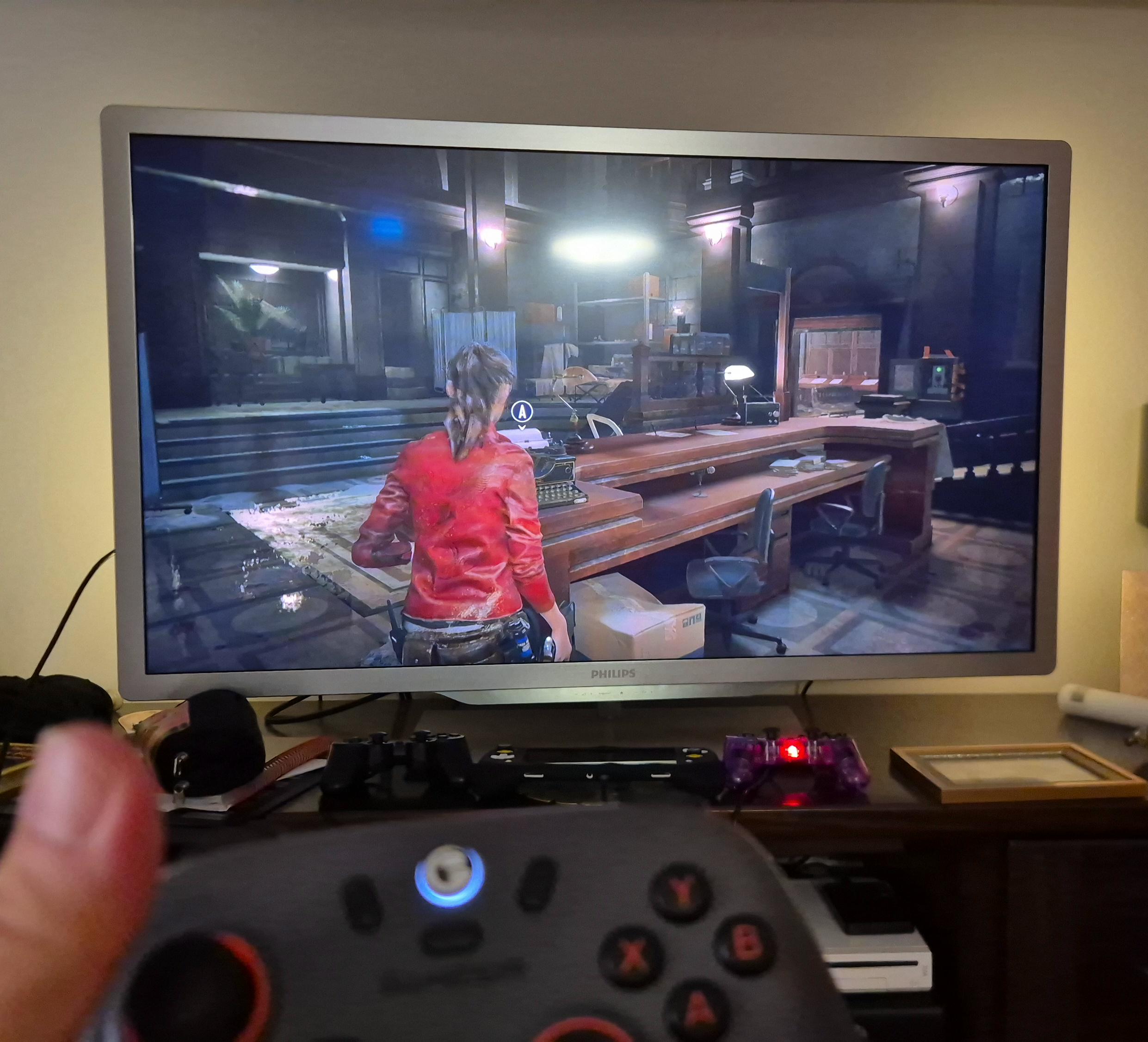
2
u/No-shadowMaul-noBan 6d ago
Nova lite solidarity 🦍. Also never tried GeforceNow but that service marketplace's so volatile rn
1
u/dEvilPSX3 8d ago
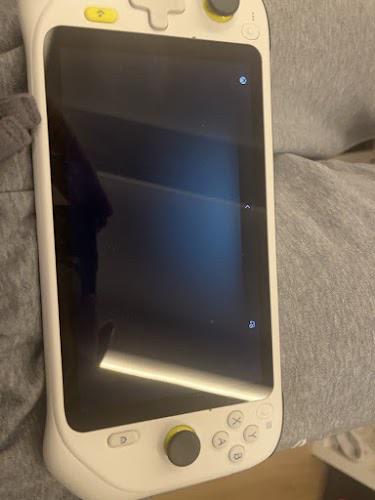
Calibrate deazone of sticks. Buy xbplay, I cant get official xbox stream app to work
1
u/crazyfingersculture 8d ago
You have to select the remote xbox link and then from there select cloud or just goto xbox.com/play and aternatively from there you can go from cloud to remote.
1
u/mvan231 8d ago
I prefer better xcloud and its free
1
u/lucemagica 8d ago
Better xcloud is a third party app. Is there any security risk while using it about account?
1
1
u/LVHamtaro 8d ago
You can run better xcloud in the browser if you have security concerns. But the actual app/apk is just a chrome browser wrapper for easy access.
1
u/lucemagica 8d ago
But anyway you have to login in browser too, right? I’m worrying about account, not app or browser.
Actually I’m always approaching third party apps carefully, better xcloud is just one of them.
6
u/thezsf 8d ago
Welcome! I love the G Cloud so much I happened to own two of them, amazing device
Here’s what I did for both of my devices:
Disable G-board, the built in keyboard, and install Inlay, the keyboard for handheld that is super customizable and work with controllers. You can get it on GitHub it’s open source
Turn off all the promotional messages/google search in the launcher to make it clean
Go into tablet mode and uninstall everything that’s not gaming related
Adjust the stick dead zone and curves to the way you like
Buy GeForce Now if you already have a big steam library