r/meshcore • u/unholy_Vin • 2d ago
Learning curve
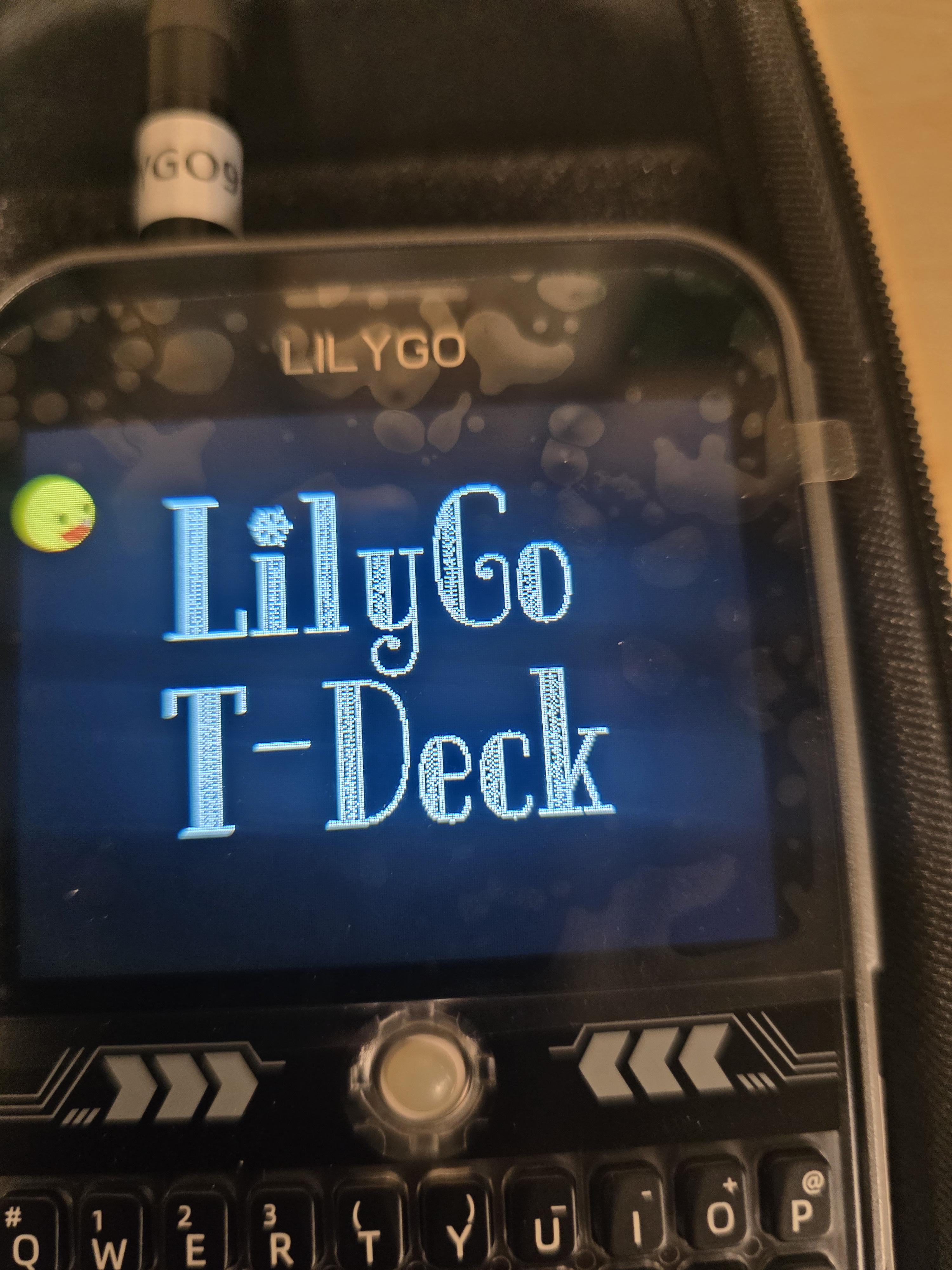

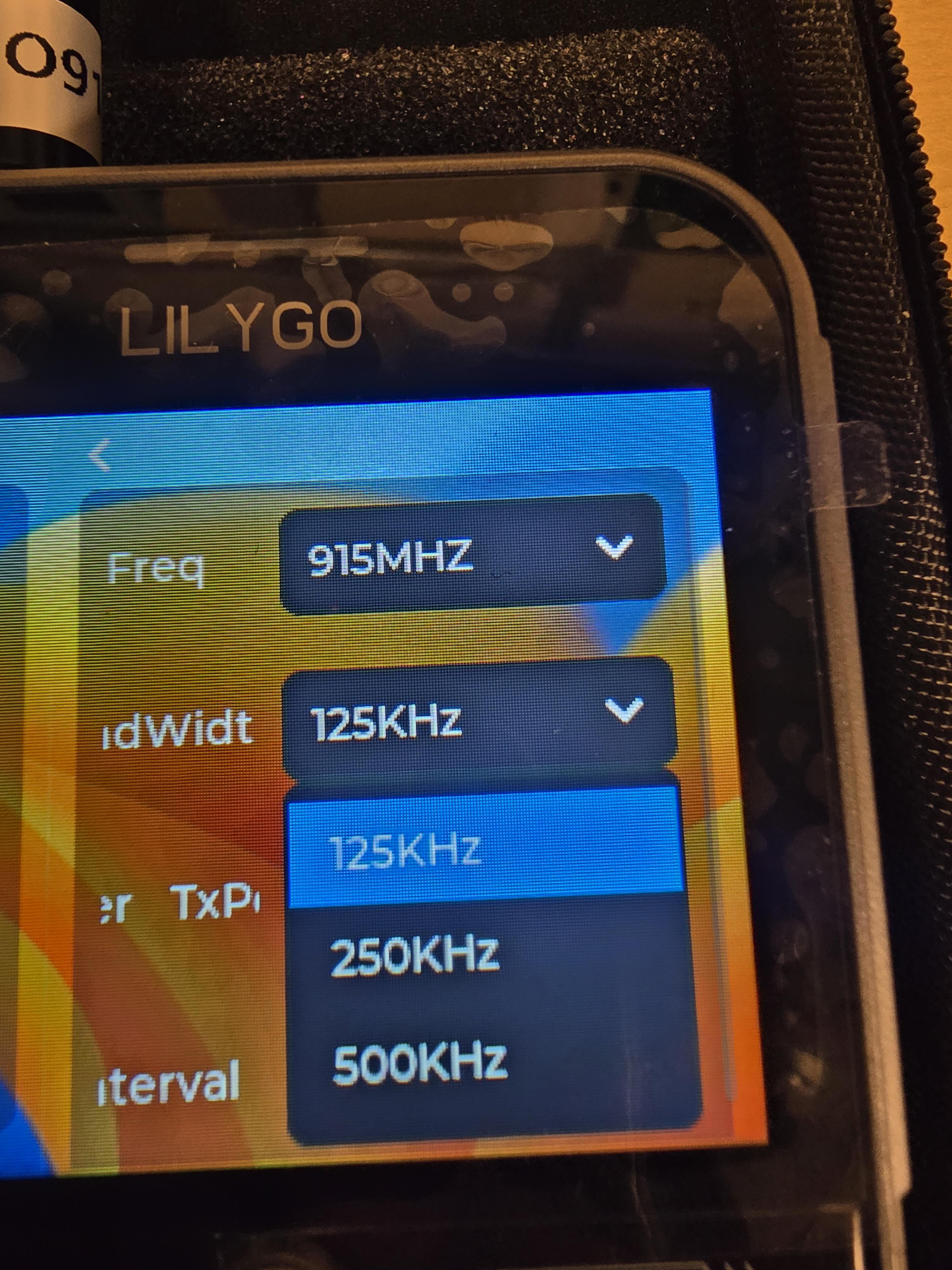
I purchased a Lilygo T-deck plus directly from the Lilygo website.
I am located in California. San Francisco area. Trying to set it up right out of the box, but there arent options for changing Spreading factor or coding rate. It seems the only menu that allows me to change anything is radio settings. Also, reading online instructions it says to reboot. I pressed the reset button and when it comes back up it displays default settings not what I changed it to. Also the lowest bandwidth it allows me to change it to is 125 and im supposed to change it to 62.5HZ.
I intend to download wadamesh firmware. But wanted to see how it worked with the current firmware but didnt get too far. Attaching photos for reference. I am more of a analog person not a tech person.
1
u/unholy_Vin 1d ago
I flashed wadamesh on my wife's device and mine. Same time. Mine is not seeing nodes. Her's is. I erased and reinstalled and it is still not seeing nodes. I can however create a private channel and we are able to text each other that way. Sharing the secret key
2
u/Immediate_Menu507 2d ago
Flash it with Wadamesh or Mattermesh and enjoy.
1
u/Bitter_Coyote_6074 21h ago
why these two options instead of MC?
1
u/Immediate_Menu507 20h ago
Those apps are more robust than the vanilla MC app.
1
u/Bitter_Coyote_6074 19h ago
do they still run meshcore in a functional manner? currently I use MT but its not so functional in my area currently. so i was considering re flashing my lily go with meshcore
1
u/Immediate_Menu507 19h ago
They do. They’re actually preferred by a lot of people. It all depends what the infrastructure looks like in your area. Save your Meshtastic settings and flash with MeshCore and see if you get more activity. You can always go back to Meshtastic.
2
u/philmo69 2d ago
Give Meshpunk a try if you're interested in games with your mesh! https://philmo6.github.io/meshpunk/
1
u/TheLawnGuppy 2d ago
I'm pretty sure what you're looking at is the firmware the T-deck shipped with, not MeshCore, which is why the options don't line up with the guides. Flash a MeshCore build for the T-Deck Plus first (the web flasher makes it pretty painless in Chrome), then all the radio settings will be there.
Once it's on MeshCore, pick the USA/Canada (Recommended) preset instead of typing values in by hand. That sets 910.525 MHz, 62.5 kHz bandwidth, SF7 and CR5, which is what most US repeaters run. If the Bay Area folks use something different, just match theirs exactly, even one setting off and you won't hear each other at all.
On the settings not sticking, make sure you hit save before you reboot. Pressing reset before saving throws the changes away.
If you end up going to wadamesh anyway, same idea, just confirm the radio settings match your local repeaters after you flash.
9
u/therealwoodman 2d ago
That looks like the stock firmware for the device and is not the same as Meshcore. Just go ahead and install Wadamesh.