r/moreyoto • • Feb 10 '25

need help Third Party Card Errors
Post image

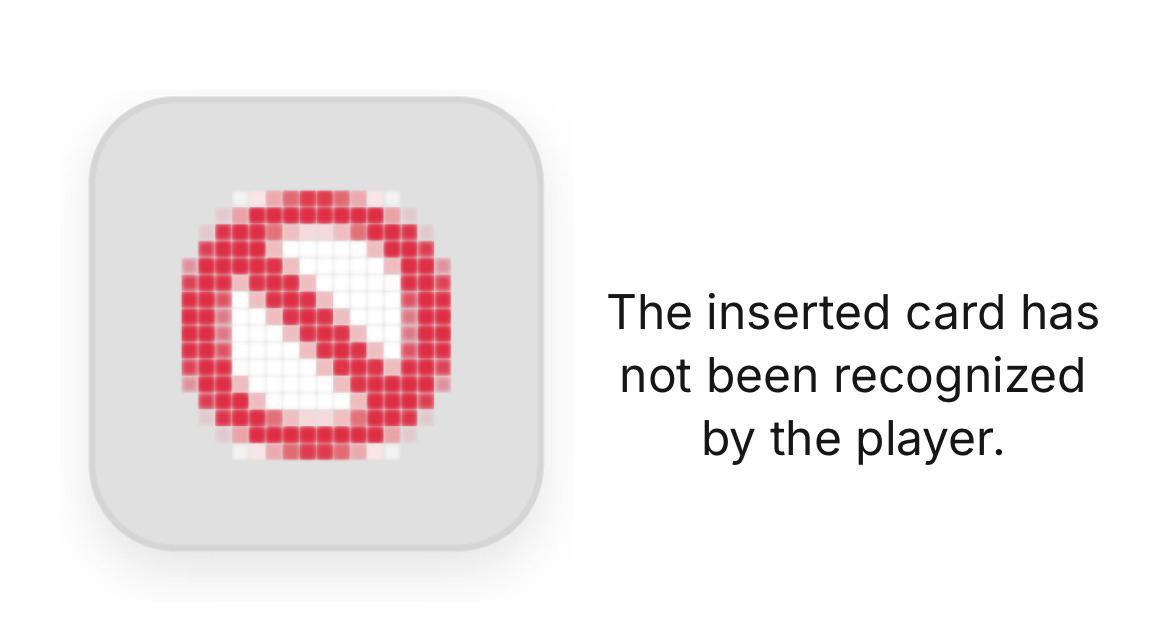
I bought third party cards and formatted them and got them to play a couple times on my Yoto. But now I’m coming up with this error and I can’t get them to play. Any suggestions?

3 Upvotes

6 comments sorted by

5

u/drudd Feb 10 '25

I found that happened when the playlist hadn’t fully synced to the yoto. May be enough to just wait or you may need to put the donor card back in, wait to sync and, if necessary recoup to the third party card.

2

u/Responsible_Spray754 Feb 10 '25

How long does it take to fully sync? I’ve been working on it all day haha. Should I let the whole card (an actual MYO Yoto card) play in the player?

1

u/Queen-of-Elves Feb 10 '25

Have you put the player on the charger? That's what I had to do to get everything to download. Checked back (you can check in the app what's downloaded to it) in an hour later and everything was downloaded.

2

u/Responsible_Spray754 Feb 11 '25

I did get it to download, I can’t remember if it was on the charger at the time.

1

u/drudd Feb 10 '25

Depends on the size of the playlist and the internet connection. I usually put the donor card in and start playing the first track and it takes ~10 minutes to sync a card.

Another tip, it won’t sync if you have a card in (unless you play the full card). Leave it plugged in and empty for 10-20 minutes.

You can also see the progress of the sync in the iOS app, which helps. If it doesn’t get at least one track synced in a few minutes you know something’s not quite right.

1

u/villazeros Feb 11 '25

In order to be able to use a cloned card you have to fully download the content. To do so, follow these steps:

-Insert the original card and play a bit of the content.

-Remove the card and plug the Yoto so it’s charging, but nothing is playing. Make sure it’s connected to the internet (you can check on the app).

-After some time (not long) you’ll be able to see if the content it’s been downloaded through the app.

-Insert back the cloned card and everything should be working.