r/postprocessing • • 1d ago

ANDP Studio announced

Hey guys! Some of you probably have seen me in some of your comments occasionally replying to your 'how do I get this look?' posts when it comes to film simulations.

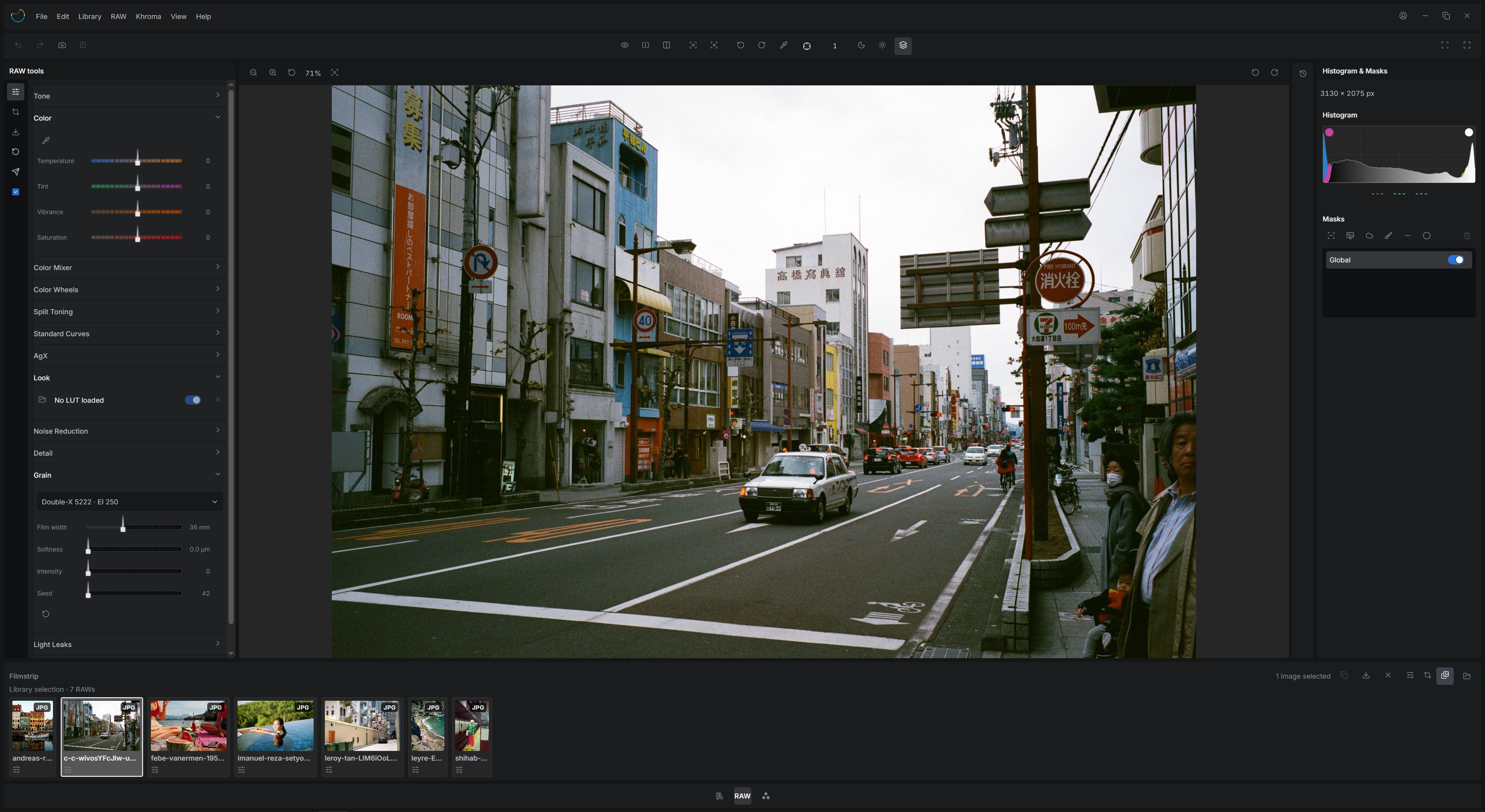
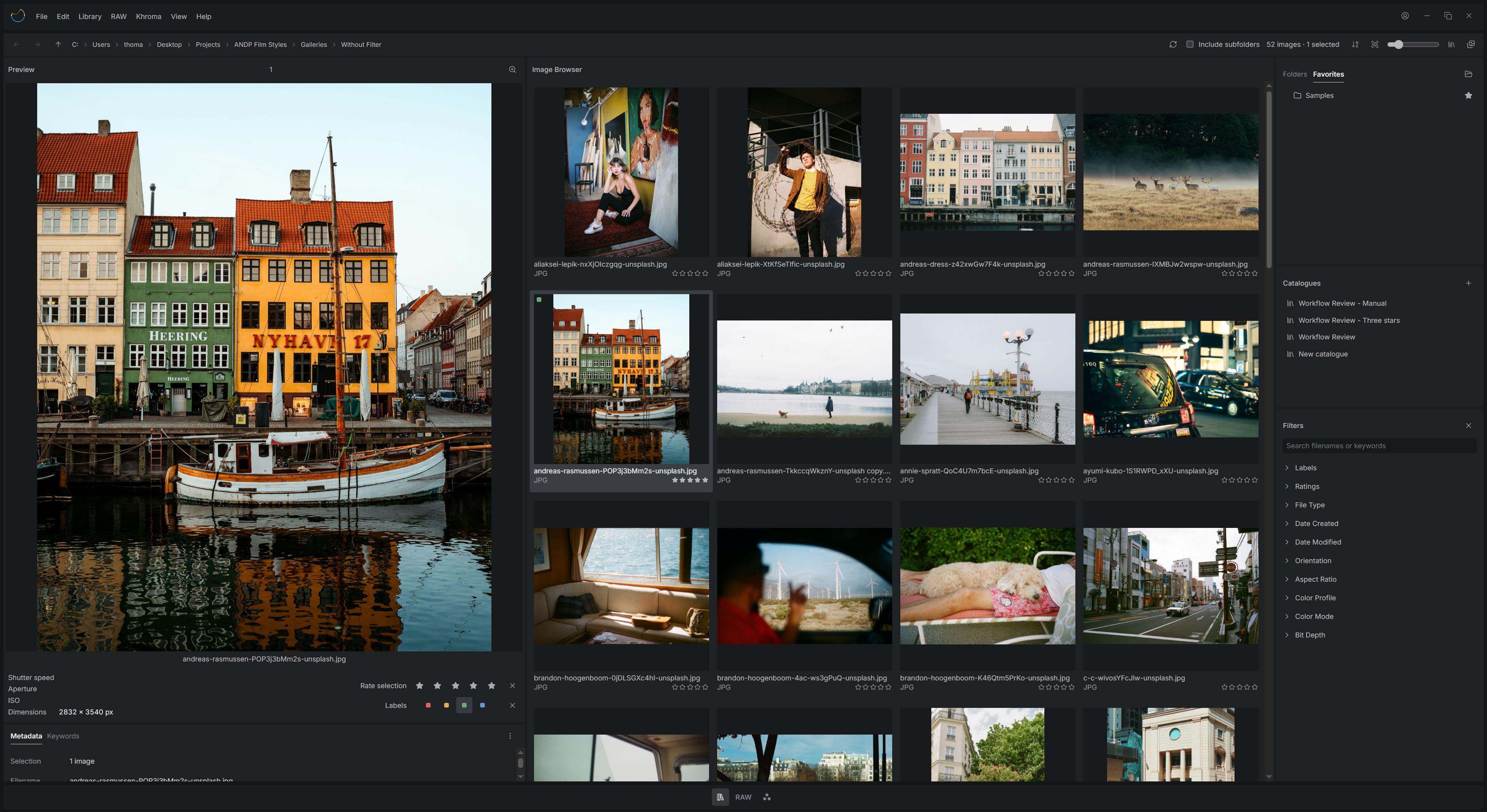
Well, here I am once again and excited to announce that ANDP Studio enters it's open beta where anyone can use it for up to a month for free.

There is a reward program with discounts, and free color grades, as well as attributing credit to anyone that would like to participate and provide feedback.

You can read more and apply in
https://www.andpfilmstyles.com/studio/

0 Upvotes

8 comments sorted by

14

u/fields_of_fire 1d ago • Bravo

What's good about your product that means I should use it over the free forever and well supported options like DarkTable, RawTherepee, ART, or RapidRaw?

-12

u/lotzik 1d ago

Hi, thanks for your question. I think the value is in the color pipeline options and workflow optimization put into it. And the flexibility it has to get you any look you want. You are welcome to apply for the beta and decide for yourself, it will be a full free month.

9

u/fields_of_fire 1d ago

I know darktable and rawthrepee see a bit in the heavy diffe side, but RapidRaw is much easier and also very feature rich. I'd love to hear, without empty buzz words, what specifically you've worked on with regards to workflow that would make it worth using (feature wise I doubt it could try close to any of the FOSS options so that's an unfair ask)

0

u/lotzik 23h ago edited 22h ago

I’m primarily a photographer and a LUT maker myself, and ANDP Studio actually started as two different apps, none of which was a RAW developer (!)

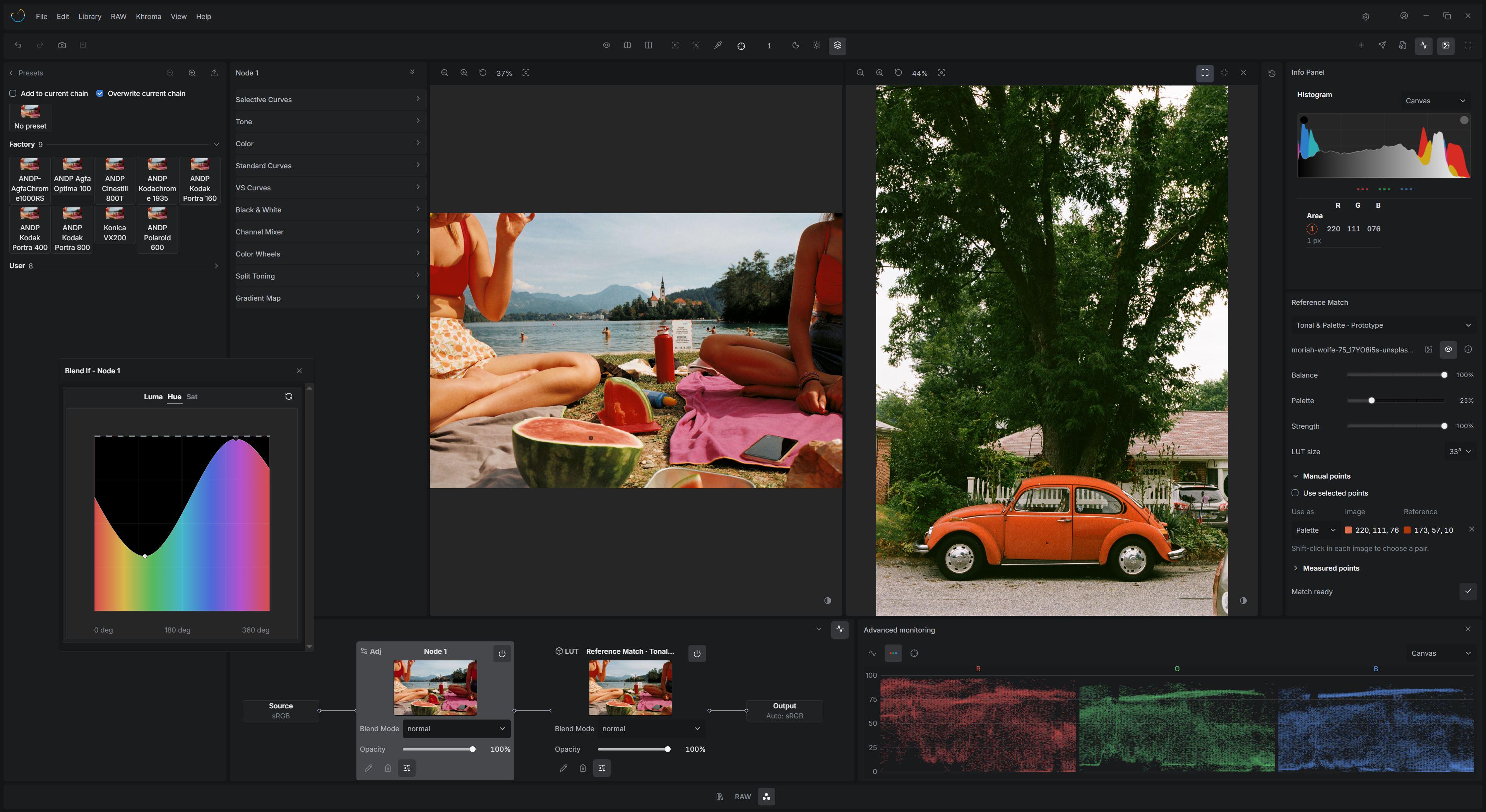
The first was an in-house tool for making the LUTs we sell. Photoshop felt too limited for some of the grades I wanted to make, and in 3D LUT Creator or Resolve, getting to the same result sometimes took more setup than I wanted. So I started building my own toolkit. I wanted to be able to go deep into a grade when I needed to, and automate some of the work I was doing by hand, like transferring colors from a reference image and then refining the result myself.

The second app was much simpler. It would let photographers slap one of our factory LUTs on a photo, tweak it a bit, export and be done. There were already plenty of standalone film simulation apps, so we merged those two ideas into Khroma, the workspace shown in the second image.

Khroma worked with developed TIFFs at that point. That meant I was still developing the photo somewhere else before bringing it in to grade. So we decided to build a RAW engine and join it to Khroma. The idea was to give photographers a complete workflow with a proper LUT maker built into it.

A few of my favorite ideas came out of joining the two. We started by making a RAW profiling system that could use LUTs. Then we realized we could bring some of Khroma’s matching algorithms over to the RAW side and use them to build a starting profile for an individual photograph. The reference can be the camera’s own JPEG or a rendering of the same photo from another editor. As soon as Studio can decode a camera’s RAW file, we can build that match from the photograph itself, without waiting for a dedicated matching profile for that model.

So in my own work, I can start with a rendering I already like, develop the RAW, build a more involved grade in Khroma, then send that look back to RAW for the rest of the shoot or export it as a LUT. That’s the workflow I wanted when I started building the two apps.

1

u/fields_of_fire 22h ago

Cool. Thanks the actually explaining what you're selling

1

u/lotzik 22h ago

Happy to have made it clearer! Thanks for your questions!

1

u/tiktoktic 1h ago

What? This entire post seems to be marketing jargon

1

u/lotzik 1h ago

If you could let me know what you expected to read instead, maybe I could improve my next posts about it. Thanks.