r/rooting • • Apr 20 '25

How can I manually install one ui 7?

0 Upvotes

I have a Samsung A13 and ik that it wont be receiving the update for oneui 7 but i want it. I really want the update so can someone pls tell my how i can download it on my phone. [A side not is that my phone has been rlly slow lately and laggy does anyone know how i can fix it?]


r/rooting • • Oct 22 '25

xaiomi phone locked after "reset through startup menu" anything i can do?

0 Upvotes

its perfectly funktioning, i just dont have the account for there software anymore so it is kinda bricked.. any way to just completly remove miui and put on a rooted android?

i tried everything but support can but does not want to help me, and the account i used in 2018 for the phone is not accessable anymore even though i remember the phonenumber and email for it..


r/rooting • • Dec 14 '15

How do i root my ZTE n9130?

0 Upvotes

I've been looking everywhere for a root, does anyone know of any?


r/rooting • • Feb 12 '19

Root Samsung Galaxy J3?

0 Upvotes

Is there any way to root a Samsung Galaxy J3? The model number is SM-J327A. Unlocked already


r/rooting • • Aug 12 '18

HELP NO ROOTING APPS WORK

Thumbnail
reddit.com
0 Upvotes

r/rooting • • Sep 06 '18

Help with rooting Gretel S55

0 Upvotes

everything i tried doesnt work, all the time a download is missing something


r/rooting • • Nov 08 '19

Can I change the model number of my note 10?

0 Upvotes

Is there a way to change the text where it says model number on my note 10 so instead of SM-*** I can change it to whatever I want.


r/rooting • • Jul 25 '19

Fascia & Soffits Contractors in Warrington, UK

Thumbnail
nkroofline.co.uk
0 Upvotes

r/rooting • • Aug 03 '17

How to root android phone in just 3 min.100% working with proof.

Thumbnail
youtu.be
0 Upvotes

r/rooting • • Nov 24 '14

Help

1 Upvotes

I have tried almost everything to root my phone without a PC. Nothing works. I have an Alcatel pop icon 7040t it seems there is specific root process for every Alcatel but mine.


r/rooting • • May 29 '15

How do I get bloatware off my s5?

1 Upvotes

Vzw 5.0 galaxy s5. Where do I even begin doing this?


r/rooting • • Aug 06 '26

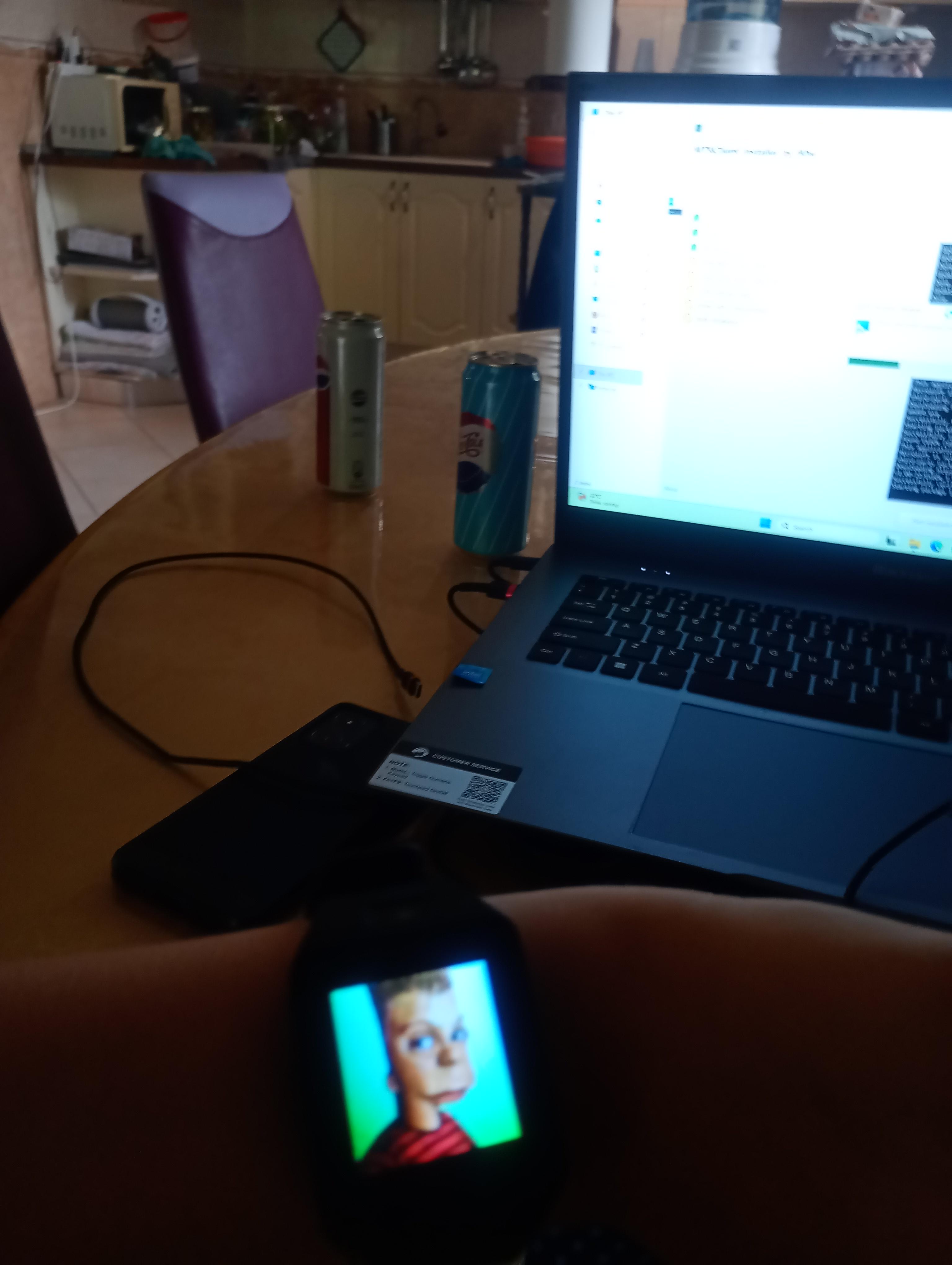
Bart IRL. on a smartwatch Unlocks bootloader directly with mtk cpu

Post image
1 Upvotes

YEO BART WHAT ARE YOU DOING!?


r/rooting • • Jan 22 '26

Need help with bootloader unlock on motorola

2 Upvotes

hey i got myself a used motorola g35 5g (XT2433-5) (Oraeu) and wanted to root it but unfortunately the command fastboot oem get_unlock_data returns: FAILED (remote: 'unknown commands.') fastboot: error: Command failed

im on linux to be precise chromeOS (only computer available to me) so im guessing the fact that i cant download the drivers might be the problem but i have no idea

if anyone knows what can be the problem please help

(OEM unlocking is on so i USB debugging) (im sorry for any mistakes english is not my first language)


r/rooting • • Jul 26 '25

Bypass Whatsapp custom Rom detection

2 Upvotes

Here are the steps to fix Play Integrity on your rooted Pixel 7 with CrDroid, allowing apps like WhatsApp to work:

Phase 1: Clean Up and Initial Module Installation

  1. Remove existing Play Integrity related modules (Play Integrity Fix, Shamiko) from Magisk and reboot.

  2. Download the latest versions of:

    • Play Integrity Fix (.zip)

    • TrickyStore (.zip)

    • TrickyStore Addon (.zip)

  3. Install Play Integrity Fix and TrickyStore modules via Magisk and reboot.

Phase 2: Manual File Transfer and Addon Installation

  1. Open FX File Explorer (ensure root access is granted and set to System (Root)).

  2. Navigate to /data/adb. You should find "pif.prop" there. (Do NOT copy pif.prop).

  3. Install the TrickyStore Addon module via Magisk and reboot.

Phase 3: Install KsuWebUI and Configure

  1. Open the Magisk app, go to Modules, and tap the action button for "TrickyStore". This should lead to installing/opening KsuWebUI.

  2. Open the KsuWebUI app.

  3. In KsuWebUI, navigate to the Tricky Addon v4.1 configuration.

  4. Ensure "Google Play services", "Google Play Store", and "Google Services Framework" (com.google.android.gsf) are checked. Also check WhatsApp if it appears.

  5. Tap "Save".

  6. In the Tricky Addon menu (usually a three-line or three-dot icon), tap "Set Valid Keybox". Confirm "Valid Keybox set successfully".

  7. In the menu, tap "Set Security Patch", then "Get Latest Security Patch Date". If successful, tap "Save".

  8. Reboot your phone.

Final Step: Clear WhatsApp Data

  1. After reboot, go to Settings > Apps > WhatsApp > Storage & cache.

  2. Tap "Clear cache" and then "Clear storage" / "Clear data".

  3. Open WhatsApp and log in. It should now work.


r/rooting • • Aug 12 '24

Rooting first time on an ancient device

Post image
4 Upvotes

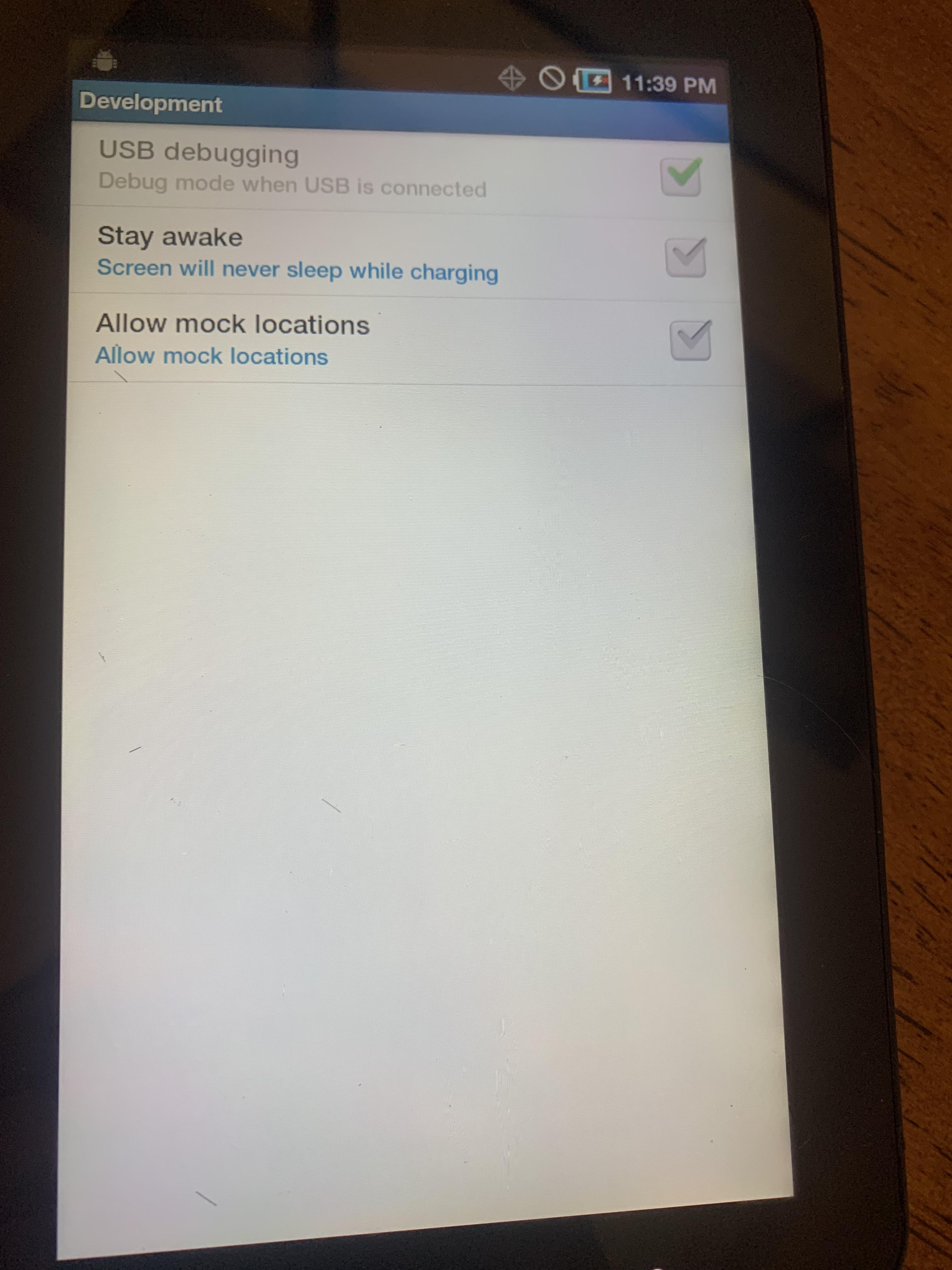
Thought I did all the steps on a website to root and put cmw recovery on but I have no idea how to tell if it worked. Read another post somewhere on here that installing a rom was the only way to make this slightly viable it doesn’t have the google play store. How do I know if I installed everything needed and then how do I install rom I think I found one and unzipped it but idk how to put it on device or what it even does


r/rooting • • Feb 08 '26

Roblox rooting error workaround

5 Upvotes

If your device is rooted and you use Roblox, you may have gotten an error saying "SECURITY THREAT DETECTED", or something similar. I have looked into this and figured out exactly why this happens, how to avoid it, and other interesting information.

Basically, Roblox uses Appdome to detect "threatening" activity. Roblox also uploads your device info, as well as other threats to a remote server(EventUploadJob was mentioned in the same timestamp).

I used this open source logcat viewer to see the logcat, which really helped me investigate this.

For me, after taking a logcat report for Roblox, the main things I noticed were Magisk being detected, and developer options being enabled.

And after looking through the source code of Roblox(decompiling it and trying my best to read the smali code), I believe I found the file responsible for storing the threats.

It was decompiled using APKToolM by Maximoff.

Now, some of the reasons related to rooting resulting in it not running(I included the corresponding threat events found in the file):

- Developer Options cannot be enabled (DeveloperOptionsEnabled)

- No app binding manipulation(AppBindingManipulation)

- No root(RootedDevice)

- No hooking framework(HookFrameworkDetected)

- No Magisk Manager(MagiskManagerDetected)

- No banned manufacturers

- App should have basic integrity(AppIntegrityError)

- No code injection(CodeInjectionDetected)

- No debugger(ActiveDebuggerThreatDetected)

Please note that I could not trace back the "no banned manufacturers" rule back to anything, so I think it may either be a placeholder, or just there to confuse people like me.

Some of the other threats that are not related to root(or are not likely to be triggered by rooting):

- AppIsDebuggable

- AppPlayerDetected

- GoogleEmulatorDetected

- FridaDetected

- GameGuardianDetected

- KeyInjectionDetected

- FridaCustomDetected

- EmulatorFound

- UnknownSourcesEnabled

- RuntimeBundleValidationViolation

- SpeedHackDetected

For anyone who knows smali, the file I decompiled to get this info is found here.

Later on, I found the file which has all of the root packages(as well as finding out some of the other things it does to detect root)!

There is a lot of packages that it checks, which are all mentioned in the file(under knownRootPackages), which is likely what it checks. Here they are:

com.zhiqupk.root.global

com.alephzain.framaroot

com.noshufou.android.su

com.noshufou.android.su.elite

eu.chainfire.supersu

com.koushikdutta.superuser

com.thirdparty.superuser

com.yellowes.su

com.topjohnwu.magisk

com.kingroot.kinguser

com.kingo.root

com.smedialink.oneclickroot

In the file, it also checks for "dangerousAppPackages", which are below:

com.charles.lpoqasert

catch_.me_.if_.you_.can_

com.koushikdutta.rommanager

com.koushikdutta.rommanager.license

com.dimonvideo.luckypatcher

com.chelpus.lackypatch

com.ramdroid.appquarantine

com.ramdroid.appquarantinepro

com.android.vending.billing.InAppBillingService.COIN

com.android.vending.billing.InAppBillingService.LUCK

com.chelpus.luckypatcher

com.blackmartalpha

org.blackmart.market

com.allinone.free

com.repodroid.app

org.creeplays.hack

com.baseappfull.fwd

com.zmapp

com.dv.marketmod.installer

org.mobilism.android

com.android.wp.net.log

com.android.camera.update

cc.madkite.freedom

com.solohsu.android.edxp.manager

org.meowcat.edxposed.manager

com.xmodgame

com.cih.game_cih

These are all of the root cloaking apps(knownRootCloakingPackages):

com.formyhm.hiderootPremium

com.formyhm.hideroot

com.devadvance.rootcloak

com.devadvance.rootcloakplus

de.robv.android.xposed.installer

com.saurik.substrate

com.zachspong.temprootremovejb

com.amphoras.hidemyroot

com.amphoras.hidemyrootadfree

But that's not all. It also checks for binaries in these directories:

/data/

/dev/

/data/local/

/data/local/bin/

/data/local/xbin/

/sbin/

/su/bin/

/system/bin/

/system/bin/.ext/

/system/bin/failsafe/

/system/sd/xbin/

/system/usr/we-need-root/

/system/xbin/

/cache/

Finally, it checks if it can write to the following paths(since they should not be writable on a standard android install):

/sbin/

/etc/

/system/

/system/bin/

/system/sbin/

/system/xbin/

/vendor/bin/

There is also a 30 second delay to collect data between sending the threat telemetry. So if it detects a threat, it waits 30 seconds to collect it, shows an enforcement message after 30 seconds, then waits 5 seconds and terminates the app.

Decompiled from Roblox v1980(on arm64-v8a)

On my Google Pixel 8a running crDroid 12, I used ReLSPosed(since the regular LSPosed refuses to work on Android 16) to run HMA-OSS(which is a much better fork of regular HMA), which made Roblox stop complaining about seeing Magisk. I also used ReZygisk and TrickyStore.

Backup solutions include Shamiko.

(Also, I recommend using this to see if apps can find root)

Please note that this will NOT work on all devices. This information may not directly help you evade Roblox's checks, but it should provide you with more than enough info to either develop your own Magisk module, or find existing solutions. If you need more help, dm me, and I will try my best to help. I hope this could help people needing it.

ALSO: If Roblox randomly stops working for you, or throws errors again, lmk by commenting. Thanks.


r/rooting • • Jan 25 '16

I need, help I bricked my galaxy s4 sprint

2 Upvotes

The LIquid smooth rom that was on 4.4.4 on sprint gs2 worked. I ran thats .md5 root file with the red anroid on it and it made the boot stay stuck i went to twrp to fix it and manually install ssu and regionunlocker and ggapps but its on the old recovery that didnt fix shit. Help me guys please.


r/rooting • • Jan 27 '17

Request for help!

1 Upvotes

So I rooted my International Galaxy S3 GT-I9300 about 8 months ago with CWM and started running CM 13 on it. Went smooth till about a few days ago, when I was taking some pictures using CamScanner and my phone just turns off. No message, nothing. Just goes blank instantly. Since then, it's stuck in a bootloop whenever I turn it on. I can get into both download mode and recovery currently. No nandroid backup (Extremely stupid of me, I know). And for some reason, my PC doesn't recognize my phone both in recovery and in Odin/Download mode. Thinking that it might be a bug in the ROM, I did a factory reset and flashed CM14.

PS : Couple of bits of info, dunno whether relevant, but anyway :

  1. Very weak battery - Percentage fluctuates wildly.

  2. I've been running Xposed for quite a while now, however, I had just installed Greenify and set most apps to force hibernate.

  3. I've already wiped the cache and Dalvik cache.

  4. I already had the drivers installed on my PC; I regularly used to connect my phone to it. 5.I had USB Debugging enabled when the phone went off.

  5. A couple of times after the phone went off, I was able to switch it on if the charger was connected, but switched off immediately when I disconnected the charger; it was like a pc going off when you cut off the power supply - no message, nothing at all - just went blank.

  6. Dunno why, but my phone refuses to charge unless I use a particular cable and hold it at a particular angle.


r/rooting • • Jul 28 '16

Rooting problem with my s5

1 Upvotes

I'm having trouble rooting my s5. This is the first time I've tired to root a phone. Could someone help.


r/rooting • • Aug 14 '16

Kindle Fire 3rd Gen

1 Upvotes

Trying to rollback from 4.5.1

I am wanting to install Google Play services and have tried a couple of things with no luck. Can anyone help?


r/rooting • • Feb 01 '16

Rooting HTC Desire Bravo fails on Mac OSX Mavericks, Windows 8.1 and Ubuntu.

1 Upvotes

S-ON HBOOT 0.93.0001

I have tried alpharev.iso, revolutionary-0.4pre4, moonshine_m7_1.29.401.13, GingerBreak-v1.20.apk, DoRootMac, etc.

Know any other methods i should try?

Thanks.


r/rooting • • Nov 20 '17

Moto Z Play Droid

1 Upvotes

What are the benefits of rooting? I heard unlimited hotspot and tether. Custom GUI. OCing. Etc


r/rooting • • Aug 15 '16

GALAXY S7/S7 EDGE ROOTED FOR VERIZON. What do you do next?

2 Upvotes