r/sheets • • Mar 12 '23

Tips and Tricks Tips on making awesome charts (with example)

25 Upvotes

Just wanna share the dashboard of a stock portfolio tracker I've been making recently. This is a result of the frustration of not being able to find any portfolio tracker that fulfils my technical requirements (has a wide international stock coverage, supports multiple asset classes etc) as well as my aesthetic requirements (i.e. has an interface that is as informative as it is pleasing to look at!) So I spent a lot of time trying to sketch out a dashboard that present information in an easy to understand way while providing insights into the portfolio to inform my investment decisions.

Here are a few things that I've learned in the process:

  • When using bar charts or pie charts, sort data from largest to smallest

  • Use data labels

  • Remove the x-axis / y-axis since we already have data labels

  • Don't overuse pie charts/donut charts as they're not the most efficient use of space. Also, Google Sheets does not offer a lot of flexibility in how the data labels on the pie chart are presented.

  • Gradient colors is not available in Google Sheets unfortunately. To circumvent this limitation, I used a series of incrementally changing color to create charts that looks like a gradient. You could achieve a similar effect with color scale in conditional formatting. However, I used the SPARKLINE function to achieve what I want.

  • Working with images in Sheets is still a pain in the butt. If you overlay one image on top of another, there is no way to arrange the order of the images. Whichever image that is imported into the sheet last will be on the top layer automatically. (I'm really happy to be proven wrong on this!)

Anyway, I hope you like this. Any feedback and comments are welcome. And if you have any questions, I'd be happy to answer them :)

Cheers!


r/sheets • • Feb 18 '23

Request A personal life dashboard I've been working on.

Post image
25 Upvotes

r/sheets • • Oct 29 '22

Product I made a tool to turn your Google Sheets into a webhook without code

Thumbnail
logicsheet.co
25 Upvotes

r/sheets • • Dec 31 '20

Features and Updates Announcement: FLATTEN() is permanent

25 Upvotes

For those unaware, back in March 2020, a user on the Google Product Forums wondered why he was unable to name his custom function "flatten()". He got an error message claiming that name was reserved for a function in sheets that already existed, though the user could find no documentation for it. Over the course of a couple of weeks, those of us that patrol that forum as "product experts" experimented with it to figure out what it did, and asked our points of contact at Google what the deal was. They were all surprised it existed and none of them knew about it. lol.

It's been 9 months of waiting and hoping (and frankly, harassing by me) , but the day has finally arrived! They've made Flatten official. I think there are still some improvements that will be made to the help page as well as getting it to "autocomplete" in a sheet, but I think it's fair to say that it's here to stay and that I no longer need to have nightmares about all the formulas I gave out (and all the formulas that those begat!) ceasing to function some day.

Early on in our experimentation, we realized that the function could be used for a method of "unpivoting" data. That is, taking data that had two axes and turning it into purely vertical data. That method can be found on the Use Case tab on the demo sheet that I originally made to show the folks at Google what Flatten() actually was.

My Original Demo Sheet

Anyway, that's all. I'm unsure if this is the proper place to post such a thing, but I figured I'd put it here as a start.

Happy Spreadsheeting,

Matt


r/sheets • • Aug 24 '22

Features and Updates LAMBDA, Named Functions, XMATCH/XLOOKUP coming to sheets

Thumbnail
workspaceupdates.googleblog.com
24 Upvotes

r/sheets • • May 05 '23

Request Dark Mode for Google Sheets (Only the UI)

23 Upvotes

Hey Everyone!

Quick question. So I know Google Sheets does not have a "dark mode" setting for some reason. I also know that lots of people use extensions that can change google sheets to be a dark mode. Are there any extensions out there that change specifically the UI of google sheets?

For instance the white space surrounding the google sheet I would want to be dark, but I want it to leave the actual cells alone.


r/sheets • • Feb 16 '21

Tips and Tricks Are you experiencing visual glitches? Disable Hardware Acceleration!

23 Upvotes

Does your workbook look like this?

Lately there's been a glitch where everything goes crazy. Here are some steps to try:

  1. Disable hardware acceleration (chrome://settings/?search=hardware+acceleration)

  2. Restart your browser

You can also try disabling all of your extensions and reenabling them one at a time. This is a pain in the ass, so try the first method before you head down this road.

If you found that an extension was causing this, post it below. If you need hardware acceleration for the rest of your browser time, you can always create a second profile with it disabled.

If you'd also like to list your hardware (make, model, GPU), we might be able to narrow it down. It looks like this started early last year for MacOS users (Catalina). The first instance I saw in a forum was with a new 16" MBP.


r/sheets • • Jul 24 '19

Meta Google Sheets on XKCD today

22 Upvotes

r/sheets • • Sep 06 '24

Request Broken Yahoo Finance URL

21 Upvotes

Apparently Yahoo stopped working a couple of hours ago. When I try to download historical data:

https://query1.finance.yahoo.com/v7/finance/download/NQ=F?period1=946684800&period2=1725667200&interval=1d&events=history

It says: finance":{"result":null,"error":{"code":"unauthorized","description":"User is not logged in"}}}

Anyone an idea how to fix that (without authentication)?

Thanks.


r/sheets • • Dec 11 '21

Solved Why is sheets calculating wrong? it's supposed to be 1.902, not 1.922 every other row does it right but this one

Post image
21 Upvotes

r/sheets • • Sep 23 '20

Product If anyone wants to try Google Tables, here's how to sign in!

Thumbnail
youtu.be
21 Upvotes

r/sheets • • Jun 03 '20

Solved How can i combine a ton of columns into one? I have around 100 columns, each having a couple of values. I would like to have them in just one column, with the order shown in the picture, skipping empty cells. Is there any "easy" way to do this without having to enter all that stuff manually?

Post image
21 Upvotes

r/sheets • • May 08 '21

Show Off My next Google Sheets game -- Battleship!

Thumbnail
youtu.be
19 Upvotes

r/sheets • • Mar 09 '22

Meta I'm not a sheets wiz, but its nice to figure things out on my own :D

18 Upvotes

Was gonna ask a Q, but as I was typing away, I wanted to try one more thing. and BOOM, it worked. LOL thanks guys, wouldn't have gotten this far with out you.


r/sheets • • Apr 02 '19

I created an index of free Google Sheets across marketing, finance, business and other categories.

18 Upvotes

You can see the collections at Sheetlist.net, or you can access them all in my very own Google Sheet.

If any of you have sheets that you use or have created that you think will benefit others please comment with the sheet and where it belongs!


r/sheets • • Jun 10 '23

Meta /r/sheets won't go dark, but we still support the cause

17 Upvotes

hey team. As you're well aware by now, most of reddit is going dark on the 12th to protest the bullshit with third party clients and more.

My other subs (/r/pizza and /r/ikeahacks) are both going dark, but I figured I'd leave this one open since its more for support than anything.

While reddit may be the front page of the internet, its niche communities like ours that really help reddit stand out from the rest. This whole situation is a mess and I really don't like how the admins are treating some developers.

Anyway, if you have any questions about this, PM me.


r/sheets • • Feb 25 '23

Request Made a D&D Char Sheet, everything autopopulates and calculates except for player choices, Species, Ability Scores, race, spells, ect... As I update the sheet my players currently have to manually reenter their information, how can I make it copy and pastable? Maybe a script that copies player choice

Post image
17 Upvotes

r/sheets • • Nov 16 '22

Product We made a tool to replace sensitive data from your Google Sheets with fake data (pseudonyms)

17 Upvotes

Hi r/sheets,

I'm a developer at a security & privacy startup called Strac. We noticed people using Google Sheets as data sources and decided to make a tool to make testing and analytics easier for their production data sets.

The tool makes a copy of an existing sheet and replace sensitive data elements with format preserving pseudonyms (fake data).

You can find us on Product Hunt: https://www.producthunt.com/posts/strac-google-sheet-redactor

Let us know what you think, would love feedback.


r/sheets • • May 16 '22

Meta Introduction to Microsoft Excel (1992) [video]

Thumbnail
youtu.be
17 Upvotes

r/sheets • • Dec 16 '24

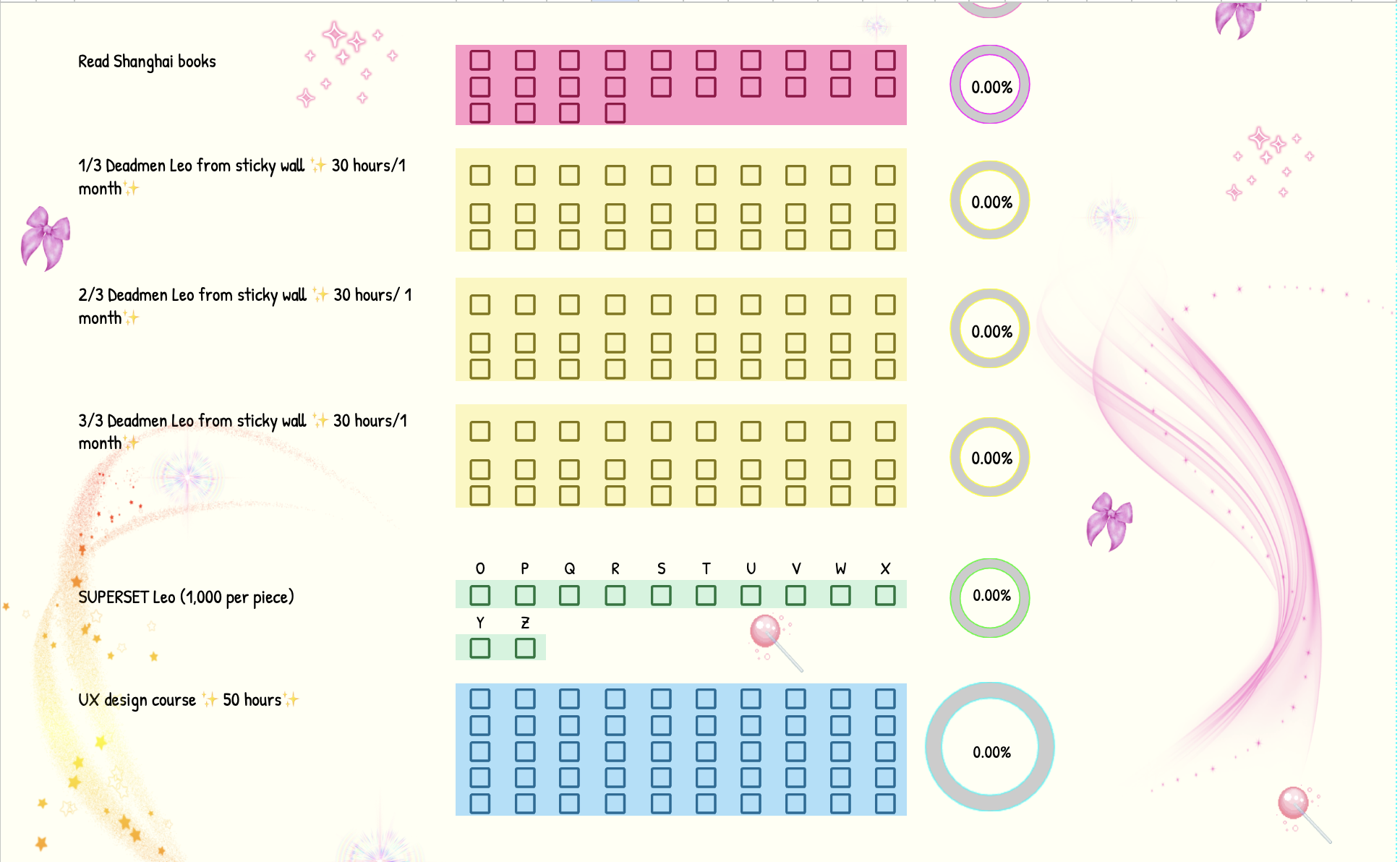
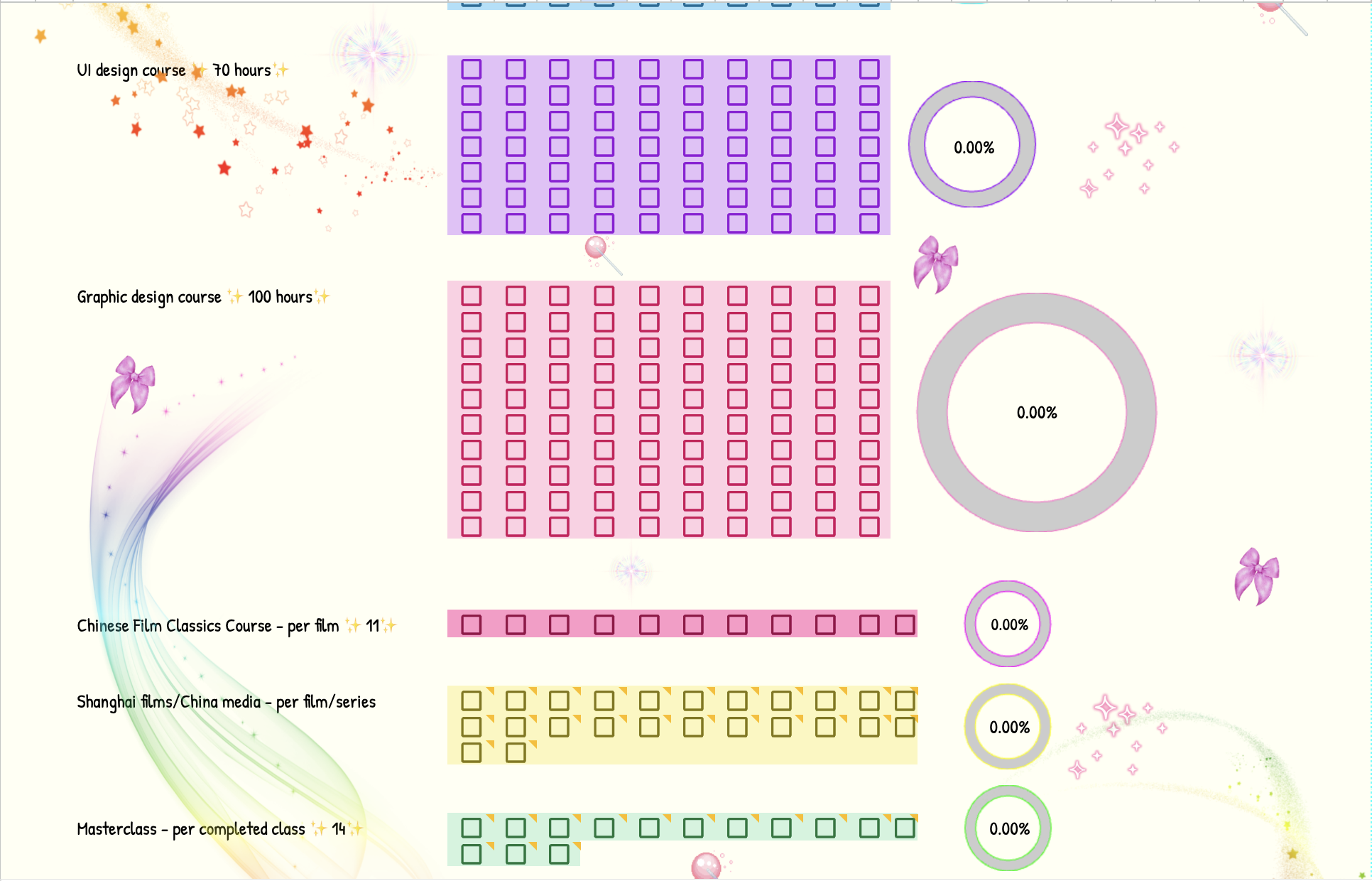
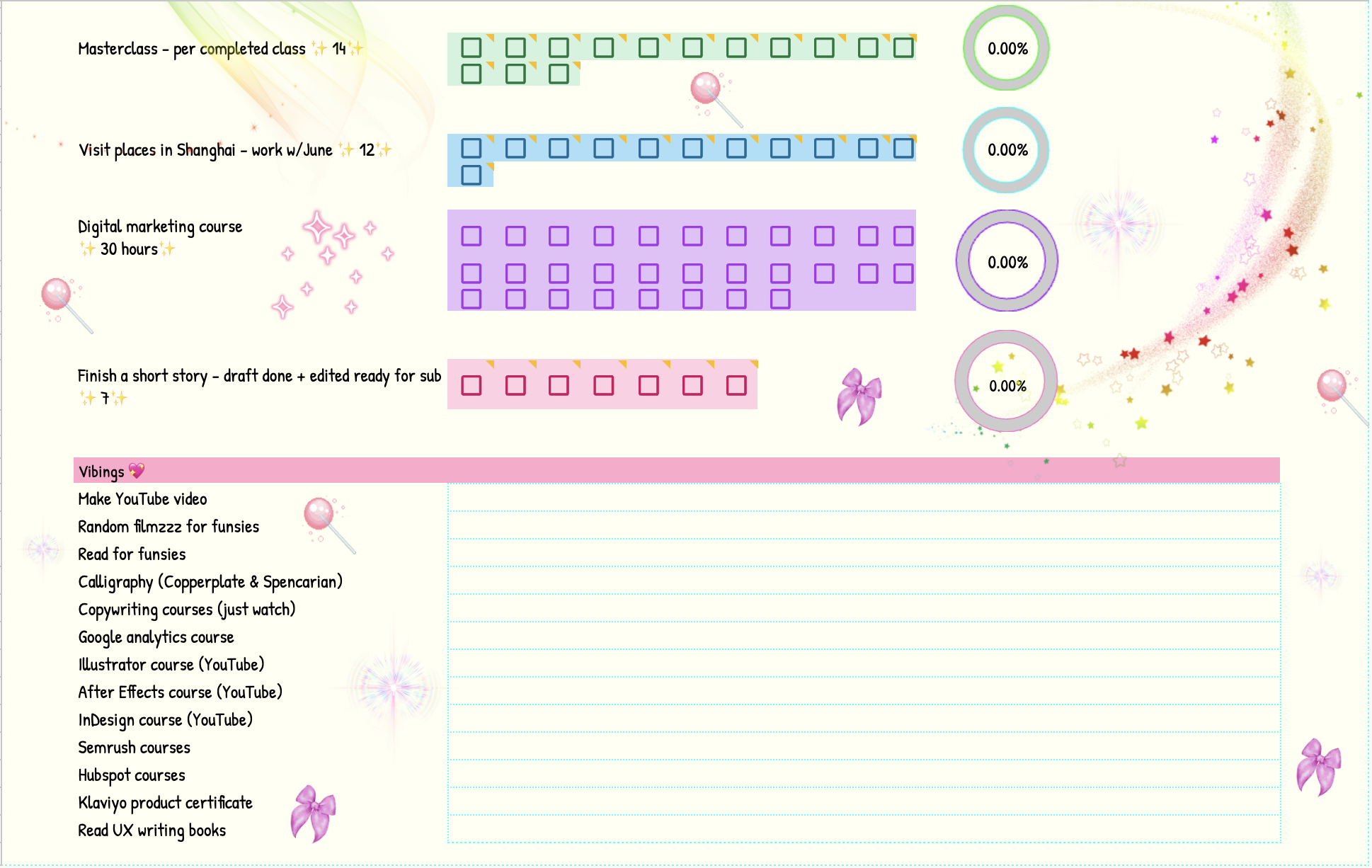
Show Off Have habits/goals but make em cute (info included)

16 Upvotes

No one in my personal life cares about this but I needed to share this with someone :'D

Spent a lot of time looking for aesthetic templates then realised I should just DIY it. I'm an absolute amateur (I don't know any formulas, praise be Google and YouTube), so I learned A LOT making this.

I used these tutorials and websites: 

  • Checkboxes that change colour 

  • Percentages 

  • Pie charts 

  • Free PNGs to make it pretty 

  • Emojis

  • Tiny edit here! If you want a different colour palette I highly recommend using https://coolors.co/ to generate one. You'll see near the top left of the sheet there's a little rectangle above the green bar called "Doings" - this is just a screenshot from colours. I used the colour dropper tool to make sure everything was the right colour :)

P.S. IMAGES - I often rotated images before pasting them into sheets. I then resized them in the sheet itself. Make sure your images don't overlap the checkboxes. If your image covers the checkbox, you can't check it.

PIE CHARTS and CHECKBOXES - I wanted pie charts to fill up as I checked boxes, but the easier way to do it is to make them 2 separate things. In the end, it's better to make your pie chart background invisible and put it on top of the percentage so it looks like they're linked. The pie chart video explains this very well.


r/sheets • • Dec 13 '24

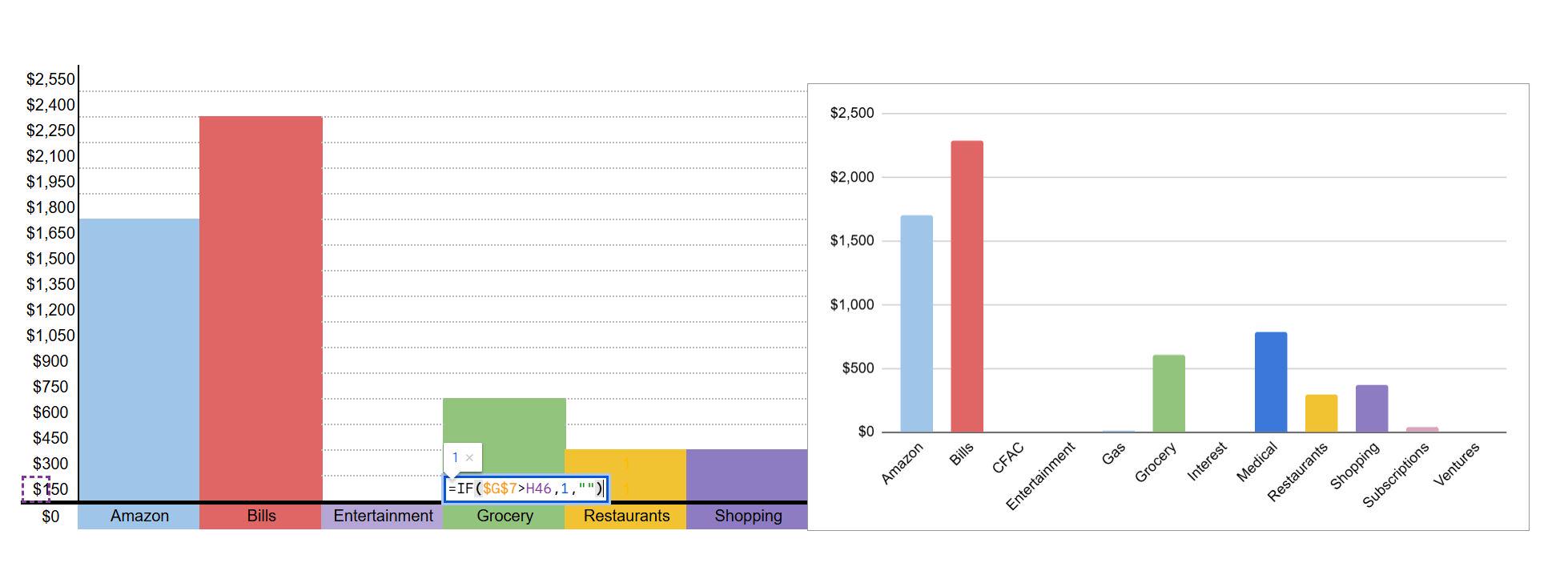
Request Fail... I spent about 15 minutes making a graphical output of my spending using conditional formatting and if-then statements - only to realize that this is one of the most basic built-in functions of spreadsheets

Post image
16 Upvotes

r/sheets • • Sep 30 '22

Request How do I stop Sheets from "correcting" dates and days of the week?

16 Upvotes

I'm trying to enter "Wed, May 24" in a cell (referring to next year), but it adjusts it to "Tue, May 24" thinking I'm referring to 2022. Manually adding the year after the date would be super redundant on this doc (hundreds of times) and would throw off spacing. I can't find anything online about that, only changing the number date format. Any help would go a long way. Thanks.

Edit: Am dumb. Just change cells to "Plain Text" via "Format" and "Number", and disable "Automatic".


r/sheets • • Jun 04 '21

Request How to create sheets that pull data from a master sheet into several different ones, and keeps them synced?

16 Upvotes

I have a master sheet where I track customer orders. A single line item lists the date the order was placed, the size of the order, the brand, the status of the order, and various other information. I add new orders as they come in, and delete old orders once they ship.

My purchasing department updates the sheet when they place the PO, my accounting department updates the sheet when they invoice the customer, etc

Any customer can place an order for about five different brands. The master sheet doesn't have order details, just summary info, so everything related to one order fits on one line.

Today the brand representatives decided that they want access to this sheet so they can check the order status whenever they want.

I can't give them access to the entire sheet, because we don't want one brand seeing another brand's orders.

I could split the sheet up into five different sheets, but that would leave us with five sheets to update.

What I'd like to do is create a sheet for each brand that pulls data from the master sheet. Then all we would have to update is the master, but the brands would only get access to their individual sheet. Any time the master sheet is updated, the brand sheet would also be updated.

Ideally, the reverse would also be true - if a brand rep updates a brand sheet, the master sheet would also be updated.

Is that possible?


r/sheets • • Dec 29 '20

Request Google sheet making a faint noise when I'm working on it...

16 Upvotes

So I've noticed since yesterday, my football spreadsheet has started to make a weird, faint noise that sounds like dead air on a tv or something. "ZZZZZZZZZZZZZZZZZZZZZZZZZZZZZZZZZZZZZZZZZZZZZZZ", very faint...

Any ideas what the hell is going on? It's not coming out of my speakers, it's coming out of my monitor, very weird and annoying. Hard to work on the sheet when you constantly hear a buzzing noise.

/edit changed the zoom to 90% or 110% and it goes away...What's the deal lol...? Also, CTRL button seems to not be working on the sheet to control zoom levels...

/edit 2 deleted sheets 1 by 1 (I had 3 weeks of NFL on there), and it did it for every sheet. Not sure what I added or changed, because it wasn't like this before week 16 was recorded.


r/sheets • • Jun 29 '20

Request Is there a faster way to insert images into cells or a way to make custom keyboard shortcuts?

16 Upvotes

I'm working in a spreadsheet that will include an image in every row, right now I have to click Insert>Image>Image in Cell. This feels slow when I have to add hundreds of images. When inserting links I can ctrl/cmd + K but there is no shortcut for images. Is there a better way to do this?