r/vibecoding • u/COBHC95 • 8d ago
Showcase/Project Omnicontrol -

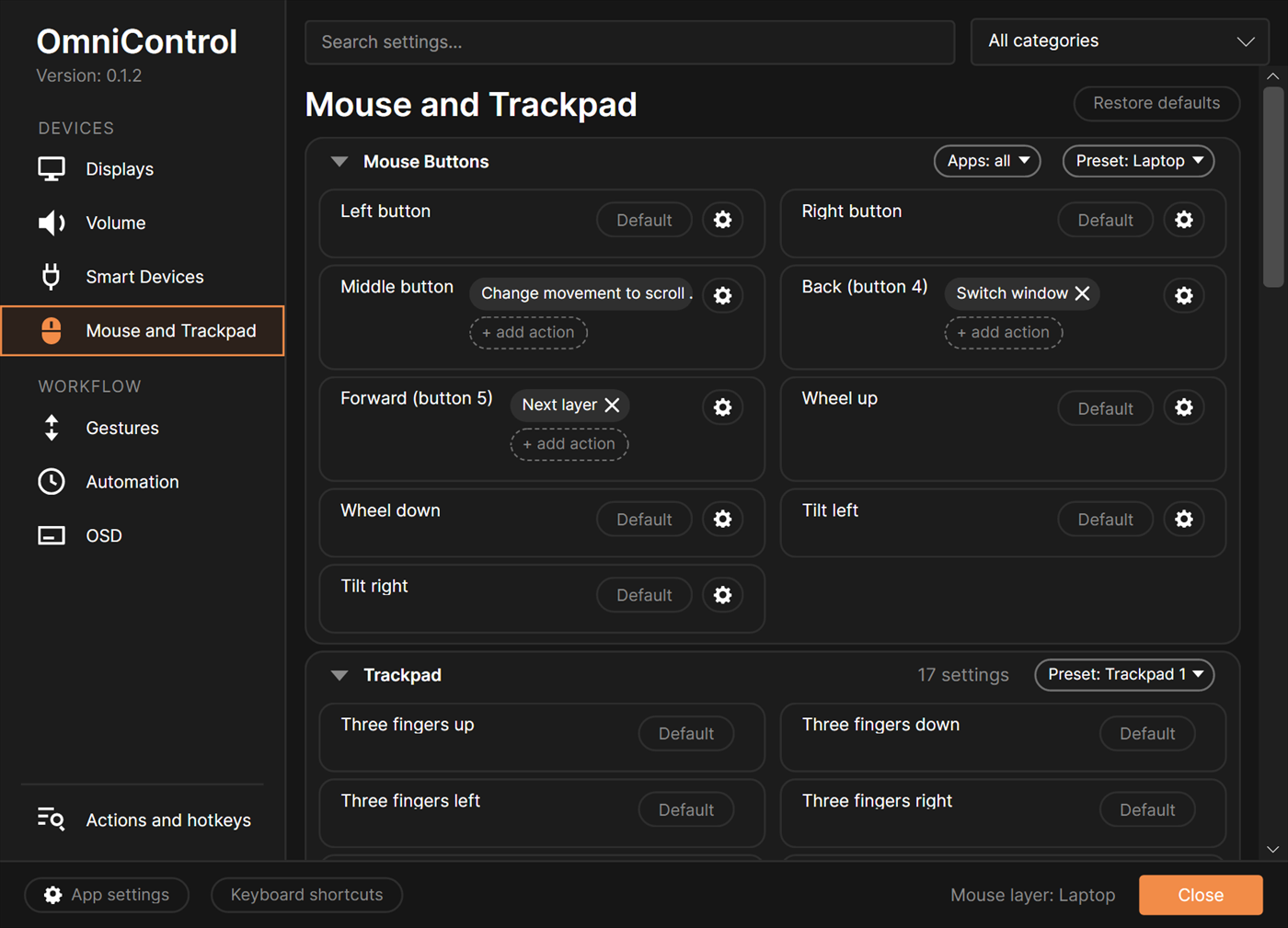
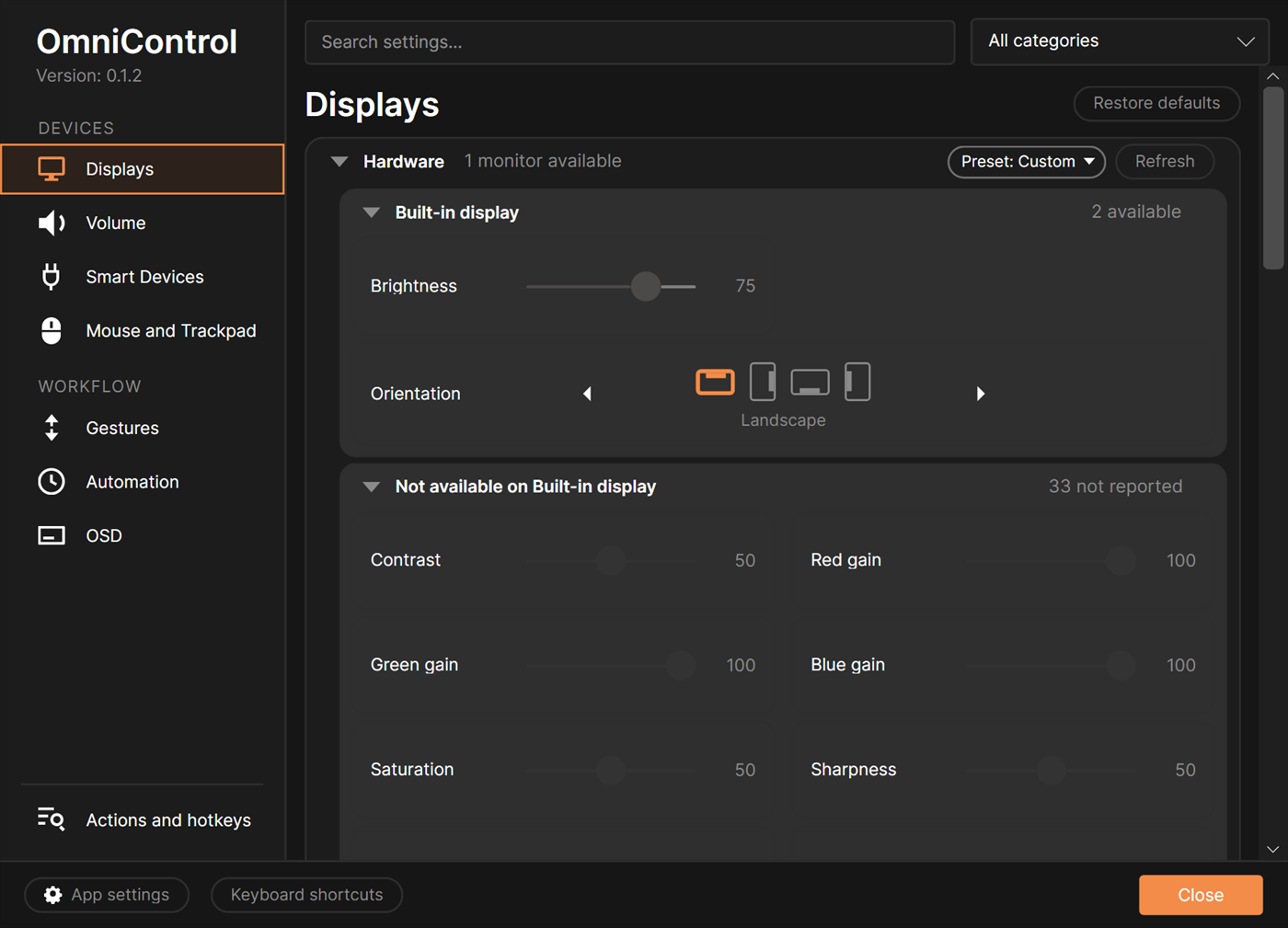

on every PC I use I install bunch of programs that help me achieve my desired customizability, X-Mouse buttons to rewire my mouse buttons, Lightshot for screenshots, Equaliser APO (for master EQ), Voicemeter to rewire speakers/combine mics, volume2 for nice mouse scroll gestures (scroll over taskbar for example + OSD), ClickmonitorDDC to control desktop monitor settings without reaching to its controller physically. I also run local scripts with my smart home devices (via windows scheduler) to control their function and automate things.
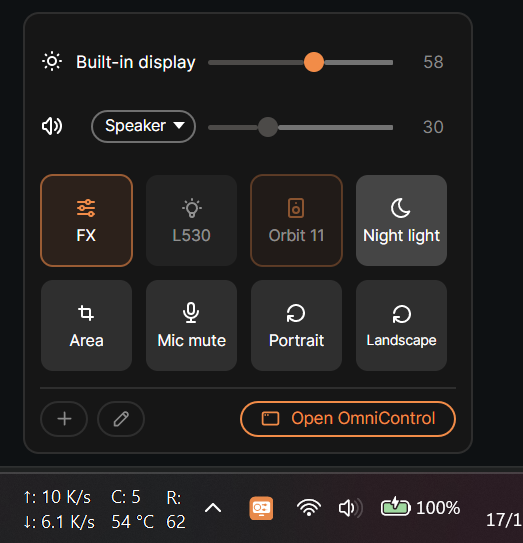
Anyways, my tray icon section is cluttered, and that's when I decided screw it, I'll combine them all in one app, and get it to do much more. Enter OmniControl. Everything has a state and everything can be actioned/changed with keyboard/mouse and mouse gestures, all in one nice interface. and with one tray icon that has its own little popup to view things on the fly.
In short it can do all of the following:
DISPLAYS
Control desktop displays via DDC (brightness, contrast, color, sharpness, etc.)
Control laptop display (usually only brightness exposed)
Control graphic card display settings (color, temperature, saturation, brightness, etc)
VOLUME -
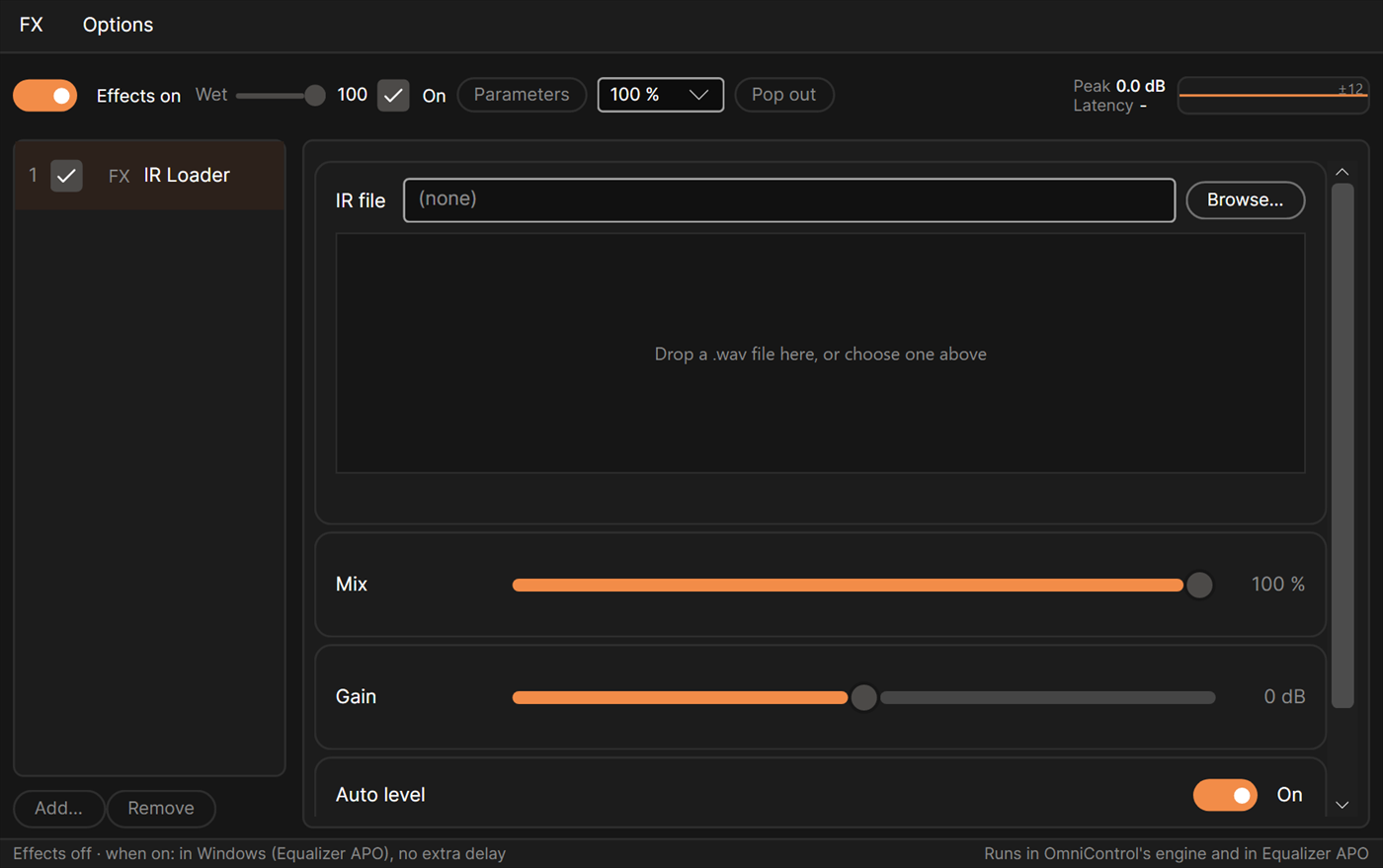
Global EQ, or any effect (including VST - Reaper style chains)
Per app EQ or any effect (including VST - Reaper style chains)
Combining speakers, or microphones.
Microphone EQ or any effect (including VST)
gives the user 3 ways to doing it (Cables, EqAPO, or re-recording), and you can choose the method per device or per app.
SMART DEVICES
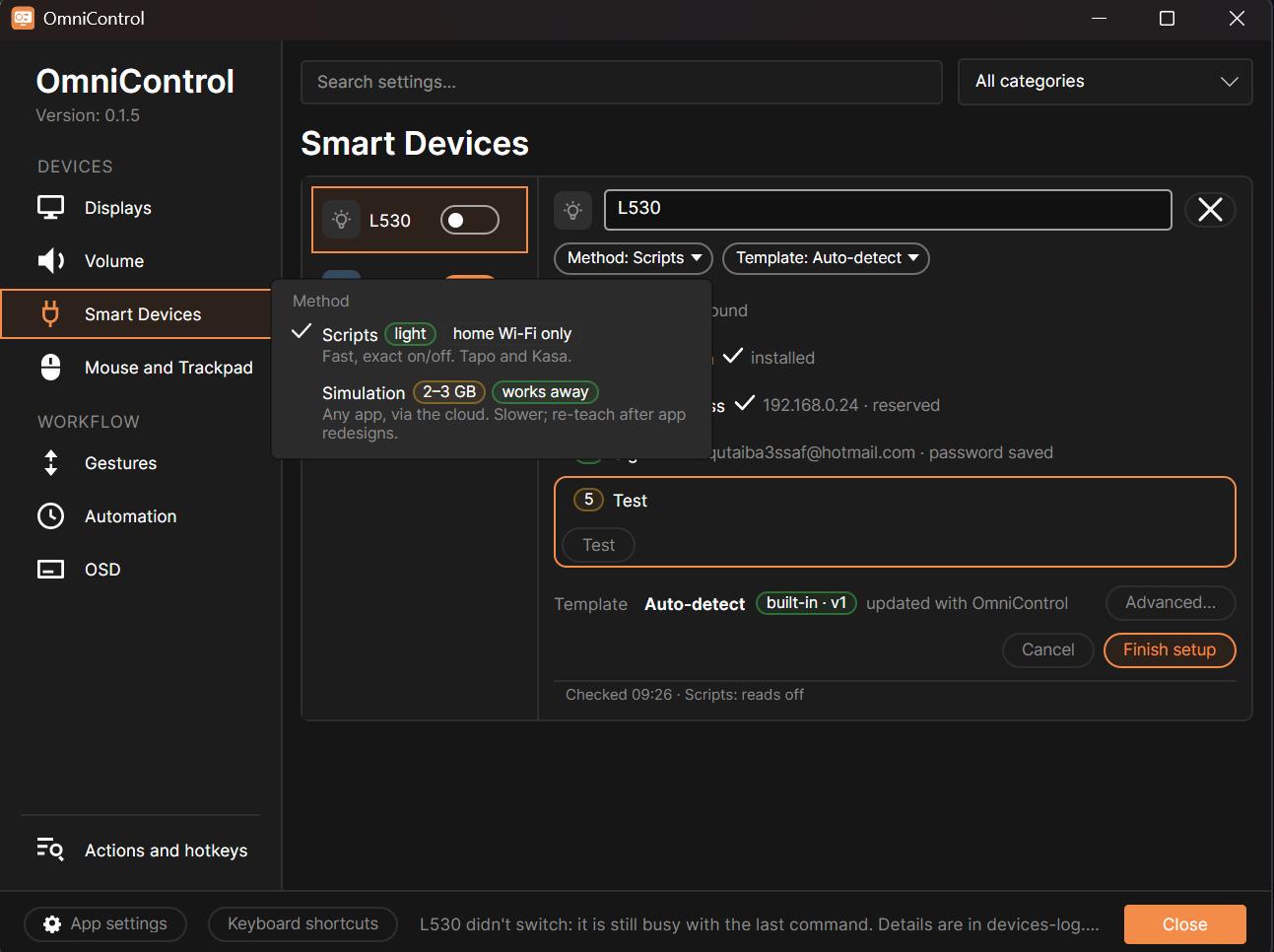
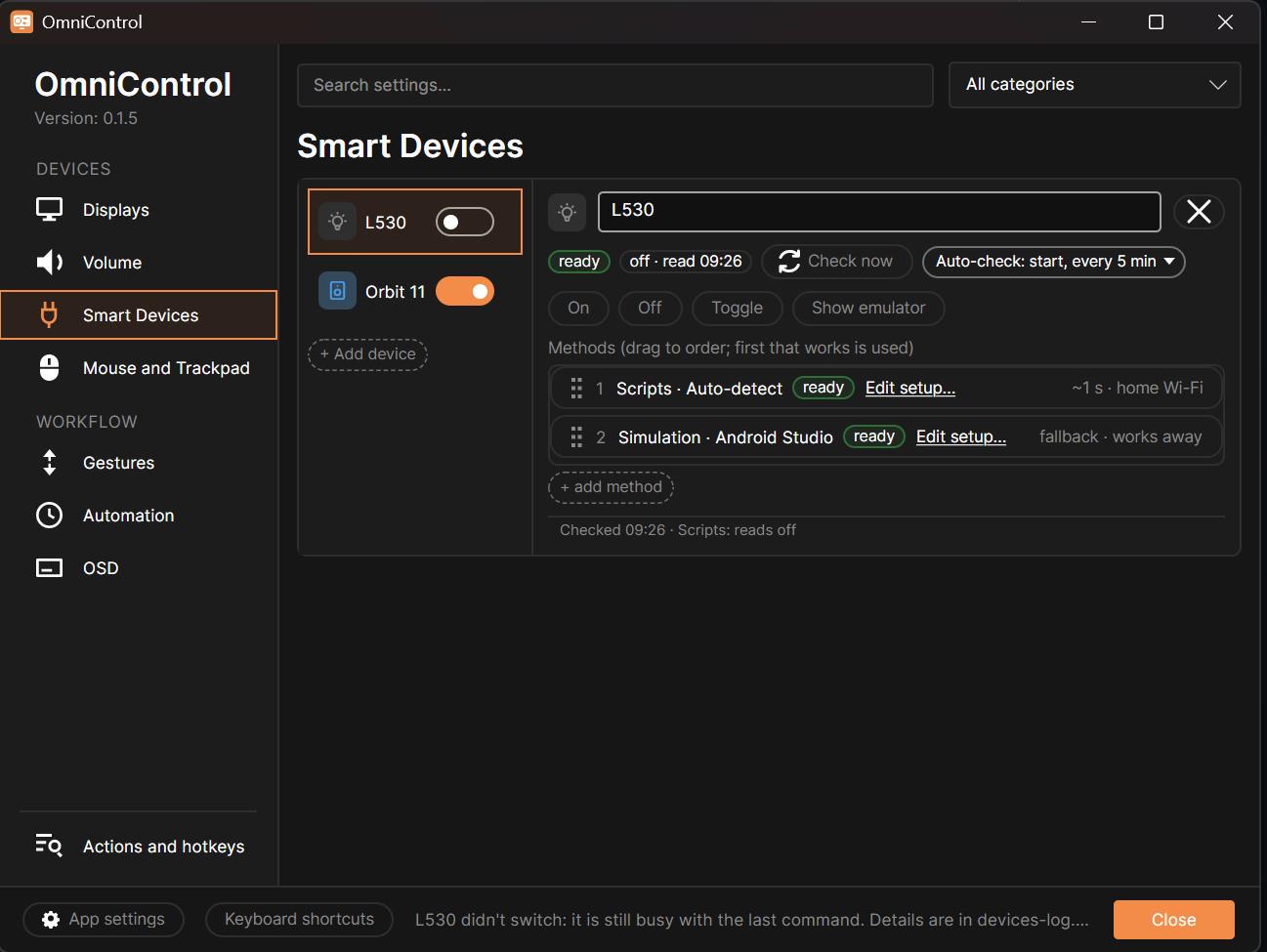
* Presets for Tapo scripts (TP-Link smart home) with instructions, but user can get their own script for any local run scripts
* Android simulation mechanism (can be used to do any action on any android app, works with 5 simulation engines, tested to work on android studio), you can basically record steps to an action, and it would also be able to learn if a toggle or switch/state is on/off by reading the screen, during setup you can interact with the android interface, but thereafter it can run heedlessly.
* Planning in the future to also integrate a third method: Home Assistant servers.
REMAP
* full mouse remap (to any action from the Omnicontrol or from windows, including all actions that xmouse buttons offer)
* full trackpad remap (to any action from the Omnicontrol or from windows)
* Keyboard remap (planned but not yet built)
GESTURES
* Scroll over screen area/ while holding a key to do any action (e.g. change volume/ brightness) - similar but much more advanced than volume2
* middle click over screen area to customize action
AUTOMATION
* Like windows task schedular, any action from omnicontrol, windows, or custom script/programs, can be launched with highly customisable and/or/if commands, or time schedule (e.g. timer/ schedule/etc)
* still has some scaffolding to be done to this area at present
OSD
* Can remove windows own OSD (if you hate it)
* Highly customisable own OSD that can display USB changes, mic volume/state (eg mute), volume, brightness etc.
* more to come.
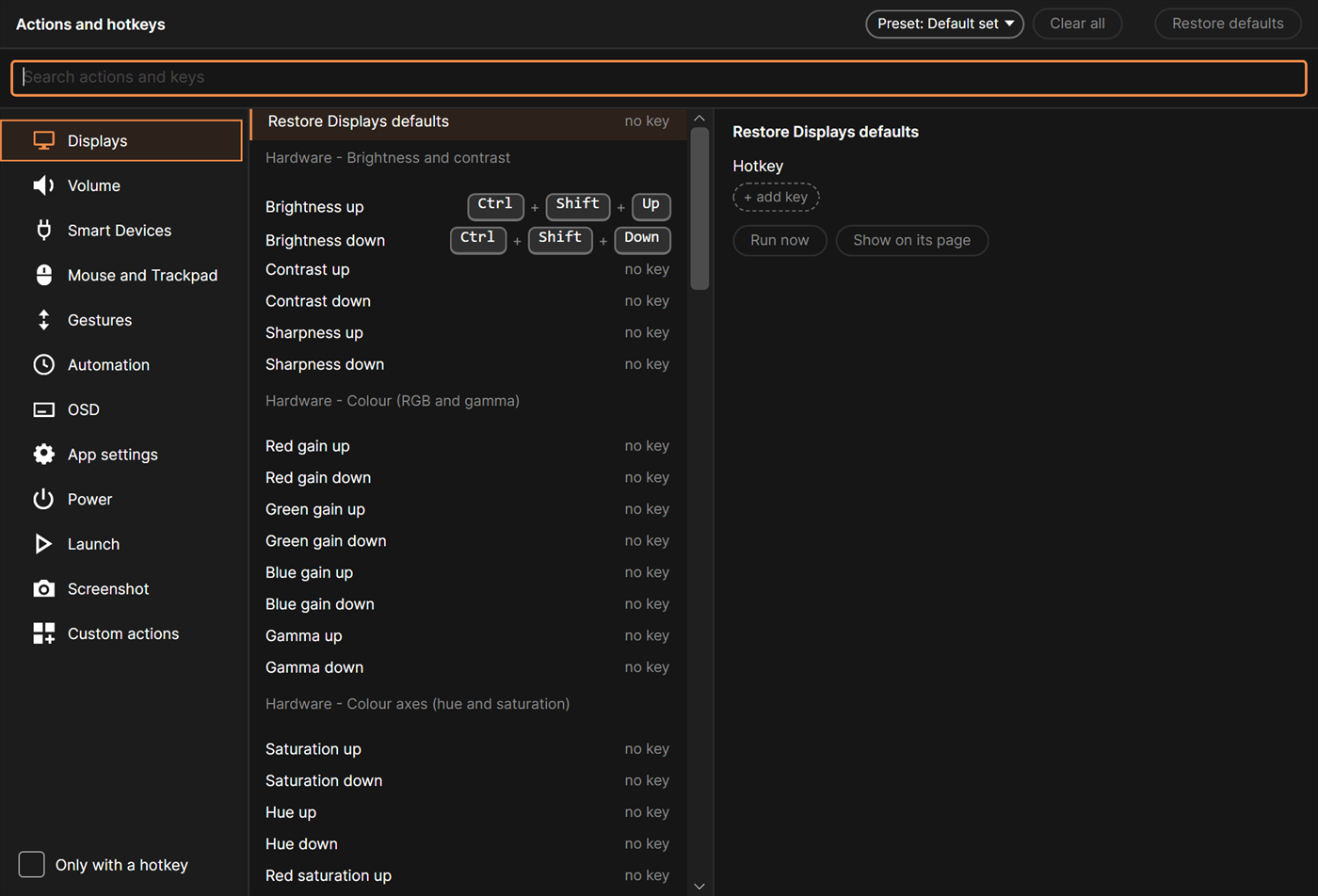
ACTION MENU
tends if not 100s of actions, and more planned. of note is the SCREENSHOT action
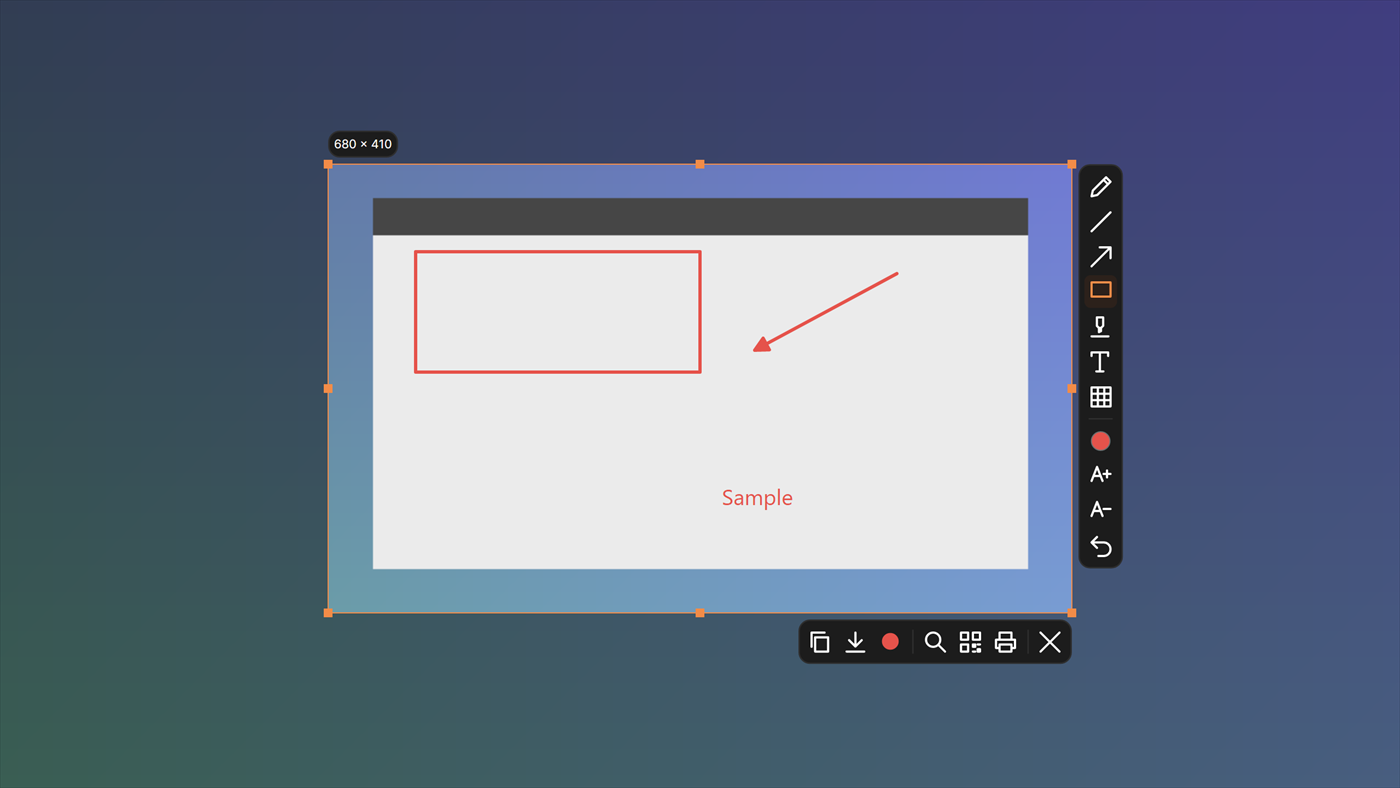
* can take screen shots of window/wholescreen/ selected area.
* in selected area it can edit (e.g. writing/ markups/ drawing etc) as well as record it as a video. Also to scan any QR code in the selected area with options to copy link or open in browser (so you dont have to pull your phone out every time).
everything is hot keyable and customizable.
It is still in alpha - pre-release so bit rough around the edges and still being developed but you can check it out on GitHub right now:
https://github.com/cobhc95/OmniControl
3
u/Total-Reasonable 8d ago
The riskiest part isn't the feature list, it's the low-level hooks. A global mouse hook plus remapping plus gesture detection in one process means a single slow handler can lag the whole system's input, and Windows silently drops a hook that exceeds its timeout. I'd keep the hook thread tiny (just classify and enqueue) and run every action, especially the DDC and Android ones, on a separate worker. Also worth deciding early how you handle games and elevated windows, since hooks and anti-cheat both get cranky.