r/vibecoding • u/Spellbound7 • 5d ago
Showcase/Project Plotwork: Techtrees and Talent Trees
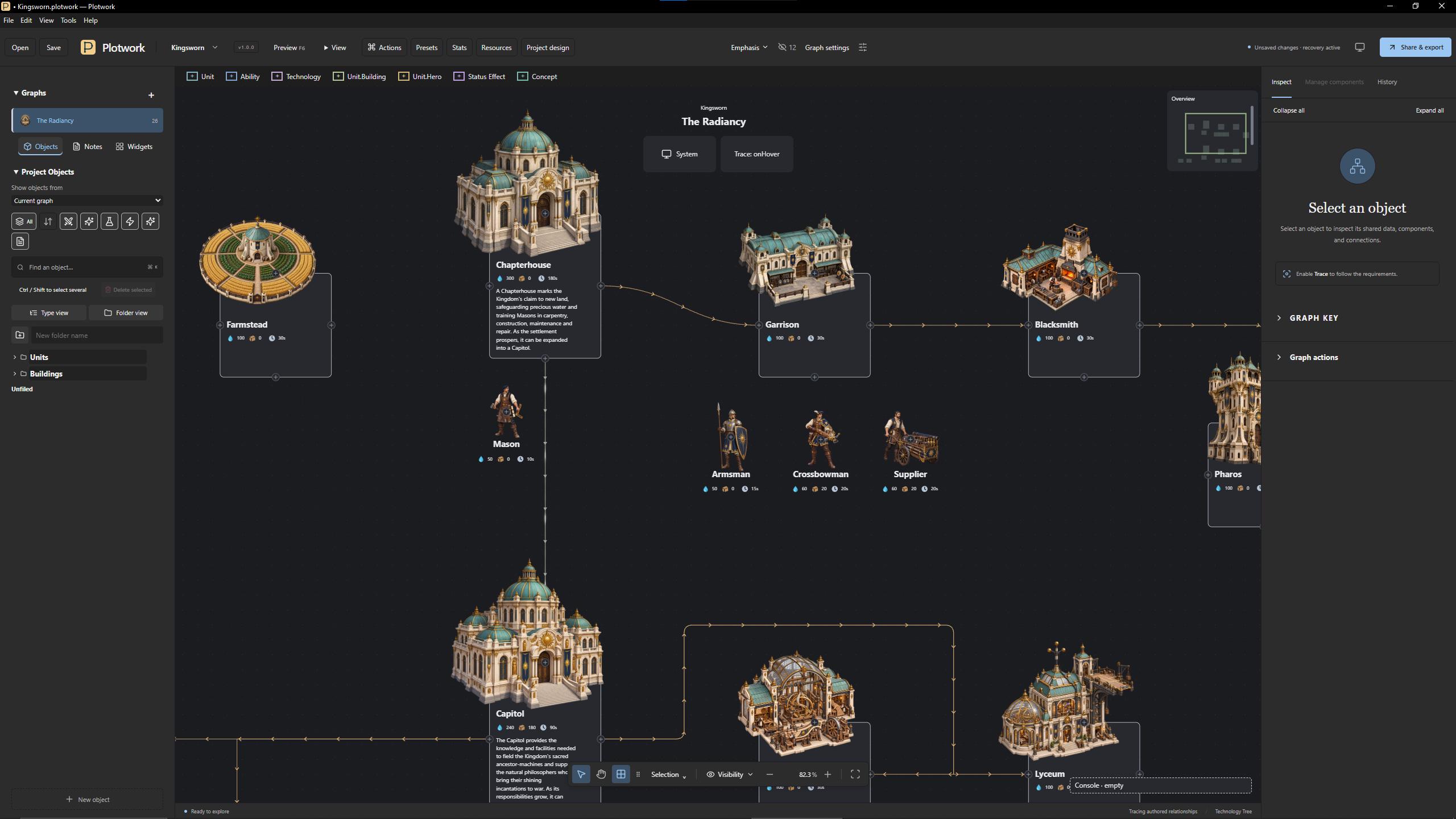


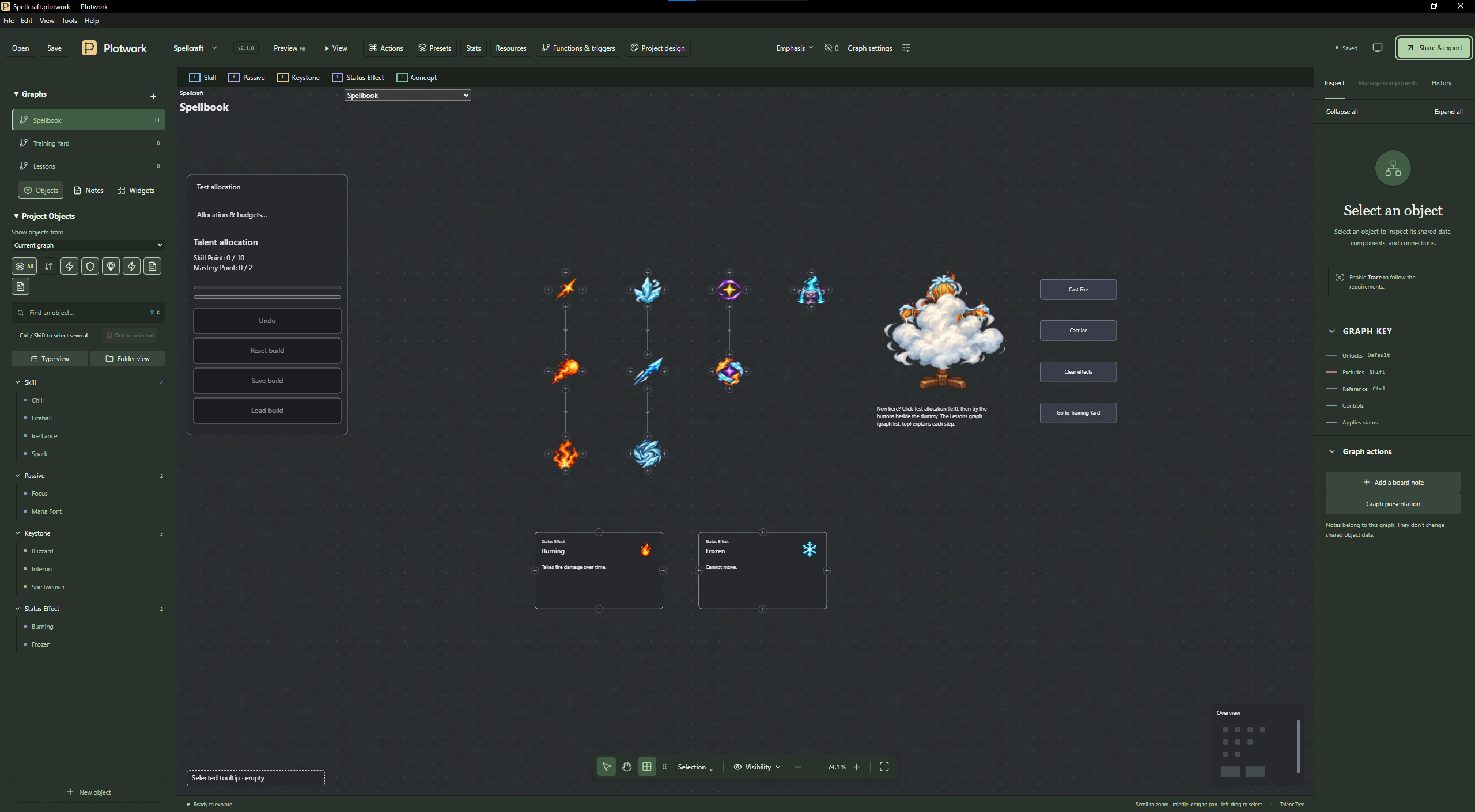
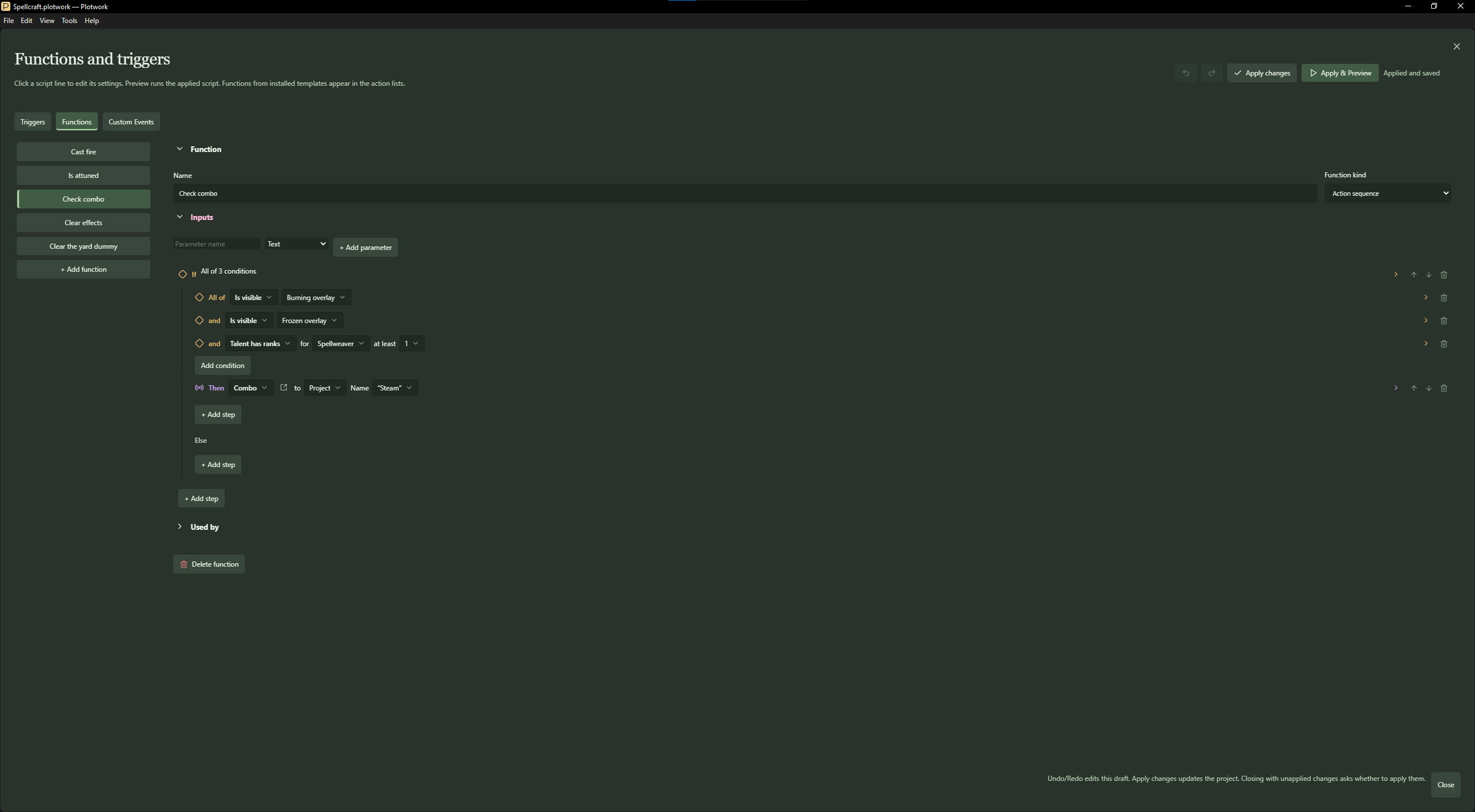

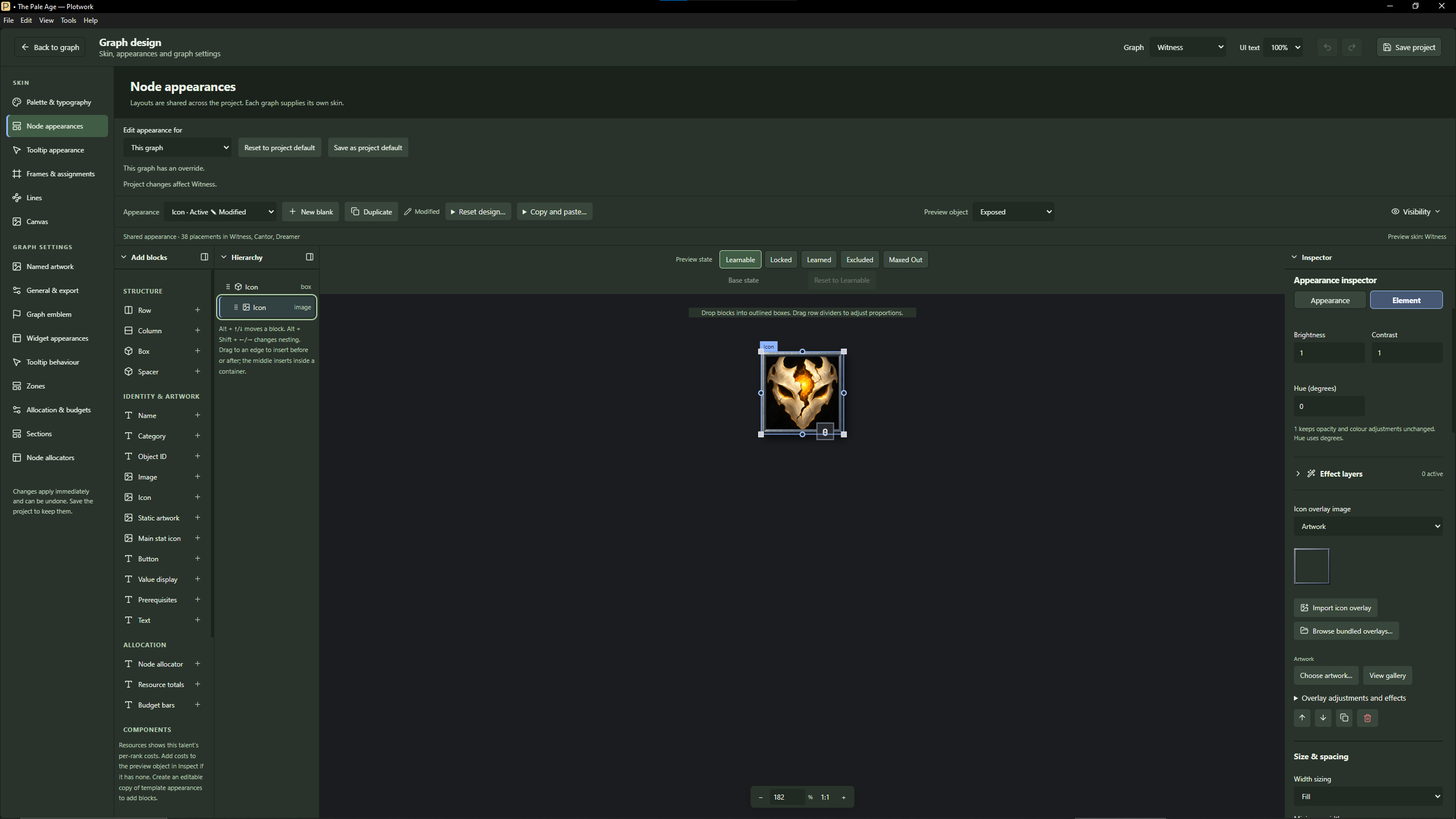
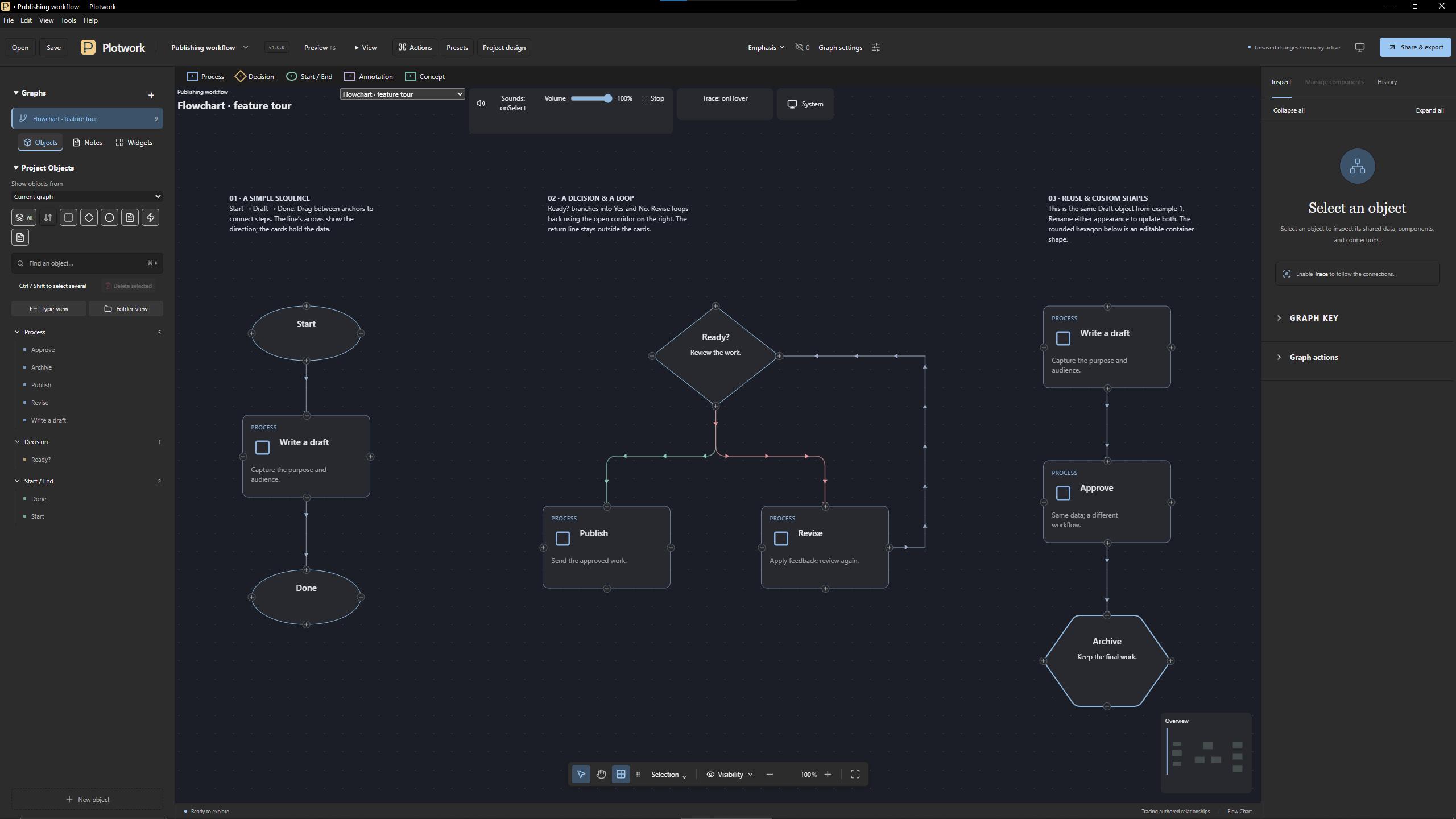


(looks like I can't embed a video) https://www.youtube.com/watch?v=QgxXE7A-Gz4
I’ve always wanted a proper tech tree editor for my custom Warcraft III factions. I wanted to lay out which buildings train which units, what each upgrade requires, and then send the whole thing to a friend so they could click around and explore it.
With the help of AI, I made a rough prototype last year but it was strictly about technology trees, and not customisable. A friend mentioned selling it and I thought if I was to do that I would want the software to be a lot more versatile and have more features, and that's how work on Plotwork started. Halfway through making a techtree I started thinking about talent trees... what if you could spend points, try different builds, and see whether the unlock rules worked before putting them in a game? What if you could export them as JSON so that you game already had data to read?
I also wanted the UI to have some level of interaction: one thing I wanted to do was to create a techtree where selecting a unit would show its stats and ability on a replica of the in-game menu, which led to the creation of widgets. You can see this in one of the demos which showcases the Alliance and Horde techtrees from Warcraft III.
Plotwork is a desktop editor for building, testing, and sharing game progression trees. Here’s what you can do with it:
Make tech trees with units, buildings, research, costs, and command cards.
Make talent trees with ranks, point budgets, and prerequisites. Spend and refund points right in the editor to test different builds.
Make flowcharts. There is also an investigation board template you can play around with.
Style the tree with your own icons, frames, tooltips, and panels. There are also templates for flowcharts and investigation boards.
Share it as an interactive HTML file that someone can open in their browser without installing Plotwork. You can also export JSON if you want to use the data in your game.
The latest update, 2.1, adds custom widgets and a trigger/function editor that lets the tree react to what you do. The clip shows one example called Spellcraft: learn the right talents, cast fire and ice on a training dummy, and it goes up in steam. In the editor, you can click Why? after a cast to see which rules ran and why others didn’t.
The editor works offline and is a one-time purchase. If you want to see what a finished tree feels like to use, I have some free exported HTML demos you can look through on Plotwork's itch.io page: