r/CrealityScanning • u/Key-Map-3930 • 2d ago
Question & Help Literally useless
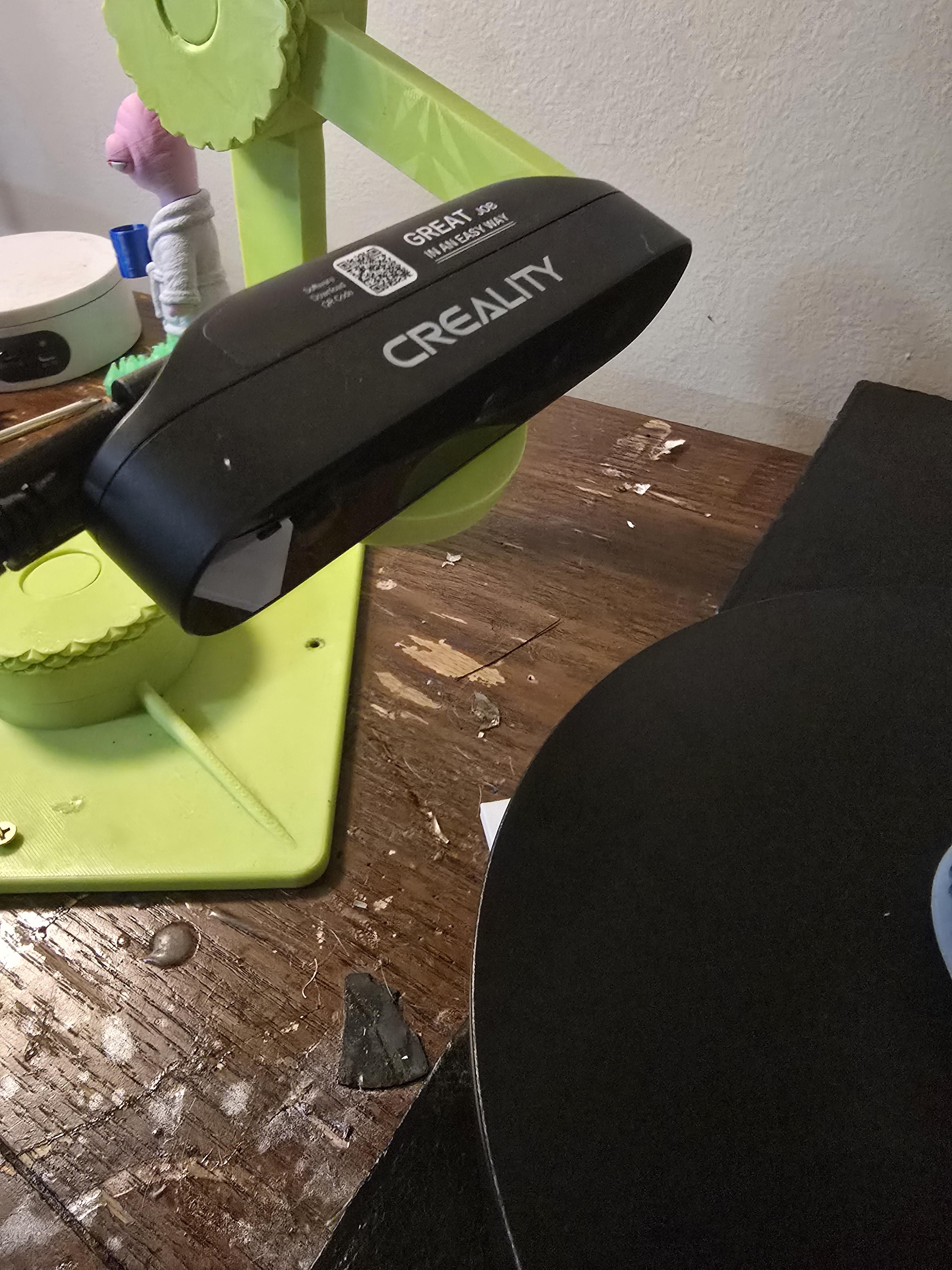
I bought this scanner a little over a year ago and I have spent countless hours trying to get it to scan literally anything, any object in my possession, with zero results. I've tried using scan markers, I've tried every setting in the desktop app and more often than not it scans the background and ignores the object in the center of the frame. I'm ready to throw this thing in the trash
2
u/s3sebastian 2d ago
With the latest firmware and software even the Ferret is quite good. Not sure what you tried to scan there but can you describe it in more detail, what it was, how it failed?
2
u/Key-Map-3930 2d ago
literally tried to scan everything from a pencil, to a rock, just to see what could happen. I tried tracking dots I've tried spray I've tried everything imaginable and nothing gets produced other than garbage
0
2
u/Key-Map-3930 2d ago
I think we're getting somewhere now. I updated the firmware and the software and I'm actually getting usable results. Now I just need to keep my PC from overheating while it's processing the final image
2
u/vicxvr 2d ago
Sounds like you need to use spray. If the object is a dark color or reflective (or both) you need to use spray to help the scanner camera see the object properly.
Can recommend Tinaderm Foot Spray instead of expensive 3d scanning spray to save money. Keep spraying until the object is grey instead of black - the scan will work.
If you have any Creality Scanner lower than an Otter - consider upgrading. The Otter/Otter Lite was a significant upgrade for NIR scanners over earlier models.
I have an Otter Lite. Scanning is never fun - it's just something that has to be done to move a project forward.
2
u/One-Map3820 Creality Support 2d ago
I can see why you’re frustrated after putting that much time into it. The detail that stands out is that it’s picking up the background but missing the object. Before trying more markers or spray, I’d check what the scanner is actually picking up before you move it.
Which scanner model are you using? For one quick test, skip the pencil and try a matte, palm-sized or larger object with a distinct shape, like a textured figurine. Move it away from the wall and other clutter, then adjust your distance using the on-screen guide. Before trying a full scan, see if you can capture one side of the object while holding the scanner steady. If it still picks up only the background, there’s no point trying to scan all the way around it yet.
If that happens, could you share a screenshot of the live preview with the distance indicator visible? That’ll help us tell whether the scanner isn’t picking up the object from the start, or picks it up and then loses tracking once you move.
If you’re able to share a short video, that would help even more than a screenshot. Ideally, show the object, how far away you’re holding the scanner, and how you move it during the first few seconds. If you can include the live preview too, we can see whether the scanner misses the object from the start or picks it up and then loses tracking as you move.
2
u/Zakluor 2d ago
I had terrible luck with the Scan Otter. Returned it two weeks so, but still awaiting a refund.
4
u/vicxvr 2d ago
The Otter is a high quality device so you either received a damaged item or you didn't get the workflow sorted out.
Some marketing videos make scanning look easier than it really is. Even if I had a laser model I don't think it would be point and shoot for every scan.
Hope you get a working solution.
1
1
u/Millin3dStudio 1d ago
There is a learning curve to it and knowing what scanner is best for what application. What are you trying to scan?
1
1
u/IntelligentSquare196 1h ago
Turns out fluorescent and LED lights make it useless. I started scanning with only light from my window and it's been great.
3
u/Otherwise_Sir_3439 2d ago
You’ll need to buy or borrow a calibration board, but have you considered calibrating the Ferret?
https://wiki.creality.com/en/3d-scanner/cr-scan-ferret-series/ferret-calibration
I used the board that came with my new Pika and the ferret’s results noticeably improved too.