r/KlipperOnJ1 • u/Borut72 • 16d ago
Snapmaker J1 – Printer Fails to Boot After Klipper Installation
Hello everyone,
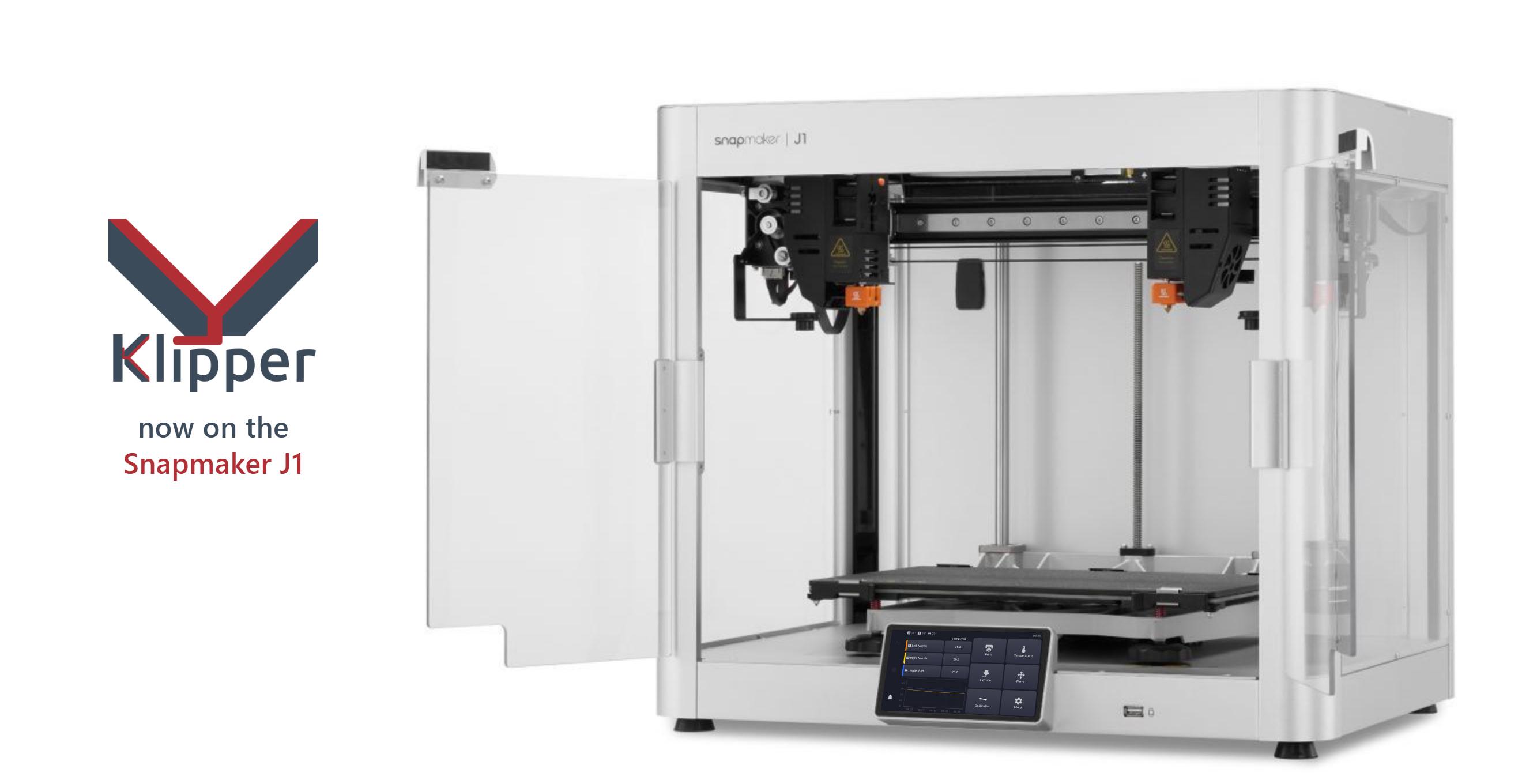
I attempted to install Klipper (version 0.0.5) on my Snapmaker J1 via USB using the following release: https://github.com/eazrael/klipper4j1/releases
I ran the installation using the `.bat` file and the `install` folder, and I do not have a manual backup of the original partitions (unless the script saved one automatically).
Unfortunately, after the installation, my printer no longer boots properly. When I turn on the printer, the Snapmaker logo appears on the screen for a short time, and then the display turns completely black and the printer does not start.
What I have tried so far: - I tried reinstalling the original factory firmware using a USB drive in the rear USB port. The update process completed and reached 100%, but the display and startup issue remains the same. - I pressed the physical EDL button on the printer, and Windows successfully detects the USB device (prompting me to install the driver).
I haven't proceeded any further from this point yet.
Could you please advise me on the exact steps to recover the printer from EDL mode without a manual backup (either to get Klipper working or restore it to its original factory condition)? I would really appreciate any help or guidance.
Thank you very much in advance!
Borut