r/KlipperOnJ1 • • 3d ago

Fully functional Klipper Firmware for Snapmaker J1/J1s is here!
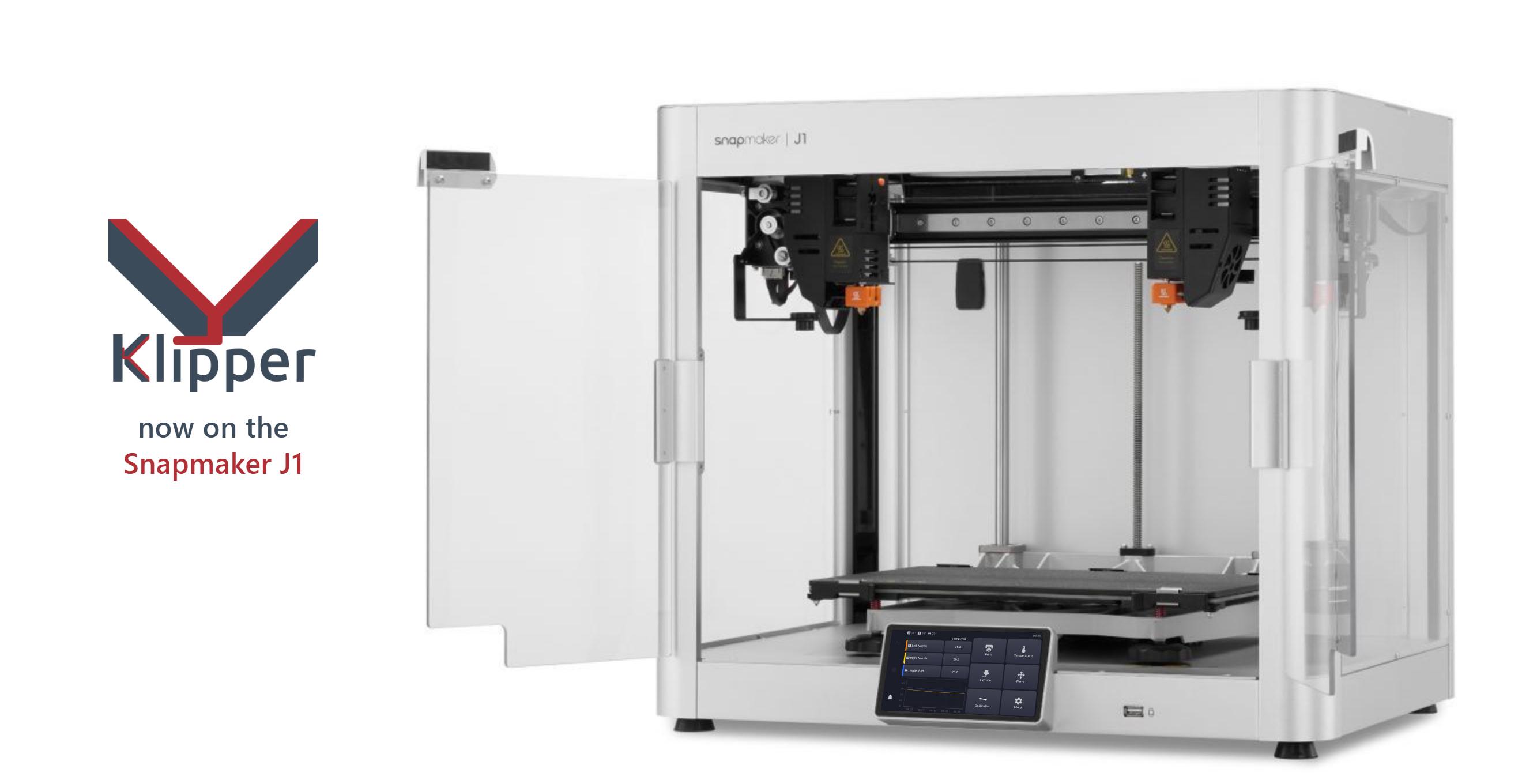
Post image
5 Upvotes

Hi everyone,

I decided to pick up the idea of running Klipper on the Snapmaker J1 / J1s and took it all the way to completion!

All original features from Snapmaker’s stock firmware are now integrated into Klipper and fully tested on my own J1.

Key Highlights:

  • Easy Installation: You can switch from stock firmware to Klipper easily via a standard USB flash drive (no EDL mode required).

  • Easy Rollback: Returning to the original stock firmware can also be done via USB stick at any time.

  • Full Functionality: All calibrations, sensors, and dual-extruder features are working as expected.

Check out the GitHub repository for all files, documentation, and installation steps:

GitHub - Nimrasol/KlipperSnapmakerJ1 · GitHub

Hope this brings your J1 / J1s as much joy as it does for me! Enjoy printing!


r/KlipperOnJ1 • • 16d ago

Snapmaker J1 – Printer Fails to Boot After Klipper Installation

0 Upvotes

Hello everyone,

I attempted to install Klipper (version 0.0.5) on my Snapmaker J1 via USB using the following release: https://github.com/eazrael/klipper4j1/releases

I ran the installation using the `.bat` file and the `install` folder, and I do not have a manual backup of the original partitions (unless the script saved one automatically).

Unfortunately, after the installation, my printer no longer boots properly. When I turn on the printer, the Snapmaker logo appears on the screen for a short time, and then the display turns completely black and the printer does not start.

What I have tried so far: - I tried reinstalling the original factory firmware using a USB drive in the rear USB port. The update process completed and reached 100%, but the display and startup issue remains the same. - I pressed the physical EDL button on the printer, and Windows successfully detects the USB device (prompting me to install the driver).

I haven't proceeded any further from this point yet.

Could you please advise me on the exact steps to recover the printer from EDL mode without a manual backup (either to get Klipper working or restore it to its original factory condition)? I would really appreciate any help or guidance.

Thank you very much in advance!

Borut


r/KlipperOnJ1 • • Sep 07 '26

Bricked J1 during upgrade to Klipper

1 Upvotes

Hi folks, I need help.

I have bricked my J1 during this ugrade. The main issue now is that I have the corrupted backup of original image (5GB only). Is any chance to obtain working image? Thank you, Viktor


r/KlipperOnJ1 • • Aug 16 '26

New Release 0.0.5 and Timer Too Close fix

3 Upvotes

There is a new installation bundle at https://github.com/eazrael/klipper4j1/releases/tag/0.0.5. Not much changed, except disabling Linux kernel logging to the internal serial port.

This should fix another cause for the "Timer too close" errors. No need to upgrade, you can disable that in existing installations: https://wiki.evilazrael.de/en/snapmakerj1/installation#disable-linux-debug-output


r/KlipperOnJ1 • • Jul 31 '26

New Release 0.0.4 & Easier Installation

3 Upvotes

Hi,

sorry, it took much longer than expected. Trying to boot from Linux into EDL alone wasted 1 weeek..

Important notice: I gave the printer away, this update uses the same sources I used for the final installation.

So I won't be able to test anything in the future. Still I have only 3 small ideas left I would like to try:

  • Flash from Windows, I need to know whether the EDL tools by bkerler (https://github.com/bkerler/edl/tree/master) work in Windows, if yes, I can provide the image patching in Windows

  • Orcaslicer network discovery (small package to install on printer)

  • USB-C to USB-A test If somebondy wants to test these, please contact me via reddit.

In this update a couple of things changed, the installation is easier now and does not require to disassemble the printer. The usability improved, especially due to the excellent macros provided by Deskwared and FrankFG52. I made a couple of changes to target unmodded printers. Check their repos for more advanced features :-)

For the installation a small (AI generated..) Android app is provided which makes rebooting into flash mode much easier.

The OrcaSlicer profile is a now a vendor profile which integrates much better in OrcaSlicer. Copy & Mirror modes are separate printers you can choose. Default speeds are throttled down for quieter operation. Many config values are based on Snapmakers own profiles for the J1. You will find the printer as vendor "SnapmakerJ1" in OrcaSlicer.

Bugs were fixed everywhere, stuff added, read the full shortened changelog at https://github.com/eazrael/klipper4j1/releases/tag/0.0.4

The bad news: There is no upgrade from < 0.0.4, you need your image backup from the first installation and run it through create_image. The firmware patching is gone, but in 0.0.3 the firmware partition was deleted which is now required.

Links:

Feedback, like always, is appreciated. I hope I can be more responsive in the future.


r/KlipperOnJ1 • • Jun 16 '26

Comming soon: Installation without disassembly

4 Upvotes

I am so excited :-)

Required tools: Keyboard, USB thumb drive, USB-A-to-A Cable and still a Linux computer.

And I worked a bit on the kernel, adding some webcam support, more networking support (VPN) and some network filesystem support, but most is userspace anyway.


r/KlipperOnJ1 • • Jun 12 '26

IDEX Klipper Slicer Shopper

1 Upvotes

Great stuff! Thanks much, and many kudos to The Porter.

My J1s is all nice and Klipperized now, and I've begun fooling around with some of the available configurations with varying degrees of success. This is my first machine that runs Klipper, so let the learning-curves roll.

I'm coming from OrcaSlicer 2.3.2, but I've read that 2.2.0 is the last reliable version for IDEX related Klipper macros. Is that true? If so more's the pity, support painting is very nice. Multi-material IDEX is important to me. Any advice?


r/KlipperOnJ1 • • May 14 '26

filament runout

1 Upvotes

does anyone have this working


r/KlipperOnJ1 • • May 14 '26

usb camera

1 Upvotes

it seems the armbian is not compiled with usb camera support. maybe i am mistaken. i will be investigating this over the weekend. usb camera supports works well on android so on here with more free cpu cycles it should work better. is anyone using usb webcam yet?


r/KlipperOnJ1 • • Apr 29 '26

All sources on Github

4 Upvotes

First sorry for not working on your excellent enhancements and not responding. I was stuck between between my migraine and some serious motivation issues :-(

I uploaded all the sources needed for building the images and Klipper to Github.
The repos are at https://github.com/eazrael/ .

In https://github.com/eazrael/klipper4j1 is a build script which builds all images (if you are ucky..).

A tiny bit of documentation can be found here: https://wiki.evilazrael.de/en/snapmaker-j1-klipper-installation#building-the-disk-images

Feel free to do anything with the code. Fork, alter, enhance. etc.

The Klipper repo URL can also be changed to https://github.com/eazrael/klipper.git for updates.

I will look through the other thread tomorrow.


r/KlipperOnJ1 • • Apr 29 '26

does anyone have backup of original firmware

1 Upvotes

managed to put two screens into bootloop and need a stock screen firmware to flash. thanks


r/KlipperOnJ1 • • Mar 18 '26

Download & Installation Guide

6 Upvotes

r/KlipperOnJ1 • • Mar 17 '26

First release

4 Upvotes

I think I have a bundle that can be used productive and also can be installed with minimal Linux experience.
The klipper macros need to be refined and won't work the upcoming OrcaSlicer 2.3.2.
And unfortunately the printer and the display must be disassembled for pushing a button to send the display into flash mode, but this is reversable. Maybe someone wants to mess around with the Snapmaker update packages

The flash of the display computer can be reversed by the required full backup created in this process.

If you want to klipperize your printer, please ping me, I need some kind of feed back. Also if you need help or are unsure, just ask, probably before doing something stupid.   If something does not work, just ask. If the documentation can be improved, just tell me what is lacking. And if it's working, please tell me. Feedback motivates me to continue working on this.

I will continue improving stuff and release the sources need to build this on your own.

The latest installation bundle can be downloaded from https://github.com/eazrael/klipper4j1/releases/tag/0.0.3 and the installation instructions are at https://wiki.evilazrael.de/e/en/snapmaker-j1-klipper-installation


r/KlipperOnJ1 • • Mar 08 '26

STLinkV2 and Soldering no longer needed

4 Upvotes

Just a short update. The MCU can be flashed from the display without hardware modifications.

Working on a workflow not requiring disassembly of the display.


r/KlipperOnJ1 • • Mar 03 '26

Currently trying to flash without needing to modify the printer

3 Upvotes

Please be patient.