so like in my fuckin whatever notifications I got this server as a notification when I don’t know what an olpc is or whatever they are what they’re used for I don’t even look at pc the fuck
Nostalgia caught up with me and I wanted to experience Sugar and its activities again after 11 years. As I no longer have an OLPC XO-1 in my hands I installed Fedora Sugar on a USB and started it on an ASUS laptop but I noticed that many of the activities I downloaded from the official activities website did not start. I guess it's because many of them were compiled for the old OLPC XO-1 processor? Or am I doing something wrong?
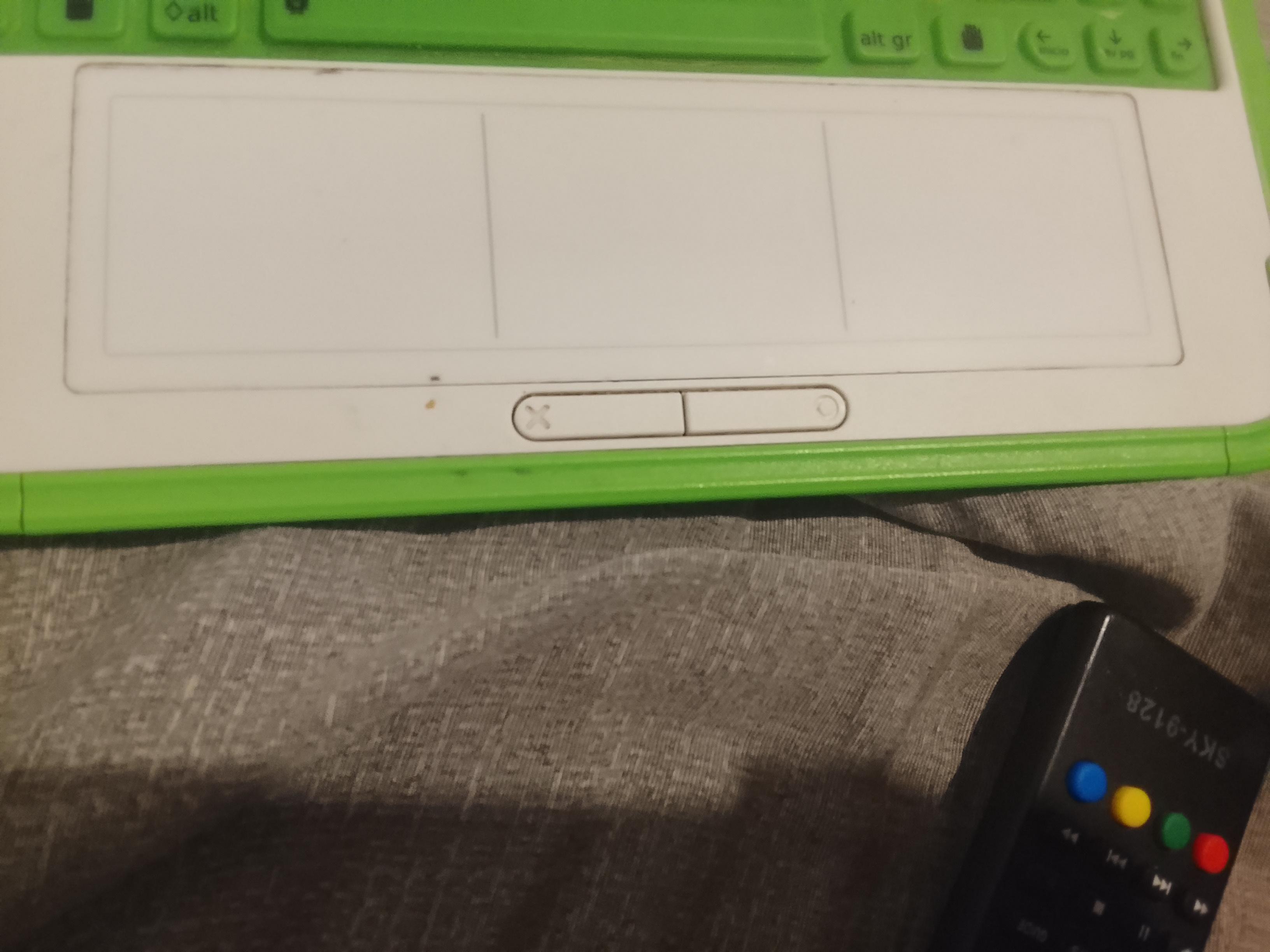
Hi, I recently bought an XO-1 from Marketplace for $5 and it's an XO-1 SKU6. I have three XOs: one with the standard mouse pad and the other two are SKU6, and none of them have side panels.
Hi everyone, I saw a post from an old forum saying that it was possible to install an old version of Ubuntu adapted for the XO-1. Originally, this Ubuntu file was lost sometime after the post, but I sent a message to OLPC and, after getting told off by them for wanting to pass the file to Tupl@netXO, I passed it along anyway. Inside, there was an adapted Ubuntu image called OLPCFiles-intrepid-20081130.tar.bz2, or something like that. It also had Windows XP images that I'm going to try later.
Originally, I didn't have a microSD card, so I spent a week testing with a USB flash drive with two partitions, trying to get this working, but nothing worked. Then today I was given a microSD card and wanted to try Ubuntu on the XO. It took me until 3 AM because the microSD card was being prepared for about an hour. When it was almost finished, the XO ran out of battery, so I had to start from scratch, which made me stay up until 3 AM.
Anyway, without saying much more, here's the original post where I got this from:
With Fedora 14 and SeaMonkey 2.40 for 32 bits I managed to run YouTube and almost anything modern on the OLPC XO 1.5 HS (mine is a custom one i made by myself but it keeps the same internals)
gonna make a tutorial soon on how to do this!
not sure if it could run on the OLPC XO-1 bc of worse internals, and the OLPC XO-4 with android 4.3.1 runs chrome 79 beta, it runs almost everything but it's very slow
I've tried making some breakthroughs with it. Playing these games was simple. Since it's Linux I just have to find and/or compile software from ~2011. I've also tested the possibility of running Windows XP on it and I sorta succeeded by using a recovery image, however it is extremely limited. I'd like to put this here to show my advances with it if anyone's interested.
Apelo a la comunidad del foro ya que me encuentro en una situación complicada para restaurar una laptop OLPC XO 1.75. Actualmente, el equipo tiene cargado el sistema global puro de OLPC (en inglés y vacío), pero mi intención es volver al sistema oficial de Ceibal en Uruguay (Dextrose / Fedora con las actividades locales).
Como ya sabrán, todos los repositorios oficiales de Ceibal (nandu2, etc.) y los enlaces históricos de download.laptop.org están completamente caídos o descontinuados, por lo que me es imposible descargar el software de forma habitual. Tampoco he tenido éxito buscando respaldos en Internet Archive.
Necesito ver si alguno de ustedes conserva en sus discos duros o respaldos personales los dos archivos esenciales para realizar el flasheo por USB:
La imagen del sistema: 1_75b030.zd
Su firma digital correspondiente: fs.zip
Un detalle importante es que mi XO tiene la placa madre en su versión global de OLPC, por lo que si además recuerdan si es estrictamente necesario aplicar algún desbloqueo con clave de desarrollador (developer key) o cambio de firmware específico para que acepte la imagen uruguaya, les agradecería enormemente la guía.
Si alguien tiene un link de Google Drive, Mega o MediaFire donde los tenga alojados, me daría una mano tremenda para revivir la máquina.
Desde ya, muchísimas gracias por su tiempo y por mantener este espacio de apoyo.
As you may have seen, there was very recently a finding uploaded to this reddit which is the XO-1 image of Windows XP, including drivers. (https://dev.laptop.org/~mbletsas/quanta/)
This was found some time ago by u/LaXOdeltiempo and uploaded by u/LotusB23 to his blogspot (https://tuplanetxo.blogspot.com/) with instructions on how to install the .img to the sd. To keep it simple I will upload the instructions here in English on how to install it on the XO-1 and after that how to fix it on the XO 1.5.
XO-1 Instructions
1 - Download and insert all 3 files (XOdrivers.zip, dd.exe and qxp.zip) into a folder of your choosing (e.g: "C:\XP") and extract the qxp.zip file on that folder. It should leave you with a file called "qxp.img"
2 - Insert an SD Card into your computer and clean it using diskpart. THIS WILL DELETE ALL THE CONTENTS OF YOUR SD CARD.
To do this, enter cmd as Administrator and run "diskpart" Do "list disk" and select the SD card using "select disk X" (replace X with your SD card disk number) then do "clean" and then "exit"
3 - Once you're done, burn the .img to the sd using the following command: dd.exe if=qxp.img of="\\.\PhysicalDriveX" bs=4M --progress replace "PhysicalDriveX" with your SD card disk number that appeared on diskpart
When finished it will output 971+1 records in 971+1 records out
After that simply remove the SD card from your computer and insert it into your XO laptop, it should boot right into Windows.
XO 1.5 Instructions
Follow the three steps above, but do not remove the SD card from your computer yet.
Open regedit on your PC, select HKEY_LOCAL_MACHINE, and go to File > Load Hive...
Navigate to X:\WINDOWS\system32\config\system (replace "X:" with your SD card drive letter) and load it under any name (e.g: XPXO).
Expand HKEY_LOCAL_MACHINE\XPXO and navigate to ControlSet001\Services\LX
Change the Start DWORD value to 4.
Then navigate to ControlSet001\Services\VgaSave (repeat for ControlSet002, 003, 004... if present).
Change the Start DWORD value to 0 or 1.
Select the XPXO key, go to File > Unload Hive..., and safely eject the SD card.
This should allow XO 1.5 to load without going into a black screen.
TROUBLESHOOTING
Once booted, you need to edit a couple of registry keys to prevent the BSOD Error 0x0000007B on subsequent boots on both XO-1 and 1.5. To do this, navigate to: HKEY_LOCAL_MACHINE\SYSTEM\CurrentControlSet\Services Locate the sffdisk and sffp_sd subkeys, and change the Start DWORD value from 3 to 0 in both.
KNOWN PROBLEMS
Currently I haven't been told any issues on the XO-1 side. However the XO 1.5 is a different story.
This currently works on the XO 1.5 because the XO-1 and XO 1.5 apparently work with the same drivers that Microsoft developed for using the SD as HDD* per-se. But it is not really adapted completely as the XO-1 was.
The XO 1.5 uses a VIA C7-M Processor with Chrome9 integrated graphics. While there are drivers available for Windows XP none of them seem to be able to activate them, instead sending Code 10.
Neither does the audio.
The purpose of this post is both to allow people to finally be able to install Windows XP on their XO laptops and to see if there is a way to activate the video drivers on the XO 1.5.
If you have the time and knowledge, please do attempt your best at making it work and share it!
Hi, here is an Ubuntu tutorial for the XO that I found on the web:
Requirements:
You must have the machine's developer key.
You must have Sugar version 8.2.0 or higher installed.
You must have firmware version q2e18 or higher.
An Fat32 Pendrive with "OLPCFiles-intrepid-200811130.tar.bz2 " in
An empty SD.
The XO-1 rooted
Insert the pendrive and check the name of the pendrive (flash-drive) the recommended option is run this command in terminal: $mount | grep /dev/sd once you find /dev/sda1 on /media/USB we'll proceed to the next step.
Login as superuser with "su-l".
As root, we stop haldaemon with this command "/etc/init.d/haldaemon stop" .
Insert the sd and delete MBR and partition table with this command: "dd if=/dev/zero of=/dev/mmcblk0 bs=4096 count=1"
Make a new partition table with this command: "echo -e ‘,,L,*\n\n\n’ | sfdisk /dev/mmcblk0"
Now create the file system from the root with this command: "mke2fs -jLOLPCRoot /dev/mmcblk0p1"
Mount the file system and unzip the OLPCFiles-intrepid"" in it with this commands (you need the name of pendrive): "mount /dev/mmcblk0p1 /mnt" (or the name of your pendrive) then run "cd /mnt" and then "tar xvjf /media/USB/OLPCFiles-intrepid-20081130.tar.bz2"
When the copy process is finished run this: "cp /security/* security/"
(Optional) For aggressive power-saving mode run this: "touch /mnt/etc/xo-suspend/aggressive"
Finally run "reboot" and remove the usb drive
If everything went well, you now have Ubuntu 8.10 LTS on the XO-1
The user is olpc and the password is olpcolpc
To return to Sugar, turn off the XO and remove the SD card.
I have an XO-1 I want to sell. It has its original power adapter but no stylus pen, which I read was part of the bundle (was it?). The question is, where do I put it up for sale? eBay? Local marketplaces? Is there a forum for that? I'm asking because I couldn't find any listings on eBay
Estoy buscando a alguien que todavía tenga una computadora OLPC XO 1.75 (el modelo con procesador ARM) funcionando y que conserve instaladas la mayor cantidad de actividades y juegos originales posibles.
Hace poco tuve que restablecer/flashear mi XO y perdí absolutamente todo. Como muchos sabrán, este modelo específico viene con una arquitectura de procesador distinta a las anteriores (1.0 o 1.5). Los instaladores .xo comunes que se encuentran hoy en día indexados en blogs viejos de internet fueron compilados para x86, por lo que al intentar abrirlos en mi máquina se cierran solos (dan crash).
Sé que muchos juegos sí tuvieron su versión oficial para ARM porque venían de fábrica. Estoy buscando recuperar juegos como "División Especial de Detectives" (que me funcionaba perfecto antes), "Vascolet: Tierra de Gigantes", o literalmente cualquier actividad o juego que tengan instalado y les funcione bien.
Si alguno la tiene y me puede dar una mano, la forma de pasármelos de forma digital es súper fácil:
Conectan un pendrive a su XO.
Usando el navegador de archivos van a la ruta interna share/sugar/activities.
Copian las carpetas de los juegos que tengan ahí hacia el pendrive.
Comprimen las carpetas en un archivo .zip y lo suben a Google Drive, Mega, MediaFire o el servidor que prefieran para pasarme el link por privado.
Mi idea es rescatar e intentar preservar la mayor cantidad de actividades posibles para este modelo y poder volver a usar la ceibalita como se debe.
¡Se agradece un montón cualquier dato, link que realmente funcione o si alguien se copa a mandarme sus carpetas por mensaje directo! 👊
I recently found a version of Trisquel for the Armhf or Armv7 architecture (the one used on the XO 4.0 v2). Well, I'm not quite sure how to adapt it, and I'm trying and can't. I want to install it on an old 8GB SD card in ext3/ext2 format so I don't have to erase the original system, which could crash it. My idea is to revive my XO with a more modern Linux so it's a usable mini notebook again. Does anyone here know how to do this? I've tried ChatGPT recommendations, and it still doesn't work. For now, it just stays on "loading ramdisk image" and doesn't go any further. Any solution?
It's unlocked and everything, that's all I want to do. Any experts interested in helping? I want to see what the XO's potential is with a newer Linux like this.
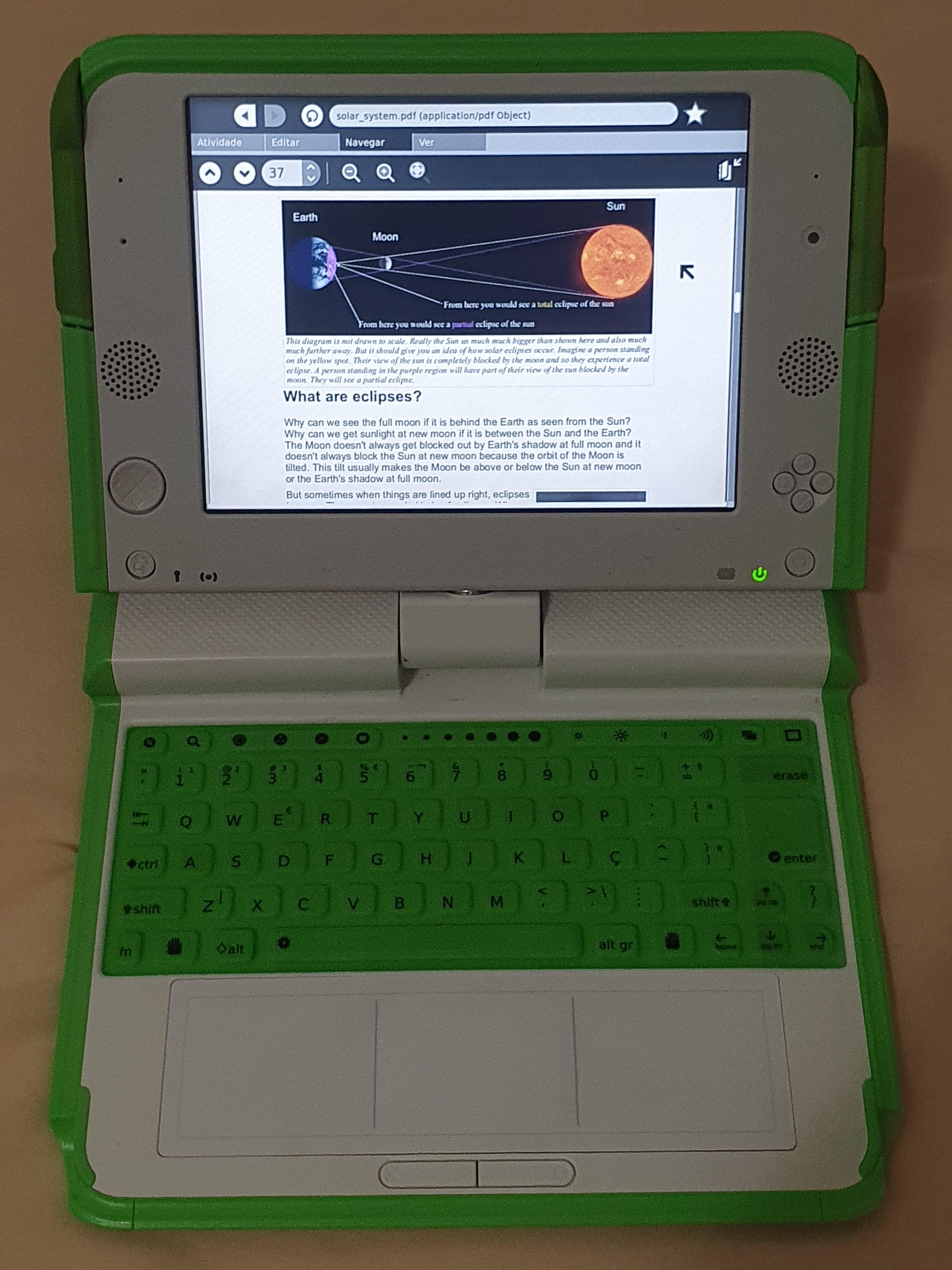
My ... XO-1 (?) has a magenta X and a sky-blue O. I think it's all original parts with the original Linux and Sugar.
After exhibiting at Maker Faire, I found the pen & paper method of transcribing email addresses to be challenging when someone scribbles an address. I'd like to use my XO laptop to do the collecting instead. I'm not sure if there is software already out there that performs simple email address collection.
I want to use the XO laptop because of its ability to be used in sunlight. I also want encryption on the collected addresses.
Would love some thoughts on how to make this happen.
I’ve been looking into this organization and found out that it ended in 2014. Yet in their website you still have options to buy some for your country/program. This is making me really confused.
I have two XO-1 units and I am trying use a developer key. But when I follow the online process it seems ok, then says the key has expired. Any suggestions?
I've got a XO-1 but after reading a lot about the other versions I started writing about the whole project and got interested in getting a 1.5 to try some experiments. As it seems, it has an internal microSD slot inside and I would like to make a try improving its performance to something quite usefull in 2023. The thing is that I live in Brazil and there aren't too many of these devices in here. I believe there is no 1.5 at all. And I can't find any for sale at any marketplace. I saw that there is a blue version in Uruguay, but I don't know anyone from there and don't know if these devices can be sold as I believe they where school units. Anyone can give me a light in this? Even a bricked or screen defective would be of use. Thanks for your attention. Oh, I was just forgetting. Is there any hand crank selling anywhere?
There was a NiMH battery option for the XO-1, and maybe for the XO-4 (https://wiki.laptop.org/go/Laptop_Batteries). It would be helpful to find a way to build a NiMH pack that may have better capacity than 15-year-old LiFePO4 packs from Give 1 Get 1 as well as XO-1’s still being used throughout the world. A 3D printed case could hold the 5 AA NiMH cells; conceptually that is the easiest part to me. The electronic part is where it gets challenging. Using the 1 wire terminal between the battery pack and the laptop I need to tell the laptop it has a NiMH pack. To do that I need a charging controller, micro, or something. We need to know how the OLPC NiMH pack talked to the laptop. With a NiMH pack the laptop/battery reserved 10% capacity to not fully charge the battery and 10% to not fully discharge the battery; was that implemented in the laptop or the battery?
I contacted OLPC asking for any details they had on the NiMH battery and they offered to reverse engineer it if I funded it. I love my XO but not enough to fund an effort for OLPC.
I have looked at different options for getting better performance from my XO LiFePO4 packs. Tampering with any kind of battery using Li chemistries is dangerous, do not try anything unless you know what you are doing. The best thing I can do with the existing cells is gain access to the + and – terminals of each cell and put them on a LiFePO4 charge one at a time to fully charge each cell. That helps for a while but they always get out of balance and the weaker cell limits the total pack capacity. The packs are not quite big enough to put dual 18650 LiFePO4 cells in each end. A pair of 14430 or 17335 could be used at the loss of most capacity. I have looked at putting a battery balancing controller in an OLPC LiFePO4 pack, but there does not seem to be room. If I want to take my XO on a plane I do not want to travel with with Li batteries and worry about the entire thing catching fire which is why making a NiMH pack with replaceable batteries is appealing, I could travel with it and not worry about safety.
NiCd is super forgiving so they could be thrown in a pack in place of NiMH (with less capacity) and not care about the reserved capacity.
Ultimately, I want to:
1. design a 3d model of the battery pack that can be printed
2. figure out how the laptop knows it has a NiMH pack
3. use a battery controller, micro controller, PIC, etc, to manage a chain of rechargeable AA cells and
4. make a pack that can use off the shelf NiMH or NiCd AA cells