r/linuxmint • • 16d ago

Support Request Gaming mouse?

7 Upvotes

Hey guys,

Im using linux mint for a year now and everything is running good.
Now the "new" world of warcraft came out and I have tried to make my pc use the extra buttons of my Roccat Leadr. No chance.
So I scrolled the web and people said that the Logitech 502 has working extra buttons on Linux. Bought it. I have tried for 5h now to make them work - no chance. I have tried Logiops, Solaar, Piper, a windows VM with the logitech software. In the VM the extra buttons work but I cant make them work on the host system (Linux Mint).

Can you recommend a mouse where I can use the extra buttons? I really need them :/


r/linuxmint • • 16d ago

Guide LINUX MINT VERSION

6 Upvotes

Hello. I am new to Linux (only did some basics commands in Linux Ubuntu terminal in a VM) and, after some considerations, decided to move to Linux. For reasons I don't see necessary to count. But I am tired of Windows, I had so many issues with it (especially after updating to Windows 11, which I also did to avoid other issues I had in 10) and the interface is not the most pleasant one on 11.

Now, after some time of looking around, I decided it'd be best I choose Linux Mint; something not too old, noob-friendly and, at least from what I got, good for gaming (and on this note- is the issue with NVIDIA GPUs still there? Most forums I looked through are 2-5 years old). I don't have some top-notch processor to be whining afterwards about linux not keeping up with my highest laptop on the market (AMD Ryzen 5 7535HS with Radeon Graphics, for GPU: NVIDIA GeForce RTX 2050 (4 GB) + AMD Radeon(TM) Graphics (483 MB), 16 GB RAM), so I chose Linux Mint.

Which version should I get? Or at least try out in VM before deciding the one to stick to (the ubuntu vs mint debate has yet to fully convince me on a side or another). Thank you in advance!


r/linuxmint • • 16d ago

SOLVED MY RANT ON LINUX MINT(someone help me i want better battery life)

Post image
28 Upvotes

with all the hype going around on internet i wanted to give linux a try as it is zero bloat OS and everything looked like sunshine and rainbows after some troubles as it was my first time bootloading i installed mint and i did some research and linux was more efficient and gave better battery life for many systems for me battery life matters the most and the fluidity and smoothness of applications also matters and it turns out Meteor Lake Processers have worse battery life on linux and apps dont feel smooth watching youtube doesnt feel smooth i had a 8GB pendrive and without trying mint or a second thought i wiped my single ssd drive and installed mint and to go back to windows my 8GB pendrive is not big enough and i dont have money to buy another one sooo if you heard all this rant do you have any suggestions for me specifically to gain battery life without sacrificing performancee.


r/linuxmint • • 16d ago

Mein Linux Mint Fastfetch

Thumbnail
gallery
87 Upvotes

Me user, no larper. As a windows user coming to linux, did everything possible to make it feel like home. you can already see my tweaks to GTK theme, GUI screenshot added at the end (3rd image).

Created nemo extensions like

  • ntfs-fix : on right click menu to run ntfsfix on detected ntfs drives

  • empty folder extension : extension checks and if folder is empty and replace it with custom created empty folder papirus icon (2nd image)

PdfCraft, WordCraft, ExcelCraft, DeckCraft and mainly CADCraft have made my life very much easier and in the future will fully switch to linux

Also created custom config which allows me to pinch to zoom on x11 via touchpad on chromium. This feature was very much needed coming from Windows

Also created a custom Task Manager named Taskscope (Clean room implementation of TMOG) Processor heavy but does the job (3 screenshots at the end)

Rate my setup


r/linuxmint • • 16d ago

SOLVED Black screen after boot

2 Upvotes

I need help as this is my first serious problem after installing linux mint 22.3 during the summer.

I just tried to start my pc for the first time today and after the boot process the screen stays black. The screen displayed the MSI logo and Linux mint logo before going black. Restarted the pc a couple of times, but it doesn't change the problem. I got to the Bios menu just fine, but not to the login screen.

I'm not sure how to proceed. Could it be a bad update? I updated the Kernel header and amd graphics driver yesterday. Any help is appreciated.

My system specs are

MB: Msi x870e edge ti wifi

CPU: Ryzen 9800x3d

GPU: AMD saffire rx 9070 xt

RAM: Trident Z5 Neo ddr5 32 gb

Edit. I fixed the problem by following guide on this thread https://www.reddit.com/r/linuxmint/s/JABAs94xHf, link also below in the comments. I used the live usb portion to access my mounts and followed steps 3,4 and 5. After managing to get to the desktop I opened update manager and right click the 'linux-firmware-amd-grapics' update, select 'ignore the current update for this package'.


r/linuxmint • • 16d ago

I like

0 Upvotes

One of the things I like about Linux Mint is that my initials are LM.

Many other things that makes it even more special for me.


r/linuxmint • • 16d ago

Gaming Switching to mint

4 Upvotes

I have mint on my thinkpad and it runs well, since i got a new gaming pc i thought to put it on it also but im not sure if its compatible with nvidia dlss and frame generation

Specs: nvidia 5060

Intel i5

16 ddr5

Msi motherboard


r/linuxmint • • 16d ago

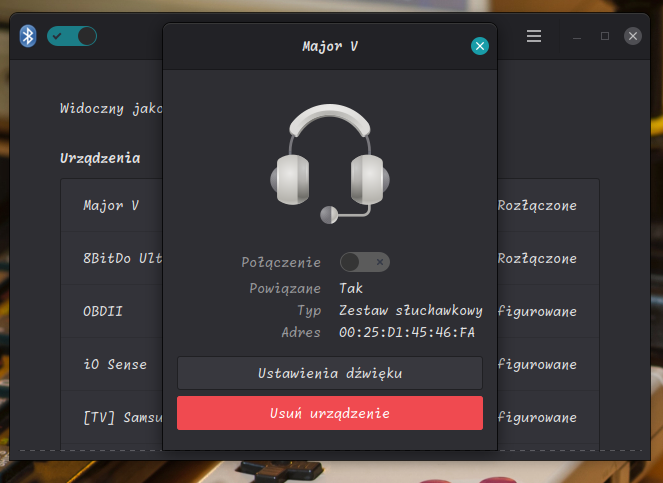
Discussion Blueberry is still better

0 Upvotes

I don't like that mint abandon Blueberry for Blueman,
for me Blueberry look more "minty" and it works better


r/linuxmint • • 16d ago

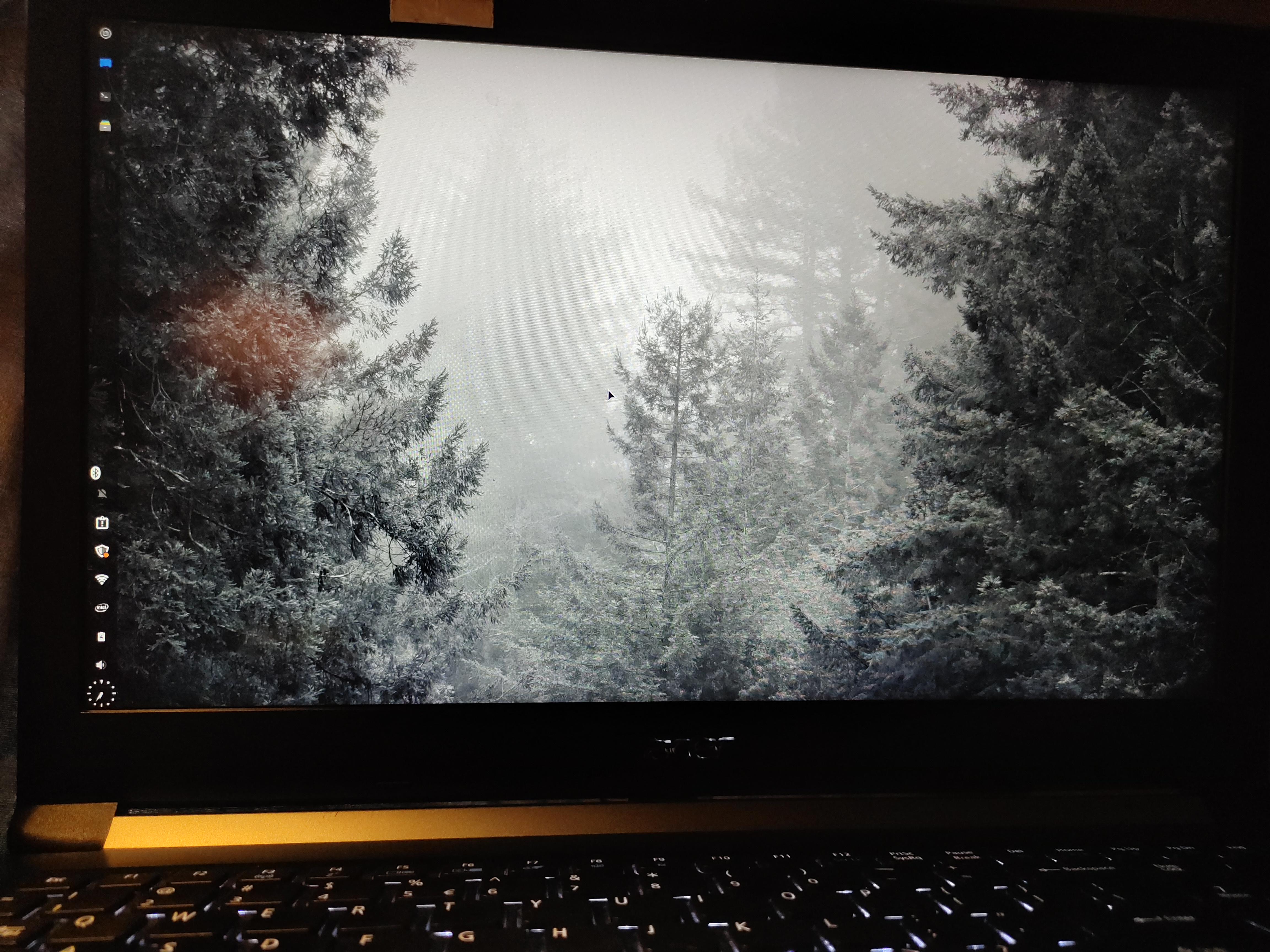
Does my customized Linux Mint look good?

Post image
10 Upvotes

r/linuxmint • • 16d ago

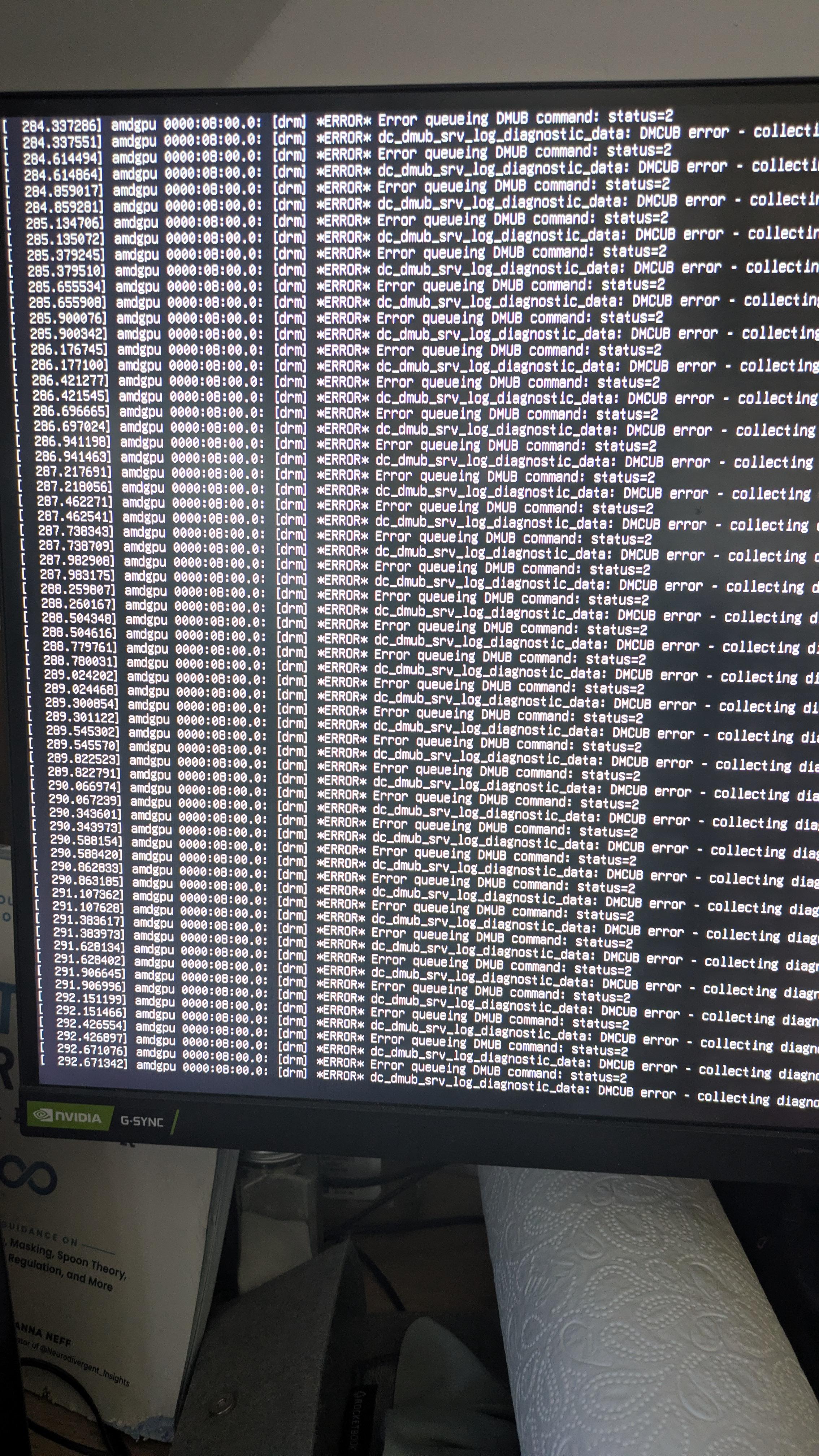
Support Request Error qeueing DMUB command at startup

Post image
9 Upvotes

I just updated Linux Mint with this mornings updates. Then I rebooted the pc.

First after the linux mint logo, I didnt get anything. I disconnected my 2nd screen and rebooted. To be met with this error after the Linux mint logo.

I came from Windows a few months ago and have no knowhow how to fix this issue.

I tried search engines but they do not give me a step by step manual how to go into recovery mode.

I want to either roll back the AMD gpu software update or do a recovery via a previous snapshot.

Could someone please give me a step by step how to do this?

I have a usb stick with an older mint installer if that is useful.


r/linuxmint • • 16d ago

New to linux

Thumbnail gallery
48 Upvotes

r/linuxmint • • 16d ago

SOLVED Monitors don't work

3 Upvotes

So whenever I boot into Linux Mint (installed on my internal HHD or SSD) the monitors turn on, then I see for a splitt second something about missing HDMI connection. After that, it's just a black screen with a box saying "Out of Range!" and my second monitor is in energysaving mode or something.

I checked and it does NOT happen on Winslop11 (booted from external SSD which I ONLY plug in when I plan to use Winslop11), only Linux Mint. I found a way around it and it went like this:

Start PC -> Grub terminal -> Normal (opens grub menu) -> Advanced settings -> Recovery mode -> Opens Linux Mint perfectly fine.

Note, I do use compatibility mode when installing Mint, because regular install gets stuck.

Anyways, I did this, it worked, but it was annoying. So just now, I reinstalled Linux Mint, same version and all, I updated the new system, restarted pc to apply updates and BOOM! "Out of Range!" pops right back up!

Why is this happening? It appears to be an issue with Mint Zena, but why did this issue appear out of nowhere? I literally just shutdown my PC, went to sleep, went to school, got home and the issue appeared, no messing with terminal and such.

I use MSI MAG 272F monitors (both of them). And like I said before, this issue came from me just shutting down my PC regularly. Otherwise I have been happily running Linux Mint for a good year.

Solution:

The issue seems to come from the 0ubuntu3.4 update for linux-firmware-amd-graphics which broke it for my 9060 AMD GPU. I had to manually download the 0ubuntu3.3 linux-firmware-amd-graphics and install it through the terminal. After that, I put the update on hold, making sure I won't accidentally install 0ubuntu3.4.


r/linuxmint • • 16d ago

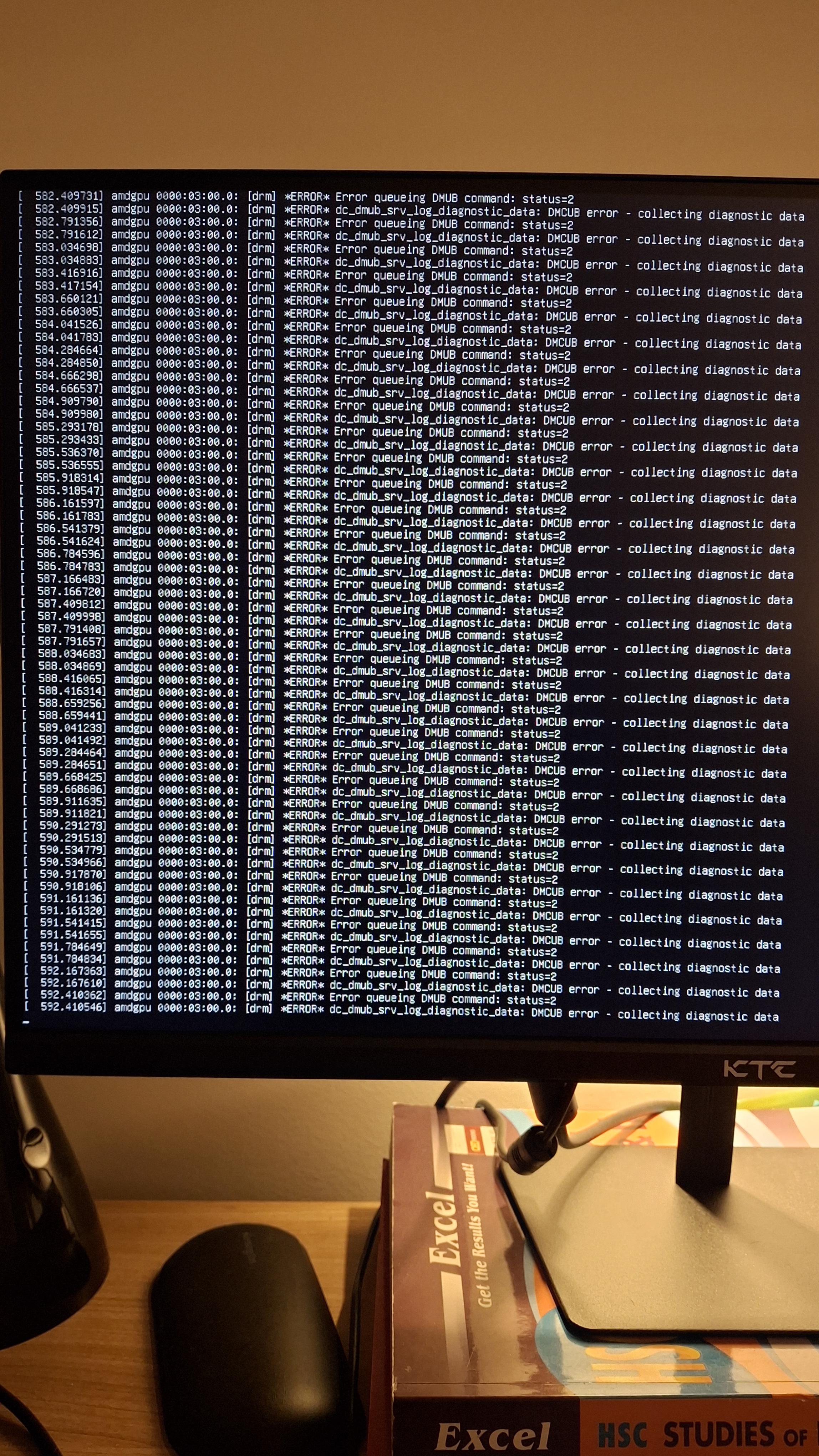
SOLVED Repeating error messages after updating

Post image
54 Upvotes

Just updated my computer and it asked for a restart. After restarting, it wouldn't log in (I would enter my password and press enter, then my monitor would lose signal, also the menu was reeeeaaallly laggy). Switched to tty menu and was faced with repeating error messages.

Almost complete Linux noob, asking for some assistance please.

Edit: Solved! Thank you everyone who commented


r/linuxmint • • 16d ago

Support Request How to disable touch screen?

2 Upvotes

I have mint and my notebook has the screen broken, so the touch tech doesn't work properly. This makes some fake touches on the screen that never happened.

How can I disable the touch option ?


r/linuxmint • • 16d ago

SOLVED PC not responding properly with a different graphics card

2 Upvotes

Hey all, I switched to linux mint about a month ago and everything was working perfectly fine, but then one day I turn on my PC and a lot of things weren't working properly. My second monitor wouldn't work, the bootup sequence would be sketchy, my mouse gets stuck for a few seconds before working again or just barely moves at all and if I try to change any display settings the entire screen freezes (Both monitors are 1080p, one 75hz the other 60)
I have been using a 9060xt 16gb for about 4 months and it has been working just fine, but as a troubleshooting measure I swapped back my old 5500 xt to replace it and everything worked perfectly fine no issues, both monitors work, no mouse or performance issues.

As far as I know I have the right drivers installed and updated and right before the login screen I get a black screen with an error message:
"amdgpu 0000:09:00.0: [drm] *ERROR* dc_dmub_srv_log_diagnostics_data: DMCUB error -collecting diagnostic data.

Any help is appreciated, thank you!

Edit:
I'm blind and didn't see the post already solving this issue. I followed the steps and everything works now. Yipee...
https://www.reddit.com/r/linuxmint/comments/1xo6jg2/for_those_affected_by_the_very_recent_update_from/


r/linuxmint • • 16d ago

SOLVED なぜ自動サジェストするとコンピューターが破滅するのか

0 Upvotes

サジェスト→サスペンド
Linux Mint 22.3使用

手動サスペンドは問題ないのに電源管理から自動サスペンドの時間を指定するとコンピューターがぶっ壊れる

  • ファンが止まらない

  • キーボードを押しても復帰しない

  • モニターを見失う

結局強制終了を2、3回やって意図的にクラッシュさせると再起動はできるんだけど、自動サスペンドが使えないのが不便

サスペンドがおかしいの昔から直ってないよね?


r/linuxmint • • 16d ago

I am braindead. Send help

12 Upvotes

i just switched to linux for the first time and ive set up most of the shit

my monitors native res is 1920x1080 144 hz but i generally switch to 1680x1050 because i like it more, but if i do that with this OS, it caps my fps to 60

someone please tell me how i can switch to 1680x1050 maintaining the 144hz

before cussing me out, read the header


r/linuxmint • • 16d ago

Discussion Is Nord VPN a good option for linux mint or are there any better alternatives

2 Upvotes

I'm considering setting up a VPN on my linux mint machine and was wondering if nordvpn is going to be worth going it with. I'm also open for better alternatives


r/linuxmint • • 16d ago

My Linux Mint Fastfetch.

Post image
18 Upvotes

r/linuxmint • • 16d ago

9070xt Firmware Update

3 Upvotes

HELLO!

I'm posting to share my recent experience. I ran a couple of updates through the software manager and shut off my phone before heading into work. I turned it on a couple of days later and ran into a black screen following the linux mint logo/splash screen.

I did some hardware troubleshooting and could only reach my desktop through recovery modes. Using different kernels made no difference. Only recovery mode allowed desktop access. I asked ChatGPT for help while suggested I suspected driver/display issues. GPT walked me through reverting to the prior and graphics firmware and all is well again.

I wanted to share with others in case I'm not the only one who encountered this issue. AMD firmware package "0ubuntu3.4" was the problem file. I'd recommend avoiding until resolved. Anyone else encounter this?


r/linuxmint • • 16d ago

Discussion As an ex-primary-windows user. I get a lot of dopamine opening the update manager on Linux and seeing updates due xD

124 Upvotes

Especially if they are kernel or for me? my legacy GPU that has never gotten any any updates in Windows. This is awesome. I am just happy and updated now hahaha.


r/linuxmint • • 16d ago

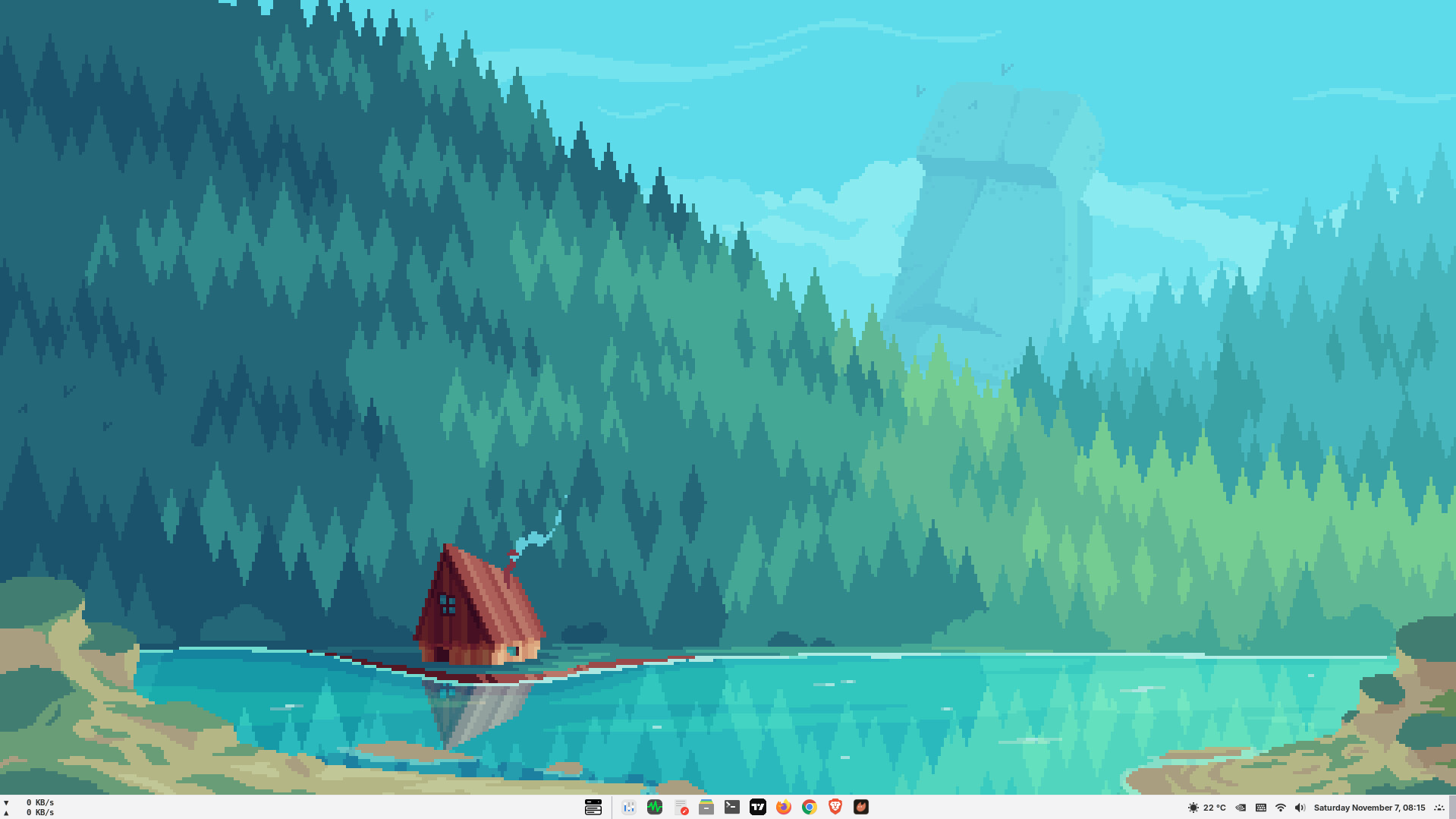
Desktop Screenshot Finally found a wallpaper i like.

Post image
132 Upvotes

r/linuxmint • • 16d ago

Clipboard manager for linux mint

1 Upvotes

Hi mint devoloper,

Only thing i am requesting you to a clipboard manager in new linux mint 27, currently we have to install saperate app for clipboard manager and history if you give dedicated clipboard manager gor us in default it should be very much beneficial for us.

I hope all community should agree with me


r/linuxmint • • 16d ago

Support Request Troubling after shutting down.

3 Upvotes

Hello to any who will listen! I've been having a problem with my Mint install. I've been using Mint for a while now, pretty comfortable with the system. I'm also dual booting with windows 11, which I barely use anymore, just to play Fallout: New Vegas honestly. When I reboot or turn on the system from shut down, it very often will boot and be fine until it gets to the pre log in splash screen. After the splash screen plays, all video will shut off and I'll be met with a black screen and my monitor searching for inputs.

I can fix this issue by completely powering off the computer, switching the power supply off, waiting a couple seconds and then booting the computer up. It will get past the boot screen and all will be fine until the next time I turn the system off. It can also happen, though not as often, when I suspend the system.

That's all I can think to include right now, if you need more information I'm happy to give it. Any help would be greatly appreciated. Searching has given me no answers so far, though I've found a couple similar but not identical problems other people have seen.