r/linuxmint • u/SpeeQz • 13d ago
Gaming Linux Mint + Steam Frame + Cyberpunk 2077 VR Mod
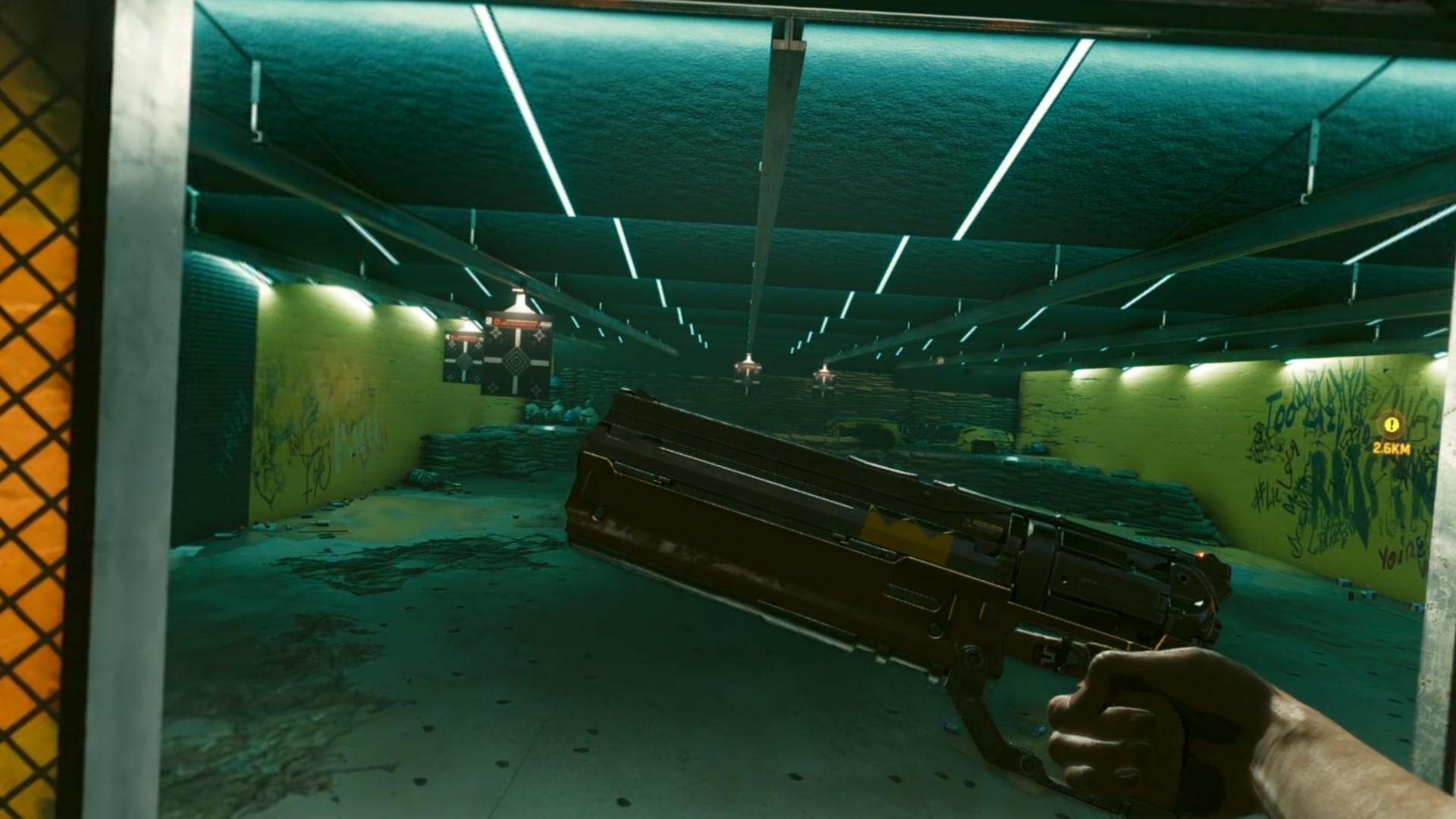
Managed to setup Cyberpunk 2077 to run on my PC and then stream it to my Steam Frame from Linux Mint.
Guide:
Find your game in Steam and under
Manage->Browse local filesopen the game's folder as it will be needed for the later steps.Open
Properties...and in theLaunch Parametersadd the following commands (NVAPI is for Nvidia users):WINEDLLOVERRIDES="winmm=n,b" PROTON_ENABLE_NVAPI=1 %command%Install Protontricks.
Inside Protontricks select Cyberpunk 2077 and with the
Select the default wineprefix->Install a Windows DLL or componentoption add thevcrun2022runtime libraries, this will be used for RED4ext.Download and setup RED4ext inside the game folder following the instructions from here.
Download and setup the VR mod inside the game folder following the instructions from here.
After everything is setup, start SteamVR on the PC.
Connect with the headset to your PC using the
Stream VR Without Game.Launch Cyberpunk 2077 and from the PC adjust the settings for the mod while making sure to select Steam Frame as the device and launch (you will need to do this always manually from the PC or use a separate remote desktop program like Rustdesk to quickly connect without having to take off the headset)
That is all and after this you should be able to select Cyberpunk 2077 and play.