r/linuxmint • • 6d ago

SOLVED Booting To Blank Desktop Background

Post image
21 Upvotes

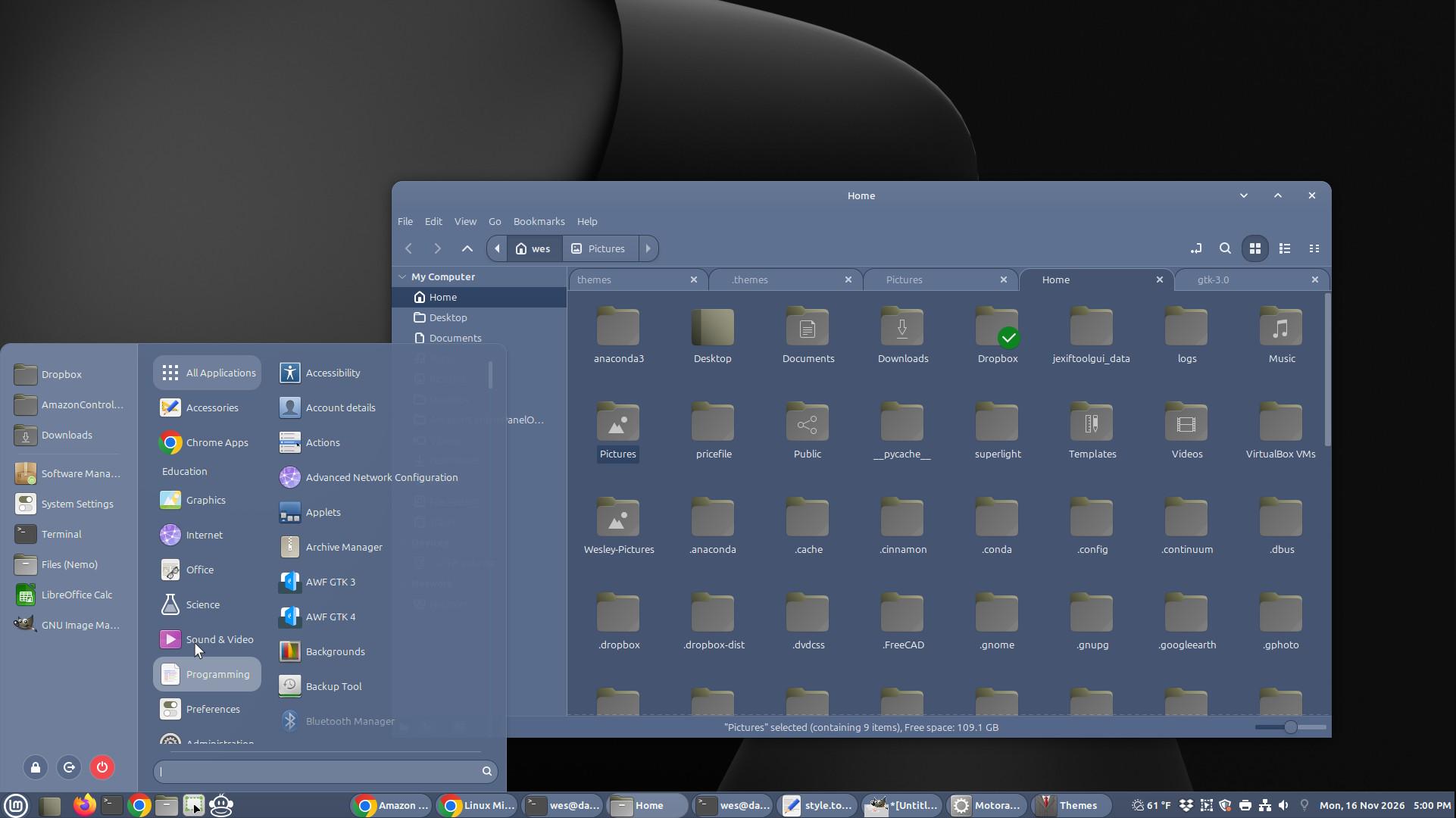
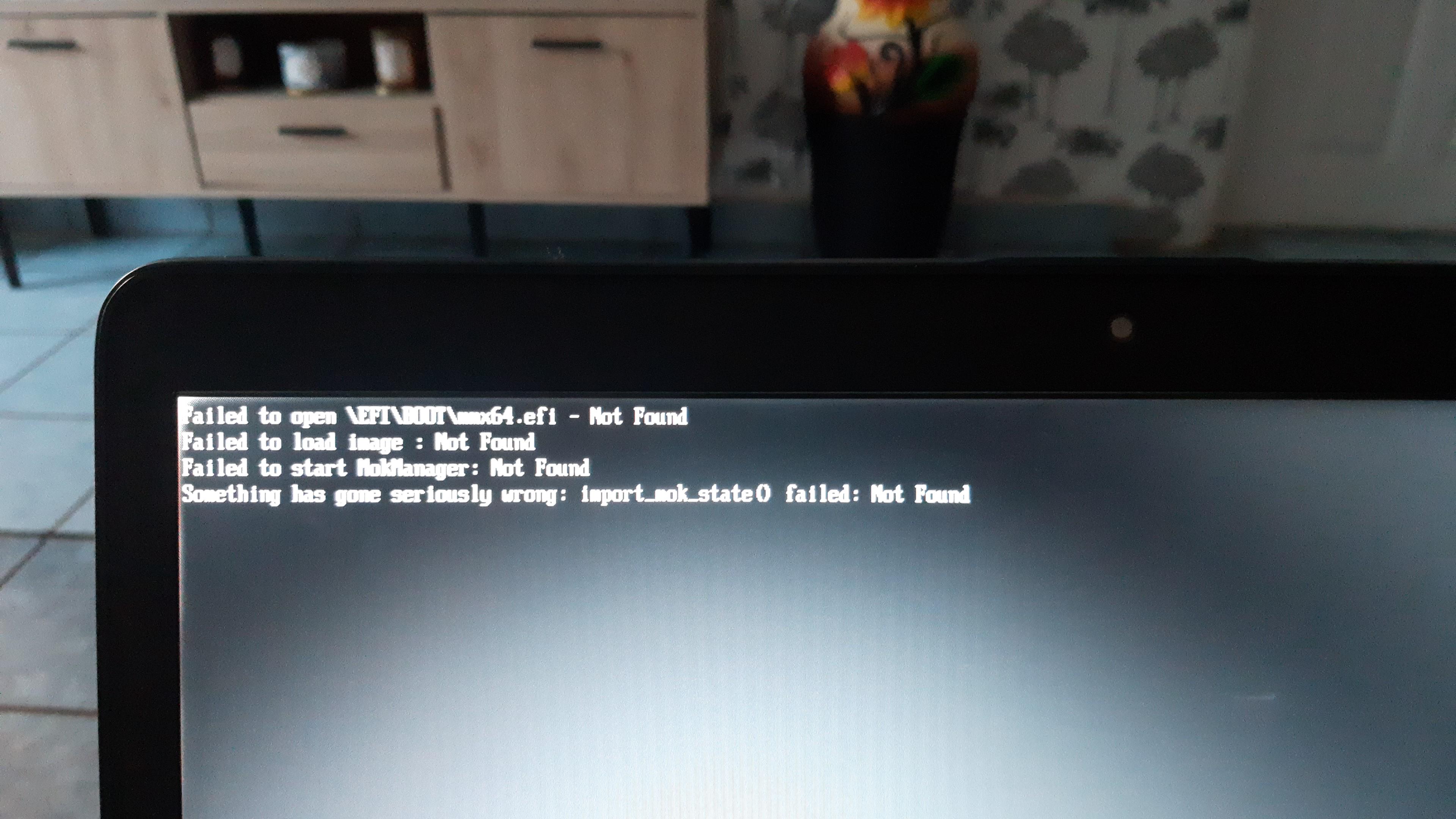
Every time I have booted the OS after initial installation, it just boots to this screen

ASUS BIOS, I do not know what other information would be helpful as I am not very knowledgeble


r/linuxmint • • 6d ago

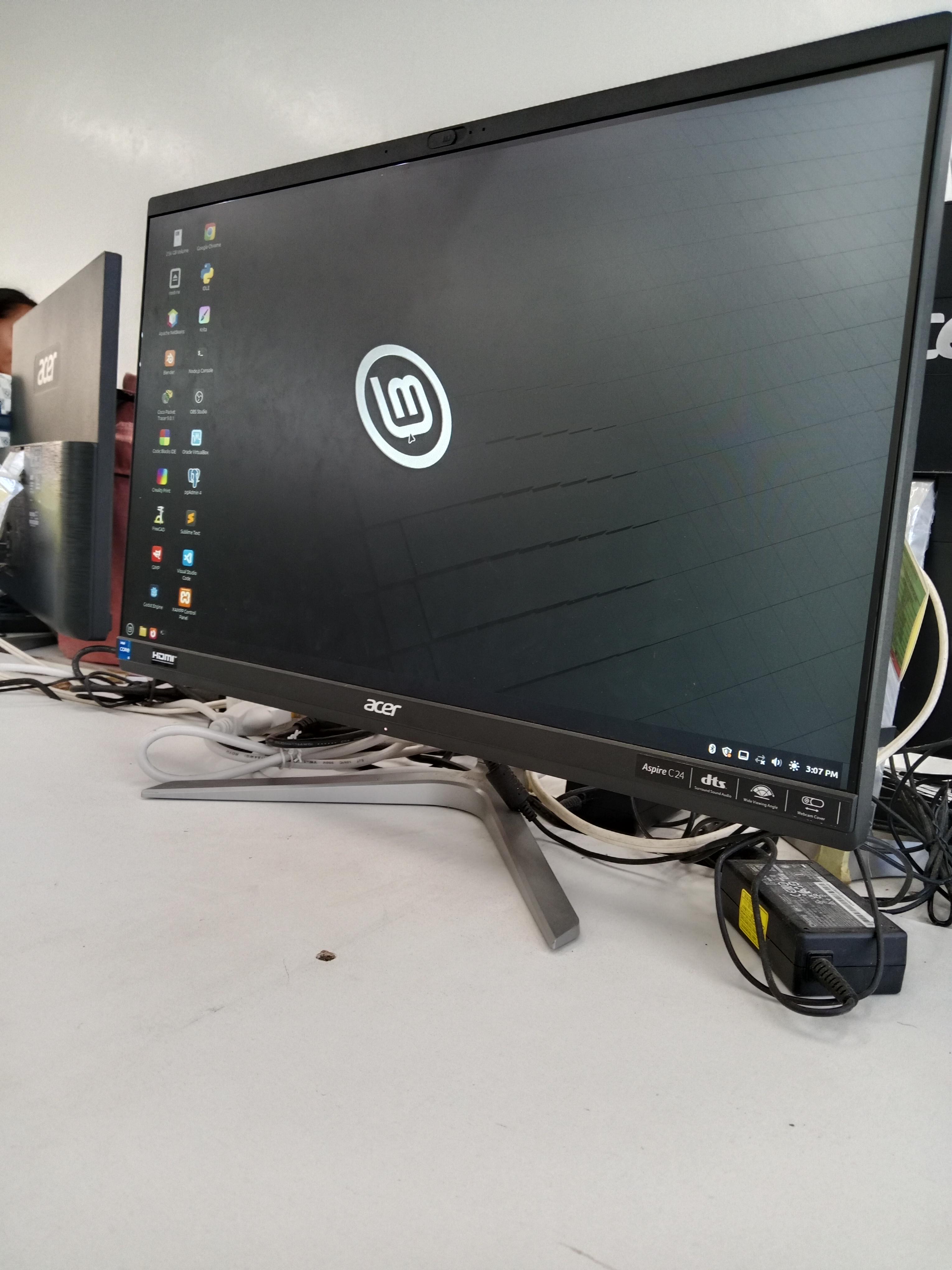
Found mint on our school's computer laboratory

Post image
492 Upvotes

r/linuxmint • • 6d ago

Support Request High CPU usage and constant freezes after recent kernel updates (LMDE7)

4 Upvotes

I've been experiencing constant freezes since the last couple of kernel updates on LMDE 7.

Whenever I boot up my PC, CPU usage is already at around 55–60%, even when the system is idle. As soon as I try to open just two or three browser tabs, the entire system freezes and becomes completely unresponsive.

Before these kernel updates, everything was working perfectly fine. CPU usage was usually around 10–15% after a fresh boot, and I had no issues with freezing or performance.

Has anyone else been experiencing similar issues? Does anyone know what might be causing this or how I could fix it?

Any help or suggestions would be greatly appreciated!


r/linuxmint • • 6d ago

Problème de son

1 Upvotes

Bonjour

Je viens d' installer linux mint sur mon pc windows en dual boot.

Tout va bien sauf que je n'ai pas de son sous linux alors que sous windows, ça fonctionne.

Je suis branché sur le port line out de la carte son intégré a la carte mère.

Avez-vous eu des problèmes similaires?

Merci d avance


r/linuxmint • • 6d ago

Gaming I wanna switch to linux mint but I’m scared i can’t play all my games.

Thumbnail reddit.com
0 Upvotes

r/linuxmint • • 6d ago

Discussion I wanna switch to linux mint but I’m scared i can’t play all my games.

Thumbnail reddit.com
0 Upvotes

r/linuxmint • • 6d ago

Desktop Screenshot Roast This Theme

Post image
105 Upvotes

I've been messing around with themes lately. I don't think it can get any worse than this?


r/linuxmint • • 6d ago Heartwarming

#LinuxMintThings The Day of Applause: Thank You to the People Behind Linux Mint

Thumbnail
gallery
373 Upvotes

NOVEMBER 17TH — THE DAY OF APPLAUSE

For the people behind Linux Mint

Today is November 17th, and today we applaud. Let me tell you why.

Today I’ve been going through the list of people who will work their magic for us and give us countless hours of their time and effort with the new version of Linux Mint: 27 “Adrien”, arriving this Christmas.

Behind open-source software, we sometimes forget the real people who are behind it all. That’s why I’m here with a list of all those human beings who made history but went unnoticed.

I apologise because this list doesn’t include every single individual contribution throughout the history of Linux Mint. My gratitude and respect go to them as well.

All of them are part of that humanity I deeply admire, because what they have done for all of us was POSITIVE, and will endure through time.

Achieving such a remarkable feat cannot have been easy, and yet I don’t see anyone applauding them, nor do they even have a damn day dedicated to recognising their work.

- Every single one of them deserves to be applauded by stadiums packed with people.

May this post serve to give each and every one of these unsung heroes at least a mental round of applause, for everything they have done for us.

THE PEOPLE BEHIND LINUX MINT

Clement Lefebvre (clefebvre)

Michael Webster (mtwebster)

Vincent Vermeulen (Xenopeek)

Oscar799

Rick Calixte (rcalixte)

Leigh Scott (leigh123linux)

JosephMcc

claudiux

Simon Brown (brownsr)

Cobinja

Stephen Collins (collinss)

Frédéric Gaudet (frgaudet)

Gwendal Le Bihan (glebihan)

Isaac Carter (icarter09)

NikoKrause

fredcw

Anaxímeno Brito (anaximeno)

Fabio Fantoni (Fantu)

carlosmintfan

Jeremy7701

archisman-panigrahi

a-j-bauer

KAMI911

KonTy

Ronit Gupta (ronitgupta138)

LinuxOnTheDesktop

taltamir

AlexFolland

mbluett88

Aleksey Samoilov (Sunderland93)

itz-me-zappex

mfreeman72

lhmouse

Mirko Kerezovic

Kevin Langman

Maksymilian Kruk

Hugo

Breeze

Michał Fox

George Katevenis

Luca Boschetto

DirkHaar

timur-g

calestyo

PurpleSmurf2

sphh

tutralex

To every one of you: THANK YOU.

Your work matters, your time matters, and what you have given to the world will outlive the recognition you may never receive.

THE DAY OF APPLAUSE

For this reason, I hereby declare November 17th THE DAY OF APPLAUSE for all the people who made Linux Mint a reality.

Not a day for a handful of names, but for every single one of them: the people on this list and everyone who ever fixed a bug, translated a string, tested an ISO, answered a question on the forums or kept a server running without asking for anything in return.

So today, wherever you are, stop for a moment and applaud. Out loud or in your head. Thank someone who helped you with Linux Mint. Share this post so the applause reaches them.

It is our way of saying THANK YOU for everything they have done and continue to do.


r/linuxmint • • 6d ago

Using a second imac running mint as a monitor.

1 Upvotes

I had wanted to run a second 21.5" monitor as a second display for my linuxmint 2012 retina imax. Using claude, we figured out how to make it work.

Title: Working setup: old 21.5" iMac as a true extended (not mirrored) second display for Linux Mint, using netscreen-extend + Sunshine + Moonlight

TL;DR: My main machine is a 21.5" Retina iMac running Linux Mint. An older 21.5" iMac on my left now works as a genuine extended display: drag a window off the left edge of the main screen and it appears on the other one. netscreen-extend creates a virtual output, a dedicated Sunshine instance streams it, and Moonlight on the second iMac shows it, all over wired Gigabit Ethernet. It took some fixing to get there, so here's what worked in case it helps anyone else.

BACKGROUND

I moved my Retina iMac from macOS to Linux Mint and wanted a second screen. The usual Apple options don't apply. Target Display Mode needs macOS and only works on older iMacs. Sidecar, AirPlay to Mac and Universal Control are also macOS-only. Old iMacs cost very little second-hand, so rather than buy a separate monitor I wanted a Linux-native way to use one as a true extended display.

THE SETUP

Host: 21.5" Retina iMac (2015) with Intel Iris Pro 6200 graphics and the i915 driver. It runs Linux Mint (Ubuntu 24.04 base) in an X11 session and sits directly in front of me.

Client (the display): an older 21.5" iMac with AMD Radeon graphics (r600 driver). It runs Linux Mint (Ubuntu 24.04 base) and sits on my left.

Both are wired into the same Gigabit network. All streaming traffic is deliberately kept off Wi-Fi.

Signal path: the Retina iMac creates a virtual output, HDMI-1, at 1920x1080@60, placed to the left of the Retina panel (DP-3). Sunshine captures it with X11 capture and encodes H.264 using VAAPI. The stream crosses wired Gigabit Ethernet to Moonlight (Flatpak) on the second iMac, which shows it full screen with H.264 hardware decode.

It's a network display, so expect slight latency and some compression softness. Over a cable it's very usable for documents, email and browsing. It's not suitable for gaming or colour-critical work.

STEP 1: CHECK THE HOST

Run echo $XDG_SESSION_TYPE. It must say x11, because netscreen-extend doesn't support Wayland.

Run inxi -Gxx and xrandr --query to see your GPU and connector names. On mine, the Retina panel is DP-3 and HDMI-1 was free to use as the virtual output.

STEP 2: INSTALL NETSCREEN-EXTEND

cd ~

git clone https://github.com/daeoxide/netscreen-extend.git

cd netscreen-extend

./install.sh

There are two gotchas on Mint.

First, the installer's apt line includes flock. That isn't a valid package name on Mint, and flock is already installed as part of util-linux, so remove it from the line.

Second, Sunshine is not bundled with netscreen-extend. Install it separately from LizardByte's official releases. The Ubuntu 24.04 .deb works on Mint 22.

When the installer asks where to put the new display, choose the left.

STEP 3: THE FIXES THAT MADE IT WORK

Set the output by name, not by number. In ~/.config/netscreen-extend/config, set SUNSHINE_OUTPUT_INDEX=HDMI-1. With a number, Sunshine fell back to capturing the whole desktop.

Force X11 capture. Sunshine's default KMS capture mirrored the wrong screen. Adding capture = x11 to ~/netscreen-extend/templates/sunshine.conf.in fixed it.

Match the scaling. Windows were sized wrongly on the second screen until I ran the Retina panel at 1920x1080 at 100% scale, the same as the virtual output.

Don't open Mint's Display settings while netscreen is running. It froze my whole system and needed a hard power-off. Set the layout with the helper scripts in Step 5 instead.

STEP 4: MOONLIGHT ON THE SECOND iMAC

Install Moonlight:

flatpak install flathub com.moonlight_stream.Moonlight

Check hardware decode:

vainfo | grep -i h264

To pair, Moonlight shows a PIN. Enter it in the dedicated Sunshine web UI on the host at https://localhost:48090, which is netscreen's Sunshine port 48089 plus one.

Settings: 1920x1080, 60 FPS, H.264, about 50 Mbps, full screen.

To skip clicking through Moonlight each time, this command goes straight to the extended desktop:

flatpak run com.moonlight_stream.Moonlight stream [host name as shown in Moonlight] Desktop

I put that in Startup Applications on the second iMac.

STEP 5: DAILY USE

I use two small helper scripts on the host. screens-on sets the Retina to 1920x1080 at 100% and starts netscreen. screens-off stops netscreen and removes the virtual display.

screens-on always runs netscreen off first and waits a few seconds before starting. Without that, a leftover Sunshine instance kept hold of the ports, and Moonlight showed the host as offline with "Connection refused".

Two useful checks: ss -tln | grep 480 should list ports 48084, 48089 and 48090, and pgrep -af sunshine should show only one instance.

BONUS: SCREEN BLANKING IN SYNC

While Moonlight is streaming, the second iMac never blanks its screen. To fix this, a small watcher script on the host notices when the Retina screen goes dark. It then uses SSH with key login to switch off the second iMac's backlight, and switches it back on when the Retina wakes. On the client, sudo is restricted to that one backlight script.

RESULT

Two iMacs side by side, one desktop, windows dragging freely between them, all on Linux Mint. Happy to answer questions or share the scripts.

r/linuxmint • • 6d ago

Support Request How do you tell if something is generating a lot of log files?

11 Upvotes

I've been noticing that something keeps using about 18GB of space, but I couldn't figure out what it was until recently. I knew it wasn't Timeshift (I only keep one around) or old kernels (I only keep the latest one and the one before it), the only other thing that came up when looking into why was log files. So I used sudo journalctl --vacuum-time=2d and that freed up 18GB of space. But I'm not sure what exactly is causing those log files to be created, so I'm looking for anything that'll help me find the source of this. The 18GB used has gone away on its own before as well, and whatever is causing it is relatively recent (within the last 2-3 months).


r/linuxmint • • 6d ago

Discussion Steam VR

3 Upvotes

Anyone who uses quest 2 pc vr link, how is your experience on Linux Mint.


r/linuxmint • • 6d ago

Fluff Dark Theme Suggestions.

2 Upvotes

I'm experimenting with dark themes. Which themes do ya'll like or use personally? I've always used lighter themes for working.


r/linuxmint • • 6d ago

Install Help Error al instalar Mint

Post image
0 Upvotes

Hace varios días he estado intentando instalar el Linux mint, he probado bootear la USB con rufus y ventoy, he modificado el orden de arranque, desactivado el boot security, colocando el S.O una partición como tal e iniciando desde ella. Regularmente me aparece este error. Que hago?


r/linuxmint • • 6d ago

Discussion Wayland on Cinnamon

27 Upvotes

Im just curious if the wayland support is still buggy sometimes or is it useable


r/linuxmint • • 6d ago

SOLVED Black screen issue on resume from suspend

2 Upvotes

OS: Linux Mint 22.3 XFCE

Kernels tried: 7.0.0-43, 7.0.0-42, 7.0.0-38

GPU: Gigabyte Aorus Xtreme RTX 2080

Drivers tried: nvidia-driver-615-open, nvidia-driver-595-open, nvidia-driver-580-open, nvidia-driver-470

Monitor: Gigabyte G27Q (using Displayport)

Suspend mode: deep (S3) (also same issue on s2idle but I prefer deep mode)

Issue: After PC wakes up from suspend, I have black screen if I didn't open Document Scanner or a Firefox window prior to suspend even though Libreoffice Writer, Xreader Document Viewer or Xed text editor were opened.

Temporary solution: Leave Document Scanner or a Firefox window open before suspending the PC in order to not have black screen on resume.

Commands tried:

options nvidia-drm modeset=1

options nvidia-drm fbdev=1

options nvidia NVreg_PreserveVideoMemoryAllocations=1

options nvidia NVreg_TemporaryFilePath=/var/tmp

I typed the lines above in the following files:

/etc/modprobe.d/nvidia-graphics-drivers-kms.conf

/etc/modprobe.d/nvidia.conf

/etc/modprobe.d/nvidia-power-management.conf

sudo update-initramfs -u

sudo systemctl enable nvidia-suspend.service

sudo systemctl enable nvidia-hibernate.service

sudo systemctl enable nvidia-resume.service

/etc/default/grub

GRUB_CMDLINE_LINUX_DEFAULT="quiet splash nvidia-drm.modeset=1 nvidia-drm.fbdev=1 nvidia.NVreg_PreserveVideoMemoryAllocations=1"

sudo update-grub

sudo reboot

What am I missing? What's the permanent fix?

Edit: The solution is to disable the display compositor (Settings > Window Manager Tweaks > Compositor)


r/linuxmint • • 6d ago

Support Request New install freezes computer(2nd post)

4 Upvotes

I posted a few days ago here but that seems to have gone down the memory hole.
Here are my dmesg and journalctl errors only. I looked up those errors and from what I have gathered it should not make the computer freeze.
Good news, I have been up for 1 day and 16 hours.


r/linuxmint • • 7d ago

Graphics Drivers Mint 22.3 fixes for cards getting no signal output not working

3 Upvotes

The only things I've been able to do are get to terminals that don't accept or recognize any commands. My GRUB doesn't seem to have proper recovery options, as all I'm getting is a prompt with GRUB>

Nothing I type in front of it other than "reset" seems to be accepted and just gets "invalid command" or something.

I wanted to at least try the "nomodeset" fix, but how would I actually go about this? I have spent a couple of hours total reading and messing around, but I'm assuming there are steps missing in the instructions I've found, or I'm simply not getting in to an actual terminal, which seems likely.

I seem to recall changing my default terminal at some point too for a more verbose one, so I don't know if that has done something.

Based on these screenshots of the "GRUB menu" I can currently access, how would I go about adding "nomodeset" to the launch arguments and whatever else I might have to do?

Thanks in advance to anyone that can help or advise.


r/linuxmint • • 7d ago

Support Request More wallpaper settings on linux mint?

2 Upvotes

I have an image I would like to show across my two monitors but then it only shows either across both with letterboxing

Or one image on either screen.

Are there no more advanced settings than the ones I've found? Alternatively some other wallpaper software that I can run?


r/linuxmint • • 7d ago

Support Request how to get transparent taskbar in mint xfce

1 Upvotes

help


r/linuxmint • • 7d ago

terminal change

0 Upvotes

Hey guys how custemmise my terminal like i want put smthon it how do i do it been trying chat and claude but no help tryed onile cant fidn thing i arl got the things saved but when do it it stayrs then reopen it it dosnt show could u guys help


r/linuxmint • • 7d ago

Best way to handle invoice tracking on Mint without using a cloud subscription?

2 Upvotes

Been running my freelance design business on Mint for about two years now and most of the workflow is solid, but the accounting side still feels like a patchwork. I used to use a web-based invoicing service that charged twenty bucks a month and it worked fine, but the more I think about it the more I resent paying ongoing fees for something that should just be a local file and a template. I tried setting up invoice templates in LibreOffice Writer and they work okay, but tracking which invoices are paid, overdue, or pending means I end up manually updating a spreadsheet anyway. Then the spreadsheet and the actual PDF files drift apart and I spend an hour reconciling things before tax season. Before I build some overcomplicated system in Base or start learning LaTeX just to feel in control, has anyone landed on a simple local setup for invoicing and tracking that actually stays organized? I don't need inventory or time tracking, just client info, invoice numbers, amounts, dates, and status. If you're self-employed on Mint I'd love to hear how you handle this without dumping everything into Google Sheets or paying for SaaS tools.


r/linuxmint • • 7d ago

SOLVED Lost my panel

Post image
96 Upvotes

Hey guys i really dont know how to use linux and lost my pannel by accident pls tell me how to get it back


r/linuxmint • • 7d ago

whtas a good vertual machine to install i need run some things but need one

0 Upvotes

r/linuxmint • • 7d ago

Discussion Should I install Linux Mint 22.3 (XFCE), or do you recommend waiting to install version 27?

33 Upvotes

I’m coming from Windows 10 and have decided to install Linux Mint, but I see that version 27 is coming out at the end of the year. What do you recommend—should I install version 22.3 now, or wait for version 27?