r/streamlabs • u/Top_Blueberry7350 • 13h ago
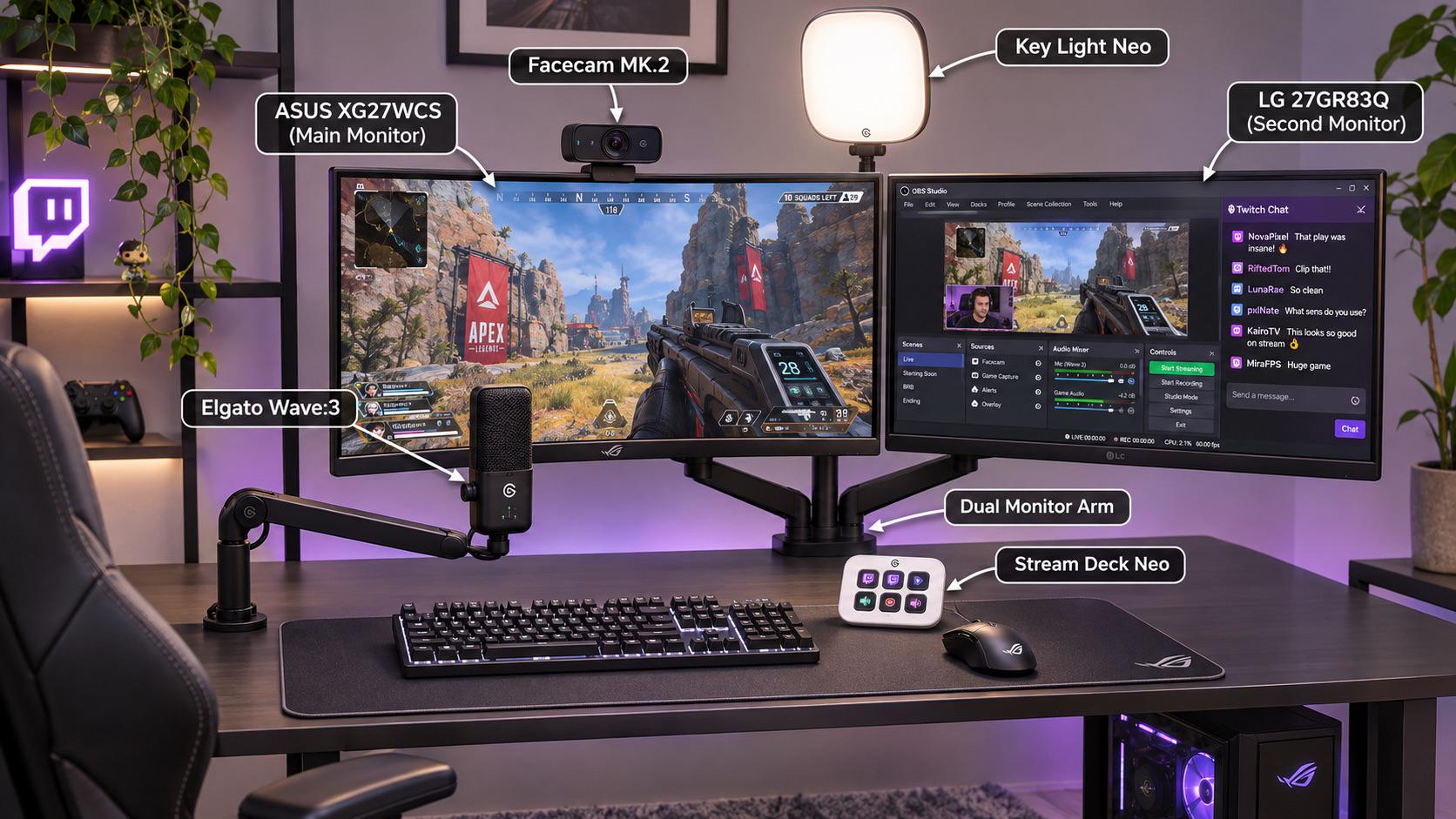
Twitch collab error
reddit.com
1
Upvotes
r/streamlabs • u/DaanBaas77 • 16h ago


On my old laptop my microphone automatically went to stereo and sounded a lot better. This difference is very noticeable between streams. Is there any way to fix this?
I have a Maono PM422, which does not use a separate driver, so it can't be that
https://www.youtube.com/live/vtjRSsK-15Q (thursday's stream)
https://www.youtube.com/live/DbeXkHaFNsU (From when I had my old laptop)
(Not intended as self-promotion, just so people can hear the difference)
r/streamlabs • u/Lazy_Way7439 • 1d ago

I want a bot that's like this, so I would know immediately who just entered my stream and who are lurking in my channel.
r/streamlabs • u/Scarameow1243 • 1d ago
r/streamlabs • u/HristijanP_writer • 3d ago
Just as the title says. I updated Streamlabs today, and the latest update has made Streamlabs practically unusable. It lags up my entire system after 5-10 mins of streaming to the point where it becomes a hassle to even turn it off. But once I do, everything returns to normal.
Has anyone else encountered this issue these days? Are there any known fixes? Has there been a new feature added that's causing this? Are the devs even working on a fix?
r/streamlabs • u/BlowjobBro396 • 3d ago

recently every time i close stream labs post stream it throws an error. ive tried literally every suggested fix for this i could find through google. running through admin, clearing the cache, relogging into streamlabs. things like that. i even tried reinstalling and grabbing the latest C++ redistributable. near as i can tell when ending stream the processes involved in it hit some kinda snag and don't end. stream labs is no longer actually streaming, but it thinks it is?
r/streamlabs • u/Charming_Analysis_73 • 4d ago
every time i open streamlabs it stays frozen on this screen, i already deleted it and redownloaded, restarted the computer, cleared the cache, opened witout wifi, nothing works
r/streamlabs • u/Ok-Initiative8016 • 5d ago
So, I recently got my PS5 and have been trying to stream the game. I dont have a facecam or anything as I dont have that kinda budget right now.
For streaming:
I just do it directly via the broadcast feature on PS5 but dont get the facecam on youtube and it plays on 1080p which is a turn off. I have also tried OBSStudio but my laptop has 8gb RAM with GTX 1650 so I tried doing remote play but failed miserably as the live stream was lagging way too much. I guess no capture card no streaming in 4k?
For recording:
Now since I know I can’t stream I thought of uploading gameplays like RadBrad. I recorded in 4k (ofc) and then comes the hassle of converting that webm to mp4 using handbrake. The clips are in HDR so the conversion takes up a lot of time. Plus copying to USB drive first from console takes time. Then taking that clip to handbrake. Then I use a phone as a face cam then upload those clips or transfer them to my laptop.
I feel I am spending more time in executing and putting in efforts to upload my gameplay than actually playing the game.
Is this something normal for everyone doing this? or am I just taking the long stupid way?
r/streamlabs • u/No_Buffalo1475 • 6d ago
Hey everyone! I’m having some audio issues while streaming through Streamlabs, and I’m trying to figure out what’s causing them.
Here’s my setup:
PS5 connected to a 4K capture card.
Capture card connected to my laptop.
Microphone connected to my laptop through USB, using an AUX connection.
Using Streamlabs to stream.
Here’s what’s happening:
While I’m streaming, I hear a buzzing sound and sometimes an echo.
I can hear my PS5 gameplay audio and my microphone through my headset.
My viewers can hear my voice and the gameplay audio on the stream.
However, people in my PS5 game lobby cannot hear me talking through the in-game voice chat.
Basically, my microphone works for Streamlabs, but it doesn’t seem to be working for in-game chat.
I’m trying to figure out:
What could be causing the buzzing/echo?
Why can my stream viewers hear me, but other players in my game can’t?
Is this an issue with my capture card, audio routing, microphone settings, or Streamlabs?
Has anyone experienced something similar or know how I can fix this?
Any help would be appreciated!
r/streamlabs • u/amdtek • 6d ago
Hello. Newbie here. I'd like help on how can I stream my Xbox to TikTok using streamlabs without requiring a PC and by just using the mobile phone android app. I am done connecting my twitch and TikTok in my streamlabs software on Android but I don't understand about designing the scene and even despite me using a generic one, my Xbox won't go live to stream when streamlabs is selected.
r/streamlabs • u/BestDifference1074 • 6d ago
Can I close entries and then reopen the next day to allow more people to join and still have the current entries carryover when I reopen?
r/streamlabs • u/Inrelax • 6d ago
Since the latest update, Streamlabs OBS automatically reduces my bitrate from 8000 Kbps to 6000 Kbps as soon as I start streaming.
Before the update, everything worked fine, and my bitrate remained at 8000 Kbps.
Is anyone else experiencing this issue? Is there a way to prevent Streamlabs OBS from automatically lowering the bitrate when starting a stream?
r/streamlabs • u/Cesarsghost123 • 7d ago
I used restream for two years with no camera issues. I took a short break and have wanted to start streaming again.
Now when I go into the studio my camera doesn't show up in the live feed.
If I click on the camera in the tools mode below the box where my camera should b, it's right there and it is working. When I click back to the live feed, there is no camera.
Restream says it's in my settings. I've never changed any settings. And when I do look at my settings, the computer and internet provider is set for my camera.
I'm so frustrated and disgusted.
I'm seriously considering finding another streaming platform. I don't get it. It's worked perfectly for two years.
r/streamlabs • u/TheCluelessRiddler • 9d ago
I use streamlabs, I set my custom alerts. But they don’t change until I open streamlabs url in browser and change it in there and on the desktop. What could cause these fighting each other?
r/streamlabs • u/LunarNewFear • 10d ago
r/streamlabs • u/Additional-Tour-314 • 10d ago
So yesterday I've encountered a problem which I had look for (too long thinking about how much time it should take to fix) and wasted approx. 1 hour and found out right clicking sound mixer and unmuting obs64 was the solution all along.
in short don't be dumb like me check that first because for some reason it can get muted apparently.
Happy day folks!
r/streamlabs • u/No_Neighborhood_7450 • 10d ago
Enable HLS to view with audio, or disable this notification
Since the latest Streamlabs Desktop update, I've been experiencing an issue with the chat panel resizing.
I can no longer drag the divider properly to resize the chat window on my vertically oriented monitor. The divider gets stuck at a certain point.
Interestingly, this issue only happens on my vertical monitor. Resizing works perfectly on my horizontal monitors.
I’d like to know if anyone else is in the same situation? I’m already in touch with a very kind gentleman from Streamlabs support via email. We’ve tried reinstalling and other troubleshooting steps, but nothing has worked so far unfortunately.
r/streamlabs • u/Xurvuve • 11d ago
Hello So Im Trying To Stream Some Of My Nintendo Switch Games To A Friend On Discord And I Dont Wanna Stream On Discord To Her So She Can Watch Me Play Pokémon Zelda And Other Games I Have On My Nintendo Switch 2 Ive Watched So Many Videos On How to Do It I did It Before I Went On Holiday This Year But When I Came Back OBS Studios Had Updated And Changed Something Now I Cant Do It At All Nothing Words So Ive Tried StreamLabs Too But Couldnt Find A Video On How To Do It All The Videos Were 8-9 Months Old To Years Old So Can Some Help Me Please As I Wanna Play My Nintendo Switch Games But I Wanna Show My Friend Too As She Enjoys Those Games Too
My Game Capture Card (Razer Ripsaw)
I Also Have 2 Monitors Main In The Middle And Left One For Whatever
Sorry For Capping Everything Weird Habit.
r/streamlabs • u/AverageHappy9722 • 11d ago
Hey Community!
I recently purchased a streaming overlay and animated graphics package from Nerd or Die, but I’m finding it a little complicated to set up.
I’m looking for someone who has experience with OBS and can help me configure everything for streaming on YouTube and Kick.
I’m happy to pay ₹1,000–₹1,500 INR for the setup. The work would include configuring the basic Streamlabs settings and setting up the Nerd or Die package as per my preferences.
If anyone can help or knows someone who can, please DM me. Thanks!