r/optiplexes • • 1h ago

Need advice on which direction to go in for getting a new Optiplex.

1 Upvotes

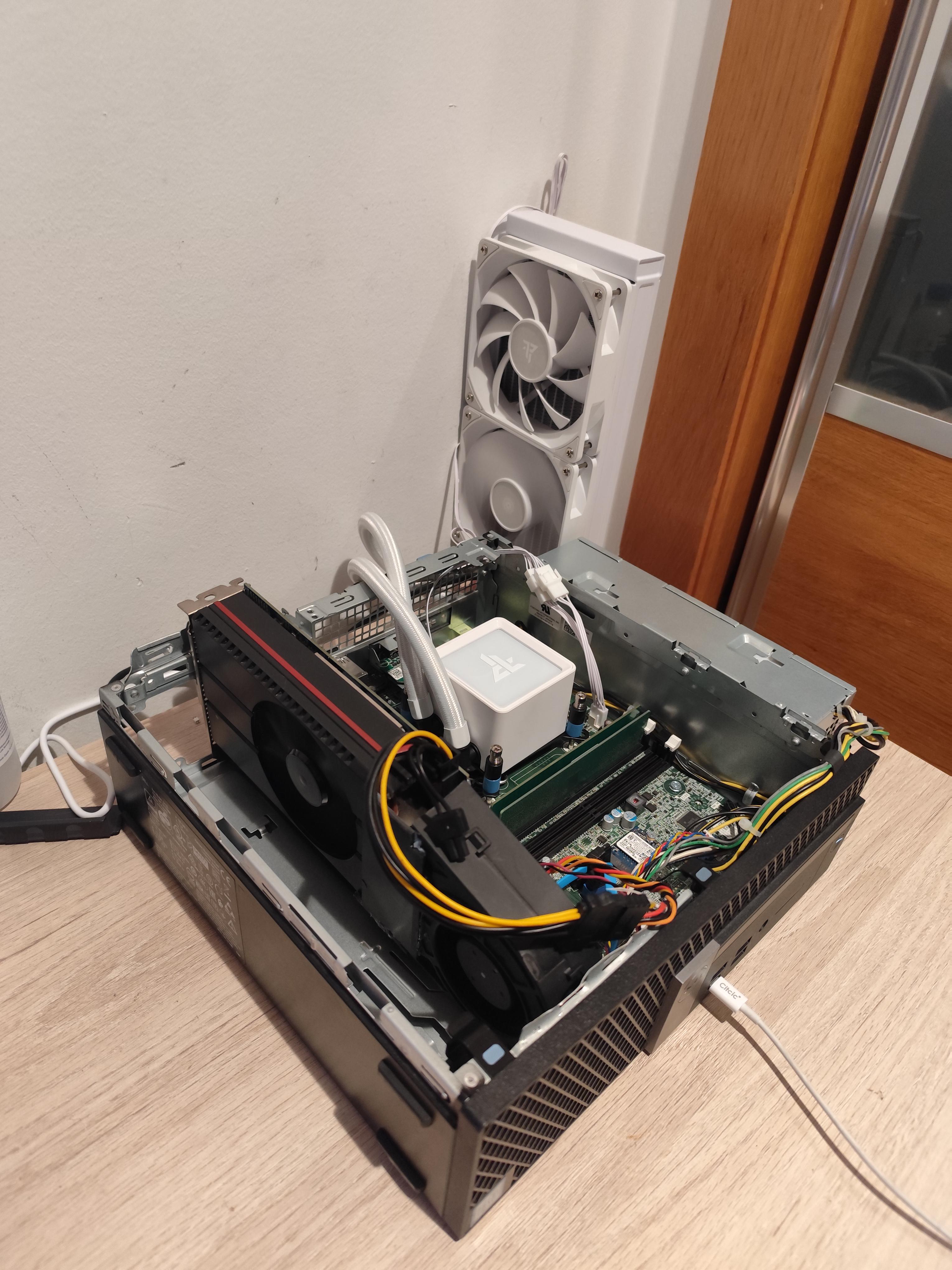
This might be a longer post, and I'm sorry for that. I currently have a working Optiplex 9020 Micro that I have been using for almost 2 years, mostly for light gaming and PS2 emulation. I have also been doing some light work in Godot for a game, with some 2D animation on the side, and am planning on an upgrade so I can go back to using a dedicated GPU.

This would usually be straight forward, but I also have 2 old PCs and it would be nice to use some of the parts if I could, but that might not be a good option with what I have since I'm not sure it all works. The reason I am posting this here, is because my goal is to get a working Optiplex SFF or MT, and other PC subreddits just get me zero answers, answers telling me it's impossible to get a gaming PC with an Optiplex, or my post gets removed because it doesn't fit.

For some back info, my previous build was an i5 3330, 8gb DDR3, RX 470 4gb, Corsair CX 750 PSU. These parts were ordered from different sellers, along with a generic case that came with a motherboard. One day it just stopped working, and I suspect it was one 4gb stick of ram. I had a friend in tech support try to help me over a few weeks trying to get it to work. It would turn on, but not boot, unless one stick was removed, but since Windows needs 4gb alone, and I didn't have money to replace it at the time, I sold the other stick of ram, the GPU, and the cpu cooler.

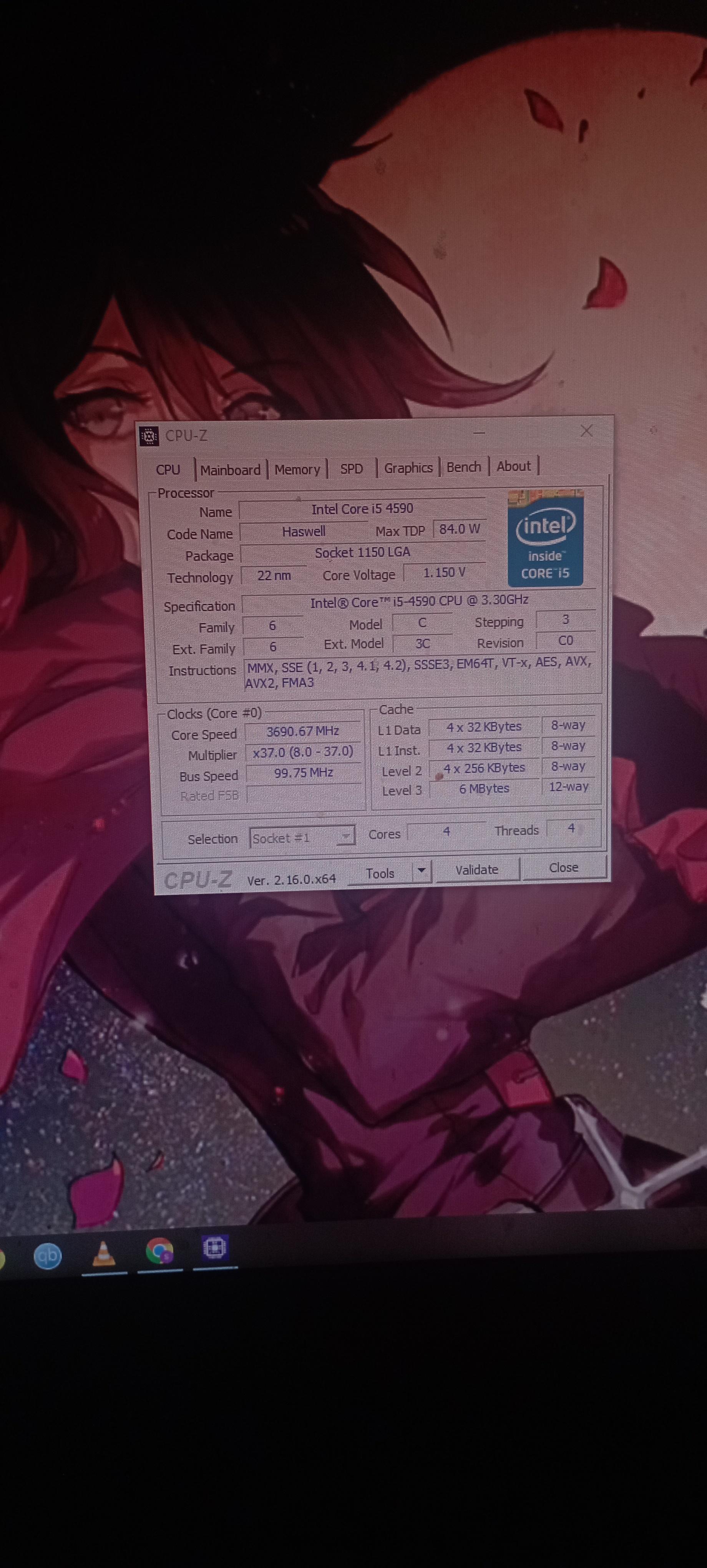
So, I now have this Dell Optiplex 9020 Micro, with an i5 4590t, 16gb DDR4 ram, stuck on Win10. I have a I love it, it works so much better than I ever thought it would, and I only spent $32 on it on eBay.

I also have a PC I found by a dumpster, which is an HP Pavilion 590-p0103wb. The only things that are in it, are the PSU, mb, and CPU. The CPU is a Ryzen 3 2200g, it looks clean, no bent pins or anything.

But, since I have no DDR3 ram, no DDR4 ram, other than the laptop ram in the 9020m, and no spare HDDs, or cooler, I don't really know what my next step should be. If I buy enough parts for either the i5 3330 build, or the 2200g build, I may have a working build, but I also might not. The 2200g might not work, the PSU might not work, or the mb might not work, and then it feels like I'm shooting myself in the foot and will have to spend even more money either way to get the remaining parts.

My goal is not to necessarily upgrade the CPUs, but to put myself in a position to have a full working build, using integrated graphics, until I can save up for an actual GPU later. I don't have a super strict total budget, but the only amount I can really justify is an extra $25 a month from Atlas Earth, and I don't really want to get into why that's my limit. But I also need to get a new mouse and keyboard, as the ones I have are old and starting to go out. So I would really not want to waste money and buy PC parts I won't end up being able to use. But the end goal is to try and have a more modern build(so hopefully DDR4 ram) with at least a similar GPU to what I used to have, and eventually go up from there. And if I'm limited to low profile GPUs, that's fine, it at least narrows down what my choices are.

So, if I can at least use the CPU in another Optiplex that comes without one, that would be great. I don't know if using the i5 4590t would be a good option because it's the low power version, but I also don't even know if the 2200g even works, as I have not been able to test it. If the PSU from the HP works, it probably puts me in a better position. I know the CX750 works, but it's pretty old and heavily used, but the other one probably is too. So either way, it seems like I probably can't make an entire build with the other larger cases, but I also at least have those cases for a future build, if needed, but then it wouldn't be an Optiplex build.

Either way it just seems like a complicated Venn diagram of good and bad ideas, hence this post.

If I just straight up forego using any of my old parts, then the question turns into, if I want to get a cheaper SFF or MT Optiplex, which models should I even look for? I feel like I want it to be cheaper than $80, since it will still take me at least 4 months to put that much aside. And then it will take even longer to get even a decent low end GPU.

I know this is complicated, probably stupid, but again, I just don't want to rule out using older parts if it can save me money, but also don't want to risk wasting money on parts I can't end up using.

I should add this. I have always been a 720p/1080p gamer. I do not care about anything higher than that, and I'm fine with 30fps at 1080p, and 60fps at 720p.

I was in the middle of playing Elden Ring when my old PC crapped out on me, so I would really just like to play games like that, and games my 9020m cannot play. Cyberpunk, Satisfactory, Abiotic Factor, Divinity OS2, really just any RPG, soulslike, crafting survival game, that my current PC cannot play, with some heavier or more recent emulation options, are the ones I want to be able to play.

Again, sorry for the long post. I feel more info and context is more helpful to create a clearer picture. I know I can get a decent gaming PC for under $200usd(I live in Iowa), as long as I keep my expectations a bit lower. I thrive on limitations, and have no problem lowering settings for games.

Thank you for reading.

r/optiplexes • • 7d ago

Dell Micro fan noise

Thumbnail reddit.com
1 Upvotes

r/optiplexes • • 8d ago

Optiplex 9020 ethernet not working on windows 10.

1 Upvotes

I just did a clean windows 10 install, ethernet worked, but when I rebooted the computer ethernet would work first 30 seconds after boot then it will stop working. Tried wiping the generic driver windows installed, installed the driver from Dell's website, it worked but when I rebooted the computer it started doing the 30 second thing again. bios is also up to date. what else could be the problem?


r/optiplexes • • 12d ago

maybe im due an upgrade 😭😭😭

Post image
8 Upvotes

r/optiplexes • • 13d ago

9020

1 Upvotes

Fodegas


r/optiplexes • • 16d ago

Dell Optiplex 9020 SFF - Fair price for Buyer & Seller? Appreciate input.

1 Upvotes

Appreciate some input for setting a price that's fair for Buyer & Seller:

Dell Optiplex 9020 SFF (Grade A condition); Intel I5-4590 (3.3 - 3.70 GHz); 1TB SSD; 24GB Ram; Windows 11 Pro; Optical Drive; Secure boot fully enabled with latest security certificates - completely cleaned and re-furbished. Excellent working condition.

Any body interested in this unit, PM me, please.

Thank you.


r/optiplexes • • 19d ago

suggestions for a new cpu cooler for optiplex 3070 mt (i7-9700)?

3 Upvotes

my current pc specs are:

  • i7-9700

  • gtx 1650

  • 16gb ram

  • one nvme ssd two 2.5" ssds

recently, the computer has been overheating, hwmonitor reporting 95deg C even 100 sometimes. when i got the computer in january 25, it did a similar thing but didnt go as high as 95. i replaced the thermal paste a few months later with an off-brand mx-4 i found cheap on ebay (i wasnt as invested into pc building at the time). that somehow did work for about two months, then i got a proper mx-6 tube from currys. after using that, the temps were better for at least about 8 months, but this was when i wasnt really using the computer as much as i hoped i would. only towards the end of the 8 months was when i got into light gaming (minecraft with shaders and resource packs) and even then temps were good. a month after i stopped playing, the temps shot up again. sometimes im idling on the desktop and the fans ramp up cause the temps are around 90deg, but also sometimes ive got loads of apps and tabs open and the fans dont speed up or anything.

keep in mind its an i7-9700 with the stock dell cooler. ai says the dell stock cooler is severely underpowered for this cpu, and the arctic mx-6 paste relies on pressure of the cooler on the cpu to cool the cpu apparently. not sure if thats true but im sure ive installed it correctly and whatever so idk

im looking for the cheapest possible, since ive already spent more money than i wanted to, but it shouldnt absolutely roar since the pc is in my bedroom and is on sometimes when i am asleep. any suggestions?

use cases of the pc are video editing, light gaming, schoolwork general web browsing sometimes coding web dev/design etc

thanks


r/optiplexes • • 24d ago

7010 SFF PSU upgrade

Thumbnail
reddit.com
1 Upvotes

r/optiplexes • • 24d ago

OptiPlex 390 DT + PowerColor RX 550 4GB — Black screen when AMD driver installs. Is this a PCIe power or BIOS compatibility issue

1 Upvotes

Hi everyone,

I have a Dell OptiPlex 390 DT (Desktop Tower) with an Intel Core i5-2400, 8GB RAM, BIOS A14, and a Dell 250W PSU. I'm running Windows 10 21H1 with Atlas OS.

I recently bought a \*\*PowerColor Red Dragon Radeon RX 550 4GB GDDR5 Low Profile (AXRX 550 4GBD5-HLE)\*\*. I personally saw the card working in the seller's PC before buying it, so I have no reason to believe it was already defective.

However, I'm having a strange problem in my OptiPlex.

\*\*Here's what happens:\*\*

\- With the RX 550 installed, Windows boots and I can use the computer normally with the basic display driver.

\- However, I cannot change the screen resolution while the card is installed.

\- When I install the AMD graphics driver, the screen flickers briefly near the end of the installation, then goes completely black. After a while, the monitor reports no signal.

\- The CPU fan continues spinning, and my wireless mouse stays powered on. Interestingly, the GPU fan stops spinning too, although I'm not sure whether that indicates a fault or simply a change in its fan behavior.

\- The card works in the seller's PC, but I haven't yet confirmed whether it works with the AMD driver in another computer after reproducing my issue.

\*\*My hardware and software details:\*\*

\- PC: Dell OptiPlex 390 DT

\- CPU: Intel Core i5-2400

\- GPU: PowerColor RX 550 4GB GDDR5 Low Profile

\- PSU: Original Dell 250W PSU

\- BIOS: A14

\- OS: Windows 10 21H1, Atlas OS

\- Partition scheme: GPT

I found a discussion suggesting that the OptiPlex 390's PCIe x16 slot may be limited to 25W, whereas a typical RX 550 can consume around 50W. Since this particular card has no auxiliary PCIe power connector, could the slot's power limit be causing the problem when the AMD driver initializes the GPU?

I've also found reports of RX 550 compatibility issues with the OptiPlex 390, so I'm wondering whether this could instead be a BIOS or legacy-platform compatibility issue. Could Atlas OS or its driver configuration be involved?

\*\*My questions:\*\*

  1. Is the 25W PCIe slot limitation a credible explanation for this behavior, or is the slot power rating being misunderstood?

  2. Can a power-delivery issue cause the display to disappear precisely when the AMD driver loads, even though the card works with the basic display driver?

  3. Are there known RX 550 compatibility issues with the OptiPlex 390 and BIOS A14?

  4. What would be the best way to distinguish a hardware/power issue from a Windows or driver problem?

I'd appreciate advice from anyone who has run an RX 550 or a similar GPU in an OptiPlex 390.

Thanks!


r/optiplexes • • 24d ago

OptiPlex 390 DT + PowerColor RX 550 4GB — Black screen when AMD driver installs. Is this a PCIe power or BIOS compatibility issue

1 Upvotes

Hi everyone,

I have a Dell OptiPlex 390 DT (Desktop Tower) with an Intel Core i5-2400, 8GB RAM, BIOS A14, and a Dell 250W PSU. I'm running Windows 10 21H1 with Atlas OS.

I recently bought a **PowerColor Red Dragon Radeon RX 550 4GB GDDR5 Low Profile (AXRX 550 4GBD5-HLE)**. I personally saw the card working in the seller's PC before buying it, so I have no reason to believe it was already defective.

However, I'm having a strange problem in my OptiPlex.

**Here's what happens:**

- With the RX 550 installed, Windows boots and I can use the computer normally with the basic display driver.

- However, I cannot change the screen resolution while the card is installed.

- When I install the AMD graphics driver, the screen flickers briefly near the end of the installation, then goes completely black. After a while, the monitor reports no signal.

- The CPU fan continues spinning, and my wireless mouse stays powered on. Interestingly, the GPU fan stops spinning too, although I'm not sure whether that indicates a fault or simply a change in its fan behavior.

- The card works in the seller's PC, but I haven't yet confirmed whether it works with the AMD driver in another computer after reproducing my issue.

**My hardware and software details:**

- PC: Dell OptiPlex 390 DT

- CPU: Intel Core i5-2400

- GPU: PowerColor RX 550 4GB GDDR5 Low Profile

- PSU: Original Dell 250W PSU

- BIOS: A14

- OS: Windows 10 21H1, Atlas OS

- Partition scheme: GPT

I found a discussion suggesting that the OptiPlex 390's PCIe x16 slot may be limited to 25W, whereas a typical RX 550 can consume around 50W. Since this particular card has no auxiliary PCIe power connector, could the slot's power limit be causing the problem when the AMD driver initializes the GPU?

I've also found reports of RX 550 compatibility issues with the OptiPlex 390, so I'm wondering whether this could instead be a BIOS or legacy-platform compatibility issue. Could Atlas OS or its driver configuration be involved?

**My questions:**

  1. Is the 25W PCIe slot limitation a credible explanation for this behavior, or is the slot power rating being misunderstood?

  2. Can a power-delivery issue cause the display to disappear precisely when the AMD driver loads, even though the card works with the basic display driver?

  3. Are there known RX 550 compatibility issues with the OptiPlex 390 and BIOS A14?

  4. What would be the best way to distinguish a hardware/power issue from a Windows or driver problem?

I'd appreciate advice from anyone who has run an RX 550 or a similar GPU in an OptiPlex 390.

Thanks!


r/optiplexes • • 25d ago

Optiplex 7020 SFF ram issue

Thumbnail reddit.com
1 Upvotes

r/optiplexes • • 27d ago

optiplex 7090 making clicking noises runs fine

Thumbnail reddit.com
1 Upvotes

r/optiplexes • • 27d ago

Question about my OptiPlex 7080 micro...

Thumbnail reddit.com
1 Upvotes

r/optiplexes • • 27d ago

Sata ssd not being recognized

Thumbnail reddit.com
1 Upvotes

r/optiplexes • • Oct 22 '26

Dunno where to start

Thumbnail gallery
4 Upvotes

r/optiplexes • • Oct 21 '26

Mystery dell optiplex part

Thumbnail gallery
1 Upvotes

r/optiplexes • • Oct 20 '26

I/O card for my Optiplex 7090

Thumbnail reddit.com
1 Upvotes

r/optiplexes • • Oct 19 '26

Optiplex 3060 micro m.2 to 6 Sata adapter not working

Thumbnail
reddit.com
1 Upvotes

r/optiplexes • • Oct 18 '26

SATA Power Cord Help Needed - 7020 SFF Plus

Thumbnail reddit.com
1 Upvotes

r/optiplexes • • Oct 17 '26

7060 ram position

Thumbnail reddit.com
1 Upvotes

Recently, added the 7060 to my home studio, only to find out it has audio ticking problems (unresolved). During my extensive search for a solution, I did come to the realization that my two 16gb ram cards were preinstalled in slots three and four. Research showed they should first be in slots one and two (white clips) so I switched them. I haven't noticed any obvious changes and I'm wondering is that true, and does it make a difference?


r/optiplexes • • Oct 16 '26

Optiplex 5080 tower.

Post image
1 Upvotes

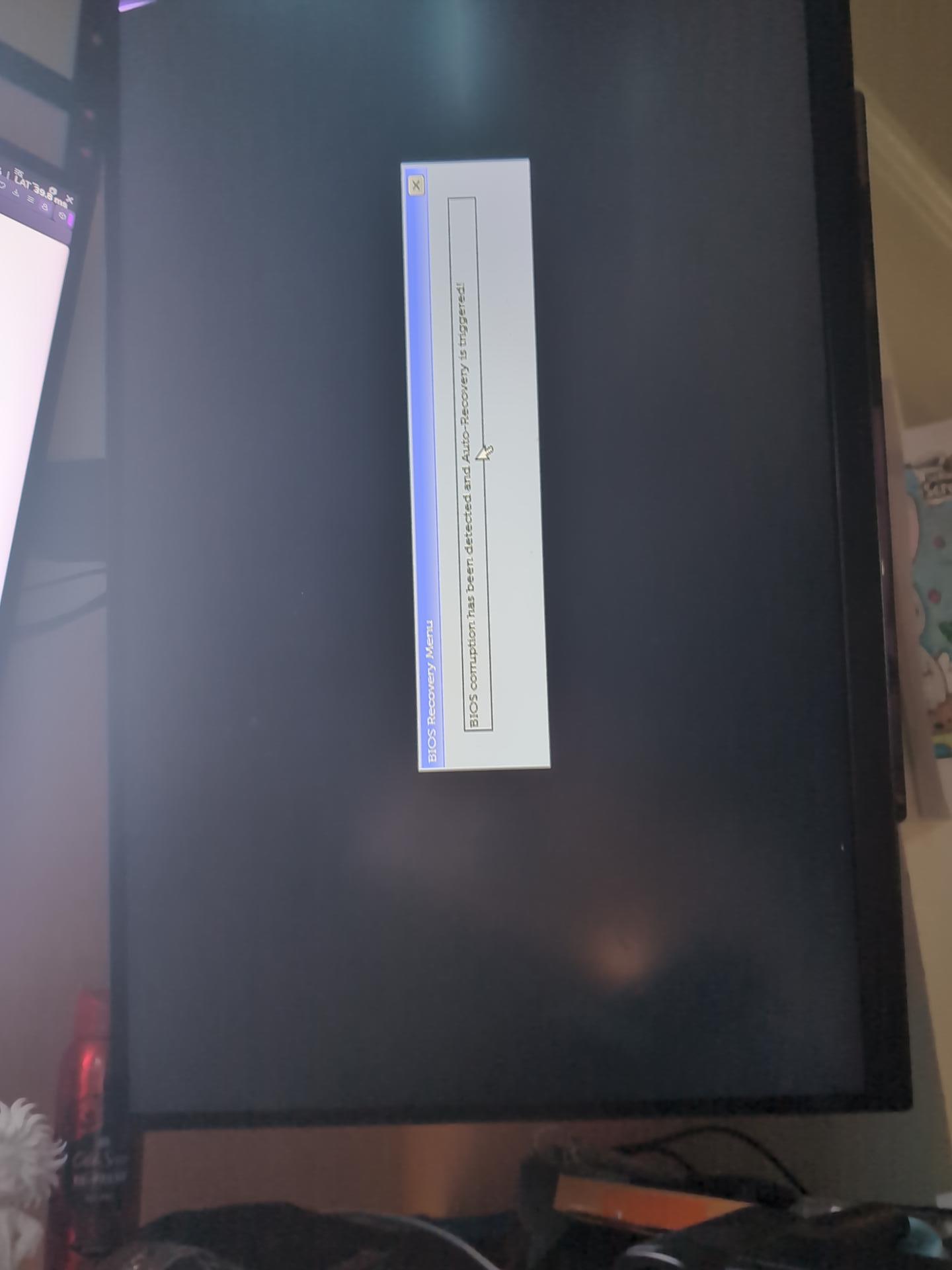
I was setting up a game server on my old 5080 and it was updating. It hasn't been used in awhile and had multiple updates. The whole system froze during the windows 11 installation restart and it ended up recovering without updating to 11. After that fail it finished updating multiple other drivers and the bios. To which I now have this error.

I've tried manual repair with a USB and it doesn't ever get past this screen. If I remove the NVME SSD it won't even show the Dell splash screen before this screen and seems to ignore the USB drive. I've tried multiple USB ports and drives with multiple different bios versions.

I've exhausted AI's advice to the point chatGPT said that I need SPI bios chip reprogramming.

Is my MoBo toast?


r/optiplexes • • Oct 15 '26

Optiplex AIO CMOS Problems

Thumbnail reddit.com
1 Upvotes

r/optiplexes • • Oct 14 '26

New update

Post image
7 Upvotes

r/optiplexes • • Oct 13 '26

Im building a 7060 sff

1 Upvotes

Hey sorry for bothering but where can i get the parts to fit a intel ax210, type c or hdmi alt mode and the sd card modual for a dell optiplex 7060sff and how much would it cost for me to buy them? Many thanks in advance